CGDive Manual Rigging Bundle
- Products: 3
- Sales: 1
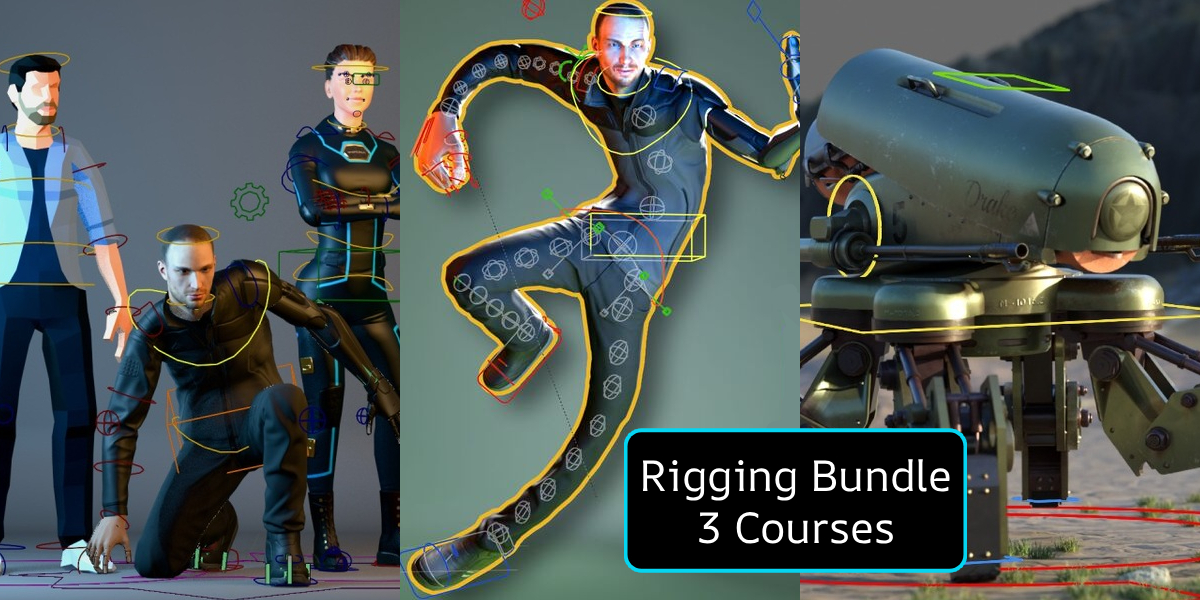
This "Manual Rigging" bundle is designed to guide you from a beginner to an advanced level of rigging in Blender, step by step and without using any addons!
Who Is This Course For?
What’s Included?
With this Manual Rigging Bundle, you'll get 3 Full 5-star* courses.
(*over the years, CGDive courses have consistently earned a 5-star ★★★★★ rating on multiple marketplaces)
- "Rigging isn't Scary" - learn the Fundamentals of rigging. This course is split into 3 consecutive Levels to ensure a smooth learning curve and avoid overwhelm at the early stages.
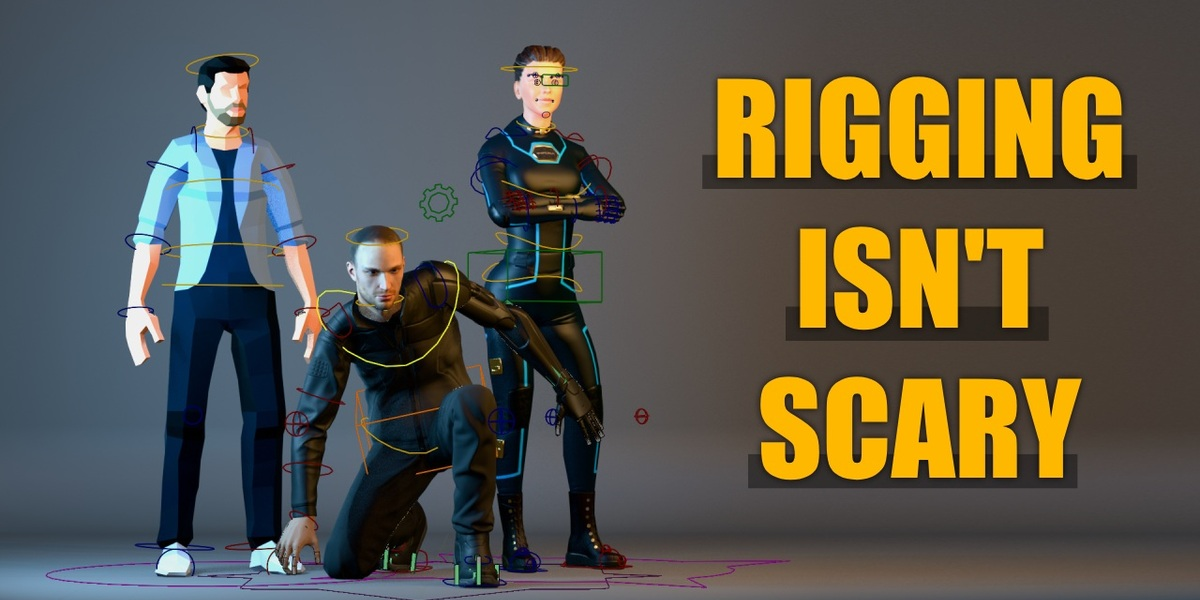
- "Rigging Unleashed" - this course is a natural extension of Rigging isn't Scary and it dives deeper into advanced rigging techniques. By the end, you'll have professional-grade rig with stretchy limbs, advanced foot mechanism, intuitive face controls and more.

-
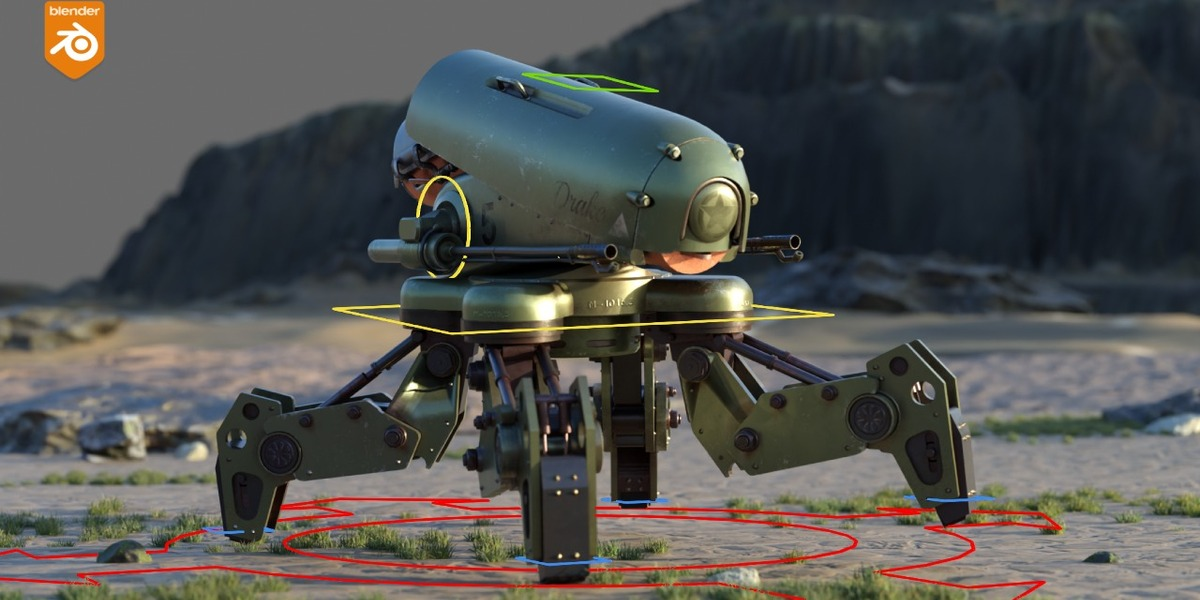
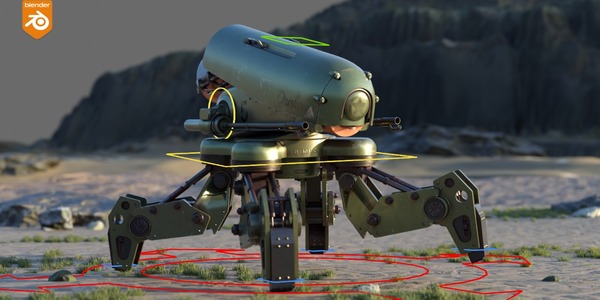
"Mechanical Rigging: Battle Drone" - extend your rigging arsenal with Mechanical Rigging techniques.
Individual
Courses are for personal use by the person who purchased them



Studio
Courses are available to everyone in your organization, for use within the organization only
What's included in this bundle?
Three powerful rigging courses from CGDive that gradually build your
rigging skills from beginner through intermediate and into advanced
level. Most of the content is focused on human rigging but only as a way
to learn important rigging concepts. By the end you'll be able to rig
anything without using add-ons.
A specialized course on mechanical rigging is also included.
What version of Blender are these courses for?
Blender rigging has not changed dramatically in recent years, but
certain UI changes can be a stumbling block for less experienced users.
You can follow "Rigging isn't Scary" and "Rigging Unleashed" smoothly
with Blender 4.1 and later.
"Mechanical Rigging In Blender: Battle Mech" was recorded with Blender
3.6. The only major difference to more recent Blender iterations is the
Bone Layers (outdated layer boxes UI) which were replaced by Bone
Collections (modern named, hierarchical layers). When you understand the difference between the two systems, it is easy to
translate one to the other. I can provide videos to help with that.
Also keep in mind that I provide support for my courses. If you get
stuck because of a UI change, I'll do my best to help you get through
the hurdle.