CGDive



Rigging Isn’t Scary: A beginner-friendly Introduction to Manual Rigging in Blender (Beginner to Intermediate)
Note: Buying this course here is OPTIONAL. You can also watch it completely free on YouTube. It is a contribution to the awesome Blender community.
Rigging isn't Scary : PlaylistReady to demystify rigging and take your 3D characters to the next level?
"Rigging Isn’t Scary" is designed to guide you through the essentials of manual rigging, step by step!
This course makes rigging approachable, fun, and rewarding. By the end, you’ll have the confidence to create robust custom rigs for your characters!
Who Is This Course For?
Blender users new to Rigging and Armatures
3ds max, Maya, Cinema 4d, etc. riggers looking to switch to Blender
- Animators who want to better understand and tweak the rig they're using
What’s Included?
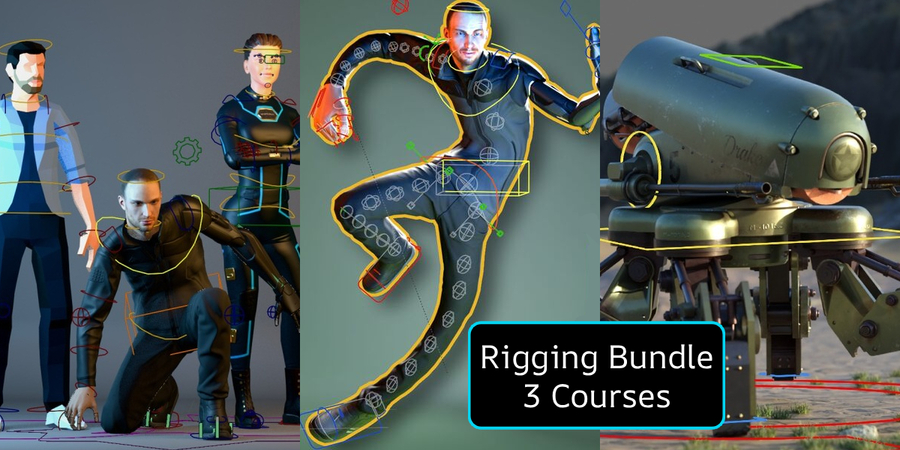
The course is divided into 3 progressive levels: Absolute Beginner > Novice > Intermediate. My goal was to offer a smooth learning curve as you build your skills. Especially Level 2 is something I feel is missing in most training materials.
Level 1: Absolute Beginner
Perfect for those with no prior knowledge of rigging, armatures, or bones. In just five concise lessons, you'll learn everything you need to rig your first character:
Bone Basics: From zero to rigging your first character.
Core Rigging Mechanism: Discover the one Blender constraint every rigger must know.
Weight Painting Made Easy: Learn my tested workflow to improve your rig’s deformations.
Blender Animation Basics: Create a simple walk cycle and learn essential animation concepts.
Challenge: Rig something new with my guidance!
Level 2: Novice
Building on the knowledge we acquired in Level 1, we'll learn key rigging fundamentals and more advanced mechanisms. This level keeps the difficulty manageable while introducing you to the following new concepts:
Anatomy as a Guide: Place bones accurately using anatomy principles.
Understanding Bone Roll: Master an essential concept that even advanced users don't fully understand
Mechanisms: Create wrist and shoulder twists, hips and foot setups, and more.
Pro-Level Bone Shapes: Make your rigs look polished and professional.
Advanced Weight Painting: Explore what happens behind the scenes with Blender’s “Automatic Weights.”
Cool Tricks: Learn how to avoid bad deformations, use Blender’s “Magic Modifier,” understand Euler & Quaternion rotations and more
Novice Challenge: Rig a character’s face with hands-on support from me!
Level 3: Intermediate
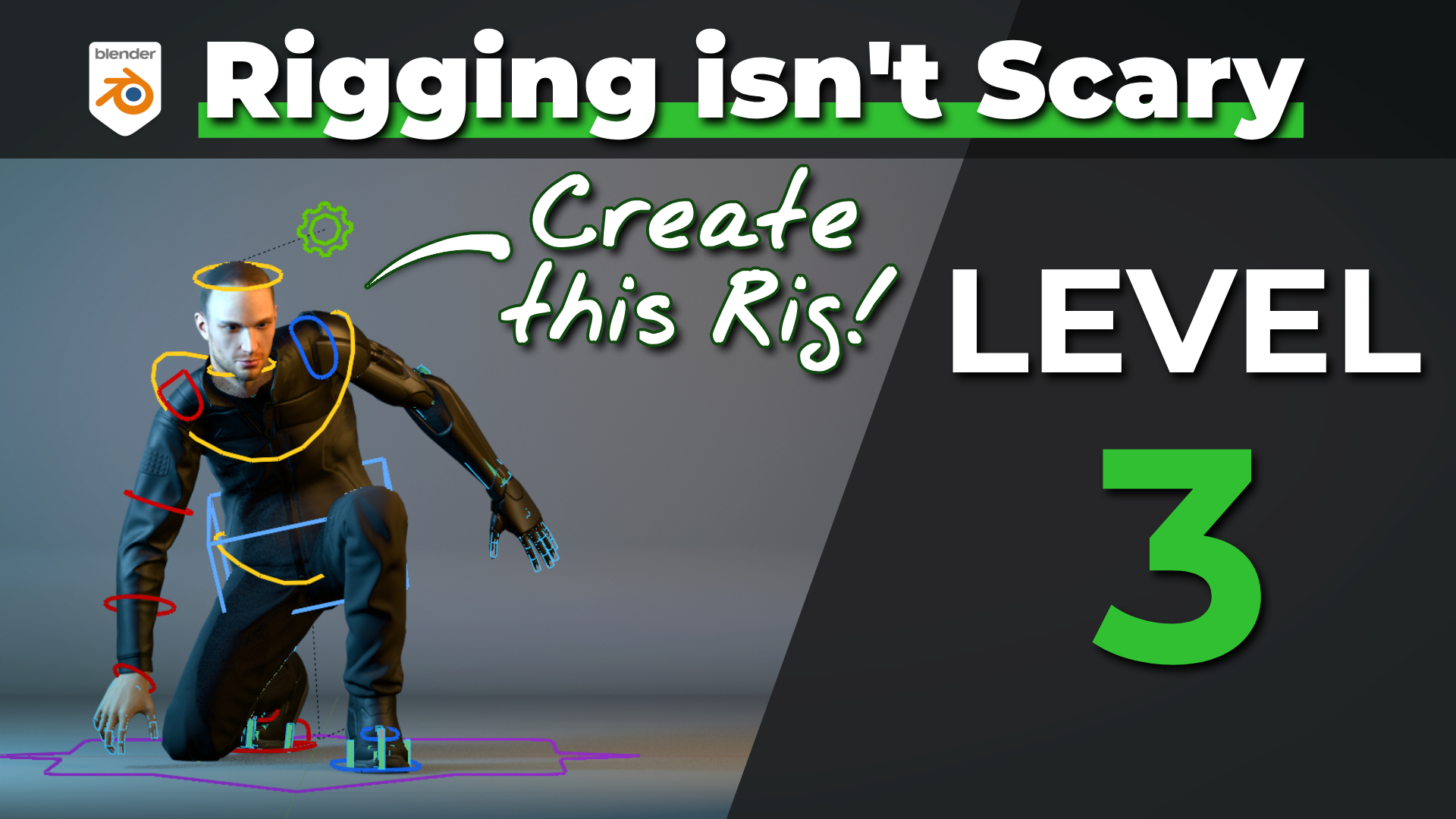
- Advanced twisting mechanisms
- IK-FK switching
- Limb isolation
- Complex foot setup
- game-ready exportable character rigs
- Shape Keys, drivers, and custom properties
- Face Rigging with Shape Keys
This level builds on the solid foundations of Levels 1 and 2, helping you confidently tackle intermediate rigs. By the end, you’ll have created a shapekey-based face rig and a fully functional character rig.
If you’ve ever thought, “Rigging looks too complicated,” this course will show you that rigging isn’t scary. It’s exciting!