Commercial Product Visualization Studio
- Products: 3
- Sales: 0
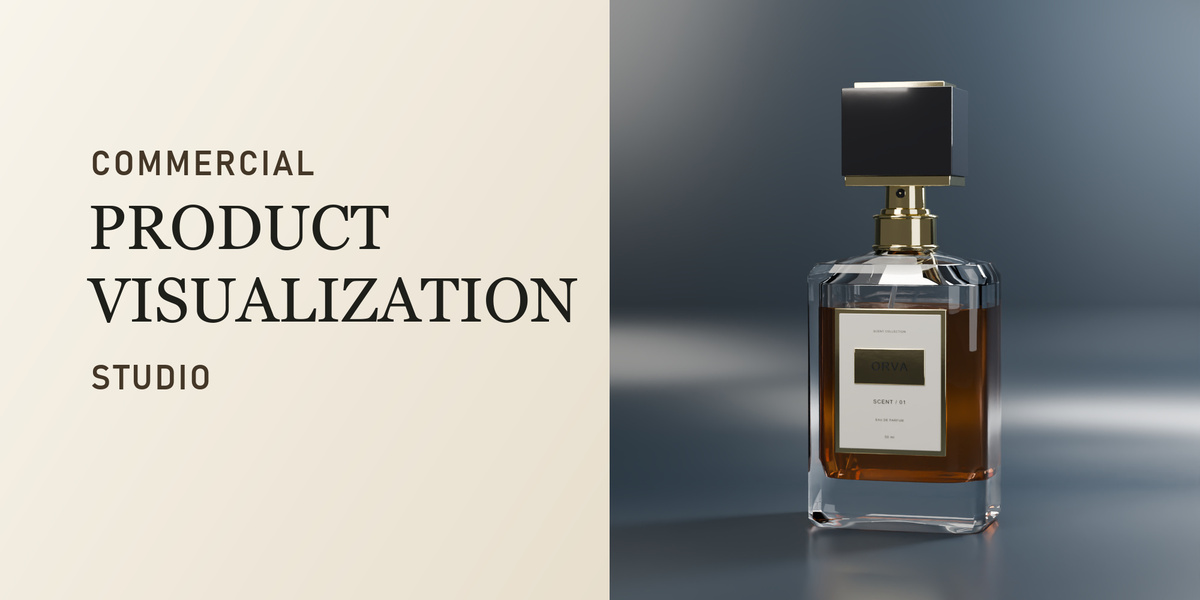
Turn one product model into two shots for the same campaign. Build a studio packshot with a clean silhouette and a controlled highlight, then place the same model into a photograph for a lifestyle image.
ORVA perfume spot
Watch the 7-second spot in Google Drive
What each add-on does
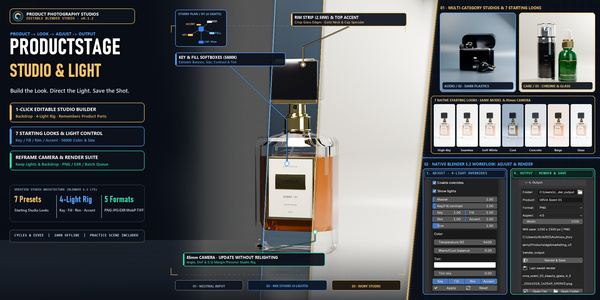
- ProductStage builds an editable studio around your model. Choose one of seven looks, frame the shot, and adjust the lights and backdrop. For a bottle, try a narrow rim highlight to separate the glass from a dark background.
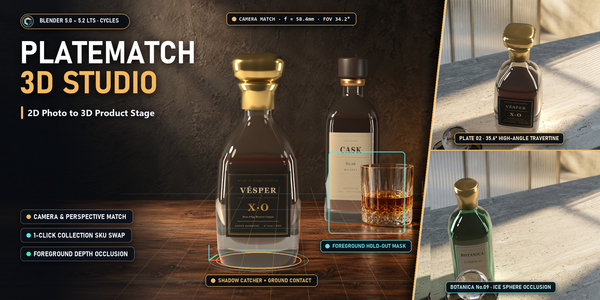
- PlateMatch 3D places your product against a background photo in Cycles. Set the scale and perspective by eye, align the contact shadow with the surface, and add a foreground mask when part of the photograph should overlap the model.
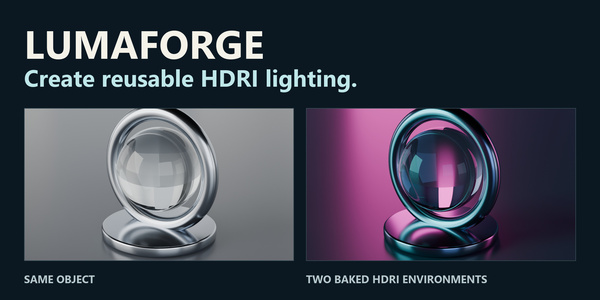
- LumaForge HDRI Generator lets you design an environment in Blender and bake it to a reusable OpenEXR HDRI. Reuse the same lighting across product variants to keep reflections consistent.
Use the three add-ons independently. Start with ProductStage for a catalog image, PlateMatch for a photo composite, or LumaForge when the lighting itself is the asset you want to keep.

Which add-on should I start with?
Start with ProductStage for a studio packshot. Start with PlateMatch 3D if you already have a background photograph and want to place your product in it. Use LumaForge when you want to design lighting you can reuse in other scenes. Each add-on works independently.
Do I need my own product model or photos?
Bring your own model and materials for a client project. ProductStage includes a practice bottle so you can try its studio setups first. For a PlateMatch composite, supply a background photograph. If something in front of the product should overlap it, such as a leaf or a shelf edge, supply a matching mask.
Does PlateMatch match the camera and lighting automatically?
You judge scale and perspective against the photograph and adjust the lighting to match its direction. A shadow receiver helps ground the model on the photographed surface. Once the shot is set up, you can swap registered product collections while keeping the composition.
Can I reuse the lighting for another product?
Yes. Build a studio environment in LumaForge and bake it in Cycles as a 2:1 OpenEXR HDRI. Load that file into the World settings of another scene to keep reflections consistent across a product line. You can build this environment from scratch. If you choose Image / Hybrid mode, supply a full 360° × 180° equirectangular panorama.
Which Blender version and render engine should I use?
Blender 5.2.1 LTS on Windows with Cycles is a documented setup for each of the three add-ons. ProductStage also supports Eevee. Use Cycles for PlateMatch photo composites and for baking an HDRI in LumaForge. The baked HDRI can also light an Eevee scene.