 Cgi Lab
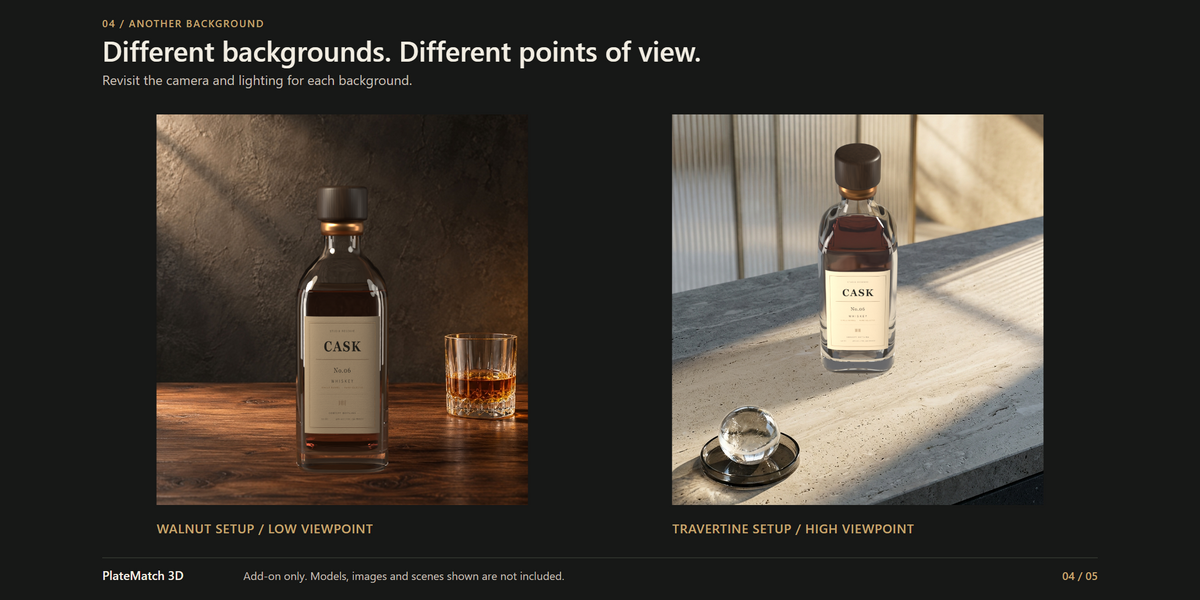
Your product. Your photo. One reusable setup.
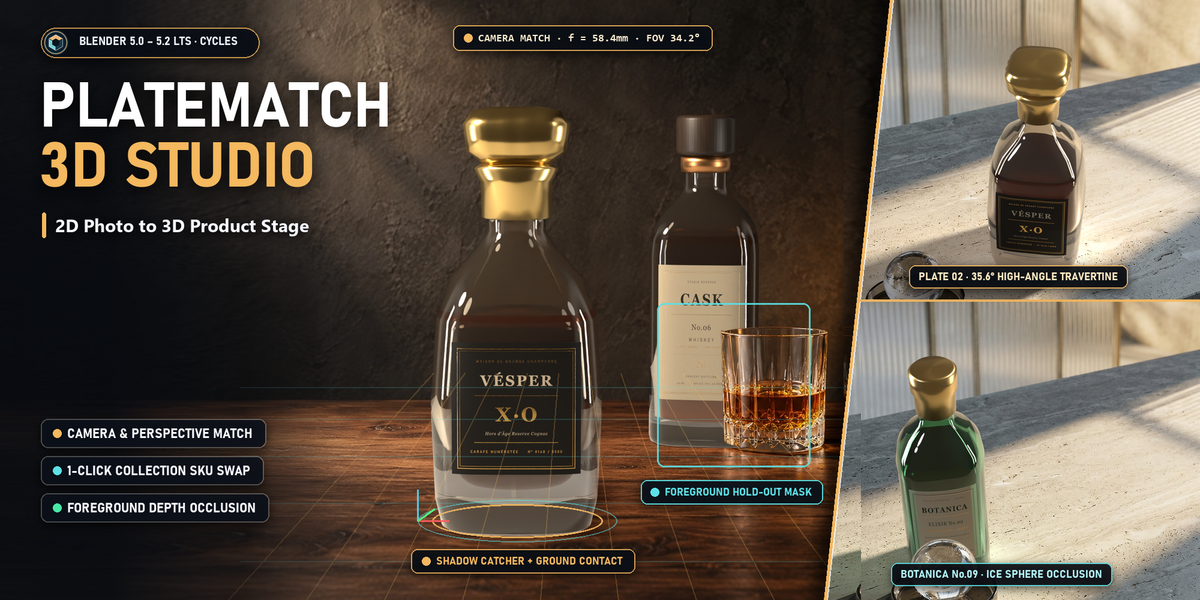
Bring your 3D products into photographic backgrounds in Blender. Set up the framing, lighting, contact shadows and optional foreground masking, then reuse that setup across registered product collections.
Made for product visualization artists, photographers working with CGI, and designers creating packaging and campaign variations with their own assets.
Build the setup once
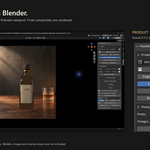
Create a separate integration scene with a product instance, camera, lights, shadow receiver and compositor. Keep your complete product collection together and choose its contact point, without joining its parts into a single mesh.
Frame with control
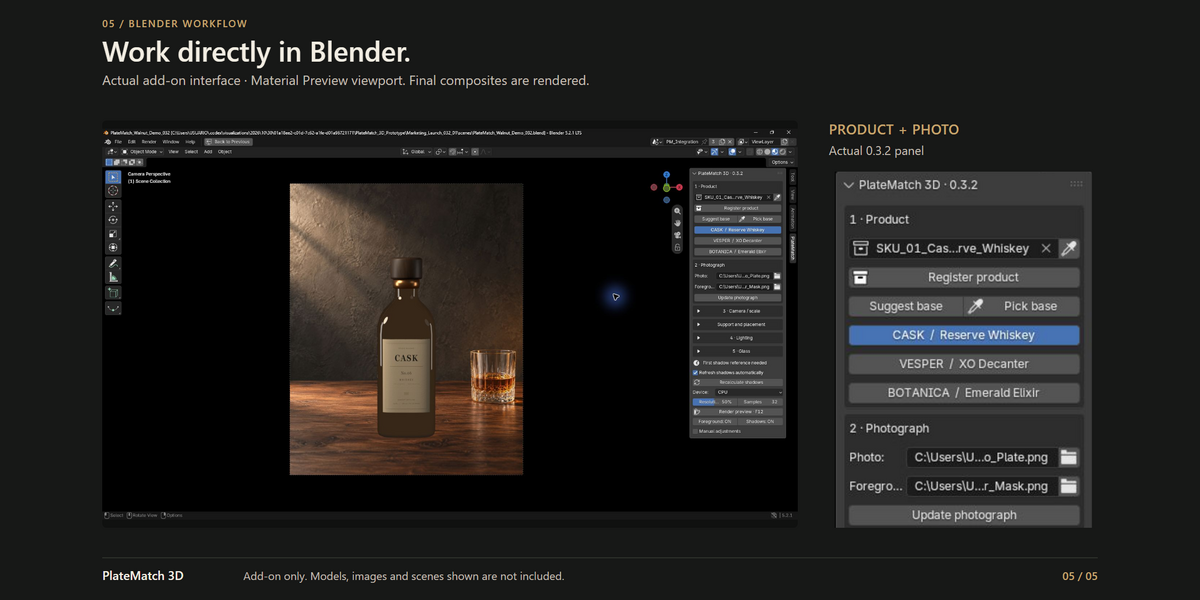
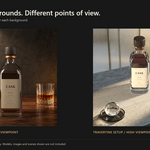
Adjust focal length, viewing angle, frame fill and contact position. Assisted framing moves the camera while retaining the product’s source dimensions. You judge the perspective and apparent scale against the background image.
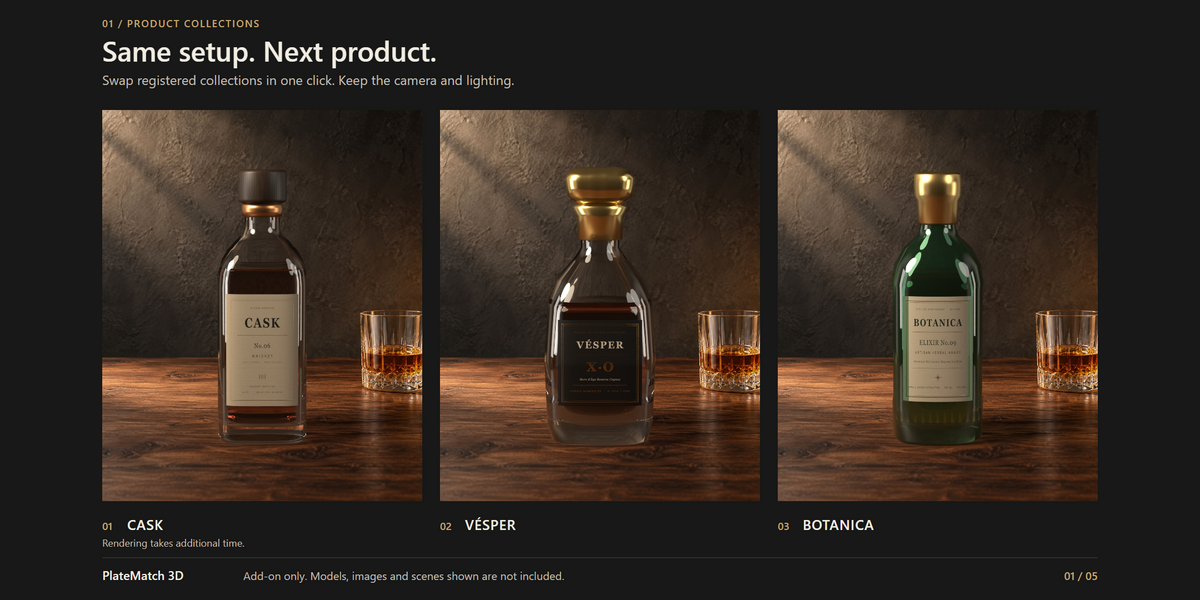
Swap registered products in one click
Register each product collection and check its base. Use its button to replace the product while retaining the camera, lighting and support setup. Render the new variation when ready.
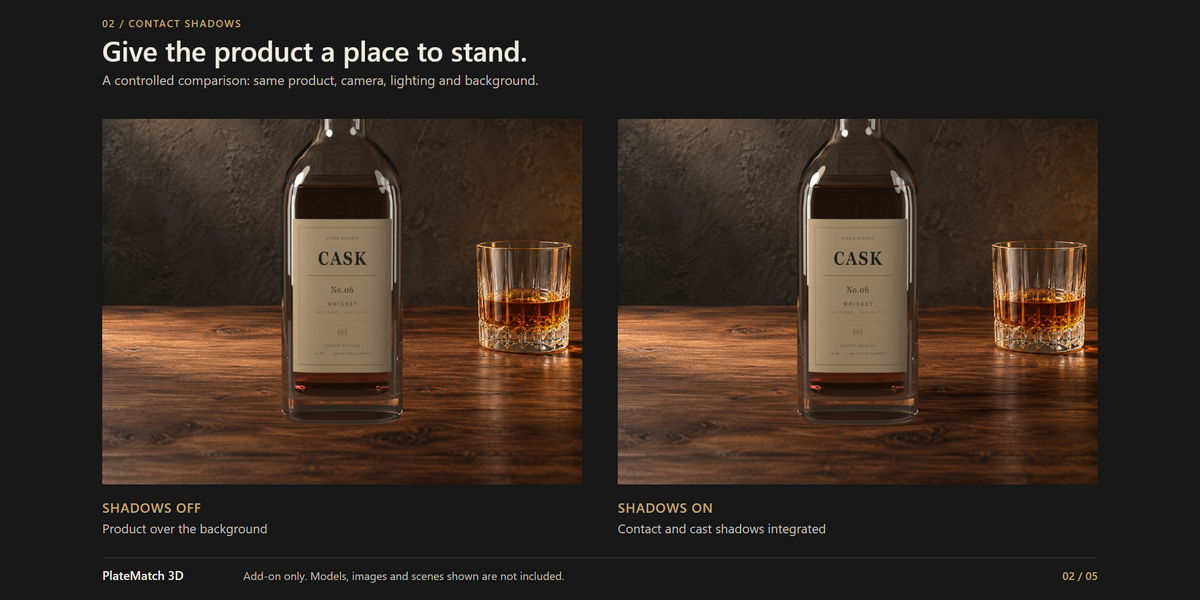
Integrate shadows and foreground
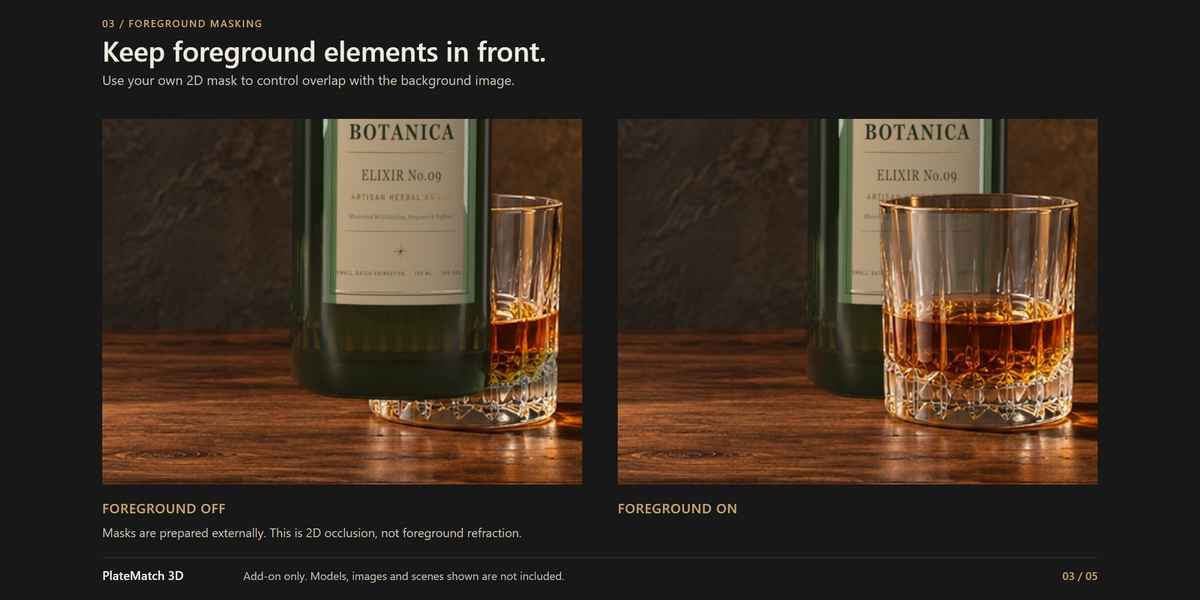
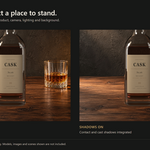
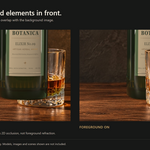
Use the shadow receiver and automatic shadow-reference refresh to prepare the composite. Compare Shadows ON/OFF. Supply a matching foreground mask to place the product behind elements in the background image, then compare Foreground ON/OFF. Optional Glass environment controls help with transparent products.
Your assets, your art direction
Supply your own models and background images. Tune the lighting to the plate and refine the materials for the result you want. When changing photographs, revisit the camera, lighting and any foreground mask.
What you receive
- PlateMatch 3D 0.3.2 Blender extension installer.
- Installation and first-scene documentation.
- GNU GPL version 3 or later license for the add-on code.
Add-on only. Models, images, materials, masks and scenes shown in the marketing are demonstration assets and are not included.
Requirements and tested environment
Blender 5.2.0 or newer is required. The integration workflow uses Cycles. Validated environment: Windows, Blender 5.2.1 LTS and Cycles CPU. Other Blender versions, operating systems and GPU combinations have not yet been validated. An ordinary installation requires no separate Python setup or API key.
Before you buy
This is a visual framing and compositing workflow. It does not recover metric camera calibration, reconstruct a 3D scene from a photograph, or automatically solve its lighting. It does not generate models, background images or masks.
Foreground masks are prepared manually or in another application. They restore pixels from the background image; they do not simulate the product refracting through transparent objects already present in that image.
Product instances share the source geometry and materials. Editing those data can affect other instances, even when the integration is in a separate scene. The one-click claim refers to swapping previously registered collections, not instantaneous rendering or a complete one-click photo integration.