 JuanBautista






LumaForge HDRI Generator
Design the light. Inspect the range. Bake the environment.
Stop searching for the perfect HDRI. Build the one your scene needs.
LumaForge transforms HDRI lighting from a search-and-test process into an art-directed workflow inside Blender.
Create editable outdoor skies, studio environments, or hybrid image-based lighting. Work with the result live, evaluate its dynamic range and directional behavior, then bake the approved environment as a reusable 360° × 180° OpenEXR panorama.
LumaForge is not a static HDRI pack. It is a complete environment-authoring, inspection, rendering, and library workflow.
What LumaForge gives you
Three complementary workflows: Outdoor, Studio, and Image / Hybrid.
Live environment lighting while you art-direct the result.
Production-ready OpenEXR baking for reuse across projects.
Sphere-aware HDR inspection with measurable QA targets.
Deterministic lighting exploration through Variant Lab.
42 included starting points for daylight, weather, night, studio, and image processing.
A managed local HDRI library with duplicate prevention.
A fully local workflow: no cloud service, telemetry, account, API key, or third-party Python package required.
Built for artists working in product visualization, archviz, look development, VFX, motion design, and cinematic environment lighting.
Three ways to create light
Outdoor
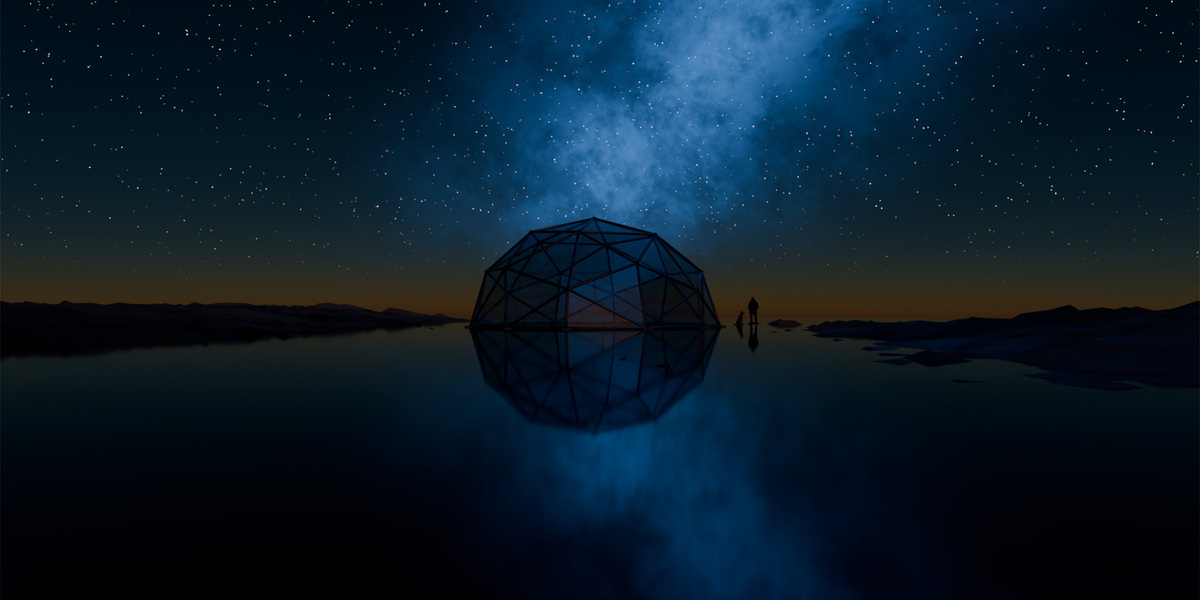
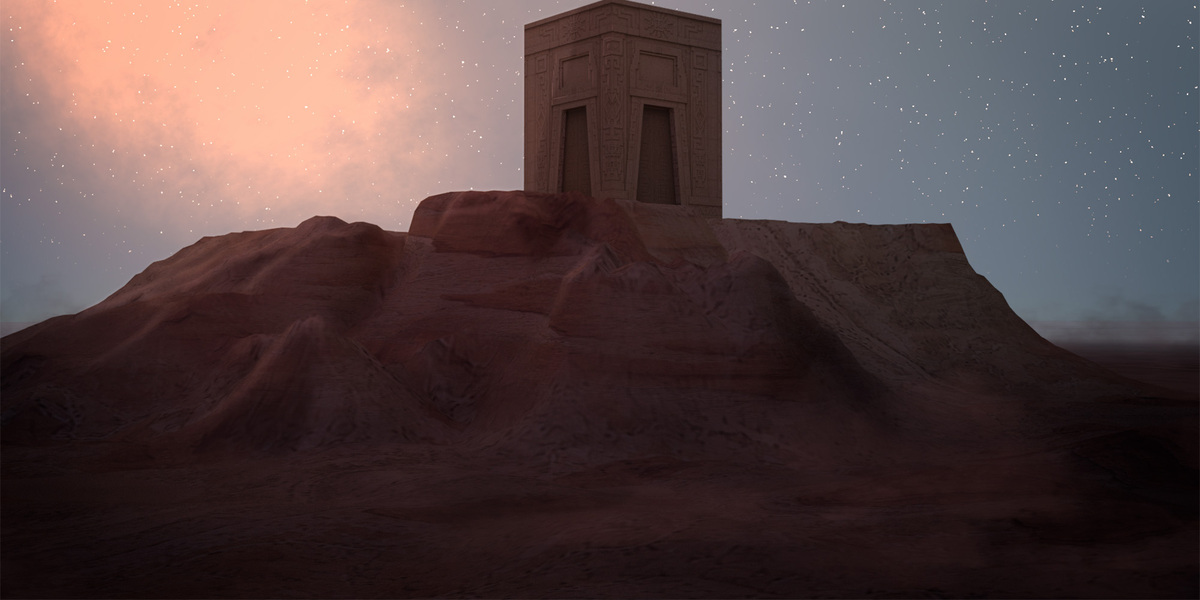
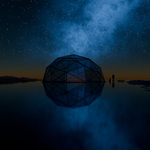
Build editable daylight, sunsets, weather systems, moonlight, stars, atmospheric haze, and procedural Milky Way environments.
Control the sun, atmosphere, clouds, horizon, ground response, weather, and night-sky structure before rendering the final panorama.
Studio
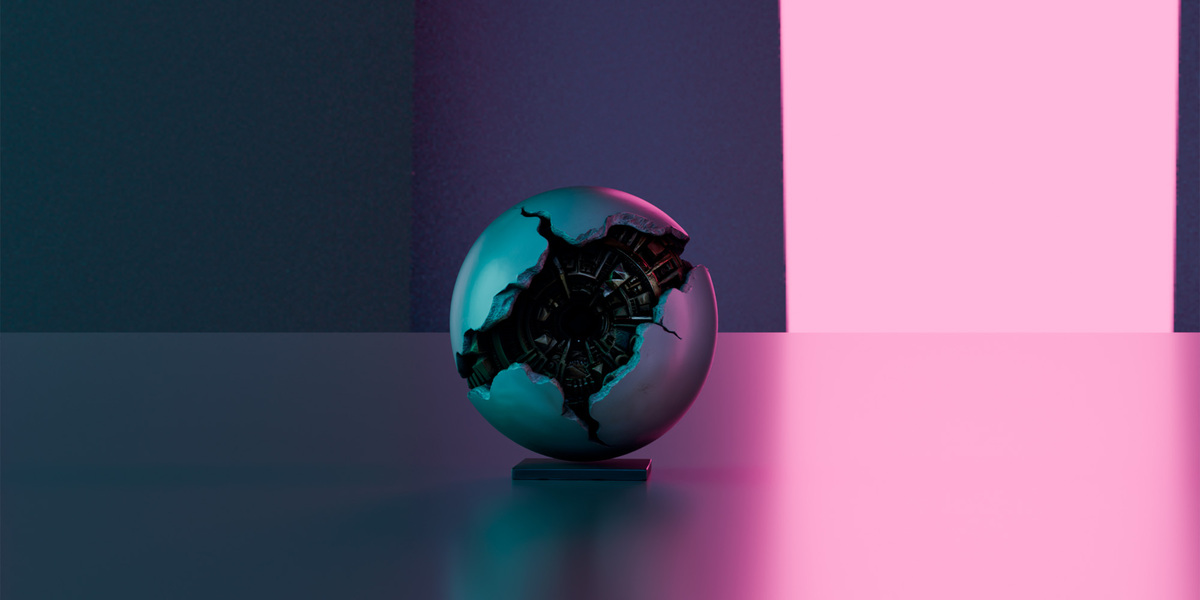
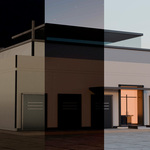
Construct an editable panoramic studio using cycloramas, softboxes, rim lights, reflectors, black flags, and color-controlled lighting layouts.
Design both the illumination and the reflections your materials will receive.
Image / Hybrid
Use an existing equirectangular HDR, EXR, JPG, PNG, TIFF, or WebP panorama while retaining LumaForge’s rendering, inspection, QA, installation, and library tools.
Process real-world panoramas without abandoning the rest of the LumaForge workflow.
From idea to reusable HDRI
Choose a workflow or preset.
Art-direct the environment live inside Blender.
Inspect its energy, range, balance, seams, and dominant light.
Render the approved result as a 2:1 OpenEXR panorama.
Install it in the current project or add it to your managed library.
You can continue using the generated environment interactively or bake it only when the lighting is ready.
Outdoor workflow
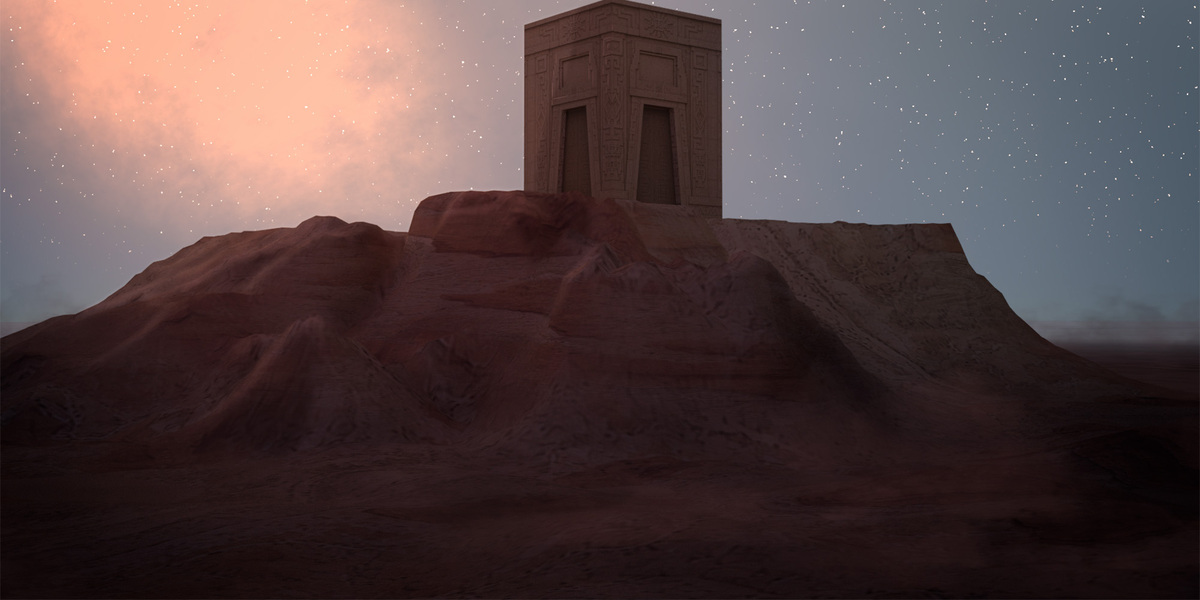
Outdoor combines a procedural sky, directional sunlight, editable solar disc, layered clouds, horizon haze, atmosphere, and ground response.
Live Sun Controller
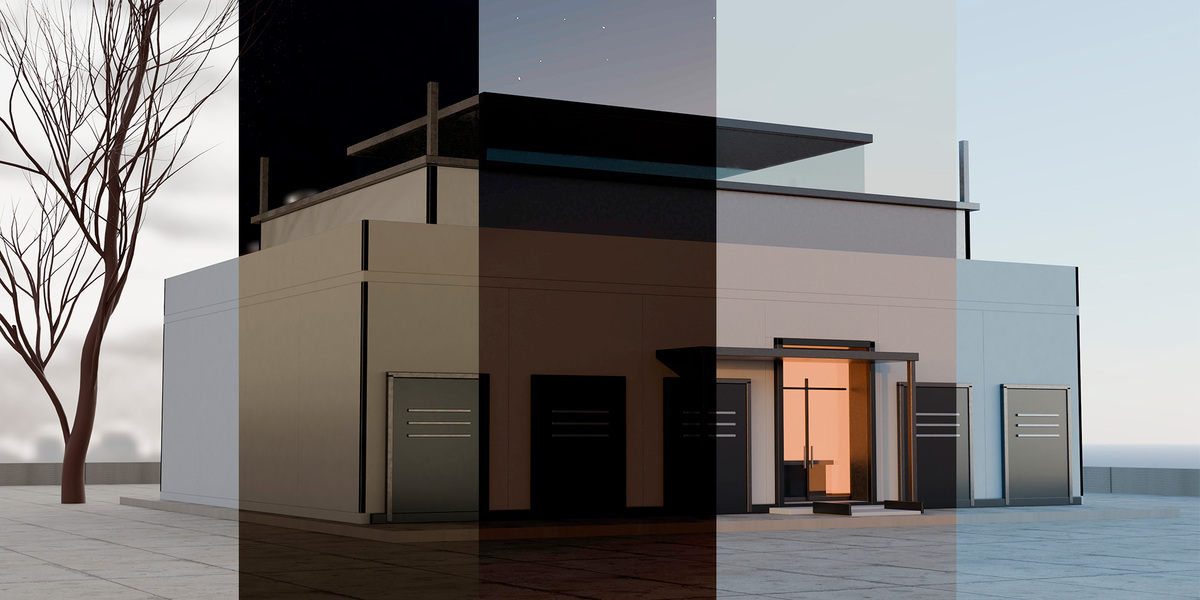
Control solar azimuth and elevation with viewport gizmos, cardinal-direction presets, or exact numerical values.
Live Lighting temporarily connects the generated World and Sun to the visible scene, allowing you to evaluate the result while working. When disabled, the previous lighting setup is restored.
Location and time
Calculate an apparent solar position using:
latitude and longitude;
date and local time;
UTC offset;
daylight-saving time;
project north offset.
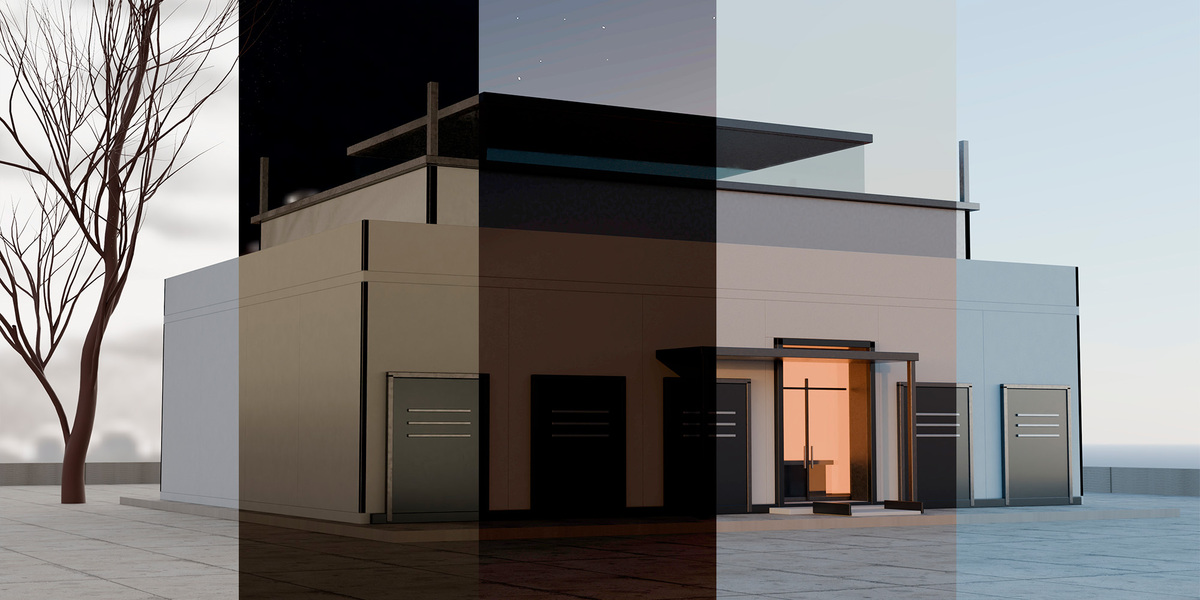
Solar Study and time-lapse
Build a visual solar path.
Generate linear animation keyframes.
Render timestamped OpenEXR sequences with QA data.
Cancel render queues between panoramas.
Resume compatible queues from a saved manifest.
Weather Engine
Start from:
Clear;
Wispy Cirrus;
Fair Cumulus;
Soft Overcast;
Storm Front;
Morning Fog.
Edit cumulus, cirrus, and storm layers independently. Animate their spherical movement through wind direction, wind speed, and weather time.
Controlled daylight
Exposure Safe Sun separates the visible HDR solar disc from sky strength and directional-light energy.
Eight Safe Daylight presets provide controlled starting points for:
architecture and interiors;
product visualization;
bright materials;
reflective surfaces;
balanced daylight scenes.
Night and galactic skies
Control:
moon phase and orientation;
lunar lighting;
deterministic star fields;
bright-star populations;
light pollution and airglow;
horizon extinction;
Milky Way direction and width;
dust structure;
galactic-core placement.
Studio workflow
Studio builds an editable lighting environment around the panoramic camera.
Available elements include:
cyclorama;
key and fill panels;
softboxes;
left and right rim lights;
reflectors;
black flags;
high-key and low-key layouts;
portrait lighting;
automotive lighting;
product-lighting setups;
dual-color environments.
The generated geometry remains editable inside LF_SOURCE, allowing you to refine placement, size, color, and intensity before rendering the final HDRI.
Image / Hybrid workflow
Use a real equirectangular panorama as the lighting source while keeping LumaForge’s technical pipeline.
Supported formats
HDR and EXR;
JPG and JPEG;
PNG;
TIFF;
WebP.
HDR and EXR sources retain their scene-linear range.
LDR sources can use Synthetic HDR Highlights, which identifies bright regions using an adjustable threshold, softness, and energy boost. This can create stronger lighting contrast, but it does not recover radiometric information lost during capture or compression.
The source image must already be a complete 360° × 180° equirectangular panorama with a 2:1 aspect ratio. LumaForge does not generate the missing sides or back of a conventional photograph.
Variant Lab
Explore alternatives without permanently changing the source environment.
Generate between 2 and 12 deterministic variants using controlled changes to seed, time, direction, energy, weather, color, or studio layout.
Each session can include:
a preserved original reference;
reproducible parameter variations;
linear OpenEXR evaluation renders;
display-referred PNG previews;
mean energy and native peak analysis;
dynamic-range measurements;
Exposure Safe status;
favorites and exact parameter recovery;
an optional contact sheet;
one-click final rendering and installation of the selected result.
Variant Lab lets you compare possibilities instead of relying on memory—or on the ancient lighting ritual known as “move sliders until something stops looking cursed.”
HDR Inspector and technical QA
HDR Inspector evaluates the panorama as a spherical lighting environment, rather than treating the equirectangular image like a flat photograph.
Choose from:
General;
Archviz;
Product Safe;
VFX;
Custom QA targets.
LumaForge can evaluate:
OpenEXR format and 2:1 dimensions;
non-finite values;
spherical mean luminance;
P01, P50, P95, and P99 luminance;
native peak;
P01–P99 dynamic range in stops;
shadow and highlight distribution;
upper and lower hemisphere balance;
vertical-seam continuity;
pole continuity;
approximate dominant-light azimuth and elevation;
approximate dominant-light solid angle;
Exposure Safe status.
Open LF_QA to compare the original panorama with:
a scene-linear false-color view;
a logarithmic histogram;
threshold-based findings.
Export a JSON report containing metrics, thresholds, findings, histogram data, analysis method, and the source SHA-256 hash.
These results are scene-linear image measurements. They are not calibrated lux or cd/m² readings.
Safe integration with existing projects
LumaForge uses three dedicated technical scenes:
LF_SOURCE— environment construction and panoramic rendering;LF_PREVIEW— reference-object inspection;LF_QA— false-color and histogram review.
If one of these names already belongs to unrelated project data, LumaForge stops instead of adopting, modifying, or deleting it.
Render operations restore:
the previously active scene;
camera;
render engine;
resolution;
output format and path;
color-management settings;
current frame.
This keeps the technical workflow isolated while preserving the state of the working project.
Rendering and output
360° × 180° equirectangular Cycles rendering.
OpenEXR RGB or RGBA output.
Half-float or full-float precision.
ZIP, PIZ, ZIPS, or uncompressed EXR output.
Preview and Final render modes.
Draft, Standard, High, and Custom quality profiles.
CPU, Blender-configured GPU, or automatic device selection.
Energy Preserving Final mode for small HDR emitters.
Incremental filenames—existing EXR files are never silently overwritten.
HDRI library and Asset Browser
Install a rendered environment directly in the current project or add it to LumaForge’s managed local library.
The library includes:
content hashing;
duplicate prevention;
reusable local HDRI assets;
optional Blender Asset Browser synchronization;
local diagnostics;
anonymized support-report generation.
No cloud storage or online account is required.
42 included starting points
30 Outdoor presets
Covering:
daylight;
Safe Daylight;
mist and overcast conditions;
storms;
sunsets;
blue hour;
moonlight;
star fields;
Milky Way environments;
naturally dark skies.
9 Studio presets
Covering:
softbox product lighting;
rim contrast;
high key;
low key;
portrait;
automotive;
warm product lighting;
dual-color looks.
3 Image / Hybrid profiles
Designed for:
neutral HDR and EXR processing;
LDR daylight enhancement;
LDR night enhancement.
The visual preset browser includes 39 rendered thumbnails plus textual cards for the three image-dependent profiles.
Search, filtering, persistent favorites, and custom user presets are supported.
Create once. Reuse the light.
LumaForge brings environment creation, live lighting, technical inspection, panoramic rendering, variation, installation, and asset management into one coherent Blender workflow.
Design the environment you need. Validate what it produces. Bake it when the light is right.