GOE Blender Creator Pro Toolkit
- Products: 18
- Sales: 3
|
DANILGOE · NINE-TOOL COLLECTION GOE Blender Creator
|
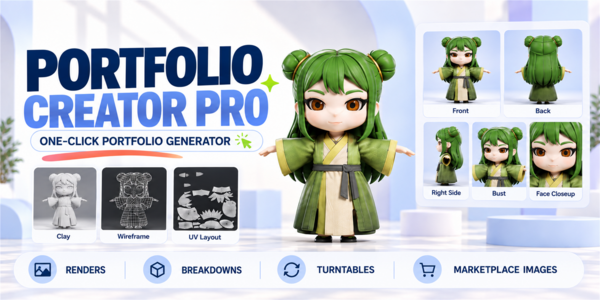
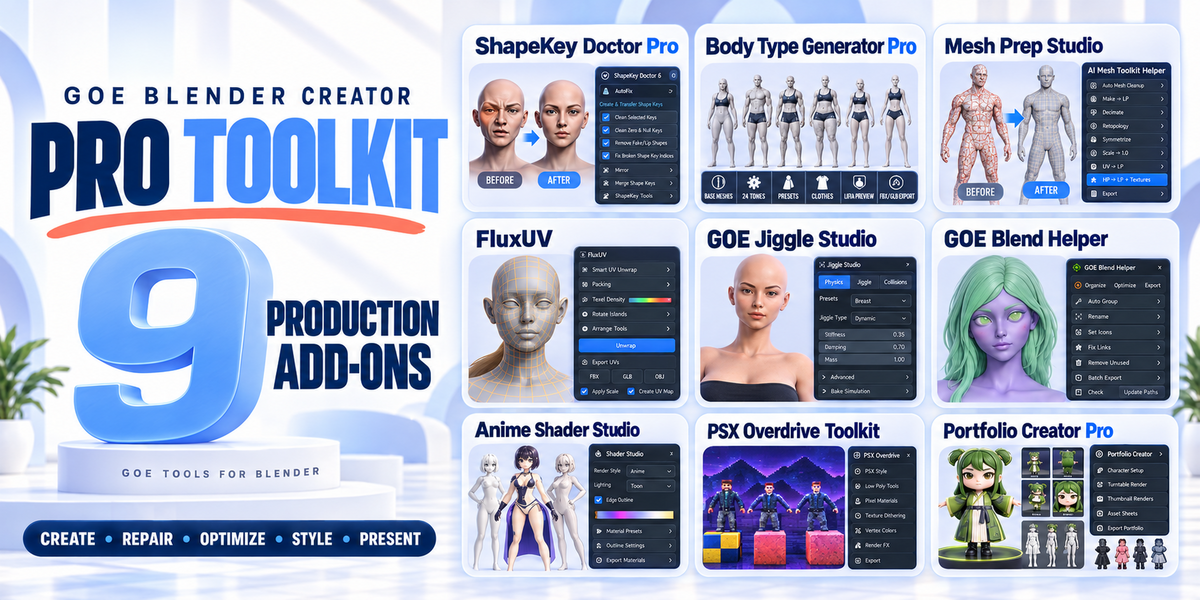
01 · PRESENT YOUR WORK Portfolio Creator Pro50 studios · 108 lighting rigs Turn a finished model into a coordinated portfolio. Generate studio lighting, camera views, clay and wireframe breakdowns, turntables and marketplace exports. Asset templates help you build a consistent presentation without recreating the setup for every project. 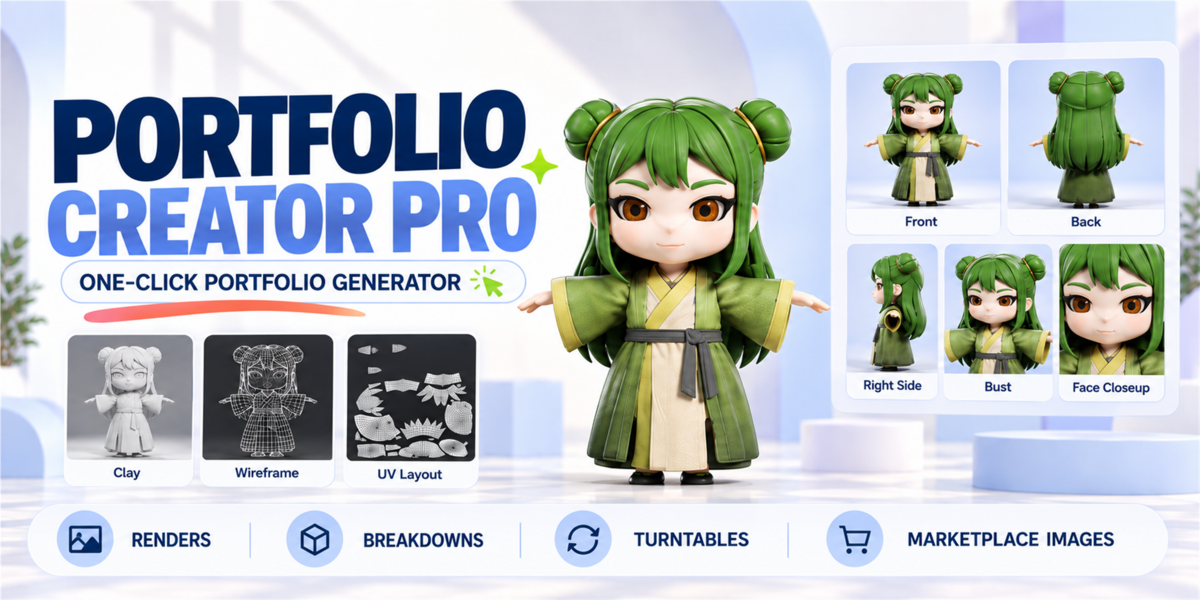 |
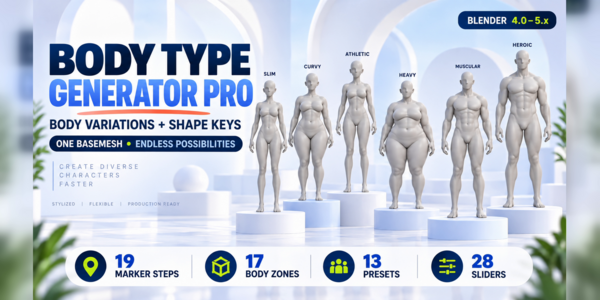
02 · EXPLORE BODY VARIATIONS Body Type Generator Pro17 body zones · 13 presets · 28 sliders Place guided anatomy markers on your humanoid basemesh, generate weighted body zones and explore proportions with presets and sliders. Preview, randomize and save named Shape Keys while retaining the original Basis. Start with a connected body in a neutral A-pose or T-pose. |
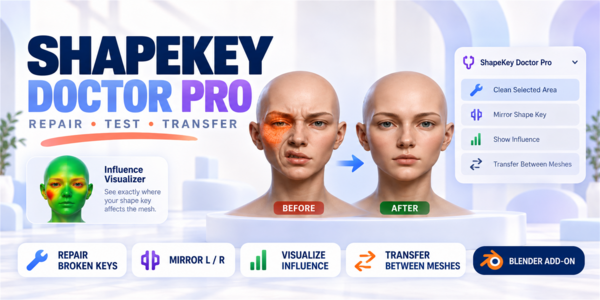
03 · REFINE DEFORMATION ShapeKey Doctor ProAnalyze · visualize · clean · transfer Find unwanted morph influence, test expressions and clean selected regions back to the Basis. Mirror deformation, inspect influence colors and transfer shape keys between similar aligned meshes. Export key lists for review and delivery; check transferred results on your target topology. |
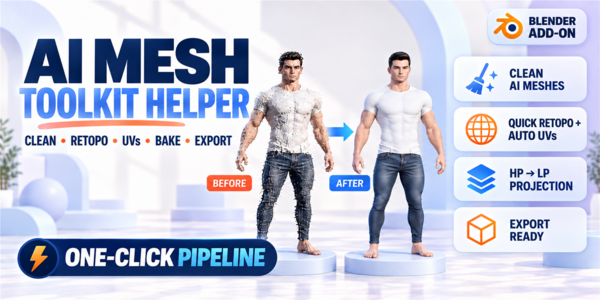
04 · PREPARE IMPORTED ASSETS Mesh Prep Studio Toolkit HelperCleanup · reduction · UVs · baking Bring heavy imports into a practical preparation workflow. Clean geometry, reduce polygons, create a remeshed base, generate UVs and bake surface detail before FBX, GLB or OBJ export. Remeshing provides a starting point for further work; animation topology still needs manual attention. |
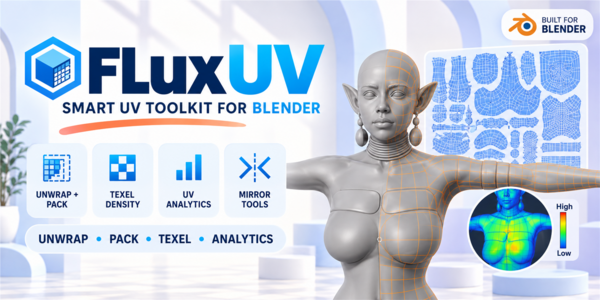
05 · ORGANIZE YOUR UV WORK FluxUVUnwrap · pack · texel density · analytics Keep everyday UV tasks together: unwrap and pack islands, match texel density and inspect overlap, flipped faces and stretch. Island alignment, seam mirroring and batch operations help you prepare a consistent texture layout across multiple assets. |
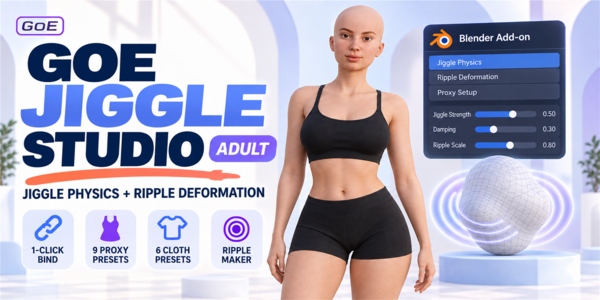
06 · ADD SECONDARY MOTION GOE Jiggle Studio Adult9 proxy presets · 6 cloth presets · Ripple Maker Build cloth-driven secondary motion with procedural proxies, binding, collision and bake tools. Ripple Maker adds localized contact deformation. A demo character is included. Tune and test the simulation for your mesh, scale and rig; this product includes adult-oriented workflows. |
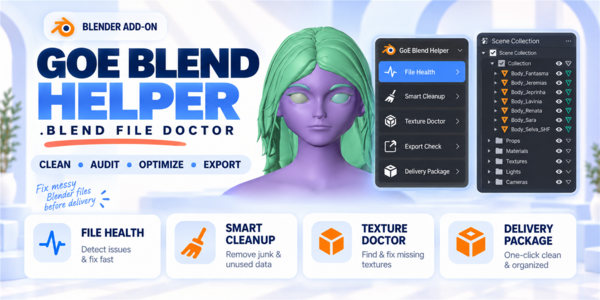
07 · PREPARE CLEAN DELIVERIES GoE Blend HelperFile audit · texture tools · export preflight Inspect missing textures, duplicate materials, unused data and mesh issues before handoff. Review cleanup choices, relink resources and build a delivery copy with textures and documentation. Use the findings to improve project organization and resolve common export blockers. 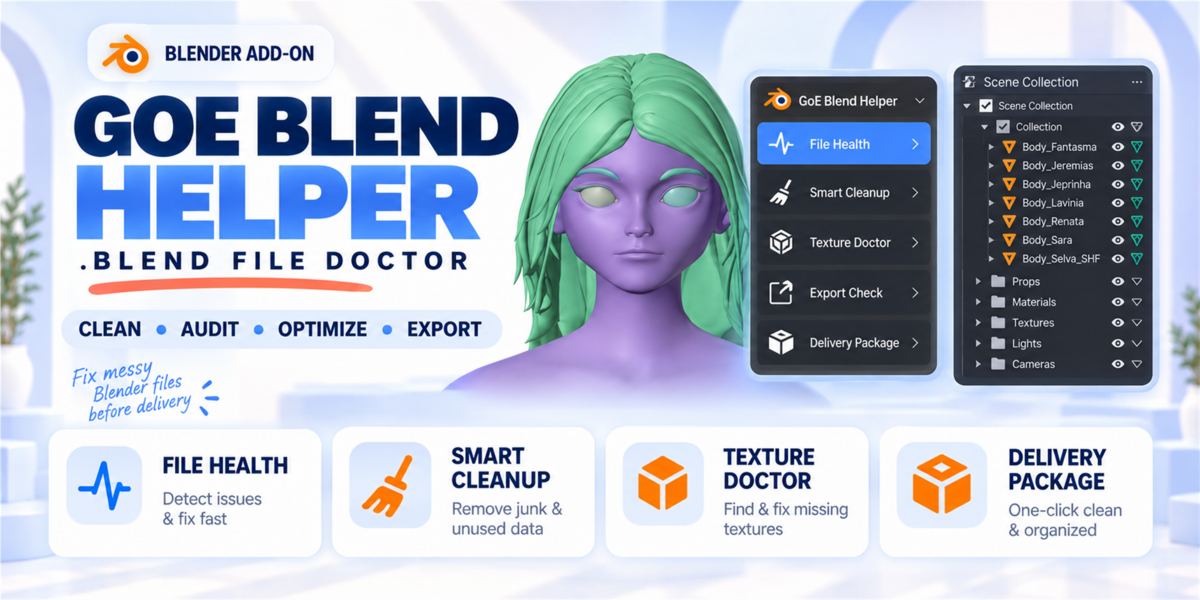 |
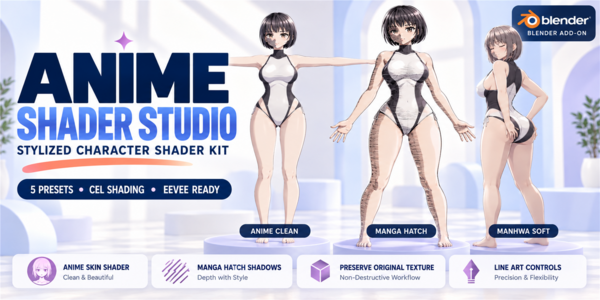
08 · DEVELOP AN ILLUSTRATED LOOK Anime Shader Studio5 style presets · cel shadows · manga hatching Explore anime, manga and visual-novel looks in Eevee. Control cel steps, shadow depth, softness and color, then add hatch textures and render lines. Work with existing materials and retain connected base-color textures where the shader setup supports them. 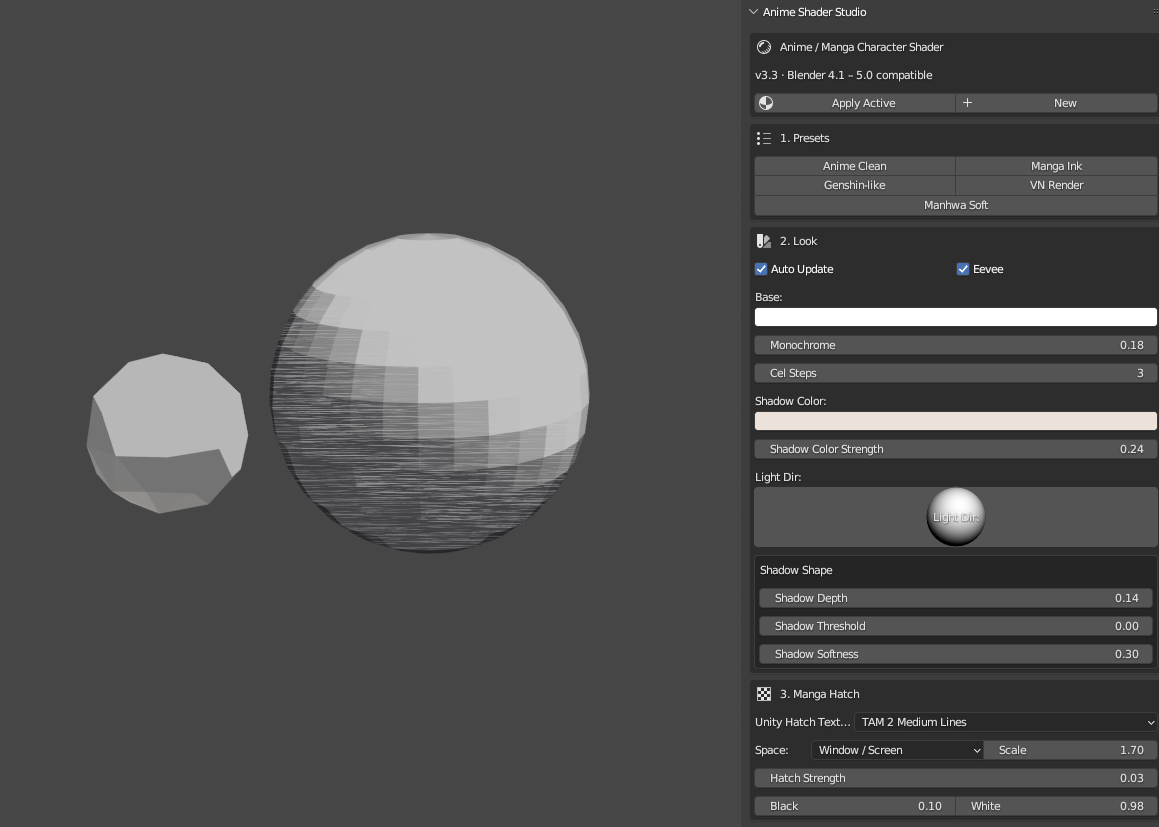 |
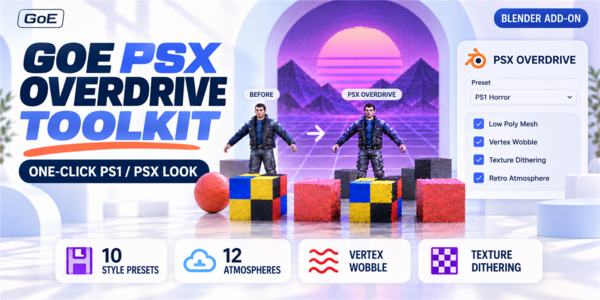
09 · BUILD A RETRO LOOK GoE PSX Overdrive Toolkit10 style presets · 12 atmospheres · 10 sky HDRs Give scenes a PS1-inspired finish with geometry reduction, vertex wobble, texture dithering and retro render settings. Adjust the effect strength, choose atmosphere and sky presets, and compare before and after while developing your own low-poly visual style. 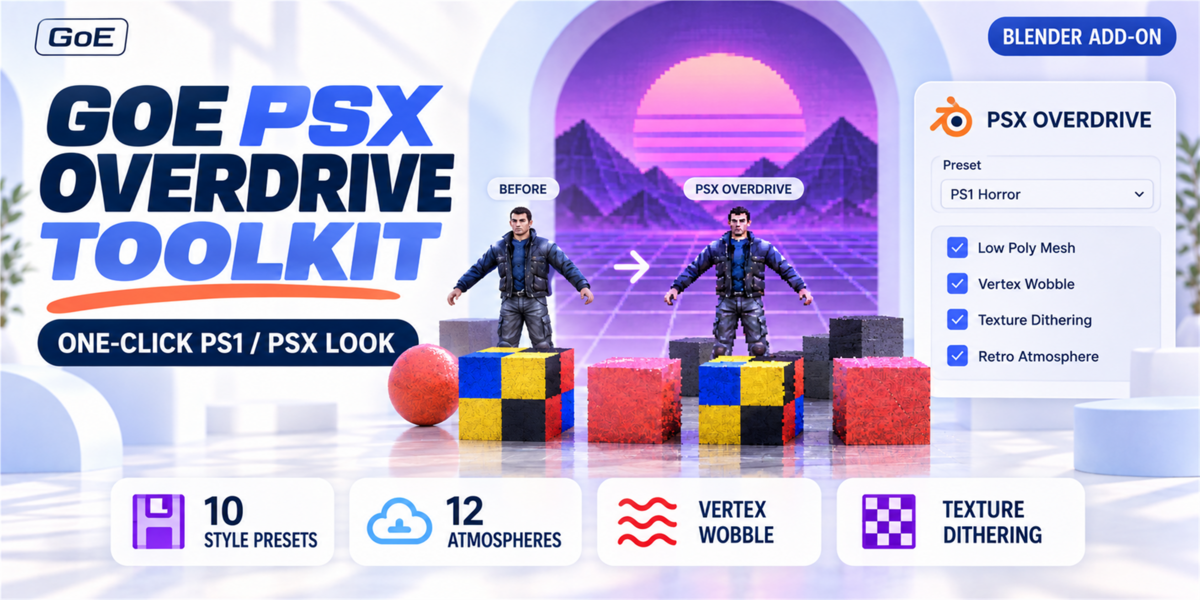 |
One collection. Independent tools.Each product has its own installation, workflow and Blender requirements. Follow its linked guide and test changes on a working copy. Promotional models illustrate tool results; included demo content is specified on each product page. |
Build your workflow. Finish your next project.Choose Personal or Commercial and review each component's license terms for permitted uses and seats. |