 DanilGOE
|
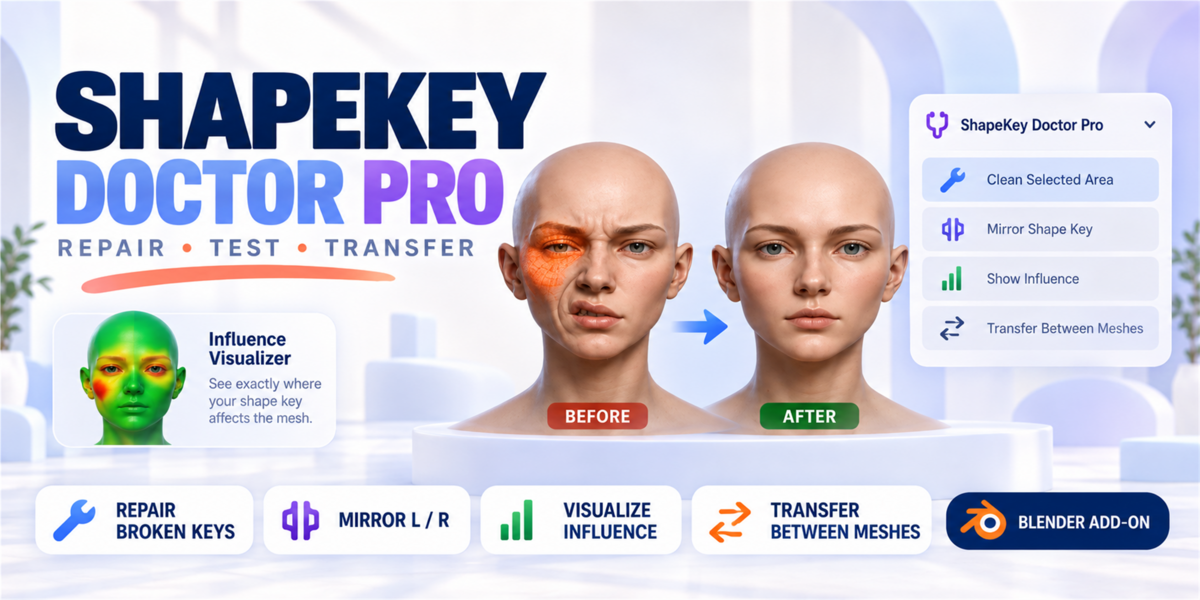
SHAPE KEY REPAIR TOOLKIT Find, test and fix morph problems.ShapeKey Doctor Pro brings shape-key analysis, influence visualization, cleanup and transfer workflows into one Blender toolkit. ANALYZE VISUALIZE REPAIR TRANSFER |
|
PRODUCT DETAIL OverviewThe result: cleaner shape keys, faster testing, easier deformation cleanup, and better control over complex character rigs. |
|
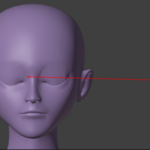
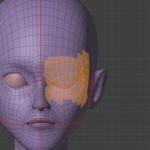
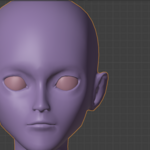
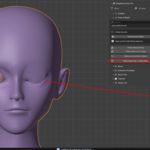
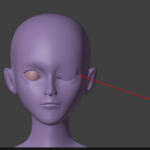
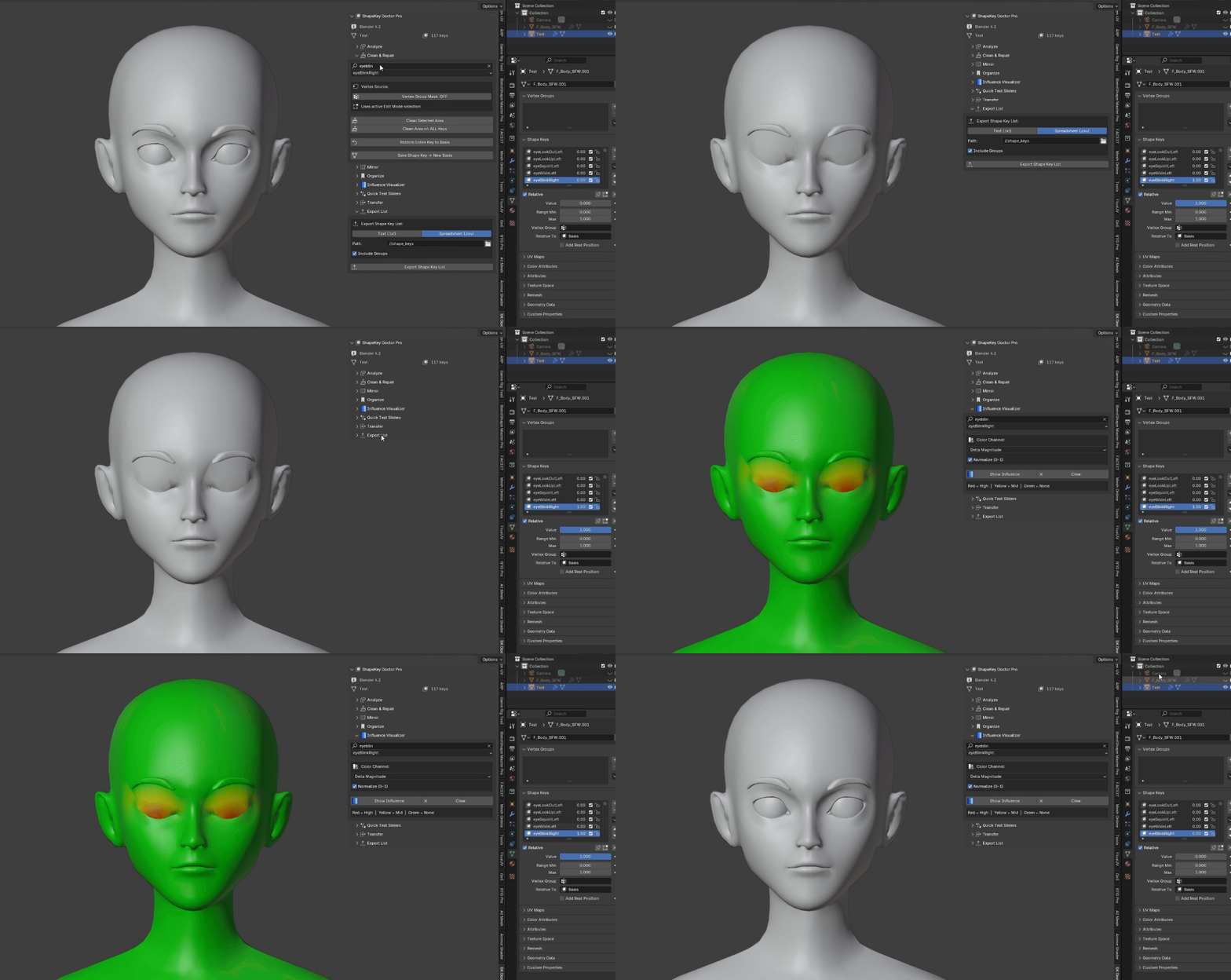
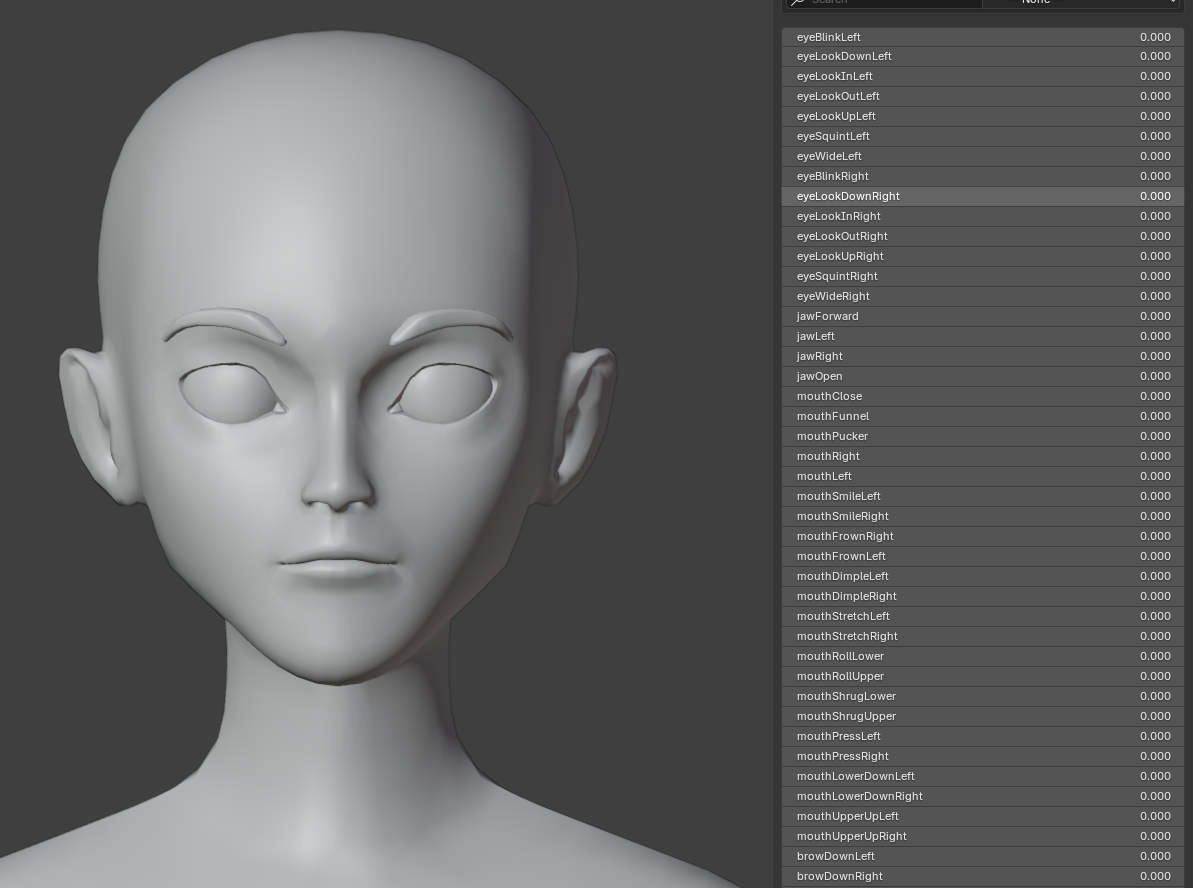
PRODUCT DETAIL 1 — ANALYZEQuickly inspect your shape key library and find common technical issues before export, delivery, or rig testi 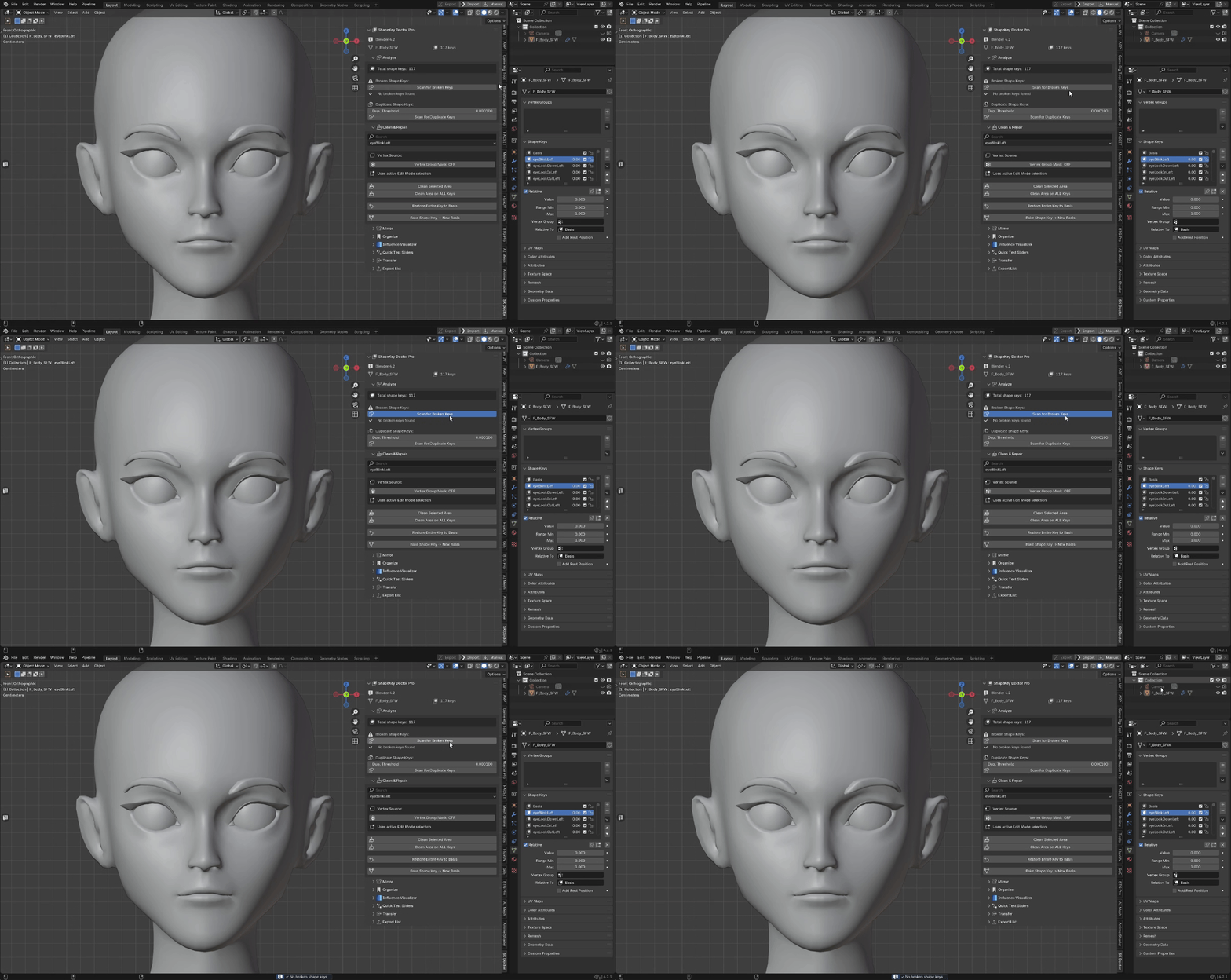 2 — CLEAN & REPAIR Remove unwanted shape key influence from specific parts of the mesh. This is one of the most important workflows for character cleanup. If a facial expression accidentally affects the body, mouth, eyes, eyebrows, nose, clothing, or any other unwanted area, ShapeKey Doctor Pro lets you reset only that area back to the Basis shape.
3 — MIRROR Mirror shape key deformation across a selected axis. |
|
PRODUCT DETAIL 4 — INFLUENCE VISUALIZER
This is useful when fixing one side of a face or body and applying the correction to the opposite side.
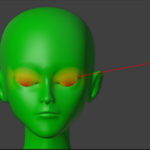
Great for characters, creatures, symmetrical faces, stylized models, and production rigs with left/right morph sets. 4 — INFLUENCE VISUALIZER See exactly where a shape key affects your mesh. ShapeKey Doctor Pro can display deformation influence as vertex colors, making it much easier to spot unwanted affected areas.
This is useful for debugging, QA, client previews, and checking whether a shape key only affects the intended region. 5 — QUICK TEST BUTTONS Test shape keys faster without manually dragging every slider. |
|
PRODUCT DETAIL 6 — TRANSFER
6 — TRANSFER Transfer shape keys from one mesh to another.
ShapeKey Doctor Pro includes a surface-based transfer workflow for moving shape keys from a source mesh to the active target mesh.
Best results are achieved when the source and target meshes have similar proportions and are aligned in the same 3D space. 7 — EXPORT LIST Export your shape key library for documentation, delivery, or client review.
This is especially helpful when selling rigged characters, basemeshes, facial morph packs, or complex character systems. |
|
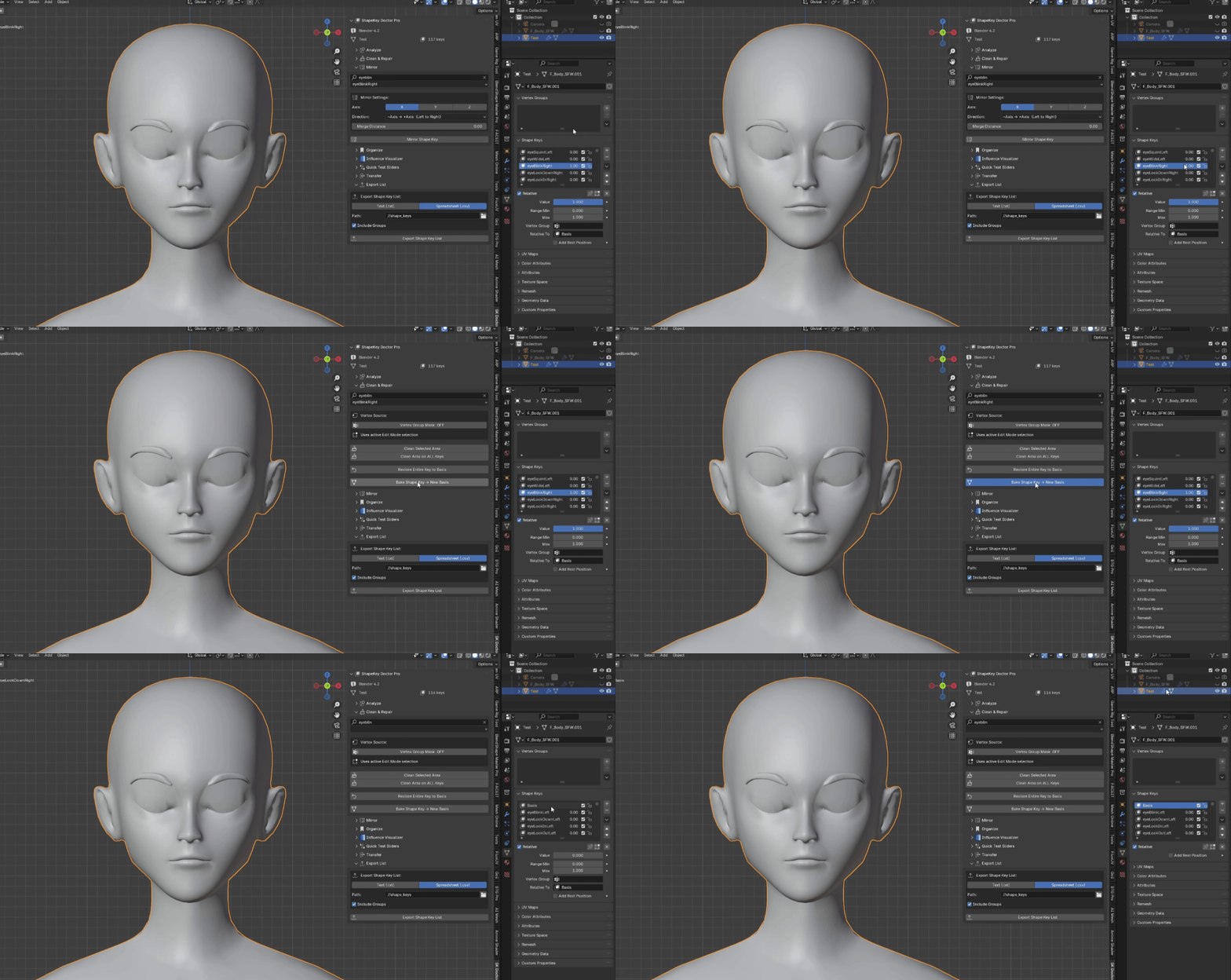
PRODUCT DETAIL 🔄 TYPICAL WORKFLOWStep 1 Step 2 Step 3 Step 4 Step 5 Step 6 Step 7 Step 8 Step 9 ShapeKey Doctor Pro v1.2.0 — Blender Compatibility UpdateFull compatibility pass across all supported Blender versions. Installs and works correctly on 3.2 – 5.0+. |


Discover more products like this
shape key toolkit shape keys blend-shapes eformation cleanup body morphs morph targets clean shapekey Fix & Clean Shape Key blendshapes shapekey corrective shapes shape key repair
-
$19.19
For 1 individual user. Includes all features and content.
-
$29.99
For 1 user working for a business or client. Includes all features and content.
-
$76.76
For up to 10 users in one studio or company. Includes all features and content.
Have questions about this product?
Login to message
| Sales | 10 |
| Published | 5 months ago |
| Blender Version | 3.0 - 5.0 |
| Extension Type | N/A |
| Render Engine Used | Eevee |
| License | GPL |