 DanilGOE
|
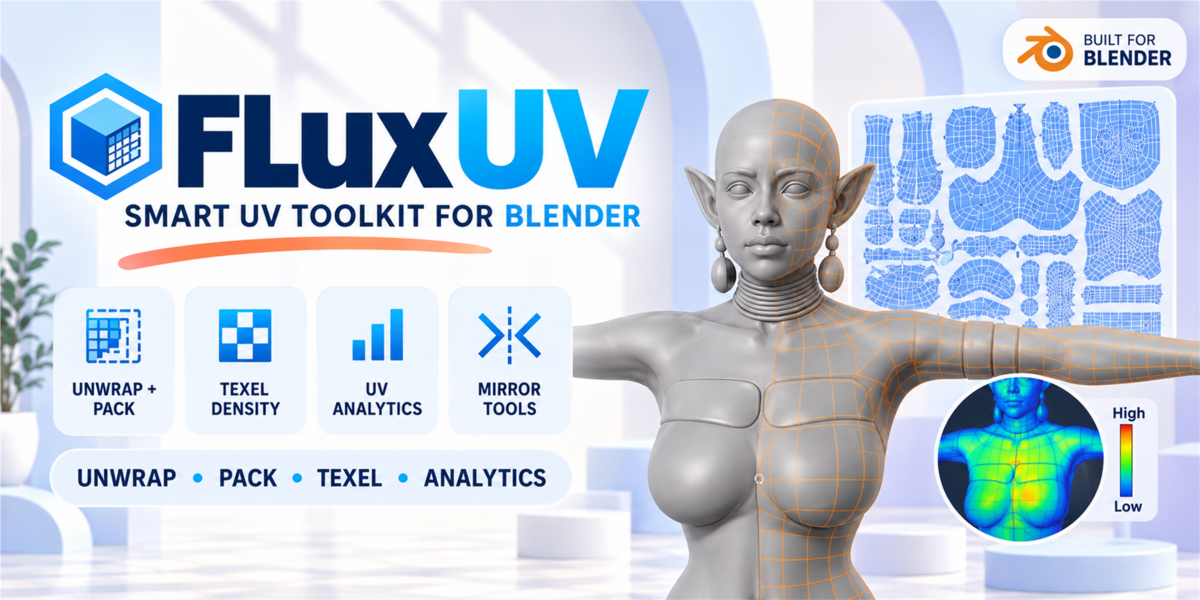
UV TOOLKIT FOR BLENDER Unwrap, pack and inspect in one workflow.FluxUV brings common UV operations and diagnostics together in a Blender N-panel toolkit for faster, clearer UV work. UNWRAP PACK TEXEL DENSITY UV ANALYTICS |
|
PRODUCT DETAIL OverviewFluxUV is a production-focused UV toolkit for Blender 4.x that brings the most important UV operations into one clean N-panel workflow. It is designed to speed up the everyday tasks artists actually do: unwrapping, packing, texel density matching, UV analysis, island organization, symmetry tools, and batch operations. Instead of jumping between menus and tools, FluxUV gives you a faster, cleaner workflow for preparing characters, props, environments, and game-ready assets. The result: cleaner UVs, faster iteration, and better control over production-ready meshes. |
|
PRODUCT DETAIL ★ Fast UV Workflow — All Core Tools in One PlaceWith FluxUV, your most-used UV tasks are available in a single panel:
|
|
PRODUCT DETAIL 1 — UnwrapFast UV generation tools for everyday production work:
|
|
PRODUCT DETAIL 2 — SeamsTools for preparing UV seams faster:
|
|
PRODUCT DETAIL 3 — Selection ToolsQuickly find common UV issues and isolate problem areas:
|
|
PRODUCT DETAIL 4 — TransformOrganize islands faster with practical layout controls:
|
|
PRODUCT DETAIL 5 — PackFast packing tools for production-ready layouts:
|
|
PRODUCT DETAIL 6 — Texel DensityKeep texture density consistent across your assets:
|
|
PRODUCT DETAIL 7 — IslandsExtra control over island organization:
|
|
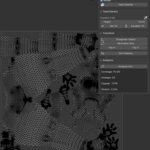
PRODUCT DETAIL 8 — UV AnalyticsInspect your UV layout with practical feedback tools:
This helps you quickly spot bad unwraps, inefficient layouts, and distortion problems before export or baking. |
|
PRODUCT DETAIL 9 — Mirror / SymmetryOne of FluxUV’s most useful workflow features:
Great for symmetrical characters, creatures, clothing, and mirrored hard-surface assets. |
|
PRODUCT DETAIL 10 — Batch OperationsSpeed up repetitive UV work across multiple objects:
|
|
PRODUCT DETAIL 🔄 Typical WorkflowStep 1 Step 2 Step 3 Step 4 Step 5 Step 6 Step 7 FluxUV 1.2.0 focuses on a cleaner workflow, improved UI organization, and better Blender compatibility. Changes: redesigned UI with fewer overloaded panels; tools are now grouped by workflow: Start, Seams & Unwrap, Transform & Islands, Inspect & Select, Batch; added a compact single FluxUV panel in the UV Editor; improved compatibility with Blender 4.2+; fixed Sharp to Seam and Seam to Sharp errors; improved Blender 3.6-5.x support; fixed problematic UI icons. ❓ FAQ What is FluxUV best for? Does it work for game assets? Can I use it on multiple objects? Does it help detect bad UVs? What makes FluxUV different from basic Blender UV tools? |
|
PRODUCT DETAIL 🏷️ Tagsuv toolkit • uv unwrap • uv packing • texel density • uv analytics • mirror uv • mirror seams • batch uv • island tools • stretch analysis • blender addon • game assets • character workflow • udim • blender 4 • production workflow • uv editor • unwrap tool |


Discover more products like this
uv UV Unwrap uv editor texel density uv toolkit mirror seams island tools uv analytics mirror uv unwrap tool
-
$14.99
For 1 individual user. Includes all features and content.
-
$29.98
For 1 user working for a business or client. Includes all features and content.
-
$59.96
For up to 10 users in one studio or company. Includes all features and content.
Have questions about this product?
Login to message
| Sales | 30+ |
| Published | 5 months ago |
| Blender Version | 3.6 - 5.1 |
| Extension Type | N/A |
| Render Engine Used | Cycles |
| License | GPL |