Sculpt and Retopo Essentials
- Products: 7
- Sales: 10+

Get the most out of your Blender sculpting workflow
Use the tools in this bundle to take your 3D modeling workflow to the next level. With these tools, you have a complete sculpt and retopology pipeline, ready to go... and at the incredible price of $99 for the whole package. That's 48% off what you would pay if you bought each of these products individually.
With the tools in this bundle, you can go from zero to fully animation-friendly model in no time at all!
Rough it in
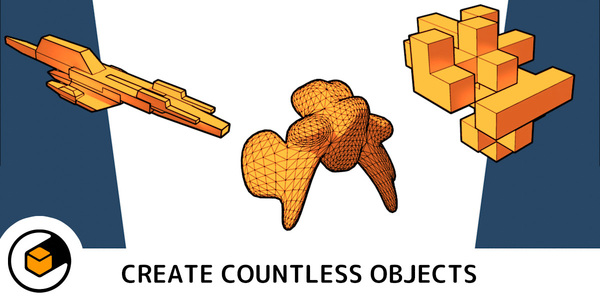
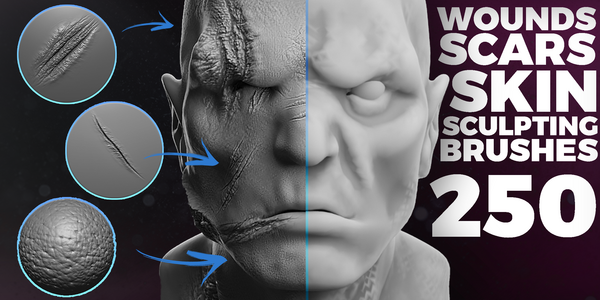
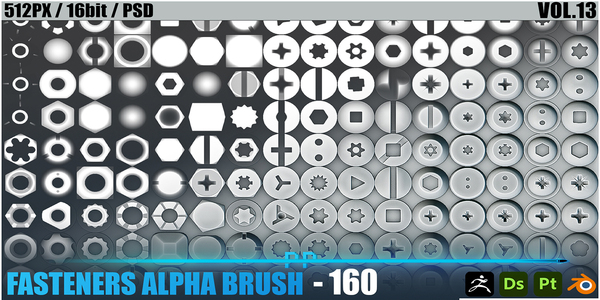
The sculpting process starts with getting your rough shapes first and then refining as you move forward. Sometimes you start with a base mesh, but sometimes you need something a bit more unique as a starting point. This is where Shape Generator excels, giving you forms to work from that you didn't even know you wanted. Then, using IMM Tool, you can use IMM Tool to block out the rest of your model with pre-made meshes, whether you use the ones that come with the tool or your own. And with the 250+ Wounds & Scars Brushes and the 160 Fasteners Alpha Brush packs, you can get your work done even faster.




Work smarter, not harder
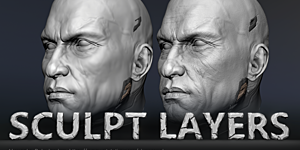
Eventually, you're going to need to move forward from your rough sculpt to something with higher detail. Blender's native sculpting tools do a decent enough job, but there are still some missing features that can help you work faster and more efficiently. One of the most helpful add-ons for this kind of work is Sculpt Layers. With this tool, you can add details to your sculpt as layers, so you can more easily make changes with out messing up your base mesh.
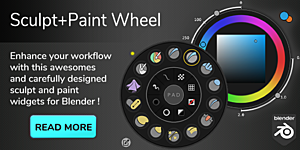
And while Blender has an enormous amount of brushes and tools for sculpting, they're not always organized in a way that you can access them quickly. With the Sculpt+Paint Wheel add-on, the tools you need most are available right by your mouse cursor.

Retopologize like a champ
At the end of the day, you may have a fantastic 3D sculpt, but if you want that model to be usable in games or animation... or if you just want a lower overall poly count, you're going to need to retopologize your sculpt. And really, there's no better tool out there for retopo than Retopoflow 4. Completely re-written from scratch, Retopoflow has seamless integration with Blender's Edit Mode and sports a massive performance boost over previous releases. Retopoflow 4 might not just be the best retopology tool in Blender. It might be the best, period.


So add this bundle to your cart and supercharge your sculpting and retopology workflow today!


