 Playful Pixel


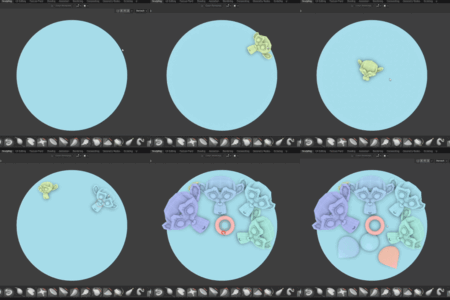
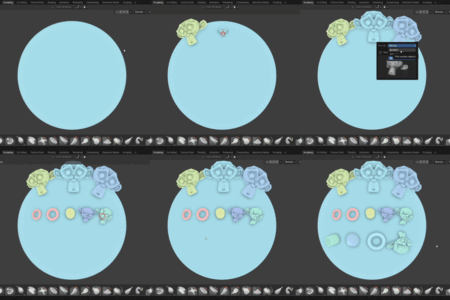
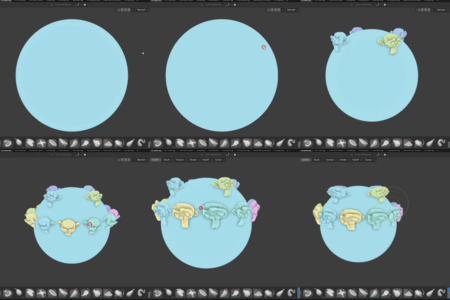
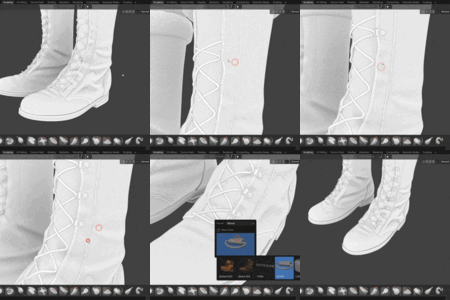
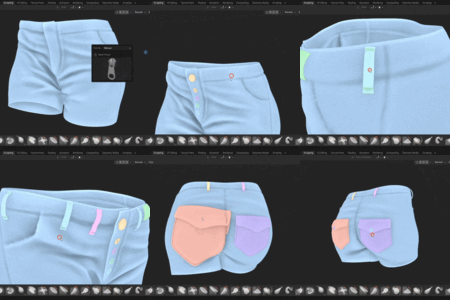
Insert Multi Mesh in Sculpt Mode
🛠 IMM Brush Tool for Blender
Blender sculptors, rejoice! The IMM Brush Tool brings the power of Insert Multi Mesh (IMM) functionality—famous in ZBrush—right into Blender’s Sculpt Mode. Whether you're crafting creatures, characters, or hard-surface assets, this addon will dramatically speed up your workflow.
✨ What Is IMM and Why You Need It
IMM stands for Insert Multi Mesh, and it’s a game-changer for sculpting. With this tool, you can instantly insert pre-made meshes directly into your sculpture—without leaving Sculpt Mode.
- 🦷 Teeth for your creature
- 🐾 Fur tufts for your animal
- 👕 Buttons for clothing
- 🤖 Fasteners for sci-fi bots
Once installed, you’ll find a new tool added to Sculpt Mode—ready to drop your custom assets right where you need them.
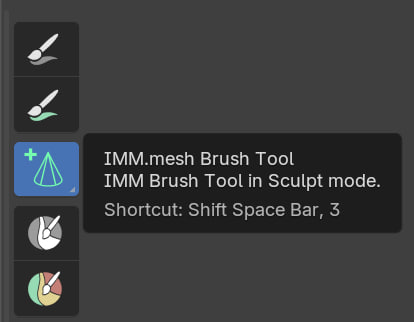
🚀 Key Features
Create & Save Your Own Assets
Design your mesh once, save it, and reuse it across projects.
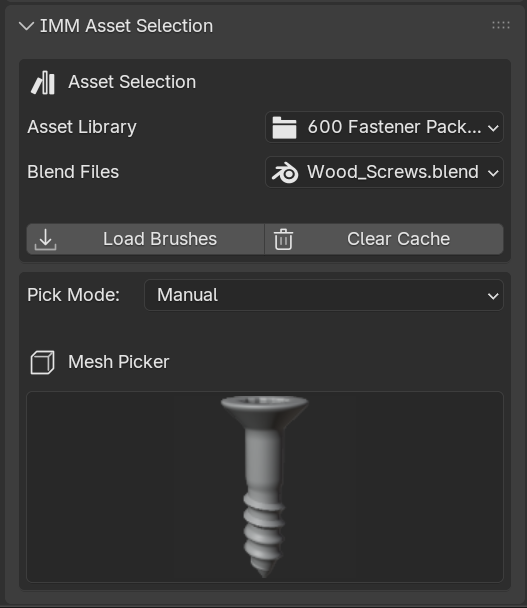
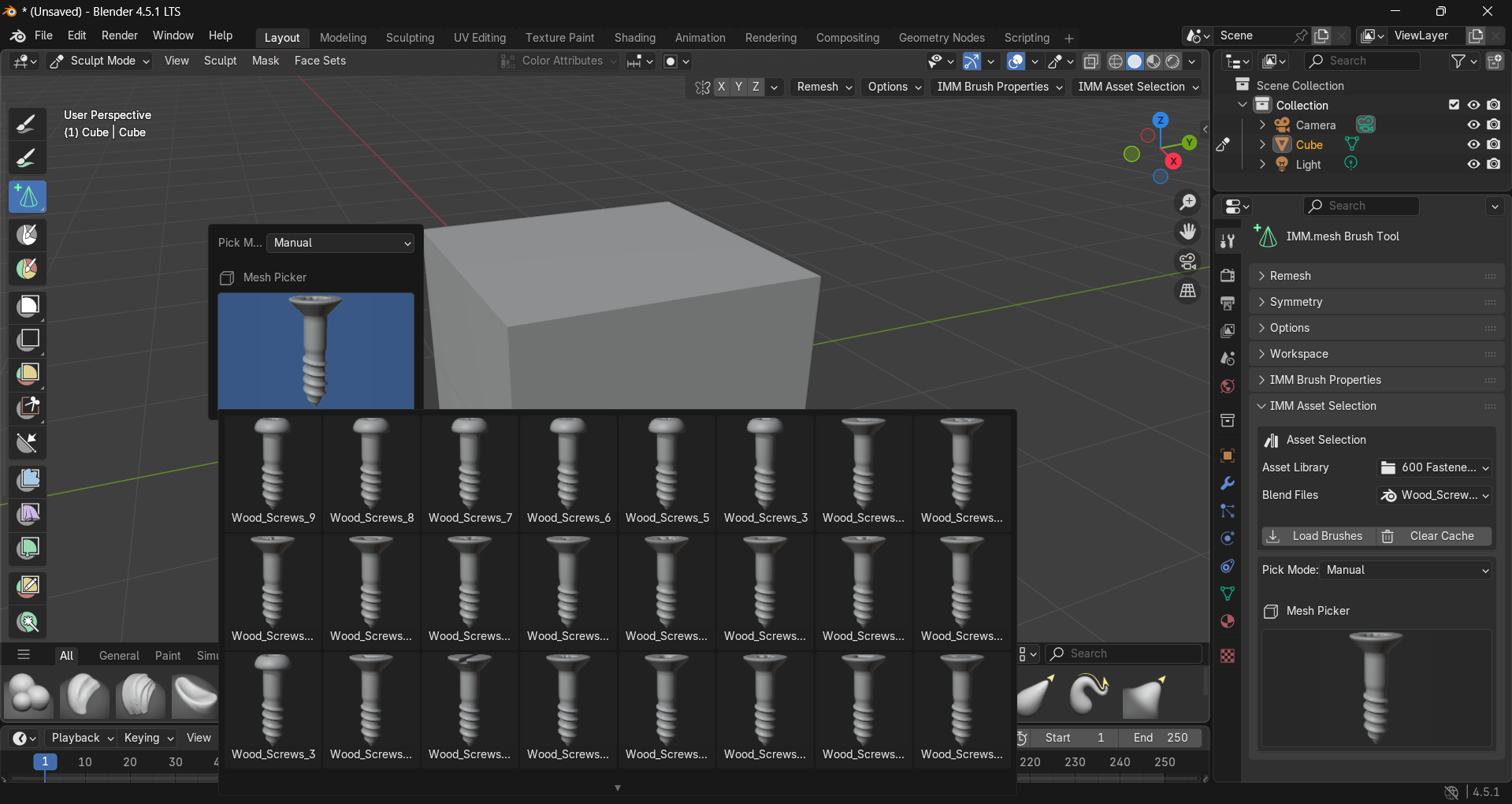
Quick Selection Interface
Easily browse and select your IMM assets with a clean, visual UI.
Brush Properties for Speed & Control
Customize brush settings to fine-tune placement, scale, and orientation—saving you even more time.

🎯 Perfect For
- Character artists
- Creature sculptors
- Stylized and realistic workflows
- Hard-surface sculpting
- Anyone who wants to sculpt smarter, not harder
🔧 Designed for Blender, Inspired by ZBrush
This addon is built to feel familiar for ZBrush users transitioning to Blender, while staying true to Blender’s native workflow. It’s lightweight, intuitive, and fits seamlessly into your sculpting pipeline.
🧰 IMM Assets Available
Speed up your sculpting workflow with ready-to-use IMM products.
🔧 Patch Summary – Version 1.0.2
Release Date: 24 / 10 / 2025
- Geometry Nodes Modifier: The add-on now recognizes the target object socket only if it's named
"target"(case-insensitive). - Brushes are automatically deselected after placement.
- Asset Library: Directory walking has been disabled to prevent crashes from deeply nested folders.
Before You Leave a Review…
If you run into any issues, please contact me first. Most problems can be resolved quickly — but once a review is posted, it stays up and may confuse others even after the issue is fixed. I’m here to help and respond fast. Let’s sort it out before it becomes permanent.
