 Prince Eagle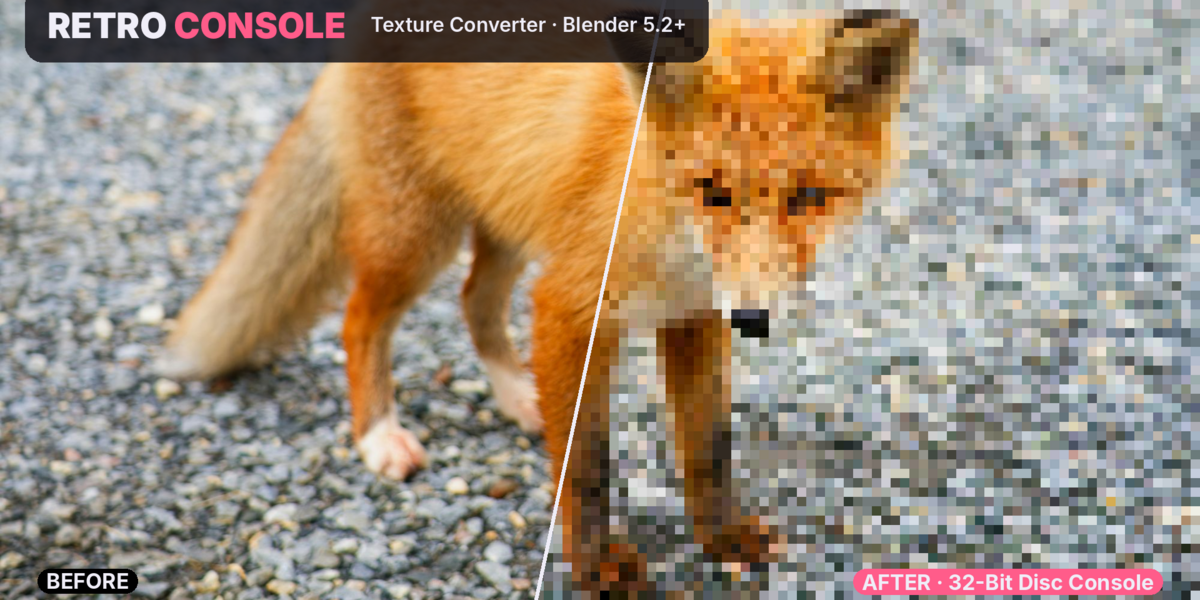
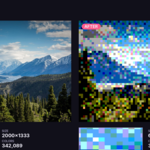
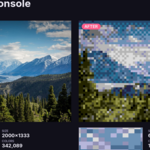
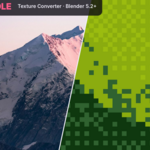
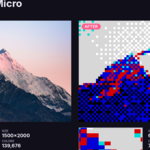
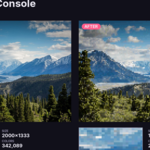
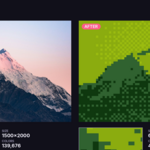
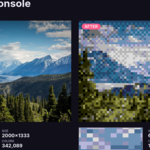
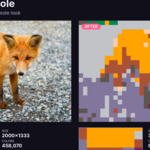
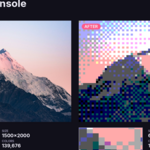
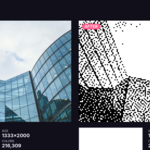
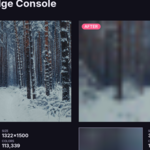
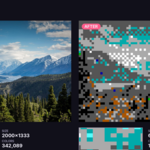
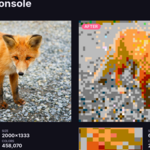
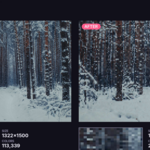
Your textures, back in time
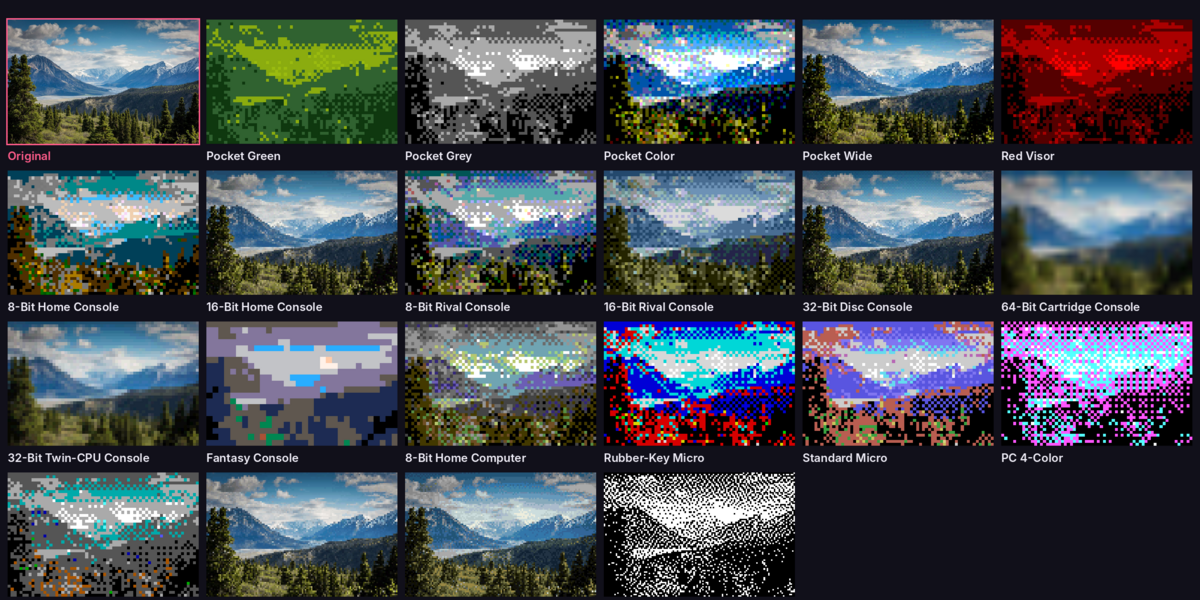
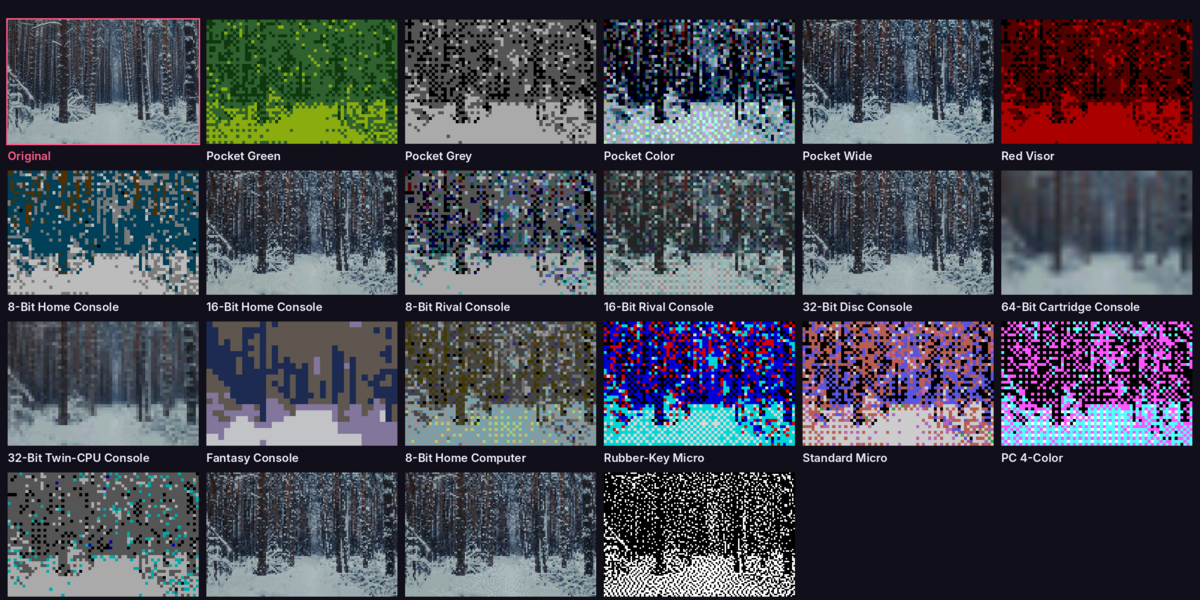
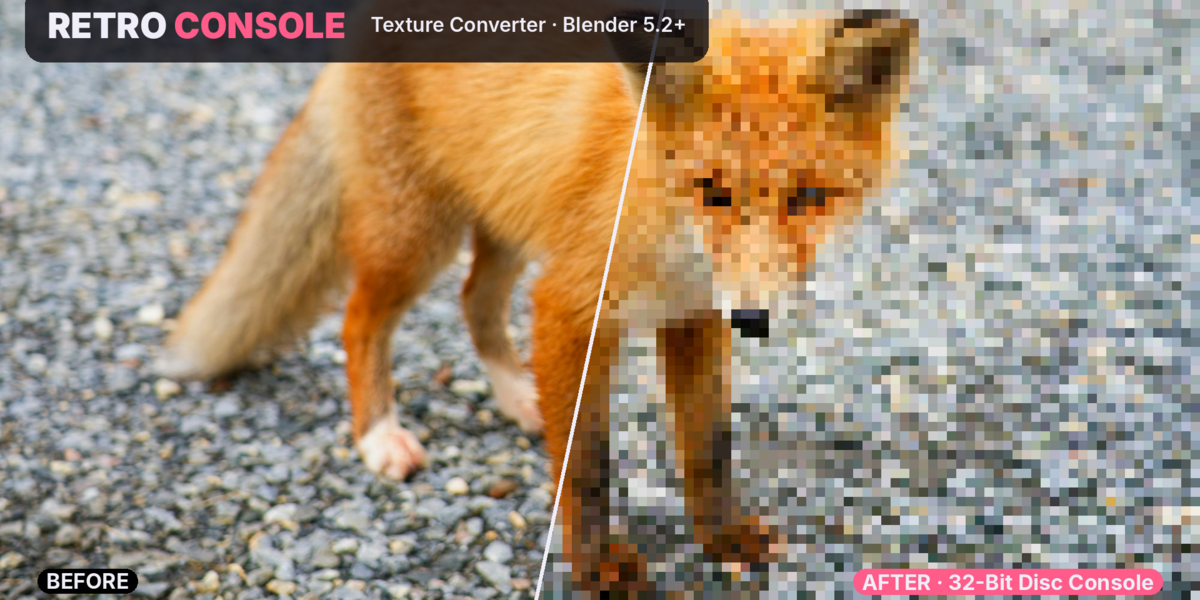
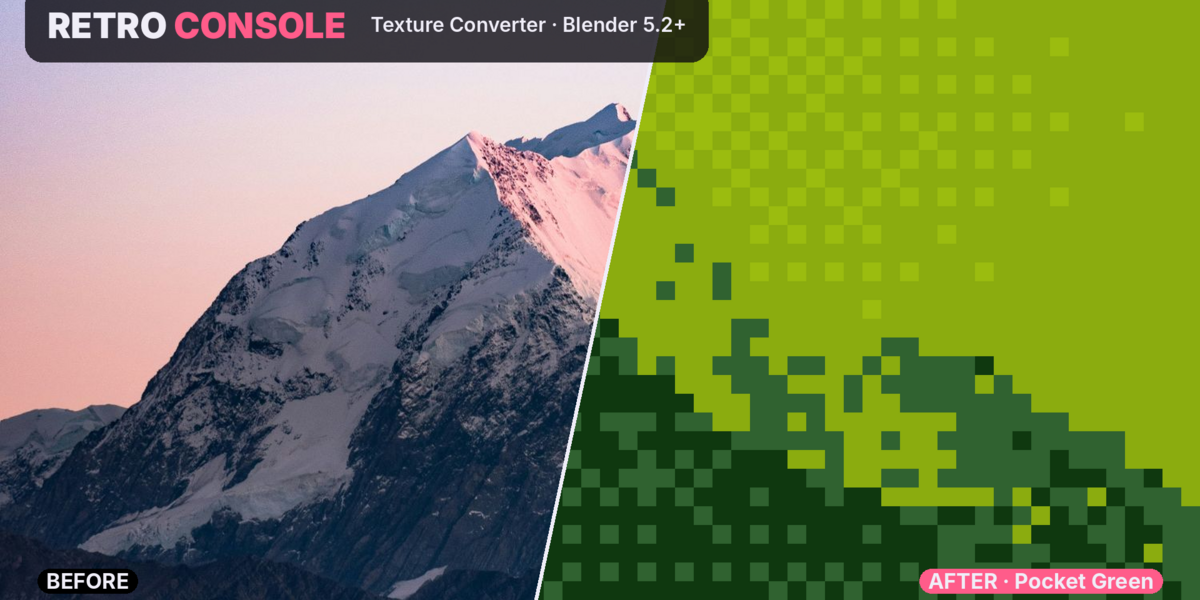
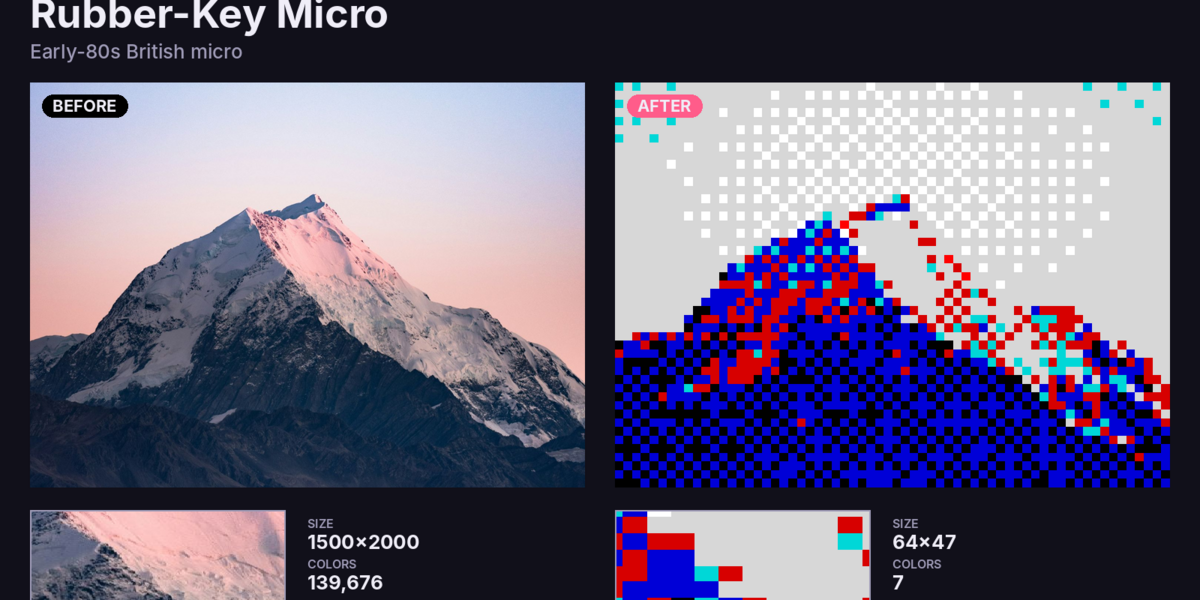
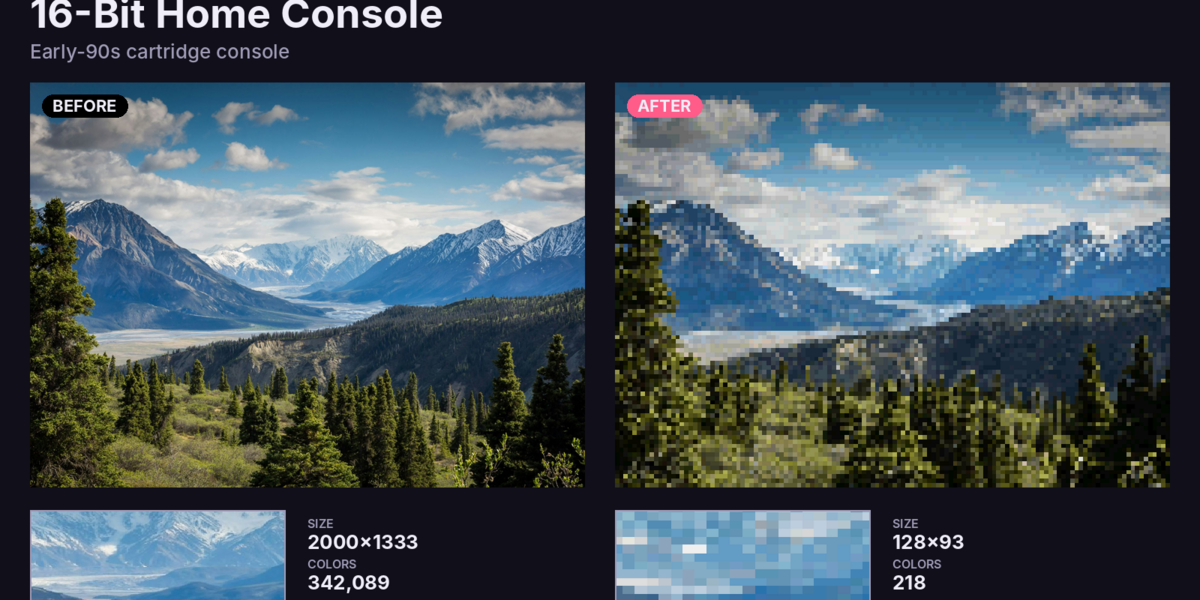
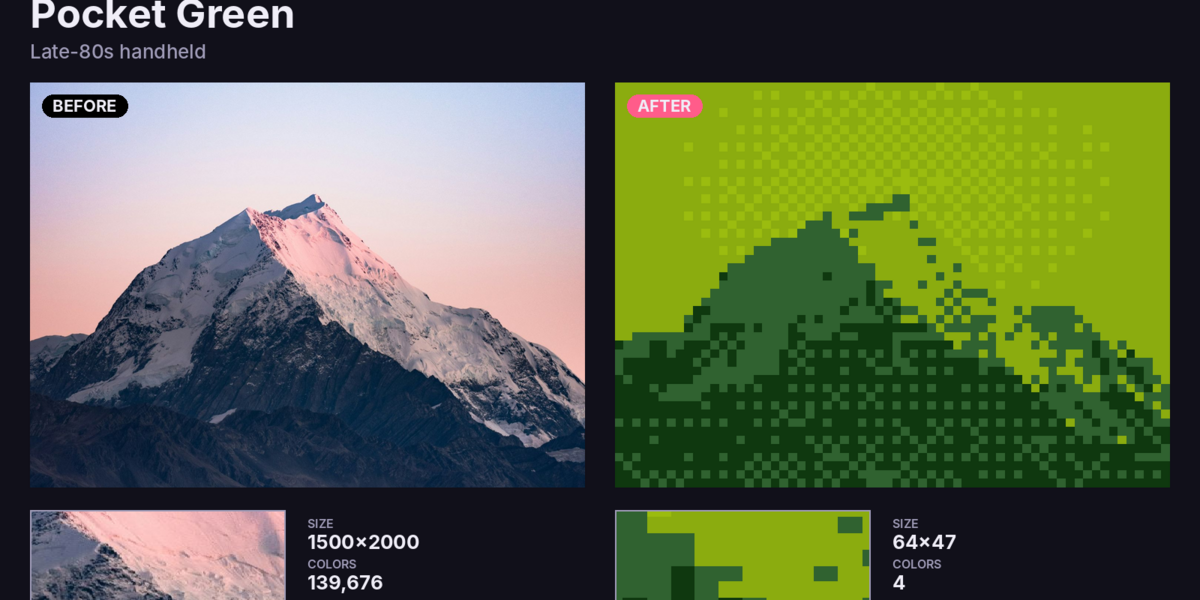
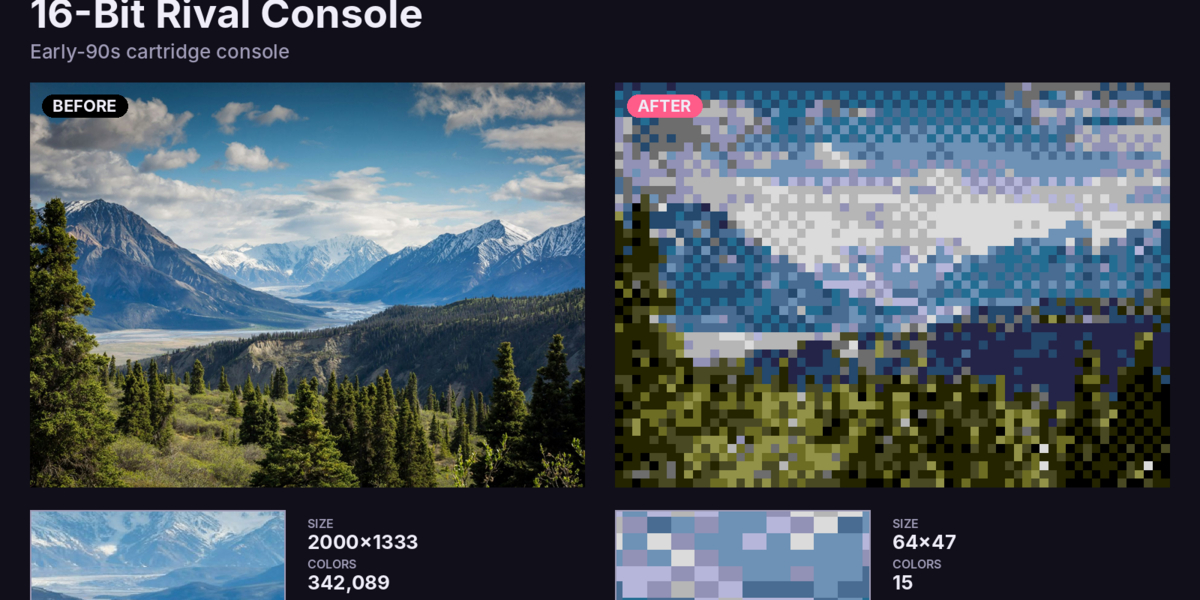
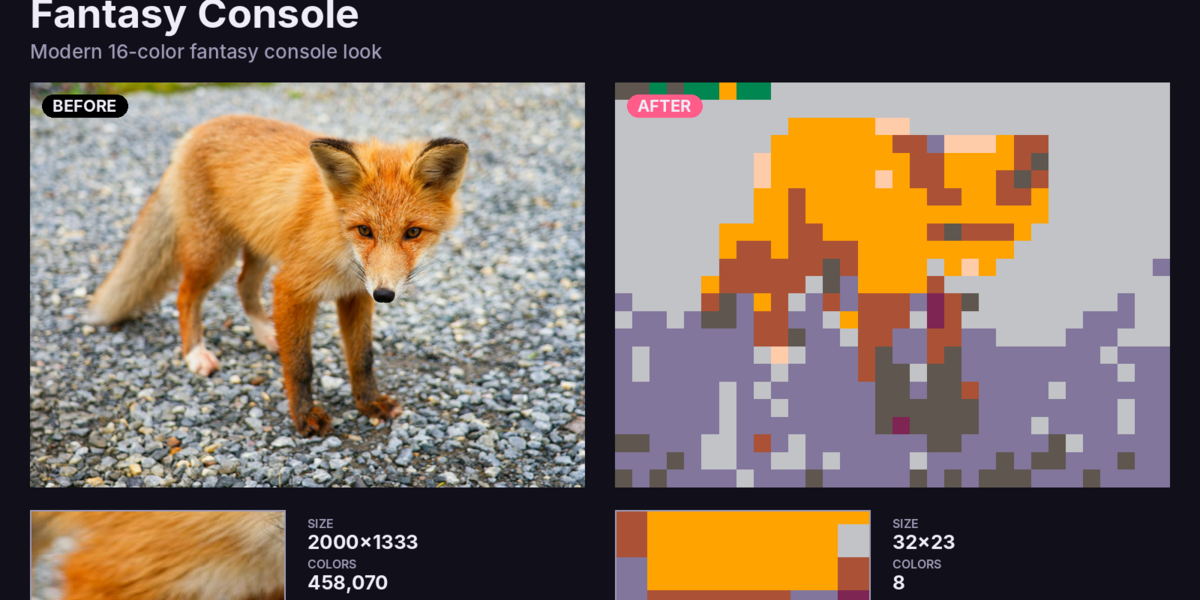
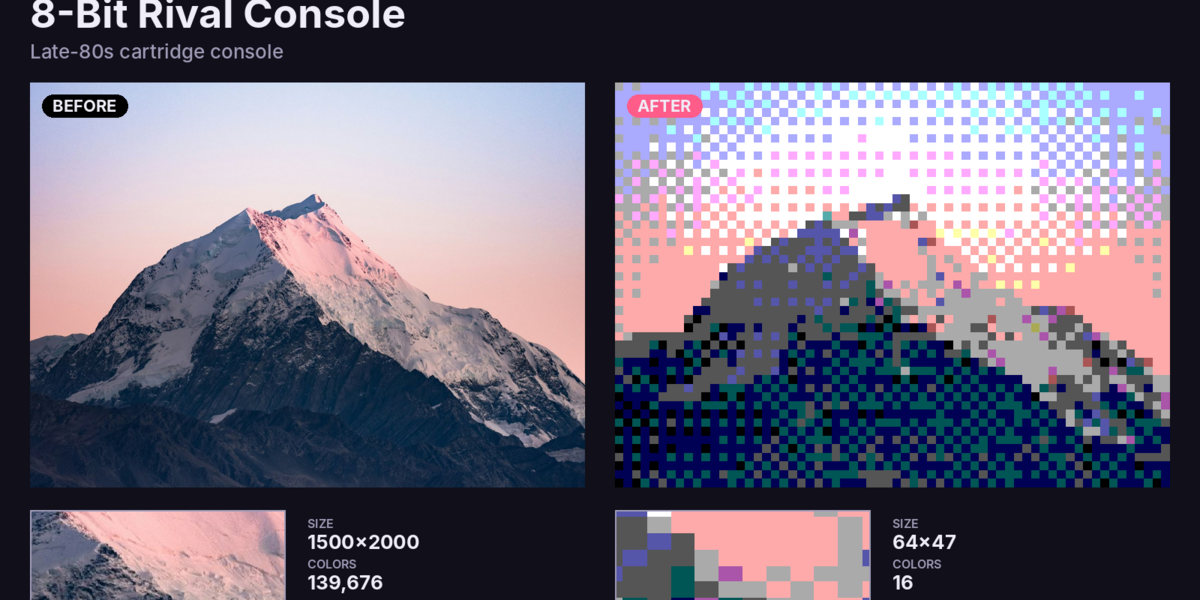
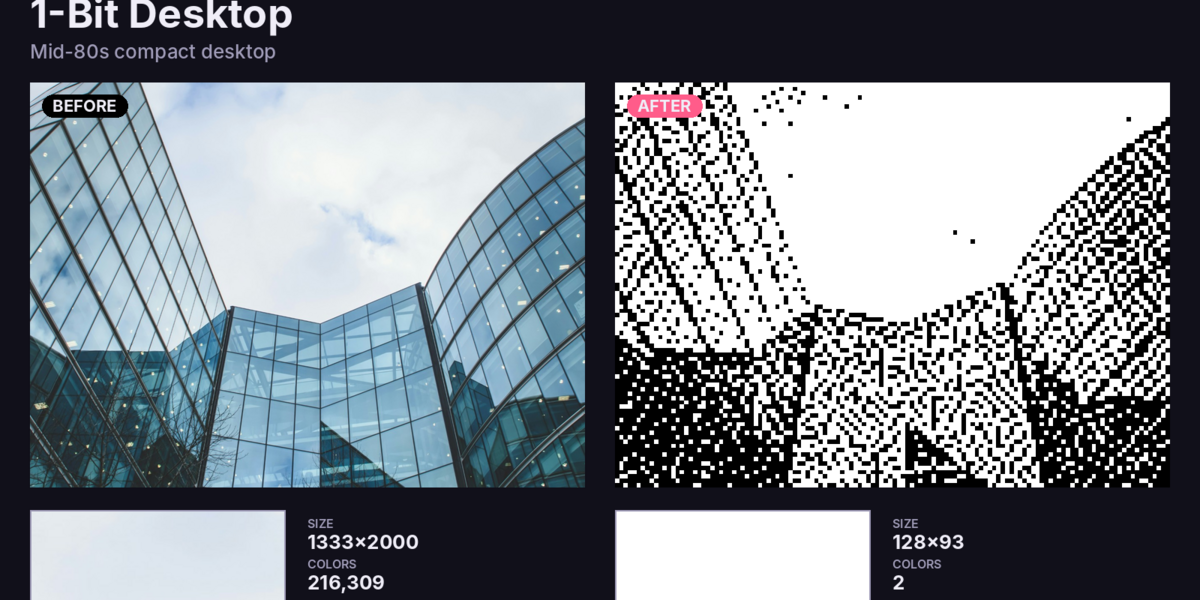
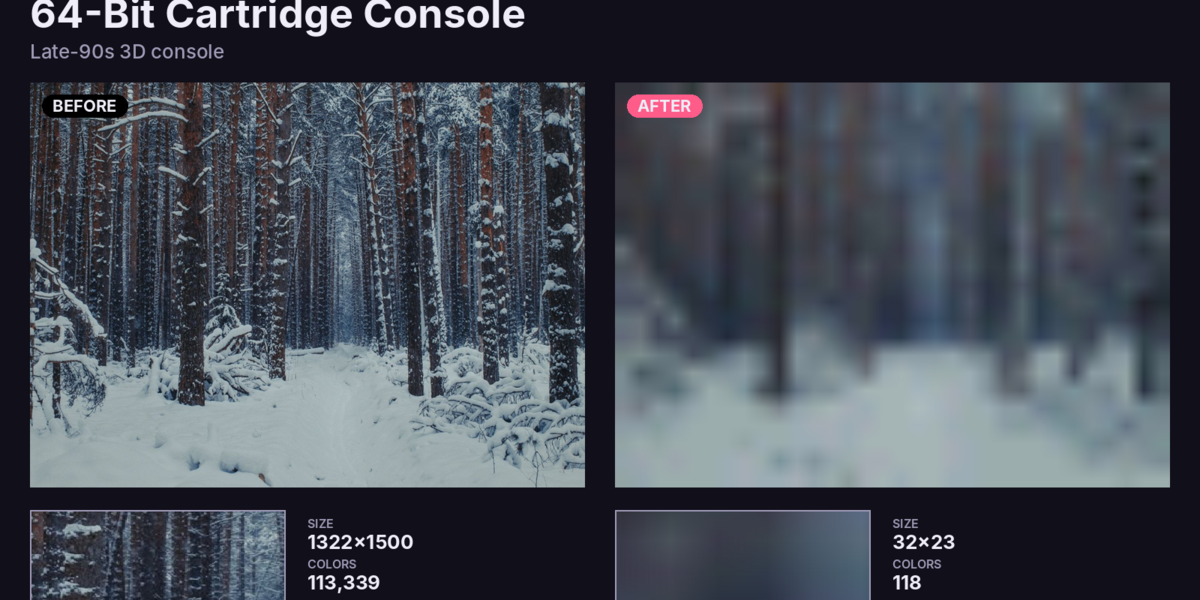
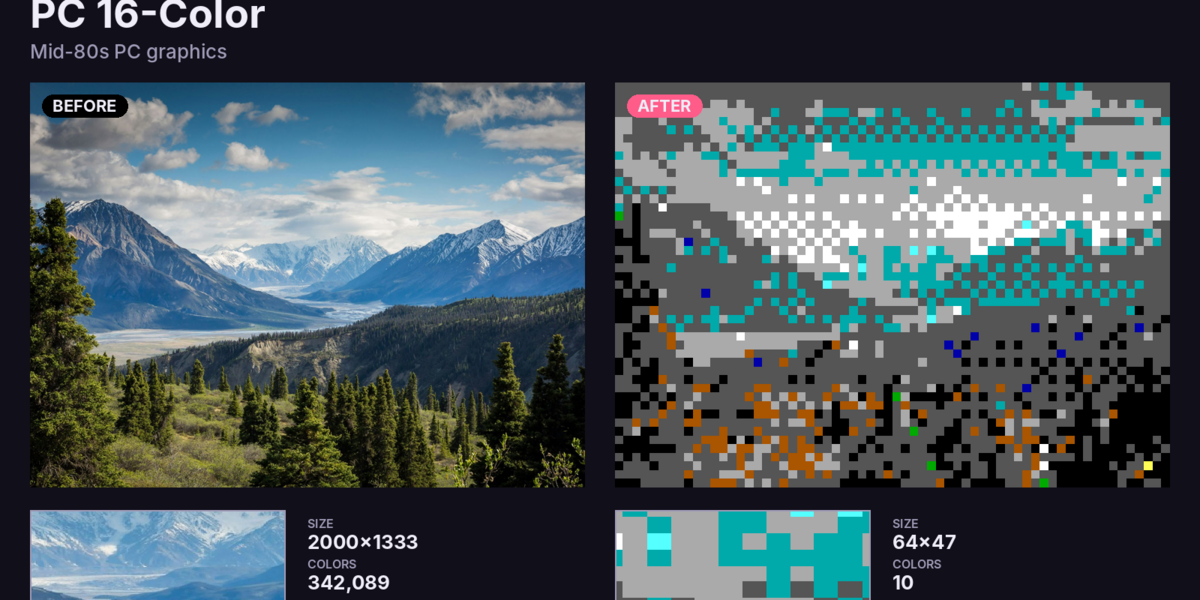
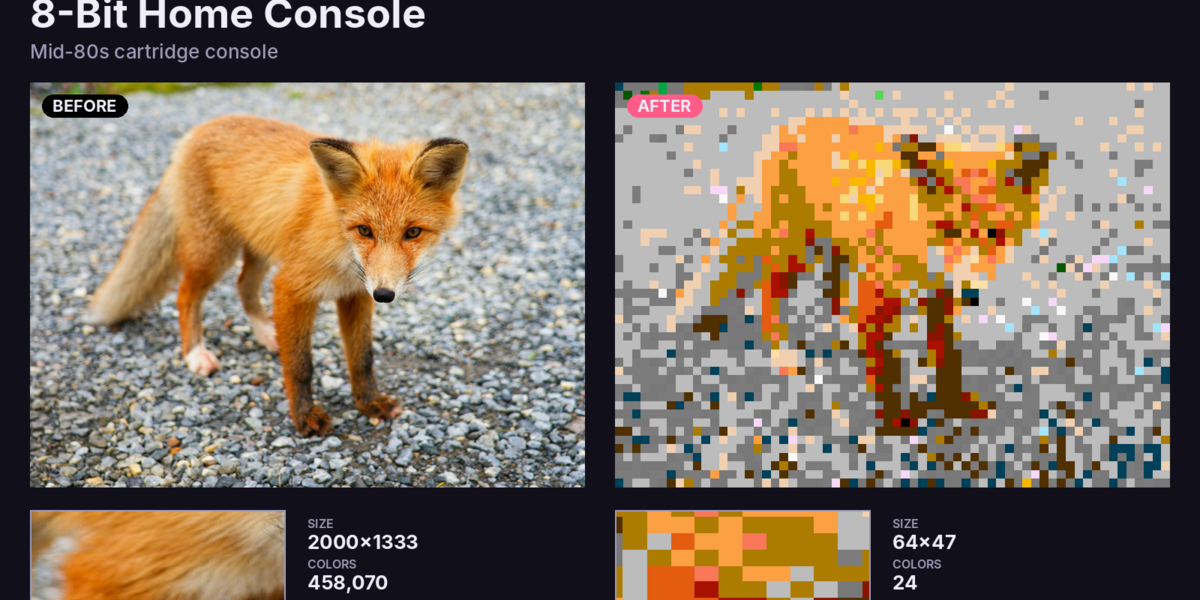
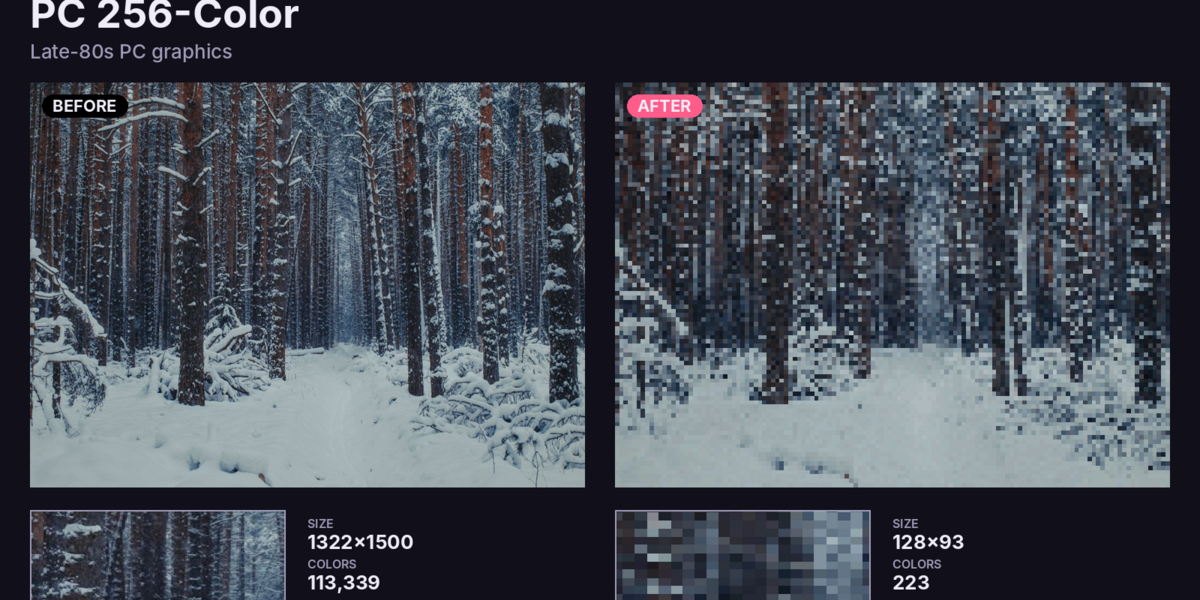
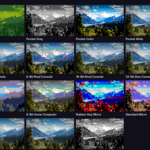
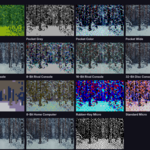
Retro Console converts the image textures on your materials into authentic retro styles: the 4-shade green of an 80s handheld, the crosshatched dither of a 90s disc console, the blurry bilinear look of a 64-bit cartridge machine, or the crisp black and white of a 1-bit desktop.
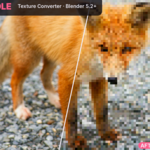
Pick a look, press Convert, done. Your originals are never touched, and Compare flips between before and after in one click.
🎮 21 retro looks
Handhelds:
- Pocket Green- Pocket Grey
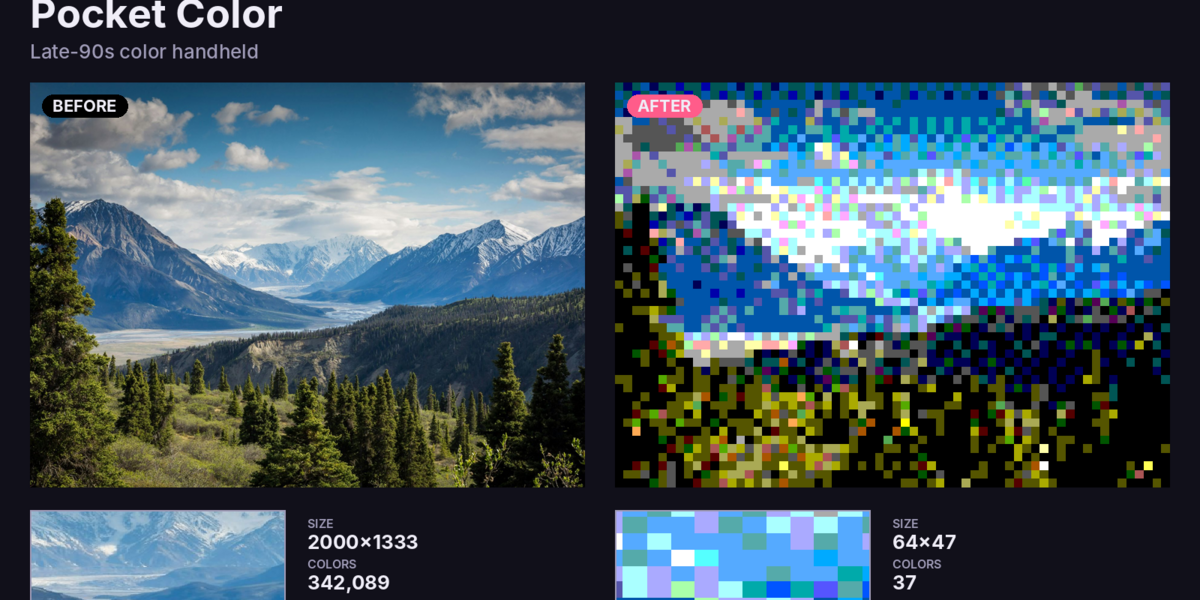
- Pocket Color
- Pocket Wide
- Red Visor
Home consoles:
- 8-Bit Home Console- 16-Bit Home Console
- 8-Bit Rival Console
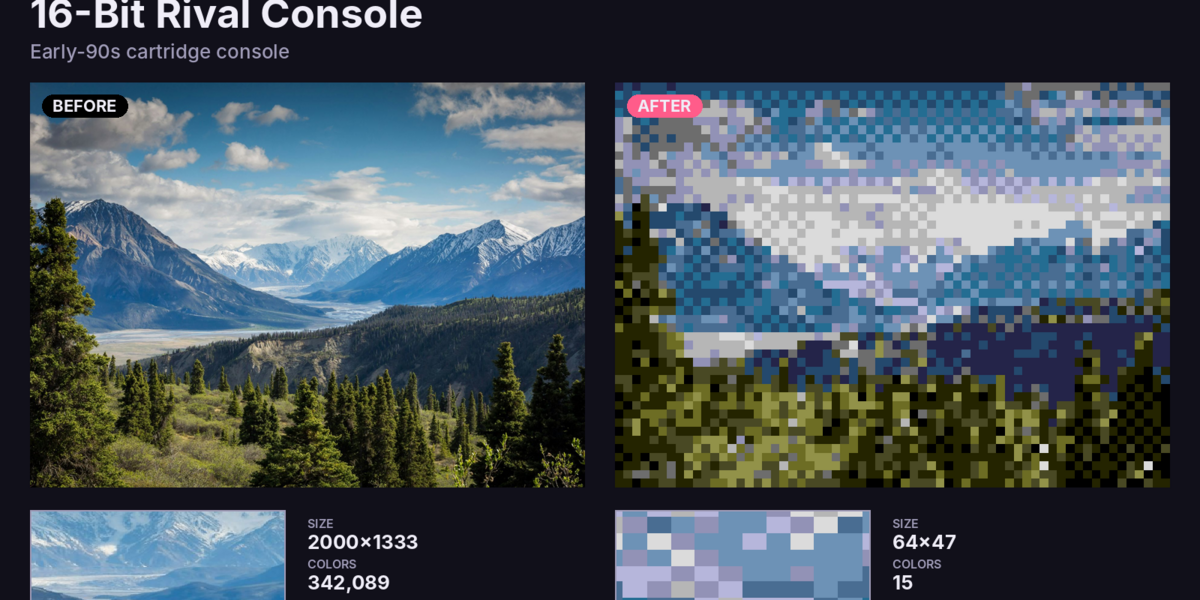
- 16-Bit Rival Console
- 32-Bit Disc Console
- 64-Bit Cartridge Console
- 32-Bit Twin-CPU Console
Computers:
- 8-Bit Home Computer- Rubber-Key Micro
- Standard Micro
- PC 4-Color, PC 16-Color, PC 256-Color
- 16-Bit Home Computer
- 1-Bit Desktop
Fantasy Console, plus Custom for your own look.
Each preset uses the real thing's limits: palette size, bit depth, texture size, dithering pattern and texture filtering.
🎨 Fully tweakable
Presets are only a starting point. Change anything:- Resolution: 4 to 4096 px, sharp or smooth downscaling, aspect ratio kept
- Colors:
- bit depth per channel
- a fixed palette, matched perceptually or by brightness
- an adaptive best-N-color palette for each texture, optionally snapped to a hardware color grid
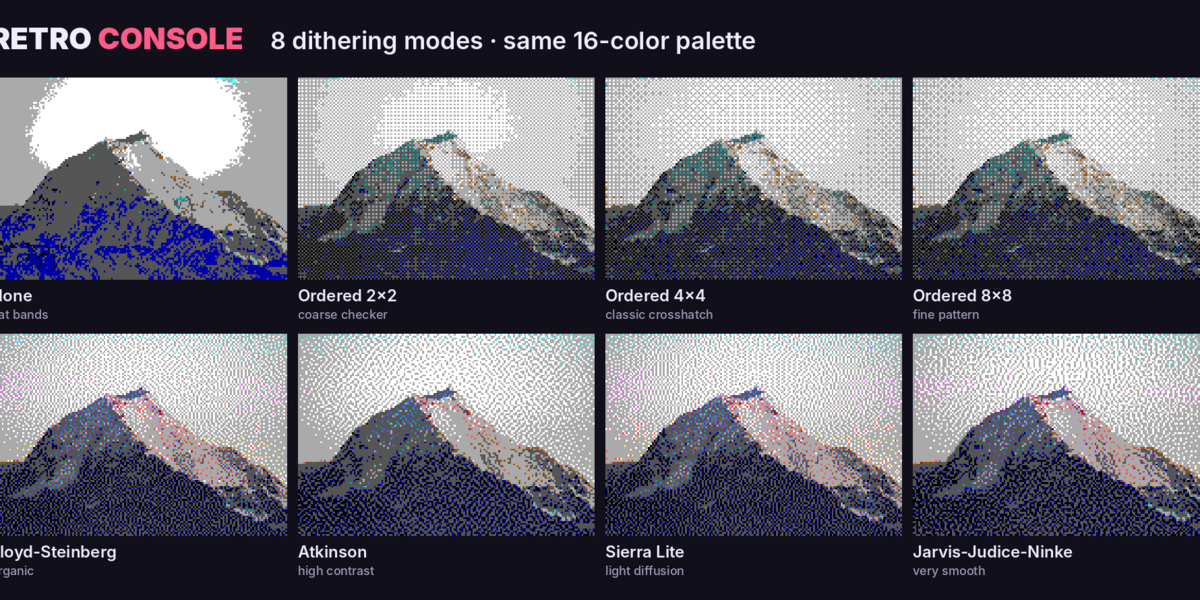
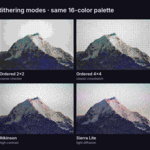
- 8 dithering modes: Bayer 2×2 / 4×4 / 8×8, Floyd-Steinberg, Atkinson, Sierra Lite, Jarvis-Judice-Ninke, each with a strength slider
- Adjustments: brightness, contrast, saturation and gamma before quantizing
- Transparency: keep, 1-bit cutout, or opaque
🖌️ Palette editor
- Edit swatches or type hex codes- Build a palette from any image (perfect for matching concept art)
- Import Lospec `.hex`, GIMP `.gpl` and Paint.NET palettes
⚡ Fast
A vectorized NumPy engine converts most textures in 2–10 milliseconds. Turn on Live Update and watch your scene change as you drag the sliders.🛠️ Made for real projects
- Converts Selected objects, the Active material, or the whole Scene- Skips normal, roughness and other Non-Color maps automatically
- Finds textures inside node groups
- Handles HDR / float and non-square textures
- Right-click menu: convert to any look straight from the viewport
- Image Editor panel for single images
- Save your own presets and reuse them in every project
- Match Console Screen: sets the render resolution to the machine's native screen, with crisp, un-antialiased pixels
- Export every converted texture as PNG for Godot, Unity or Unreal
- Non-destructive: one click restores the originals
Perfect for
- Indie developers making retro and "boomer shooter" games- Low-poly and PS1-style artists
- Pixel art and demake projects
- Music videos, title cards and nostalgic animations
- Teaching how old hardware handled color
Requirements
- Blender 5.2 or newer- Works with Cycles, EEVEE and Workbench
- Windows, macOS and Linux
- No extra installs (uses Blender's bundled NumPy)
FAQ for the listing
It converts image textures. Bake procedurals to an image first.
Will it break my normal maps?
No. Non-Color images are skipped by default.
Can I undo?
Yes. Restore brings back the originals, and the originals are never modified.
Are the presets officially licensed?
No. Retro Console recreates the general technical look of classic hardware (resolution, color depth, dithering) under generic names. It contains no ROMs, logos or copyrighted assets.