 Fr4ncisco


## Installation Guide
1. Download the `.zip` file.
2. In Blender, go to **Edit > Preferences > Add-ons**.
3. Click **Install...** (or *Get Add-ons* in newer versions) and select the `.zip` file.
4. Enable the addon **ModiTo Instances**.
---
## How to Use
### 1. Panel Location
Find the **ModiTo Instances** panel in the **Sidebar (N-panel)** inside the 3D Viewport.
### 2. Converting Modifiers to Instances
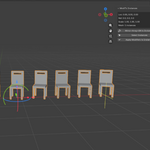
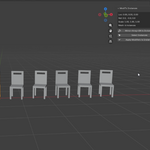
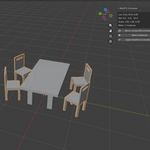
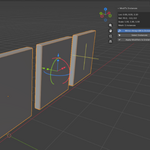
* Select your object containing Array, Mirror, or simple Geometry Nodes modifiers.
* Click **Mirror+Array+GN to Instances**.
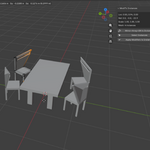
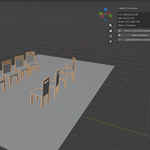
* The addon will automatically convert your duplicates into real linked object instances while preserving any additional modifier stack!
### 3. Quick Selection
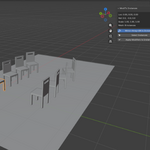
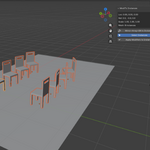
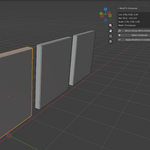
* Click **Select Instances** (or use the shortcut `Shift + L`) to instantly select all linked duplicates of the active object for fast batch editing.
### 4. Smart Apply
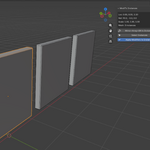
* Click **Apply Modifiers to Instances** to apply modifiers across all instance copies simultaneously without breaking links or requiring manual re-linking.
---
## Compatibility
* Works with **Blender 4.5 up to Blender 5.2+**.
* Fully compatible with both Legacy and the new Blender 5 Array modifier systems.
Have questions about this product?
Login to message
| Published | about 2 months ago |
| Blender Version | 4.5 - 5.2 |
| Extension Type | N/A |
| Render Engine Used | Cycles, Eevee |
| License | GPL |
Discover more products like this
blender addon blender 5 modifier to instances instances linked duplicates Mirror Modifier Array modifier addon blender game-dev modeling tool optimization Unreal Engine