Octane Aov Picker
 DrawFun Ltd


Overview
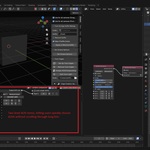
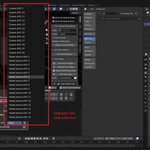
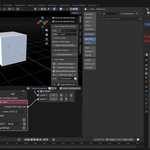
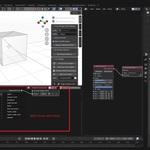
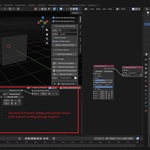
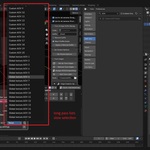
Octane AOV Picker improves the workflow of selecting Render AOV passes in Octane for Blender by replacing long, flat selection lists with organized category menus.
Instead of scrolling through dozens or hundreds of AOV entries, users can select AOVs using a fast two-level menu:
Category → AOV pass
This significantly speeds up both rendering and compositing workflows.This significantly speeds up both rendering and compositing workflows.
Compatibility
This addon works only with OctaneRender for Blender.
It does not work with Blender Cycles or Eevee.
Where It Appears
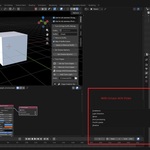
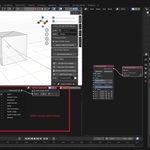
The addon integrates into Octane workflows and adds menus for:
1. Output AOV selection
Used when assigning or changing output AOV passes.
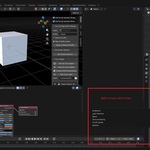
2. Render Pass AOV selection
Used when selecting passes inside compositing or render pass workflows.
Both use the same categorized menu system.
Usage
Selecting an AOV
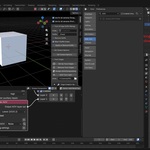
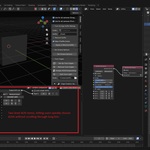
- Click the Choose AOV button.
- Select a category.
- Select the desired pass.
- The selected AOV is automatically assigned.
The current AOV selection is displayed next to the selector.
Have questions about this product?
Login to message
| Downloads | 10+ |
| Published | 7 months ago |
| Blender Version | 4.5 - 5.0 |
| Render Engine Used | Octane |
| License | GPL |
