 Sidigon




Snap to Custom Grid v1.2
Documentation
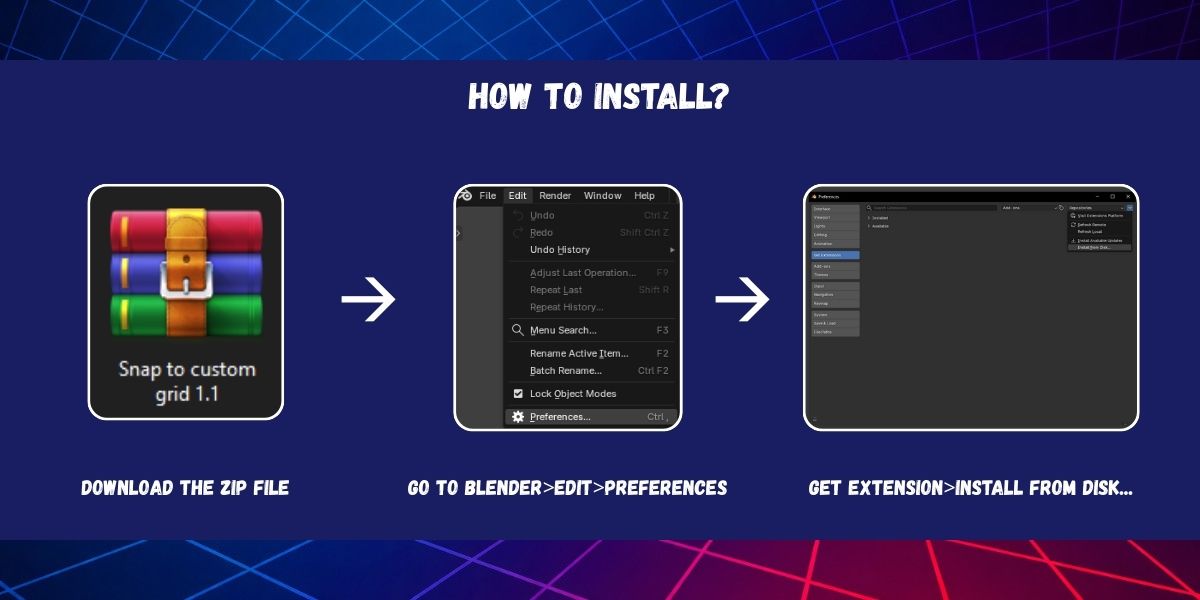
How to install?
Download the zip file (Snap to custom grid 1.2.zip).
Open Blender version 4.2 or later.
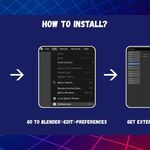
Go to Edit > Preferences > Get Extensions >  > Install from Disk...
Search and select the zip file (Snap to custom grid 1.2.zip) and click "Install from Disk".
Enjoy.
How to use?
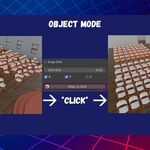
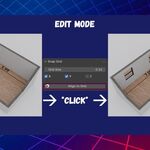
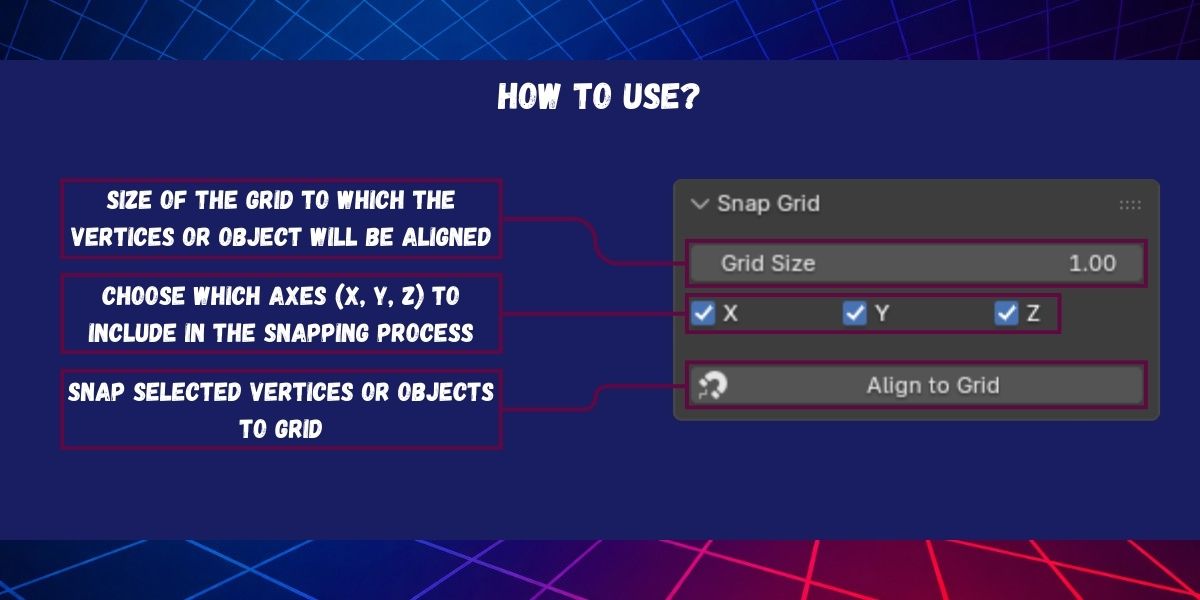
In Edit Mode or Object Mode Select the the vertices or objects you want to alling.
Go to the N Panel in the right of the 3D Viewport and search for "Snap Grid" Tab.
Adjust the settings to your needs:
Click "Allign to Grid" to Snap the selected vertices or objects to the grid.
Note: in Edit Mode the snap function is applied to the active object.
$7.99
Have questions about this product?
Login to message
| Blender Extension Compatible | Yes |
| Published | 9 months ago |
| Blender Version | 4.2 - 5.1 |
| Extension Type | Add-on |
| Render Engine Used | Arnold, Blender-Internal, Blender-Game-Engine, Cycles, Eevee, Freestyle, Luxrender, Mental-Ray, Octane, Vray, Yafaray |
| License | GPL |