 Rana Abdullah
RANOVA Product Studio 2.1
Light. Frame. Render.
Create product renders inside Blender with isolated studio scenes, live controls and a guided workflow. Previously known as 1-Click Product Render Pro.
Key Features
- Live lighting: Adjust power, colour, fill, rim and softbox size while viewing your studio.
- Environments: Choose solid colours, gradients or your own licensed HDRI.
- Backdrops: Use a ground plane, seamless cyclorama or no floor.
- Reflection control: Shape highlights with softboxes and Cycles reflection cards.
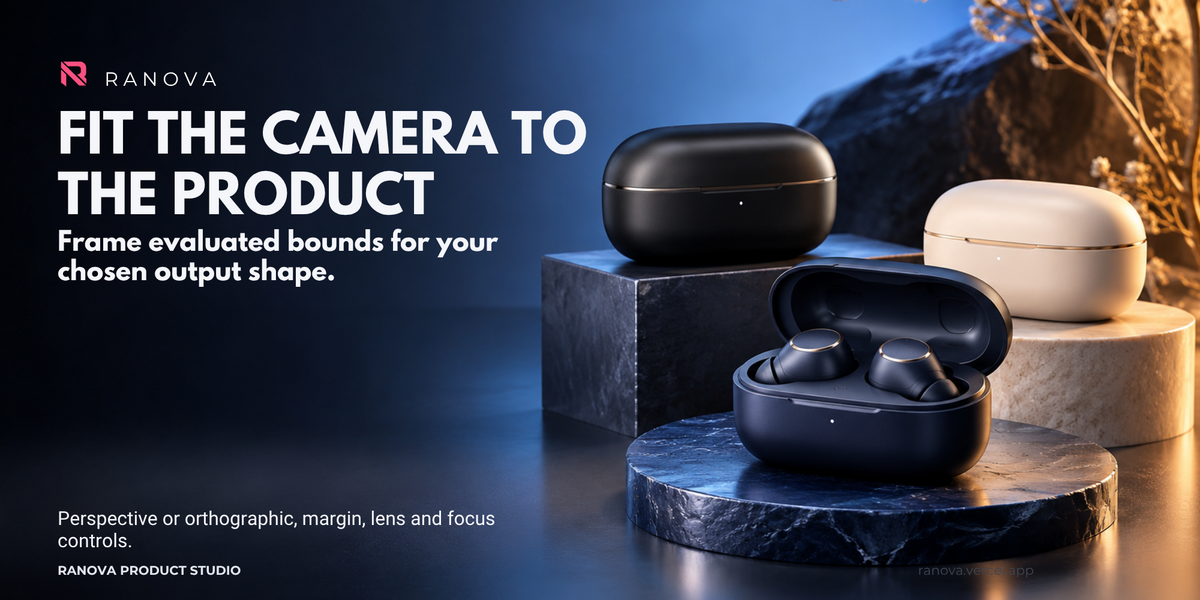
- Live camera controls: Adjust perspective, orthographic projection, framing and depth of field.
- Shot lists: Prepare Hero, Front, Side, Top and custom camera views.
- Multiple products: Create one studio for a selected assembly or separate studios for catalogue products.
- Colour variants: Preview and render variations using supported copied materials.
- Animation: Create turntables, camera orbits and floating loops as image sequences.
- Render delivery: Export PNG, JPEG or OpenEXR, with optional Cycles compositing passes.
- Watermarks: Add text or a PNG logo to rendered beauty images.
- Video delivery: Encode supported image sequences to H.264 MP4 using locally installed FFmpeg.
- Beginner guidance: Built-in Start Here instructions and plain-language tooltips.
Live Studio Workflow
Generate your studio once, then adjust lighting, environment, backdrop, camera, framing, animation and colour settings without rebuilding the product copies.
Watermark and output settings apply to the next render. Watermarks are not displayed in material preview.
Changes to source geometry or product selection require Generate / Update Studios.
Source Preservation
Studios use evaluated copies of your product geometry. Your original scene, materials, world and object animation remain separate from the generated studio.
Return to Source to edit your original product, then regenerate to refresh the copies.
Included
- Ranova Product Studio 2.1.0 installable Blender extension ZIP.
- Built-in workflow guidance and documentation.
- Local render delivery reports.
Requirements
Blender 5.2 or newer.
Tested on Windows with Blender 5.2.2 LTS.
Optional MP4 encoding requires a separately installed local FFmpeg executable.
Important Notes
Lighting presets are starting points. Inspect reflections, glass, polished metal and labels before delivery.
Studio geometry is a static evaluated snapshot of the source frame. Source animation is not transferred. Animation tools animate the generated copies or camera.
Animation renders are image sequences. MP4 encoding is a separate step, and MP4 does not preserve transparency.
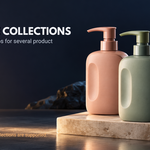
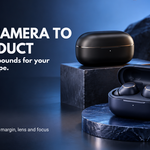
Supply your own licensed models, HDRIs and logos. Promotional models are not included. AI-generated promotional artwork is illustrative.
Add-on code: GNU GPL v3 or later. See the included LICENSE.txt.
Created by Rana Abdullah — RANOVA
Visit the RANOVA website
