 Alaa CG


https://1clicksync.pages.dev/
Read the installation Steps Provided in the Downloaded files
Version 2.1 is for blender 4.2 : 4.5
Version 2.2 is for Blender 5.0
Version 2.2.2 is the Latest, for Blender 5.1+
if for any reason the addon Gives an error and doesn't get enabled, just try reenabling it again! and it Should work fine
After installing it you will find 1CS in the N panel in blender,
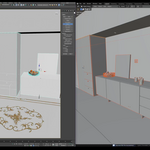
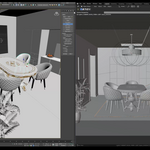
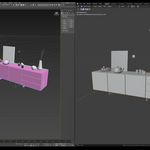
the Export button allows you to send objects from blender to 3dsmax, and it also opens 3dsmax with the imported objects if no 3dsmax is found open
the import button gets objects From 3dsmax to Blender
and we currently Have 3 Formats to work with, FBX, Alembic and OBJ
as mentioned you have settings for each format, and they affect Blender and 3dsmax
Apply Modifiers controls applying modifiers on objects in blender, or collapsing them in 3dsmax, it works for all 3 formats, but in blender alembic it works for a solo sub-d only
Selection only controls whether to get your selected objects or Everything in both apps
Export animation Controls whether to export the animation data or not from both apps
Apply transform is a blender FBX specific control, it's handy for applying transforms to objects that do not export correctly to 3dsmax, like animated objects sometimes do not export correctly without it,
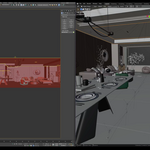
and finally we have the Live button which is still experimental, and it works on the active object, sends it to 3dsmax and keeps updating it after any change, and for it to update the mesh you need to be in the object mode, don't expect much of it, it's still a Work in Progress, and doesn't really export normals, materials or animation data, if you have a use for this, Please Let me know!
-
$11.99
-
$71.99
-
$131.99
-
$251.99
Have questions about this product?
Login to message