10 Procedural Cloth Simulation Pack (Blender 5.2)
 Blender Procedural


Documentation
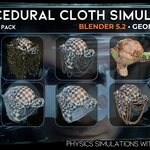
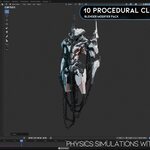
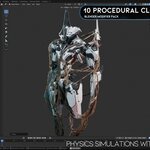
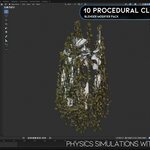
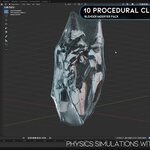
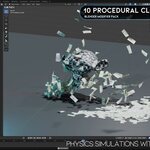
This pack includes 10 procedural cloth simulations created with Blender 5.2 Geometry Nodes.
Installation
- Open the included Blender file.
- Choose the simulation effect you want to use.
- Copy the object into your project or use File → Append.
- Append the required Object or NodeTree.
How to Use
- Select the included simulation object.
- Assign your target, source or collision object from the modifier controls.
- Apply the scale of your objects with Ctrl + A → Scale.
- Return to frame 1.
- Press Play on the timeline to run the simulation.
Important: Always apply object scale and restart from frame 1 after changing simulation parameters.
Main Controls
- Resolution: Controls the simulation detail.
- Stiffness: Controls how rigid or flexible the cloth behaves.
- Damping: Reduces excessive movement and vibration.
- Gravity: Controls the downward force.
- Collision Distance: Adjusts the space between the simulation and collision objects.
- Material Settings: Controls color, thickness and appearance.
Resetting the Simulation
Return to frame 1 and play the timeline again. If the result does not update, clear the simulation cache before restarting.
Requirements
- Blender 5.2 or newer
- Geometry Nodes simulation support
- Applied object scale and transformations are recommended
Have questions about this product?
Login to message
| Dev Fund Contributor | |
| Published | 3 months ago |
| Blender Version | 5.2 |
| Render Engine Used | Cycles, Eevee |
| License | Royalty Free |
Discover more products like this
Wrapping Effect simulation-nodes dynamic cloth Procedural Animation blender 5.2 chain simulation spider web cloth simulation cloth effects geometry nodes