100 Decorative Vases Blender Asset Library
 Salvador Esquivel 3D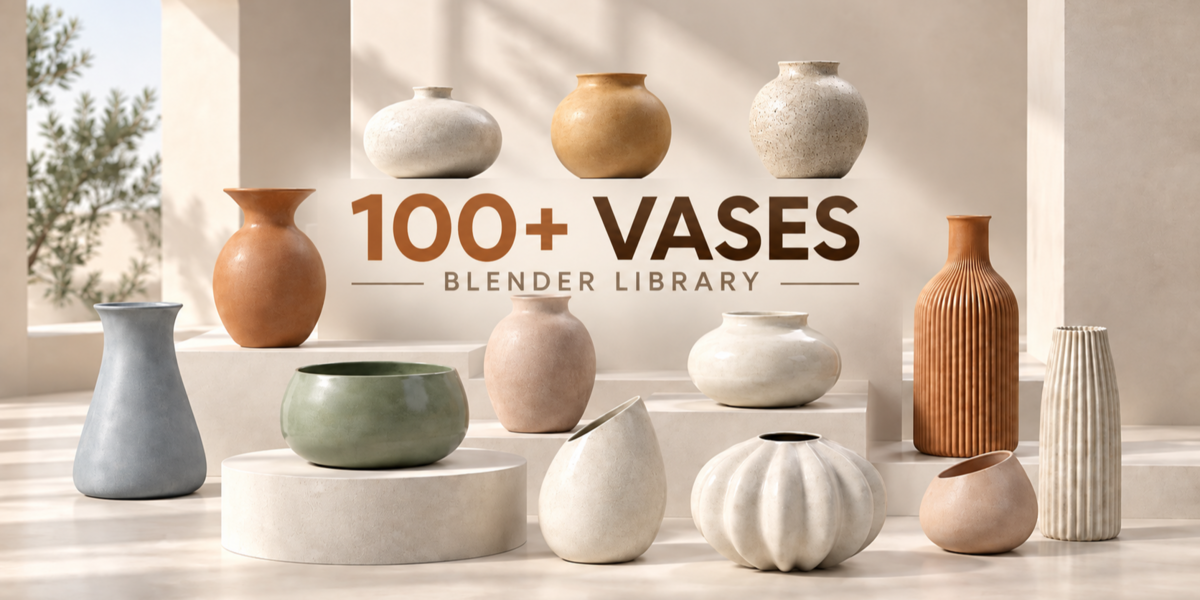
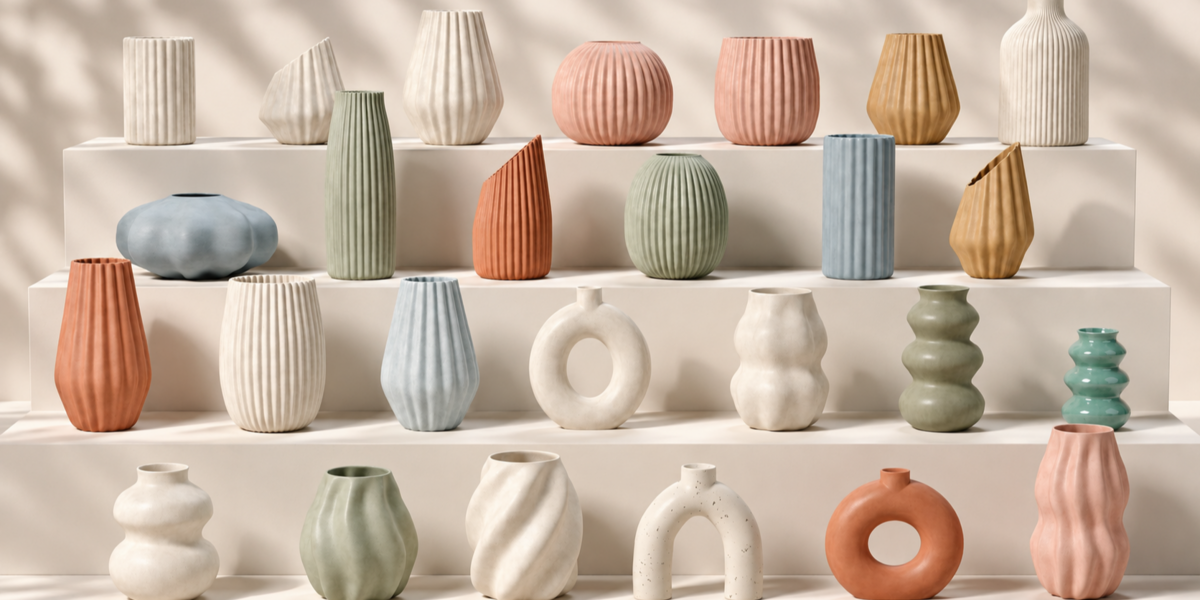
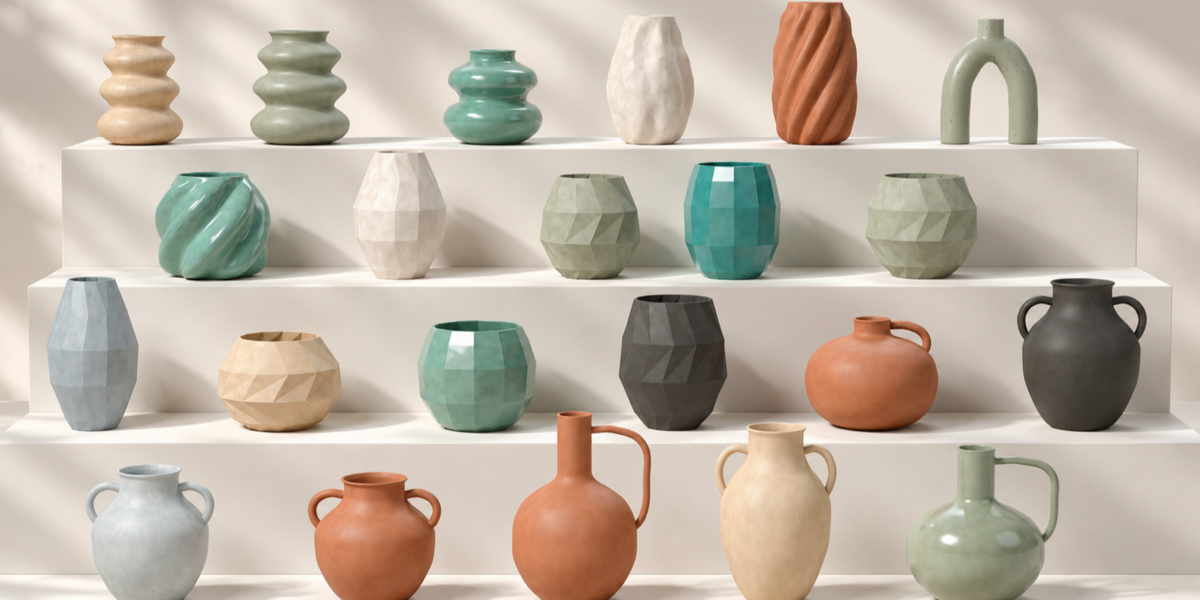
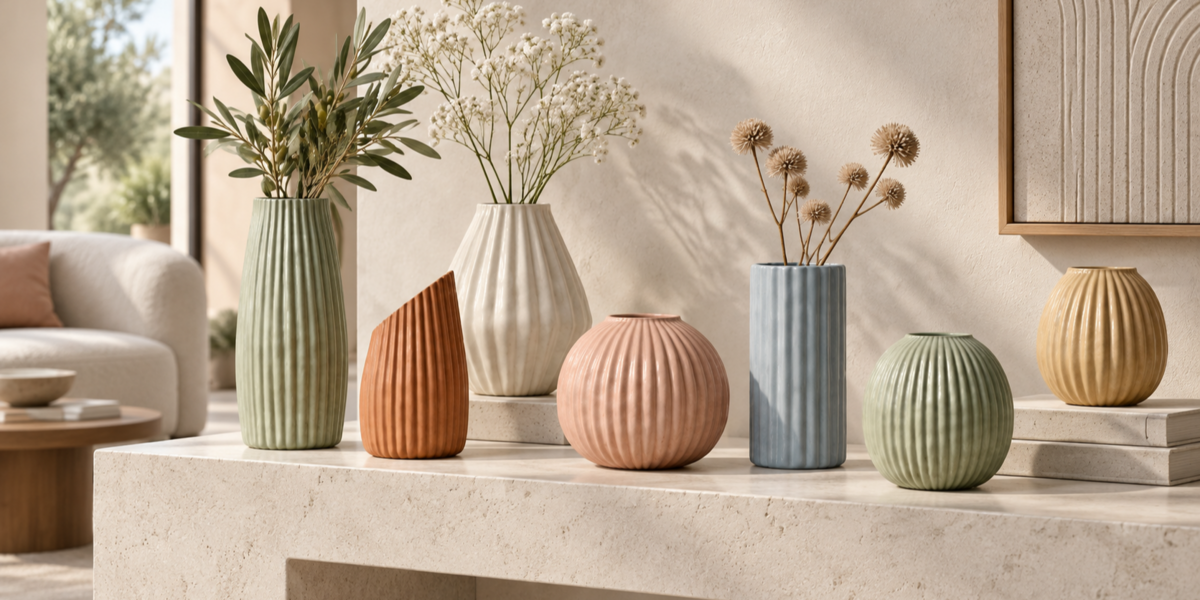
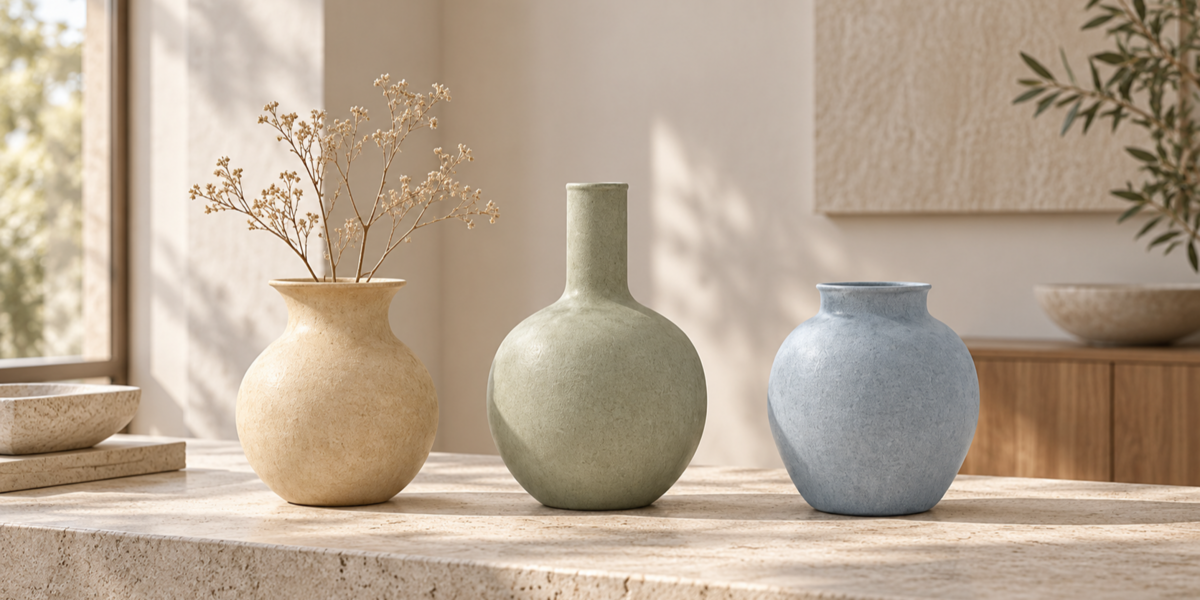
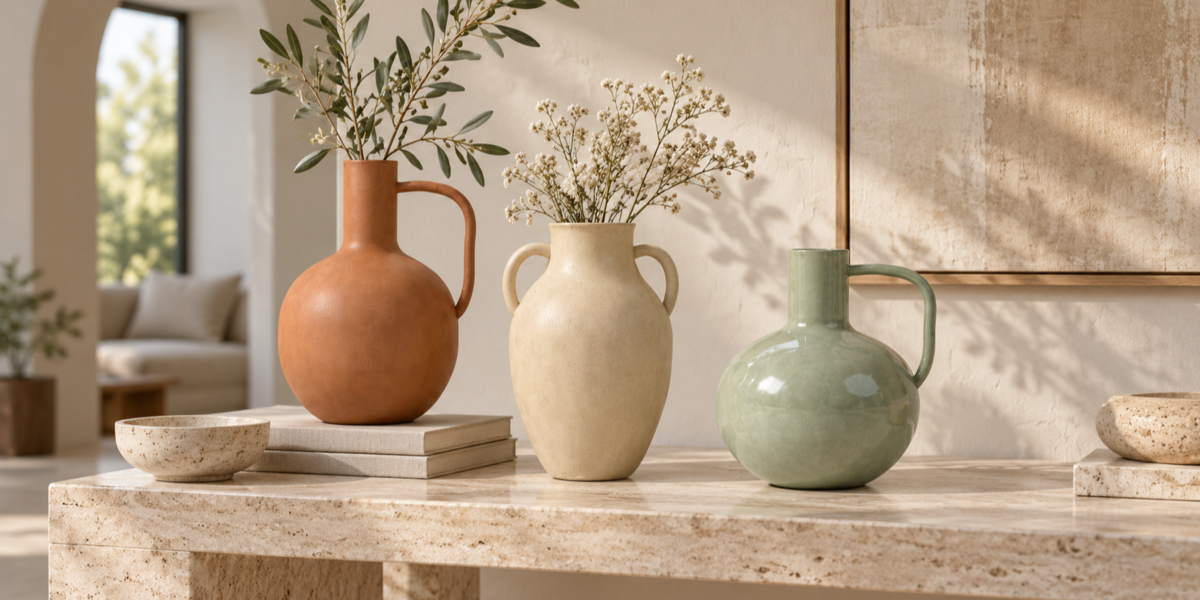
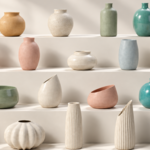
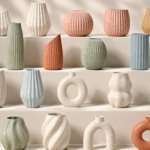
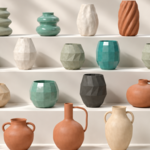
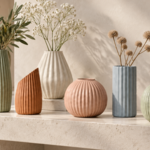
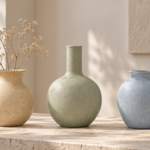
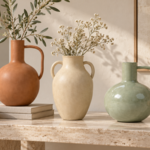
100 Decorative Vases
Blender Asset Library Documentation
Thank you for purchasing the 100 Decorative Vases Asset Library.
This collection was designed to give interior artists and architectural visualizers a large selection of decorative objects that can be accessed quickly and repeatedly from Blender's Asset Browser.
WHAT'S INCLUDED
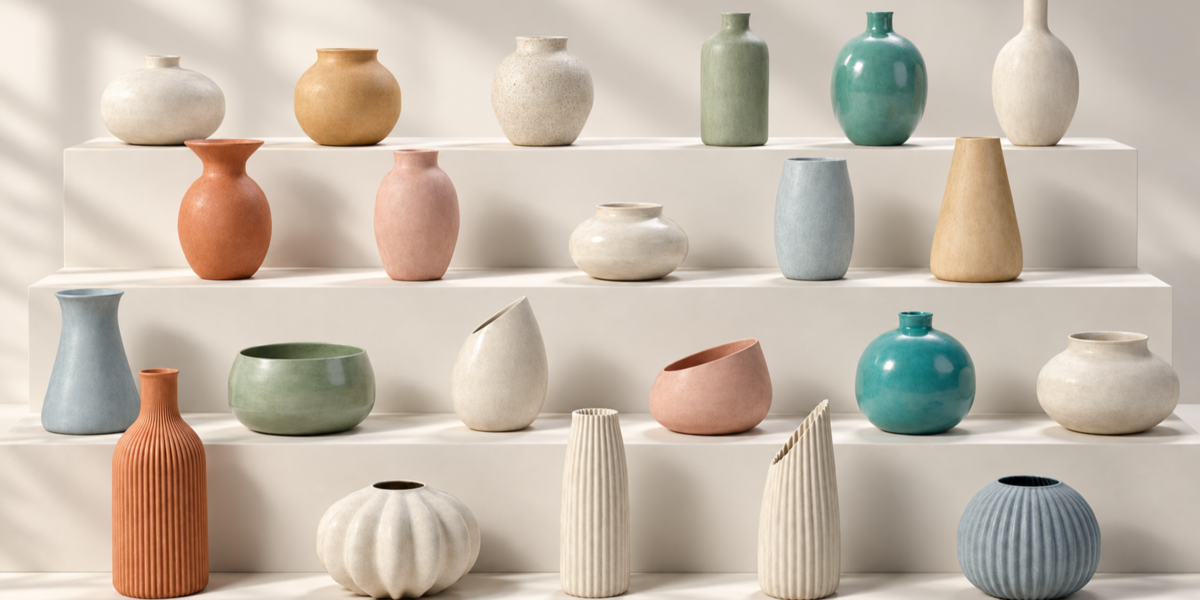
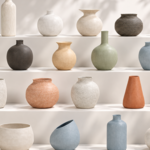
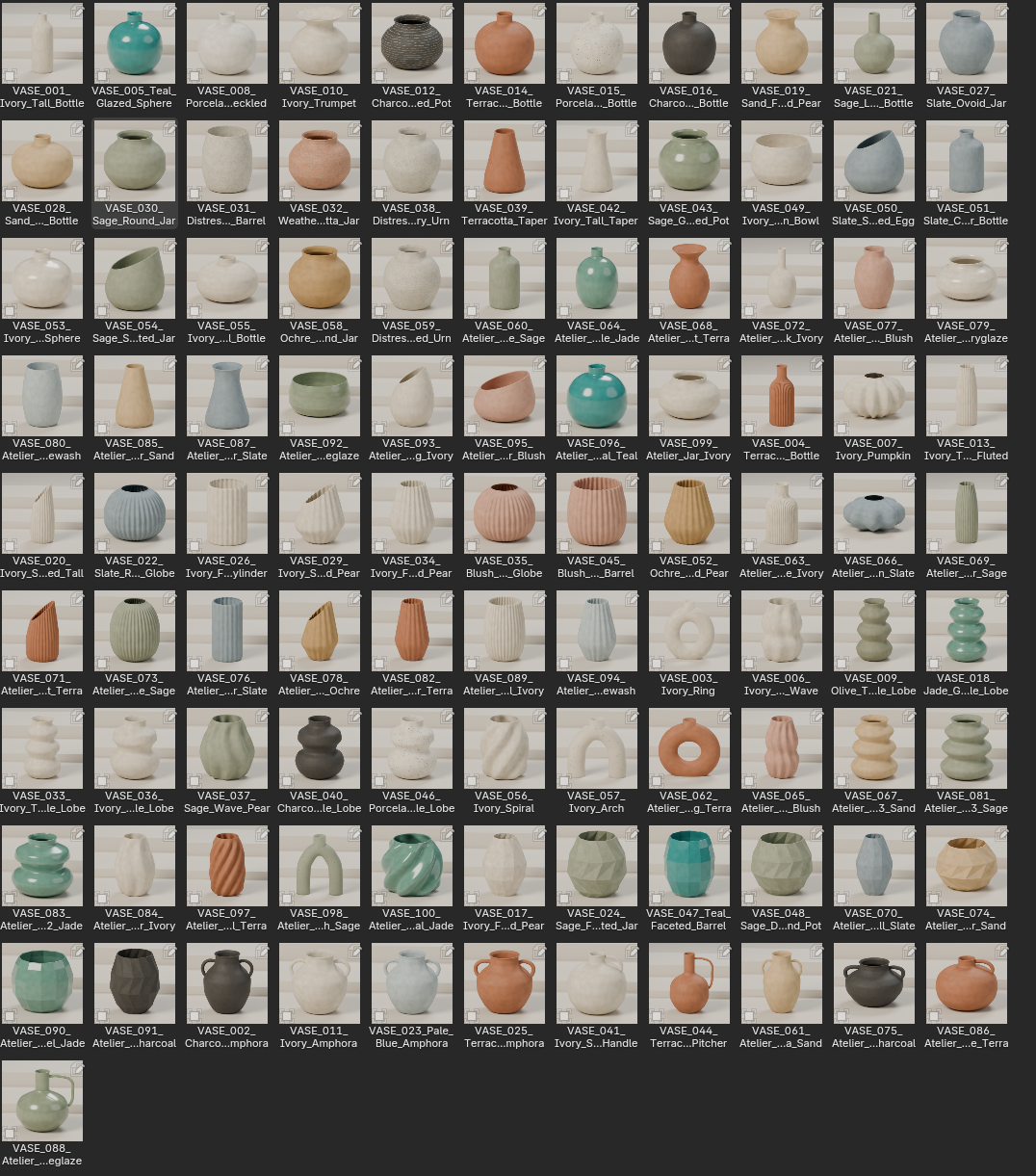
The library contains 100 unique decorative vase assets, organized into five visual categories:
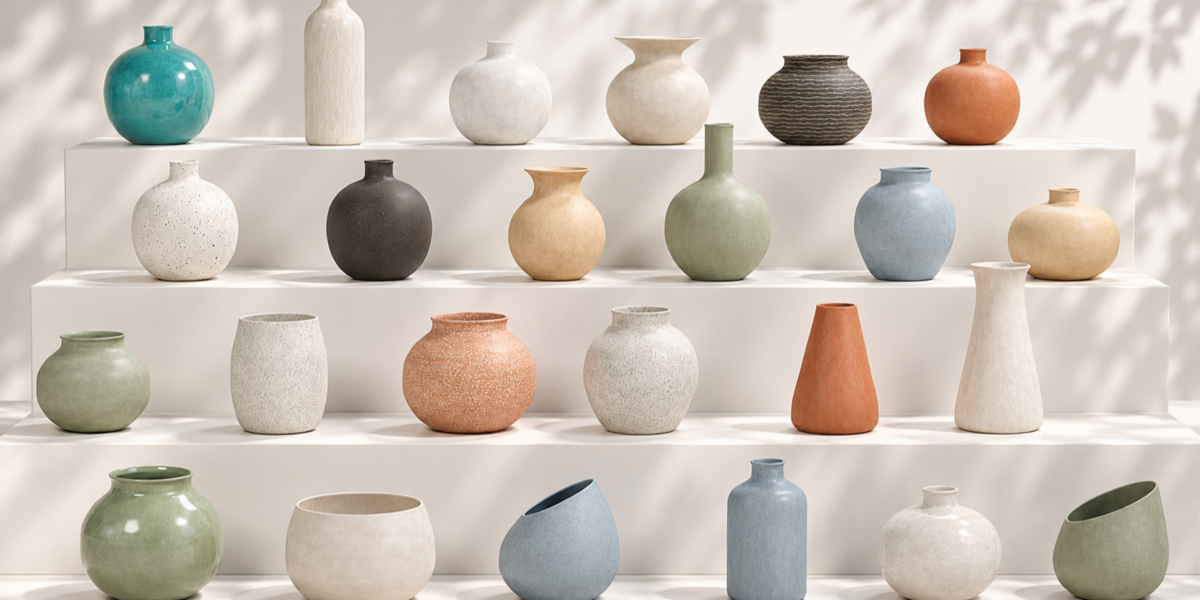
- 41 — Minimal & Round
- 21 — Ribbed & Fluted
- 20 — Sculptural & Organic
- 8 — Faceted
- 10 — Handles & Amphorae
Total: 100 individual Blender assets
Each vase can be browsed and added to your scene independently.
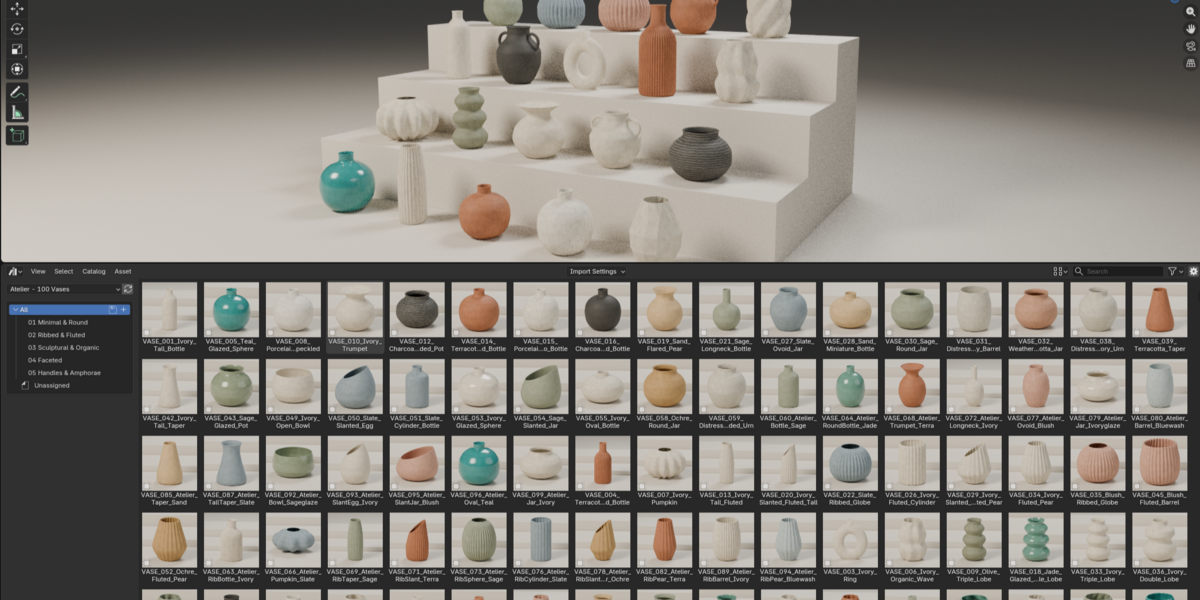
BLENDER ASSET BROWSER
Ready for a faster workflow
This collection is prepared as a Blender Asset Library.
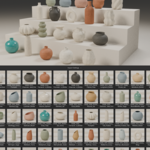
Once installed, you can access the vases directly through Blender's Asset Browser, browse the collection visually and add individual models to your scene whenever you need them.
You do not need to import the complete collection into every project.
INSTALLATION
Add the library to Blender
1. Download the product files and extract the ZIP.
2. Open Blender.
3. Go to:
Edit → Preferences → File Paths
4. Find the Asset Libraries section.
5. Click the + button and select the extracted library folder.
6. Open an Asset Browser area inside Blender.
7. Select the 100 Decorative Vases library from the Asset Library menu.
Your vase collection should now be available for browsing.
LIBRARY ORGANIZATION
01 — Minimal & Round
Clean silhouettes, simple proportions and versatile rounded shapes designed to work across a wide variety of interiors.
02 — Ribbed & Fluted
Vases featuring grooves, vertical ribs and repeated surface details that add additional visual texture to a scene.
03 — Sculptural & Organic
More expressive silhouettes, irregular curves and statement pieces suitable for focal decoration.
04 — Faceted
Geometric and polygonal forms with sharper surfaces and contemporary shapes.
05 — Handles & Amphorae
Handled vessels and decorative forms inspired by traditional amphora silhouettes with a modern approach.
MATERIALS & TEXTURES
The assets include their prepared materials and surface appearance.
Depending on the individual design, the collection includes a variety of ceramic-inspired finishes, neutral surfaces, colored materials, glossy finishes and textured decorative looks.
For the intended appearance, we recommend using the assets through the original Blender library.
USING THE ASSETS
Drag. Drop. Decorate.
Open the Asset Browser, find the style you need and add the selected vase directly to your scene.
The collection is suitable for architectural visualization, interior design, living rooms, dining rooms, bedrooms, shelves, coffee tables, side tables, furniture scenes and product styling.
Because every vase is an individual asset, you can mix different designs throughout a project without loading the entire collection into the active scene.
UPDATES
If new assets or improvements are added to this library in the future, they may become available through the product according to the applicable Superhive support and update period.
100 VASES. ONE LIBRARY.
More variety. Less searching.
The goal of this collection is simple: give you a large selection of decorative vase assets that stays organized and ready whenever an interior scene needs additional detail.
Thank you for supporting this asset library.
Have questions about this product?
Login to message
| Published | 3 days ago |
| Blender Version | 4.5 - 5.2 |
| Render Engine Used | Cycles |
| Misc Data | Uvs-Unwrapped, Normal-Mapped, Textured |
| License | Creative Commons |
Discover more products like this
ceramic blender vase asset library ArchViz vases furniture Interior decoration props home-decor decor