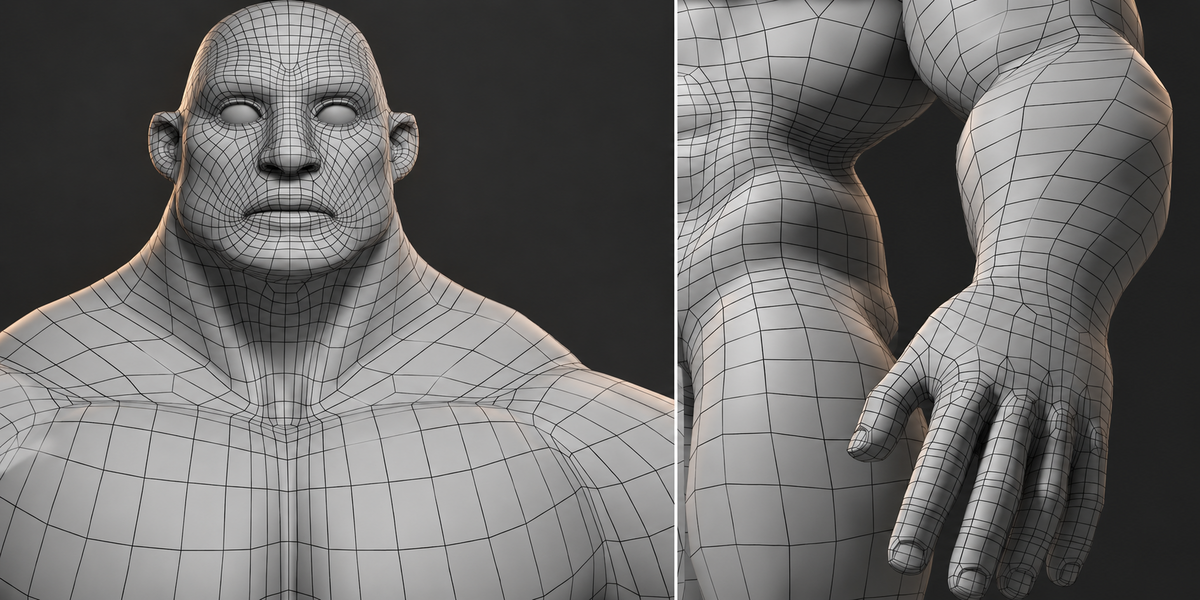
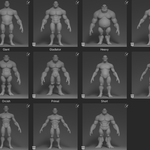
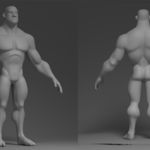
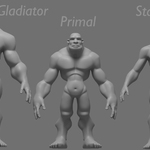
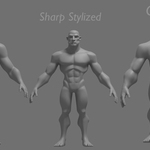
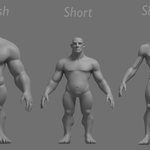
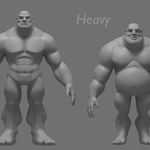
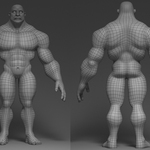
11 Stylized Male Base Meshes | Animation-Ready | Asset Browser Included
 Alsadany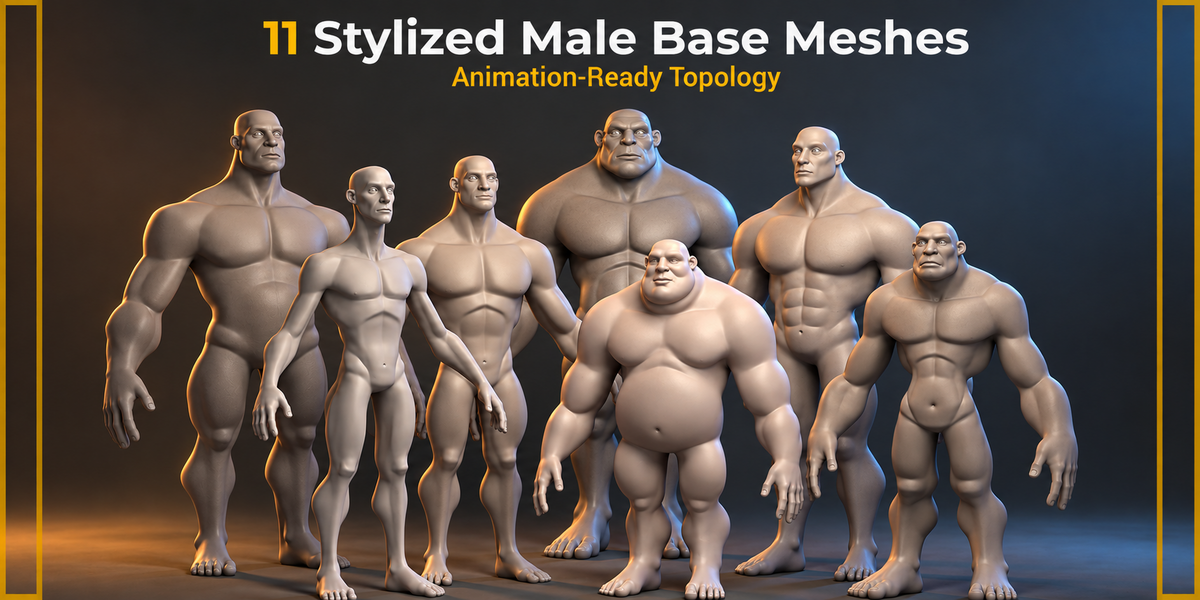


Import (Append Method)
If you prefer not to use the Asset Browser, follow these steps to import characters manually:
In your Blender scene, go to File > Append.
Navigate to the provided
.blendfile and double-click it.Open the Collection folder.
Select the Character Model you want to import.
-
Click Append.
Other Formats (FBX, OBJ, ZTL, MAX)
FBX/OBJ: These are compatible with Unity, Unreal Engine, Maya, and Cinema 4D.
ZBrush (.ZTL): Models include organized Polygroups based on anatomical regions for easy masking and sculpting.
3ds Max: Files are saved in a standard format compatible with recent versions.
-
$16
For personal use
-
$40
For use on an unlimited number of commercial projects with no limits on sales or views.
Have questions about this product?
Login to message
| Sales | 10+ |
| Published | 8 months ago |
| Blender Version | 4.3 |
| Misc Data | Uvs-Unwrapped |
| License | Creative Commons |

Discover more products like this
anatomy character base mesh asset-browser Animation ready Production-ready collection low poly topology Male Human stylized