 Arvid
Arvid


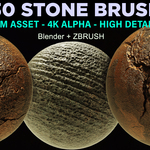
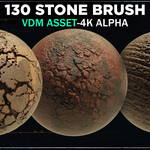
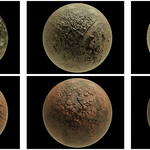
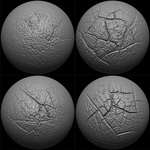
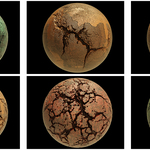
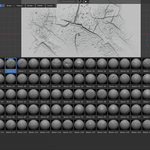
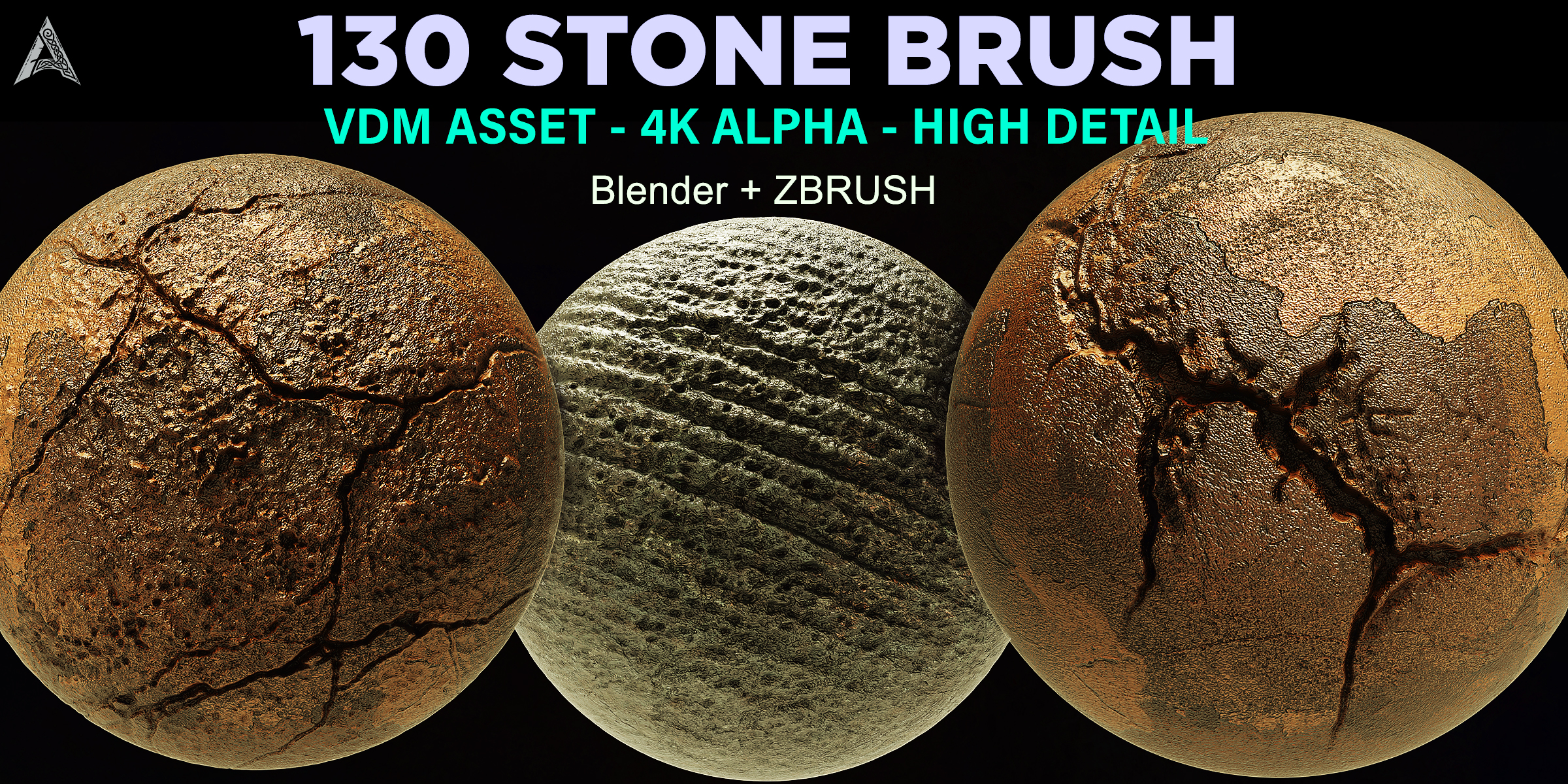
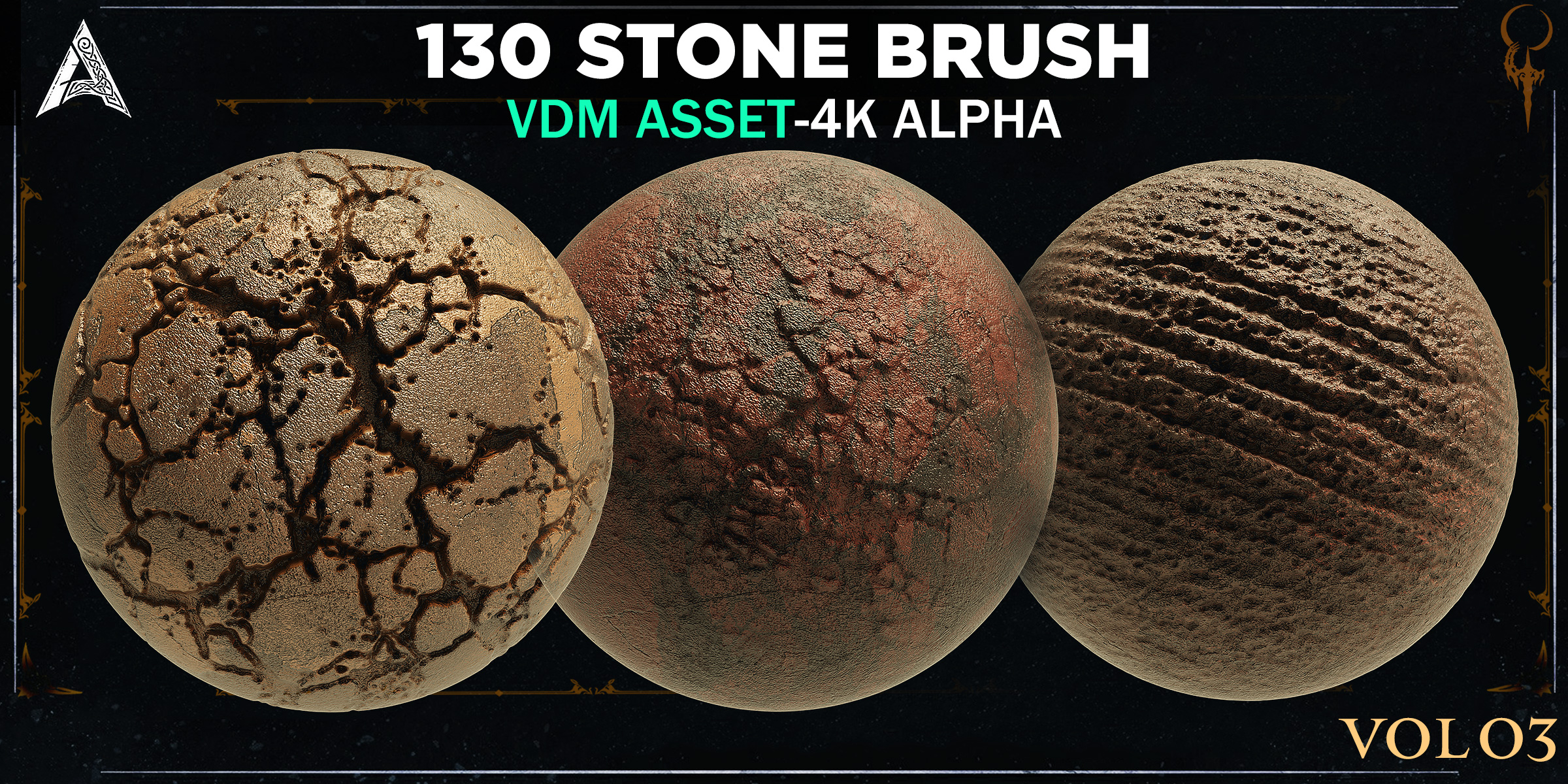
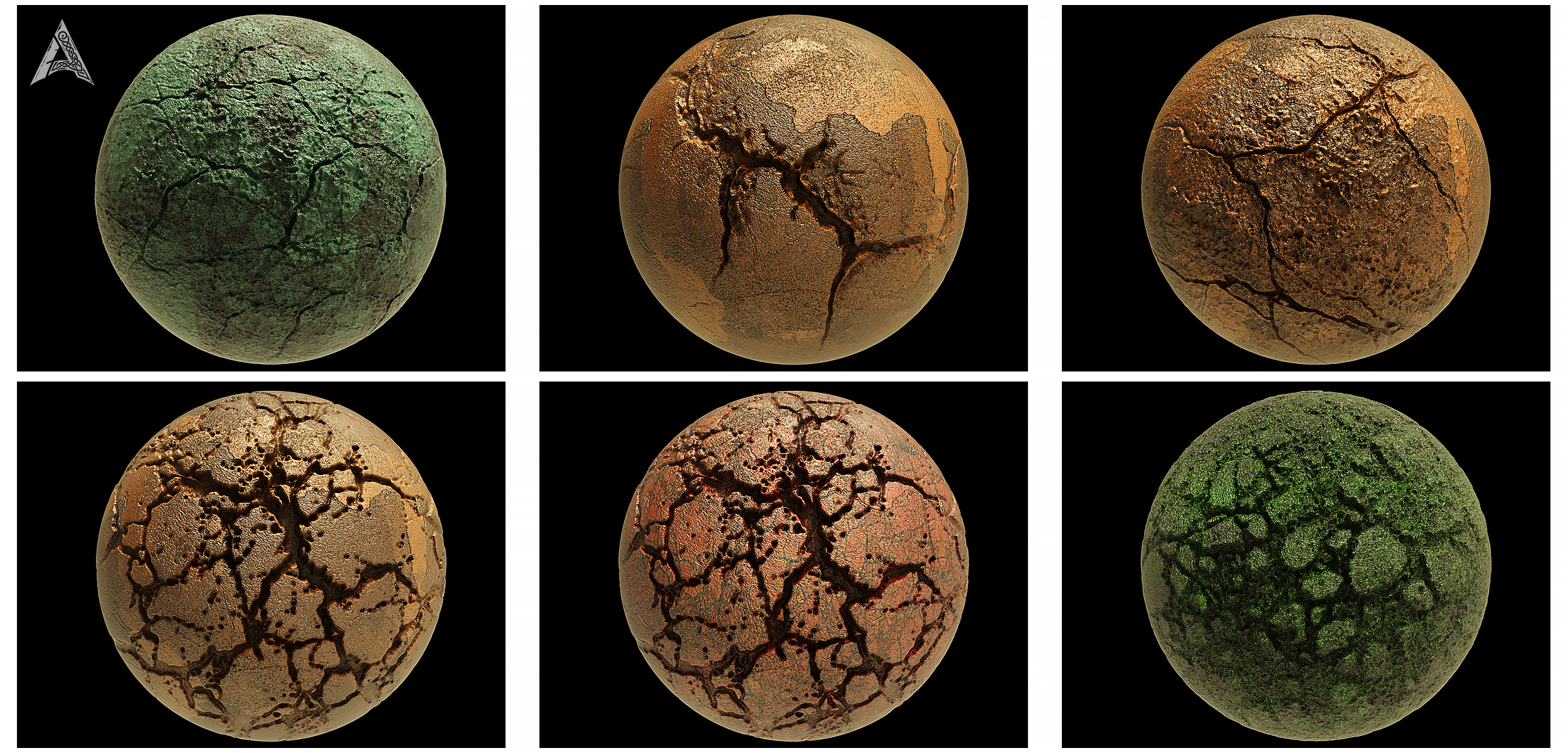
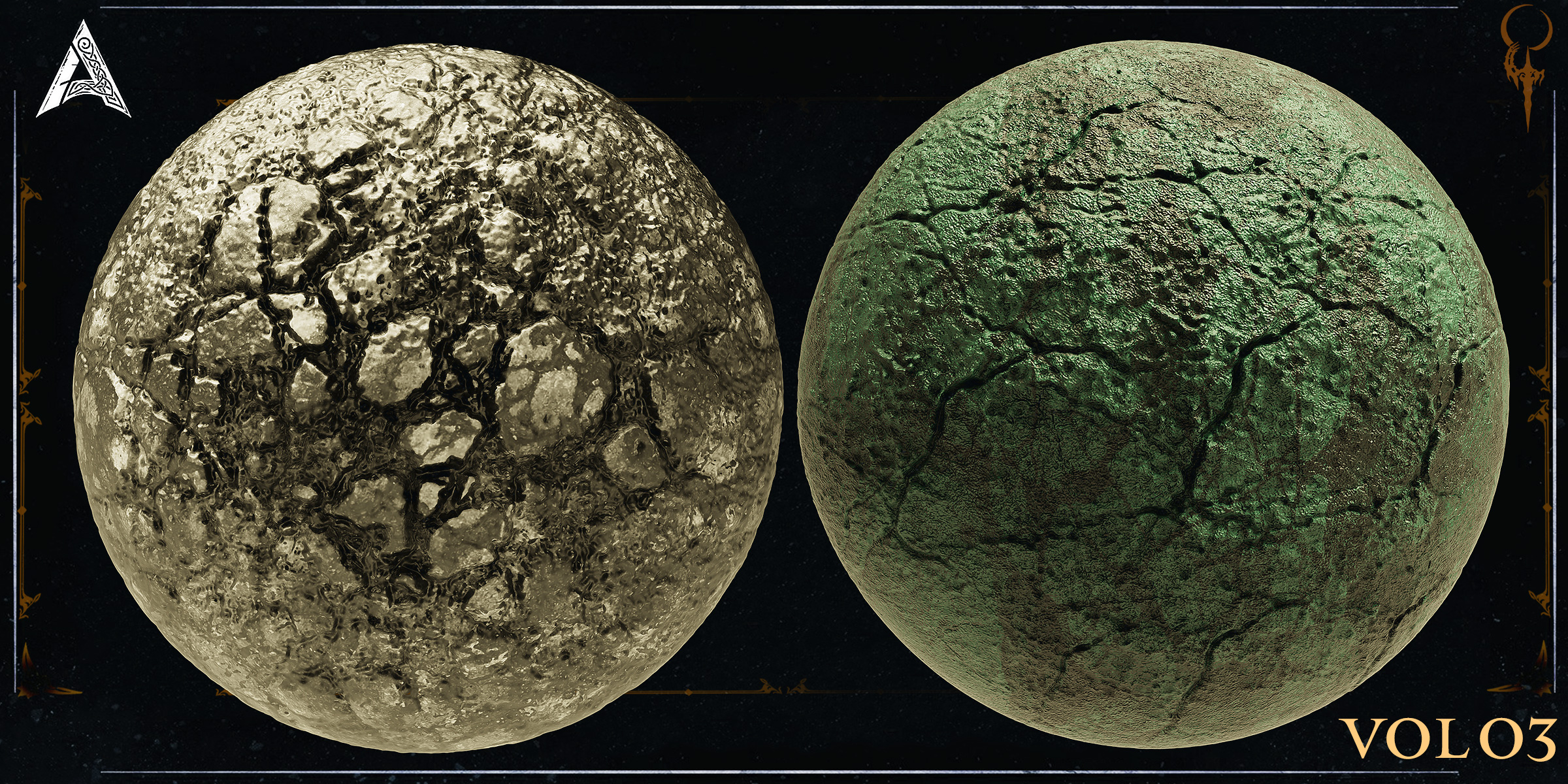
🪨 Professional Pack of 130 Rock and Ground Brushes – Blender (Asset Library) + Alpha for other software
📦 Product Introduction
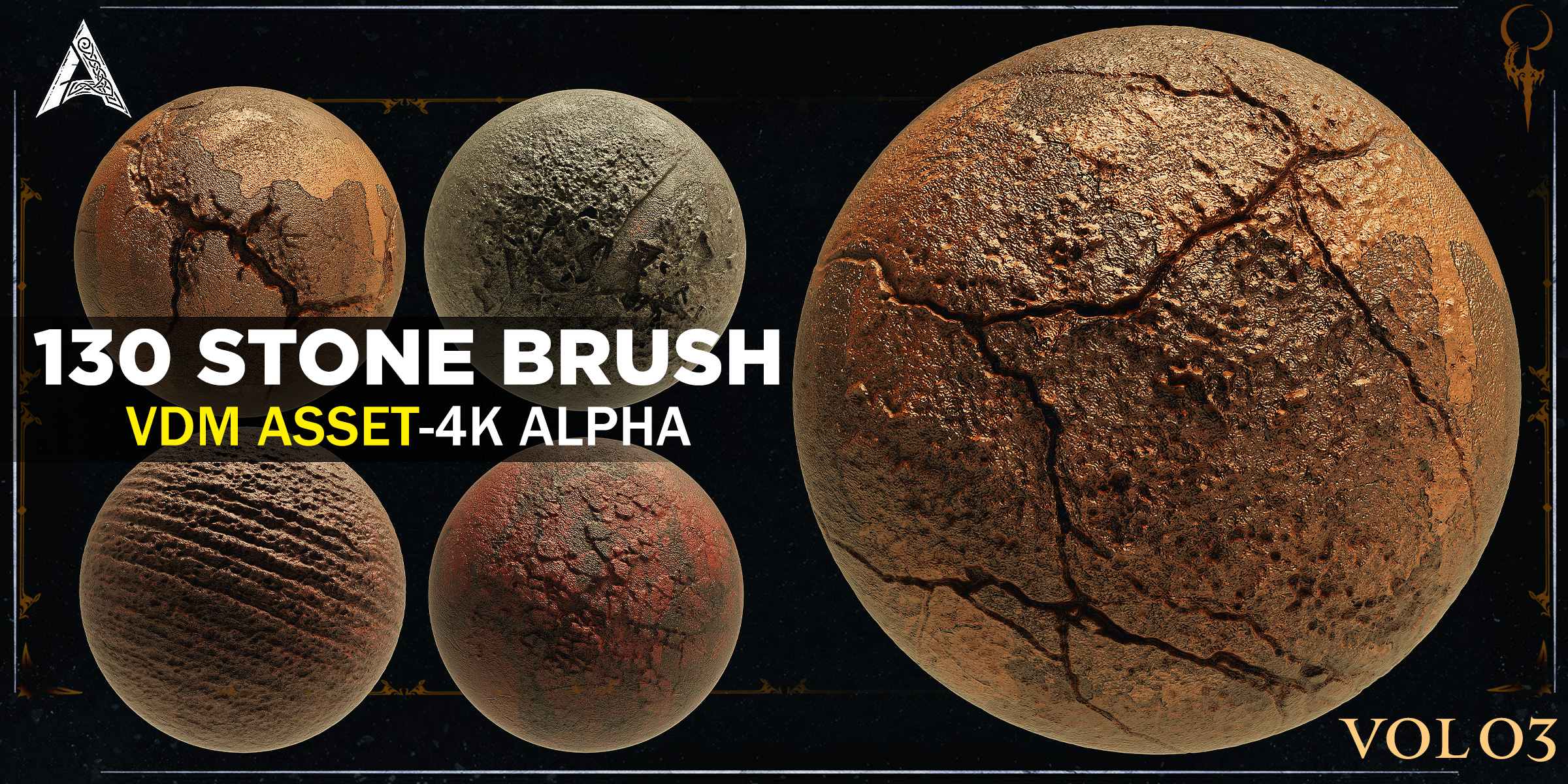
The 130 Rock and Ground Texture Brush Pack is a powerful and high-quality set for 3D artists who want to give their surfaces incredible realism and detail.
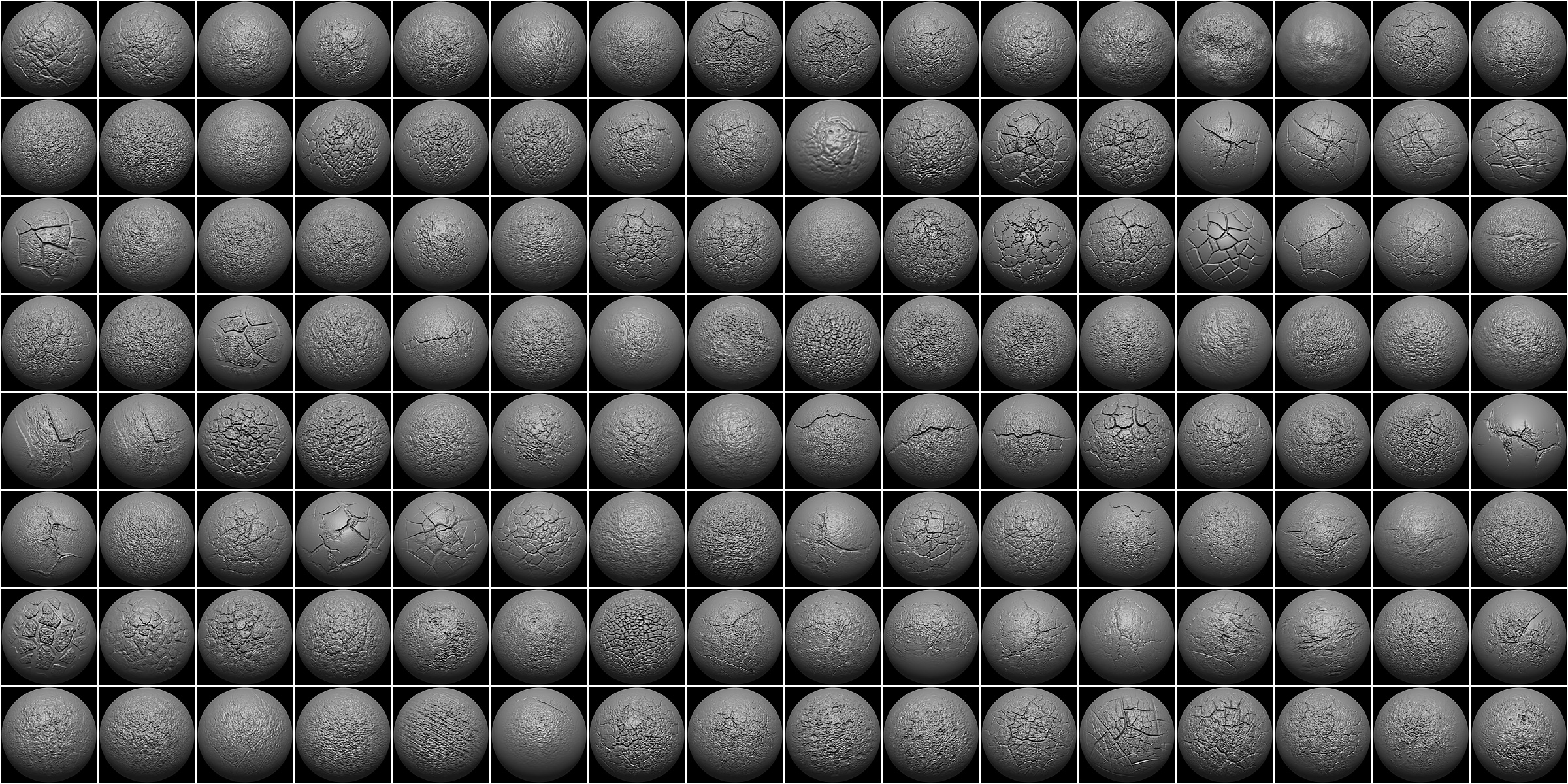
This set includes 130 exclusive brushes in two formats:
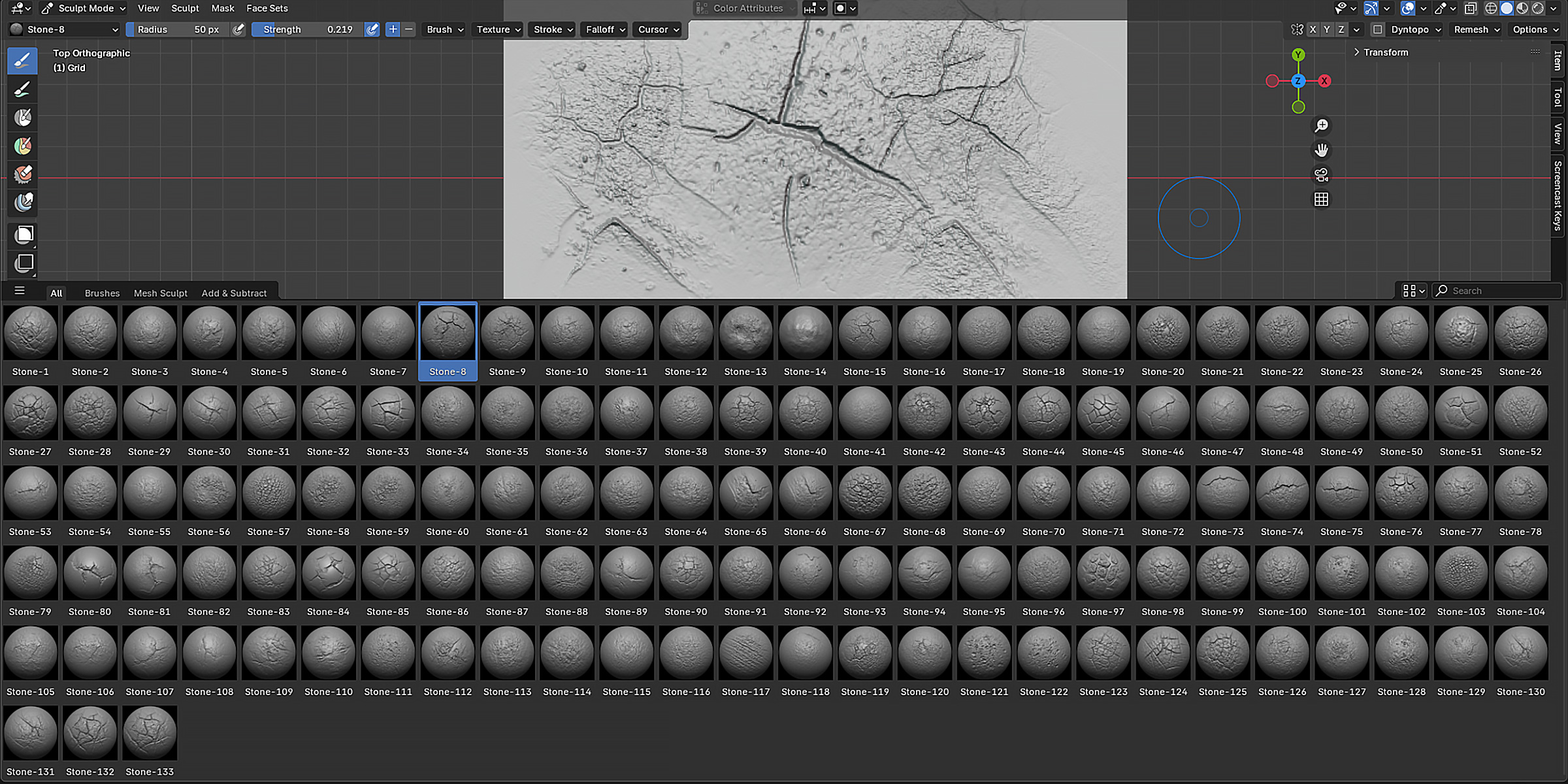
📁 Blender Asset Library for direct use in the Sculpt tool
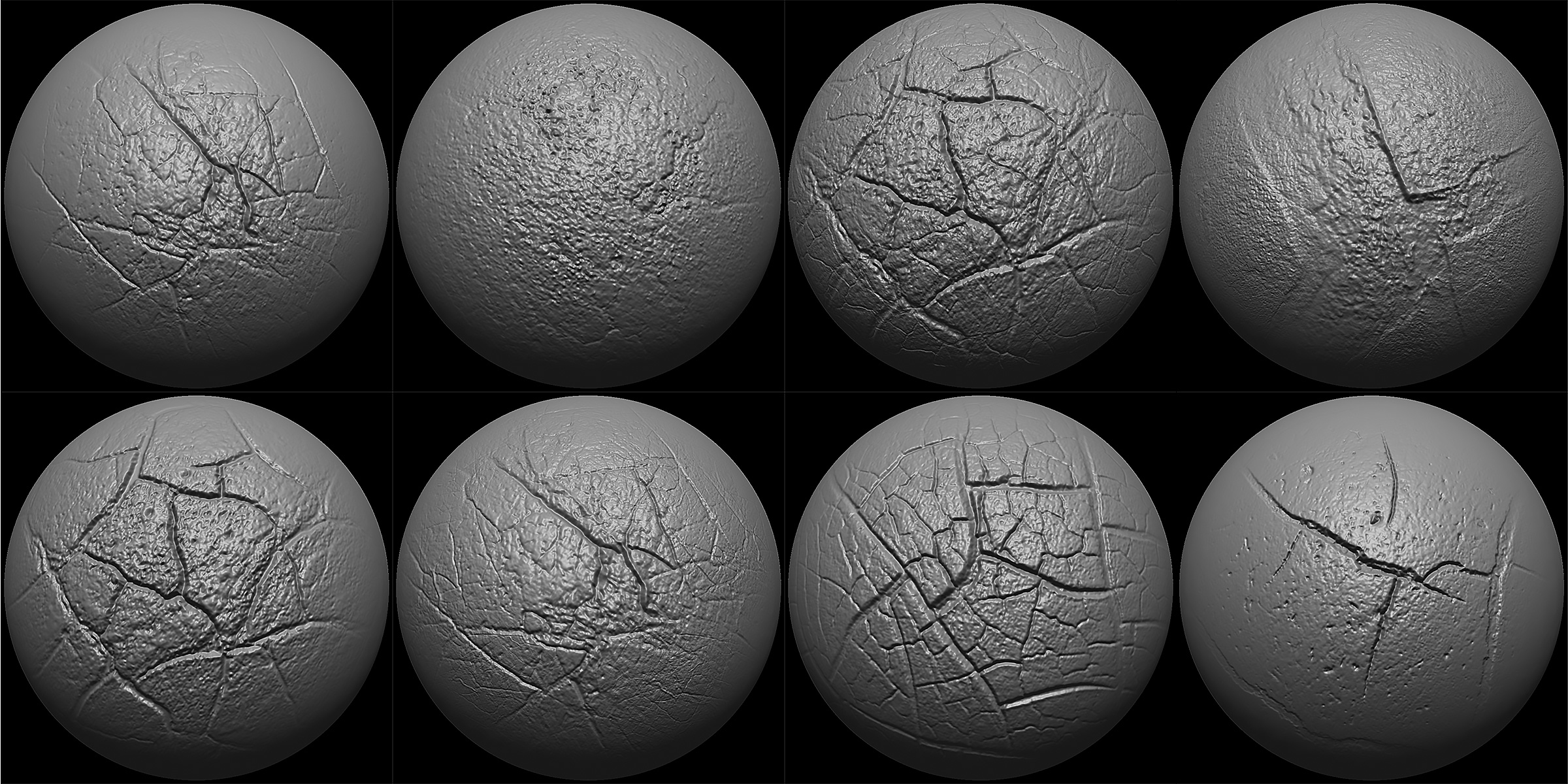
🖤 Alpha Maps with a resolution of 4000×4000 pixels (16bit PNG) for other software such as ZBrush, Substance Painter, 3D Coat, Mudbox, Unreal Engine and ...
All brushes are extracted from real sources of rock, dirt, cracks and ground patterns and processed with high precision to give you natural, realistic and noise-free details
🔹 130 realistic brushes of rocks, cracks, sand, earth and natural textures
🔹 Full Blender Asset Library format (as .blend ready to import)
🔹 Very high quality Alpha Maps (4000x4000 PNG / 16bit)
🔹 Compatible with:
Blender (version 3.0 and above)
ZBrush
Substance Painter
3D Coat
Mudbox
Unreal Engine
.
And any software that supports brushes or displacement
🔹 Neat and tidy folder structure for quick access
🔹 Short video tutorial on how to install and use in Blender
🧭 How to install and use in Blender
Download the .blend file for the brushes from the pack.
In Blender, go to Edit → Preferences → File Paths → Asset Libraries.
Click the Add New Library button and select the path to the brushes folder.
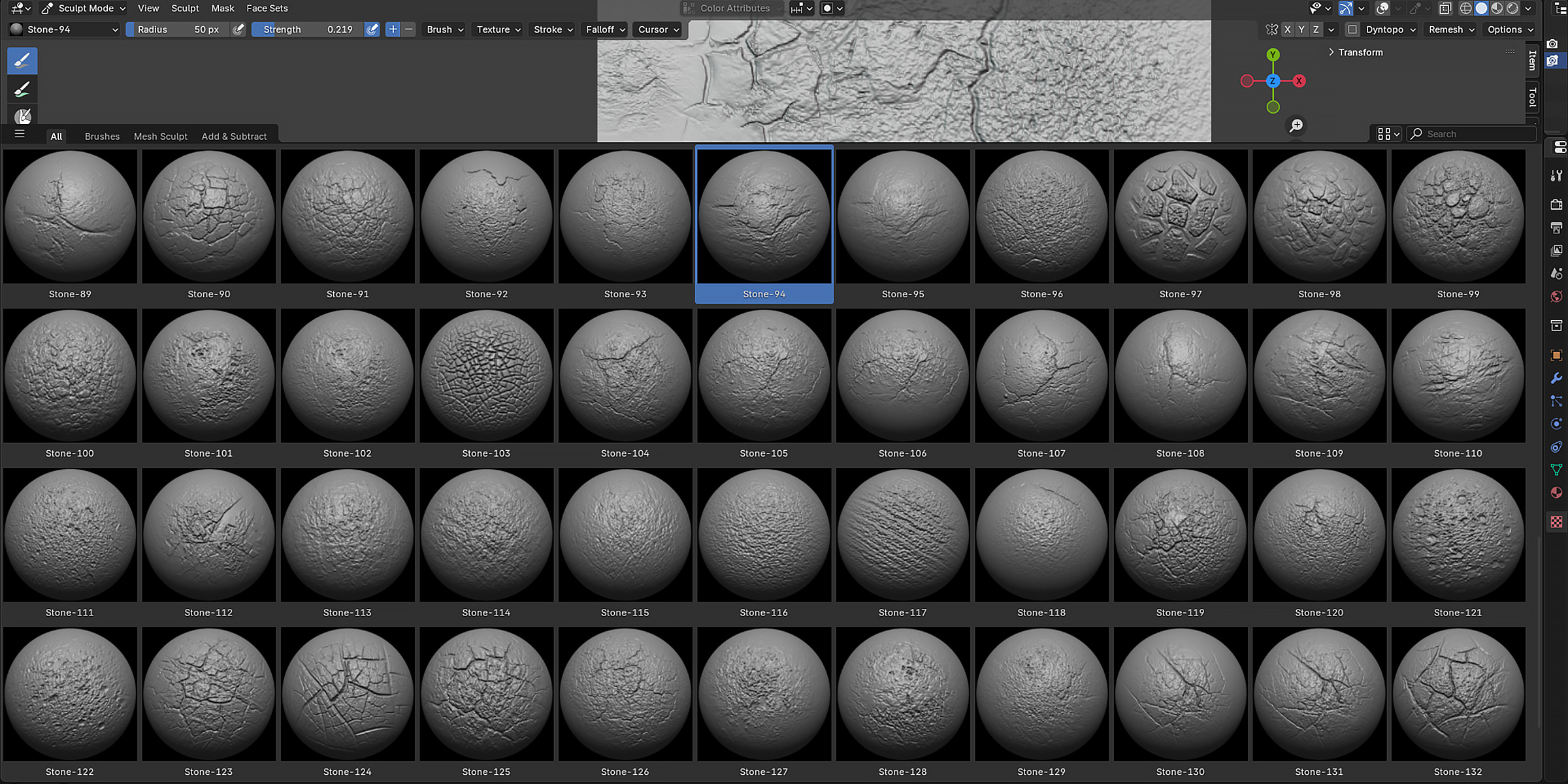
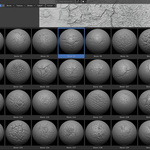
Now you will see the brushes in the Brushes panel and in the Sculpt section.
You can use each brush directly by dragging it to the Sculpt Mode tool or via the Brushes panel.
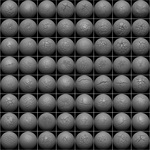
💡 All brushes have a thumbnail preview to make your selection quick and easy.
📘 Brush Tutorial
In the download file, there is a short visual/video tutorial including the following steps:
How to import the Asset Library into Blender
Setting up brushes in Sculpt Mode
Creating rock, crack, and ground effects with the real power of brushes
How to use Alpha files in other software such as ZBrush and Substance Painter
💼 Suitable for:
3D modelers (Environment Artists, Prop Artists)
Game and visual effects creators
Material and texture designers
Those looking for realistic details and shorter production time
⚙️ File specifications
Item Description
Number of brushes 130
Formats .blend, .png (16bit)
Resolution 4000 × 4000 pixels
Compatible with Blender, ZBrush, Substance, 3DCoat, UE, ...
Approximate size — (Depending on compression)
Includes tutorial ✅ Yes
🌍 The end result
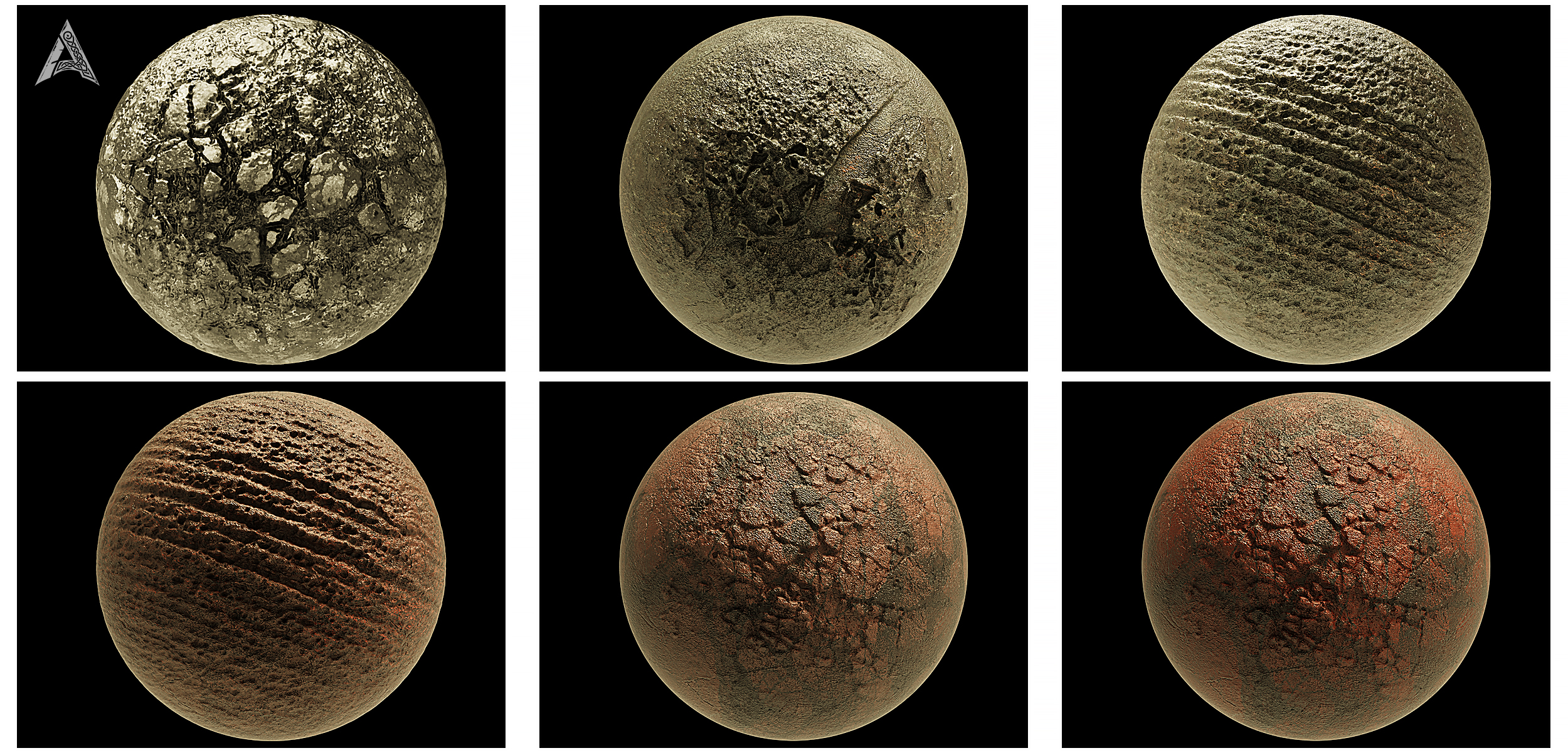
With this set, you can quickly create natural and realistic surfaces — from sharp rocks to soft soil textures and dry ground cracks — without the need for hours of manual modeling or sculpting.
This pack is the result of combining artistic experience and precision tools to allow you to achieve a higher level of detail.
🧩 Files included in the pack
Rock_and_Ground_Brushes.blend – Asset library file for Blender
Alpha_Textures/ – Includes 130 high-resolution PNG files
Tutorial.mp4 – Installation and usage tutorial
ReadMe.pdf – Quick description and file guide
Get ready to elevate your models to a completely natural and professional level!
The 130 Rock and Ground Brushes Pack is the ultimate tool for creating reality in your 3D world. 🌋