 Jix3D
Jix3D


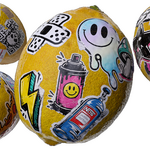
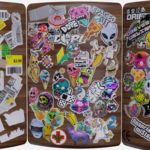
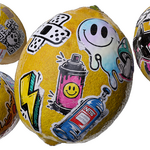
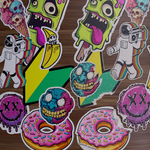
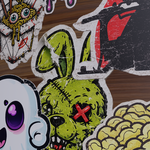
Manual Installation for DecalMachine:
Unzip -> Copy both Stickers and Retail folders -> Paste into the DecalMachine asset folder -> Refresh the location and once these appear in the list, you're done!This asset folder is typically located in C:\Users\*\AppData\Roaming\Blender Foundation\Blender\BLENDER VERSION\scripts\addons\DECALmachine)
Automatic Installation for DecalMachine:
Put the Retail and Stickers folder in a permanent location -> In Blender in Preferences -> Addons -> DecalMachine -> At the bottom it says Library from Folder or Zip click and point to your permanent location-> Refresh the location and once these appear in the list, you're done!Thank you for your support
$12
 Included
Includes 12 months of
- Support from Jix3D
- Product updates
Extend this product’s Support Period +12 months: 25% of product price
Have questions before purchasing?
Login to message
| Published | 2 months ago |
| Blender Version | 3.0 - 5.2 |
| Render Engine Used | Cycles, Eevee |
| Misc Data | Low-High-Resolution, Textured |
| License | Royalty Free |