 Dimas_alcalde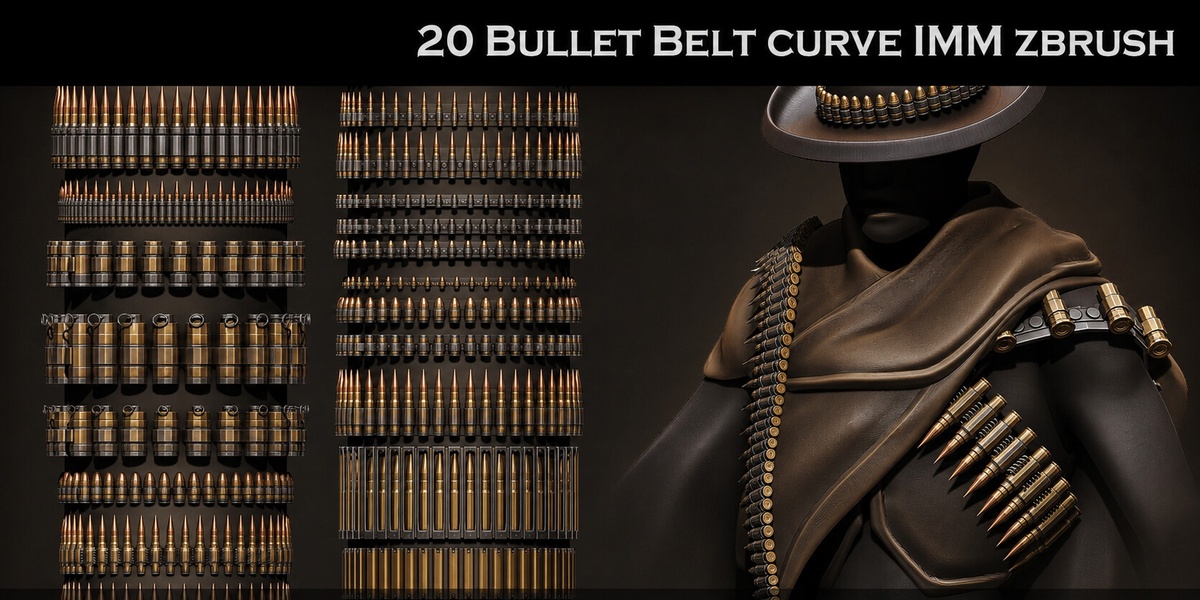
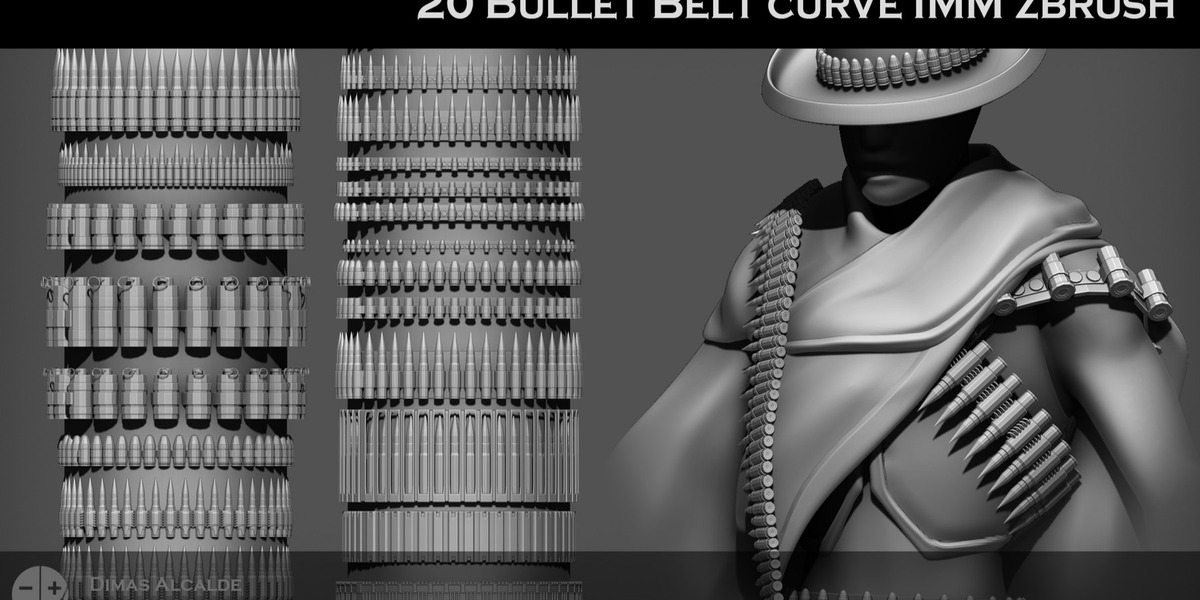
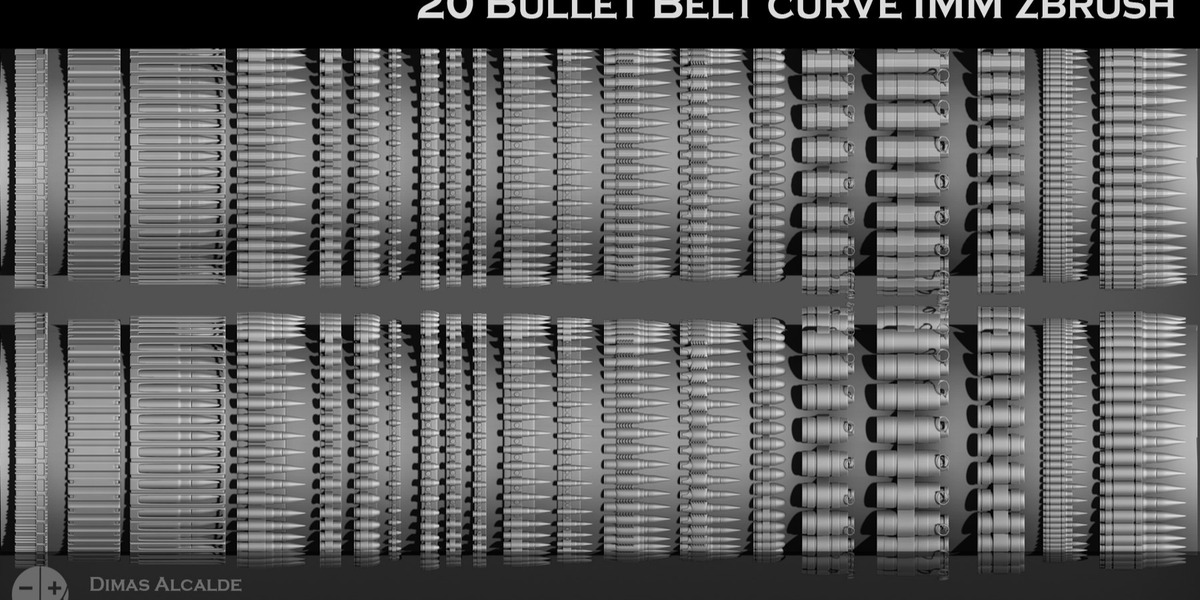
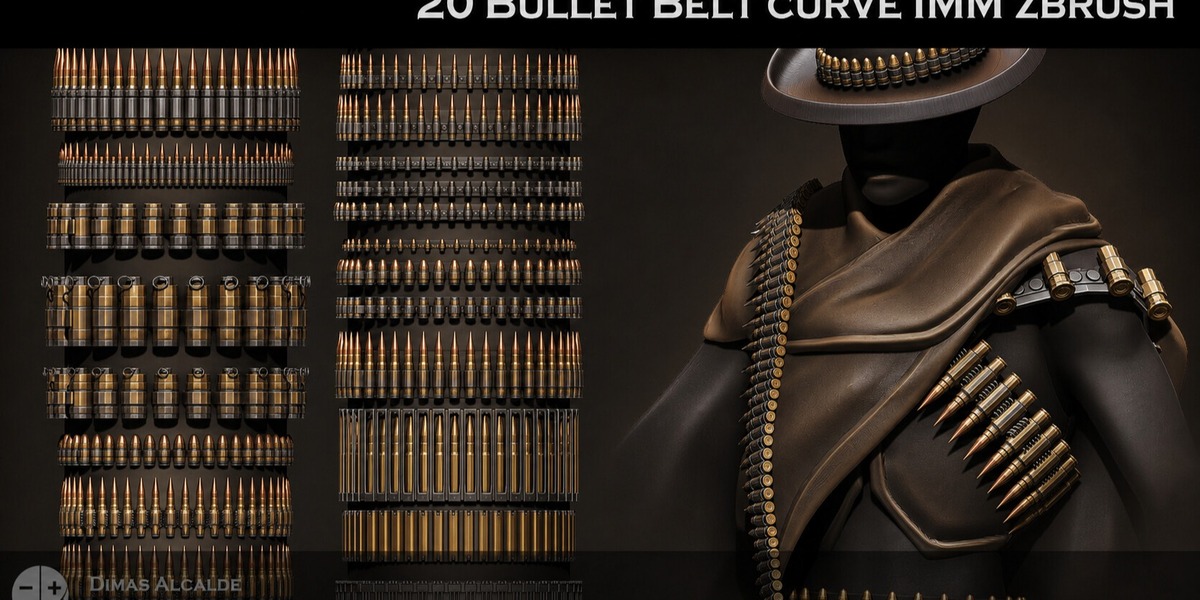
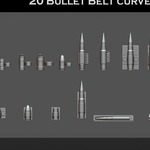
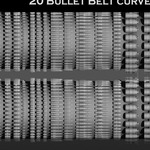
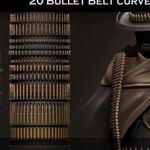
Create detailed ammunition belts and bandoliers quickly with this collection of 20 Bullet Belt IMM Curve Brushes for ZBrush.
Designed for character artists, sculptors and game artists, this pack lets you draw complete bullet belts directly along editable curves instead of manually placing individual cartridges.
Perfect for military, western, post-apocalyptic, fantasy and stylized character designs.
WHAT'S INCLUDED
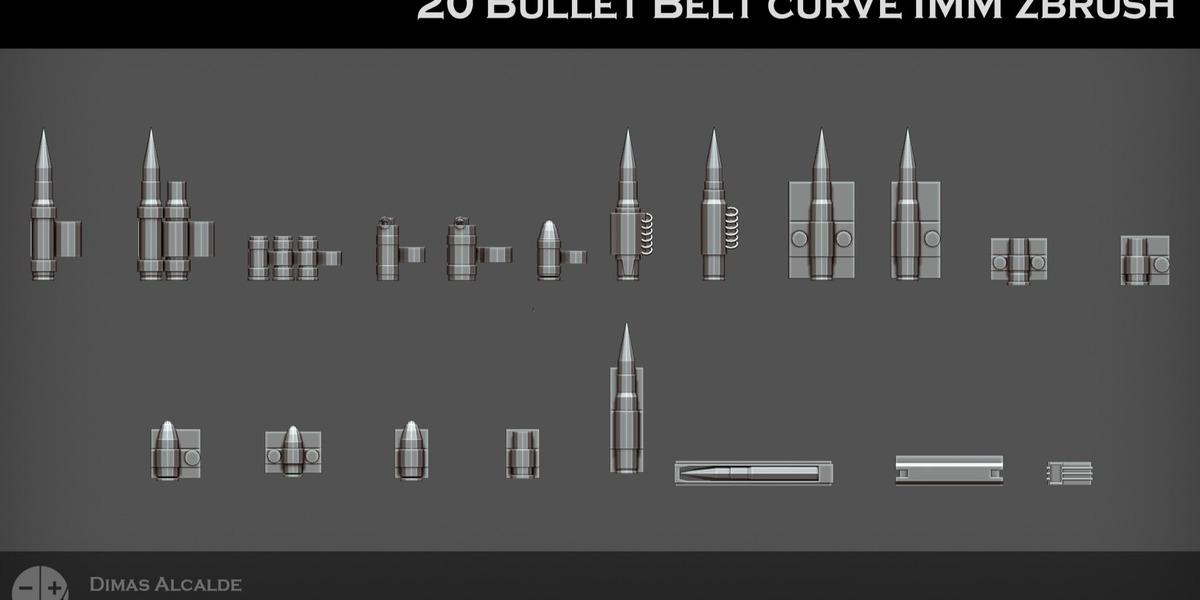
• 20 Bullet Belt IMM Curve Brushes
• Multiple bullet and cartridge designs
• Rifle cartridge variations
• Pistol round variations
• Larger-caliber ammunition designs
• Different belt link styles
• Standard, wide military and oversized fantasy-style variations
• Single-row belt configurations
• Double-row belt configurations
• Loose-end belt designs
• Full-loop belt designs
• ZBrush IMM Curve Brush files (.ZBP)
• Editable OBJ source geometry
• Low-poly subdivision-friendly base meshes
• Blender workflow tutorial
• ZBrush installation guide
• Documentation in English and Spanish
ZBRUSH WORKFLOW
The brushes are designed for a fast curve-based workflow.
Simply select a Bullet Belt IMM Curve Brush, draw the curve across your character or object, and the ammunition belt automatically follows the stroke and surface.
The brushes can be used around:
• Chests
• Shoulders
• Waists
• Arms
• Legs
• Armor
• Clothing
• Props
The repeating geometry follows the curve automatically, making it easy to experiment with placement and different belt configurations.
The low-poly base geometry is designed for subdivision workflows, allowing additional detail when required for close-up models.
IDEAL FOR
• Military characters
• Soldiers
• Mercenaries
• Post-apocalyptic characters
• Wasteland designs
• Western characters
• Gunslingers
• Outlaws
• Bounty hunters
• Hunters
• Fantasy warriors
• Villains and warlords
• Stylized characters
• Game characters
• Cinematic characters
• Collectible sculptures
ADDITIONAL USES
The supplied source geometry can also be modified and adapted for other repeating designs.
For example, the belt structure can be used as a starting point for:
• Trophy belts
• Decorative armor straps
• Repeating metal elements
• Fantasy accessories
• Bandoliers
• Prop detailing
You can replace or modify elements using the supplied editable source geometry.
BLENDER WORKFLOW
Editable OBJ source geometry is included for artists who want to use or modify the designs in Blender.
The meshes can be:
• Imported and edited
• Scaled and modified
• Reused with Blender curves and modifiers
• Adapted to characters and clothing
• Used as source geometry for custom belt designs
• Retopologized or optimized for specific projects
A dedicated Blender workflow tutorial is included.
TECHNICAL INFORMATION
• 20 different Bullet Belt IMM Curve Brushes
• ZBrush .ZBP format
• ZBrush 2020.1+
• Editable OBJ geometry
• Low-poly base topology
• Subdivision-friendly geometry
• Blender-compatible source meshes
• English documentation
• Spanish documentation
DOCUMENTATION INCLUDED
Basic tutorials and documentation are included covering installation, setup, implementation and everyday use.
The documentation includes both ZBrush installation instructions and a Blender workflow guide in English and Spanish.
All included brushes and meshes are original artist-made content.
No generative AI was used to create the included assets.
This is a digital product. No physical item will be shipped.