20 Bullet Belt Imm Curve Brushes | ZBrush & Blender
 Dimas_alcalde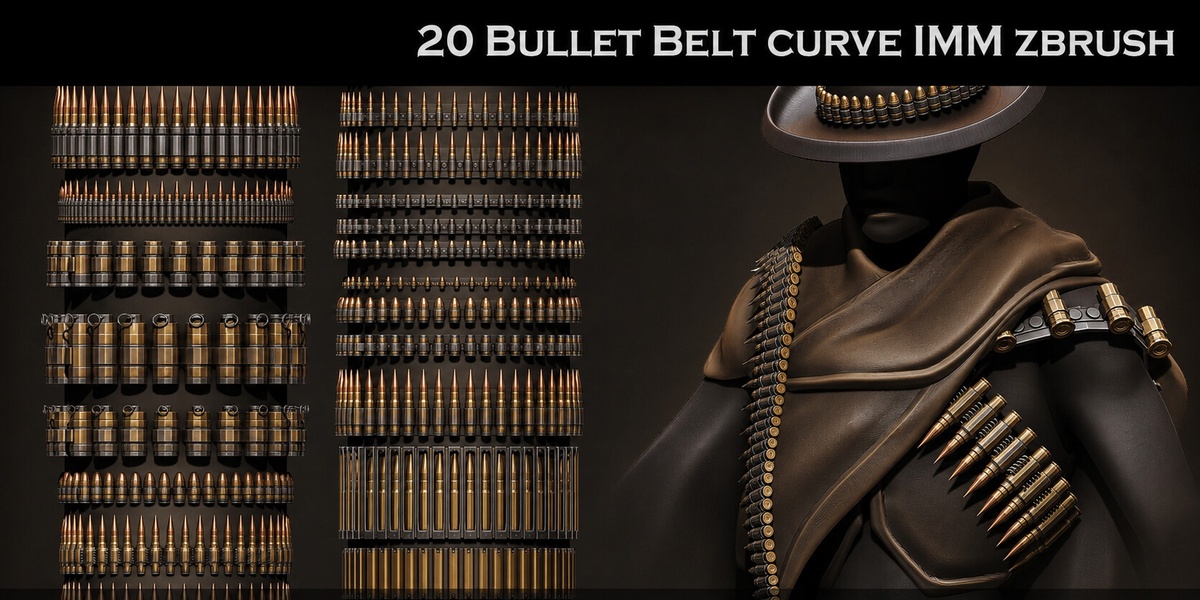
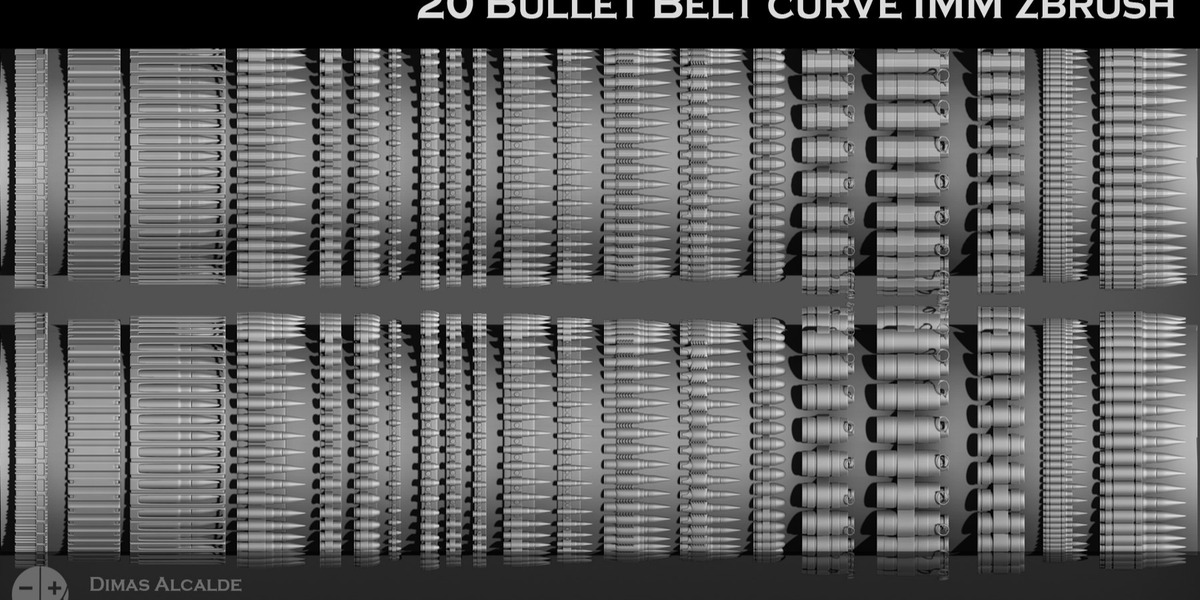
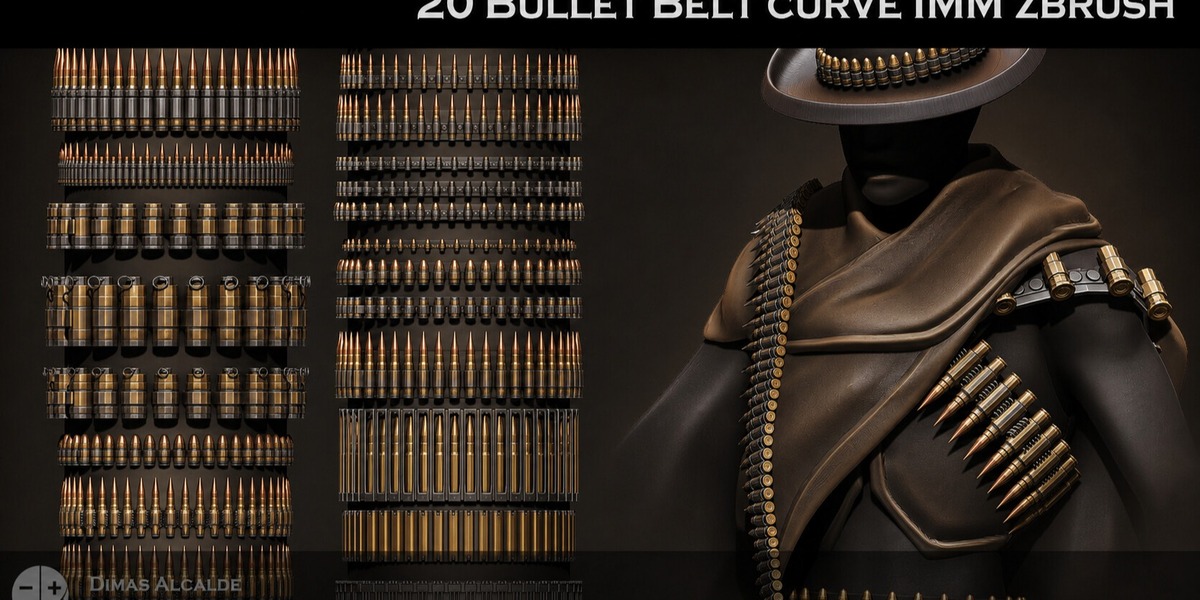
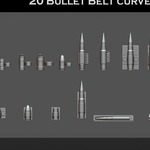
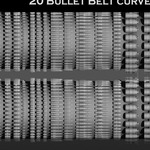
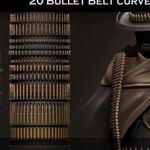
DOCUMENTATION
This product includes basic documentation and workflow tutorials to help you install, implement and use the assets correctly.
ZBRUSH INSTALLATION
The included documentation covers:
• Installing the supplied IMM Curve Brushes
• Loading and selecting the brushes
• Basic IMM Curve Brush usage
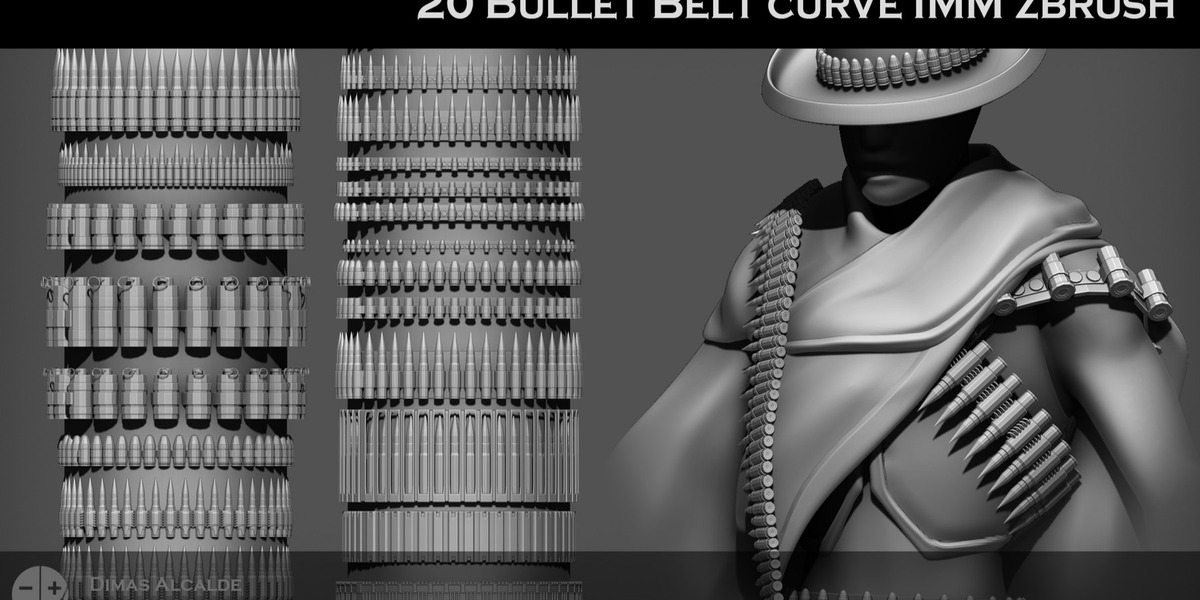
• Drawing bullet belts along characters and surfaces
• Adjusting curve placement and scale
• Adapting the brushes to different character designs
BASIC WORKFLOW
Select the desired Bullet Belt IMM Curve Brush and draw a curve across the character or object.
The repeating belt geometry will follow the curve automatically.
You can then adjust the curve, scale and placement to fit the character before subdividing or modifying the geometry further.
BLENDER WORKFLOW
A dedicated Blender workflow guide is included covering:
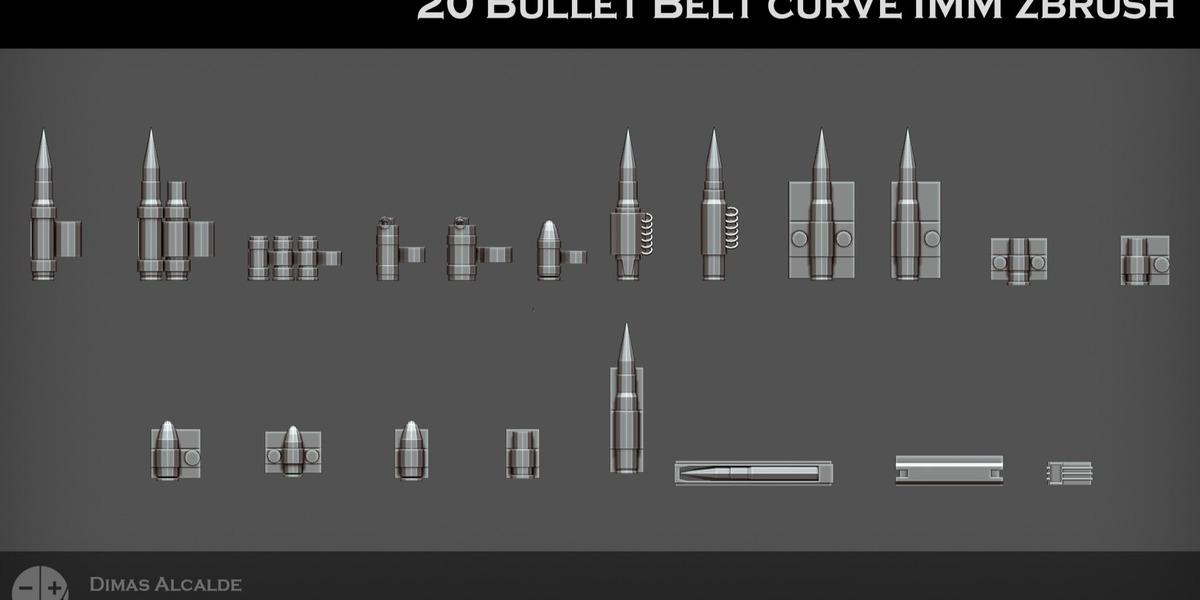
• Importing the supplied OBJ source geometry
• Accessing and editing the individual meshes
• Scaling and modifying the designs
• Using the geometry with Blender curves and modifiers
• Adapting the belts to characters, clothing and props
• Using the source geometry as the basis for custom designs
LANGUAGES
Documentation is provided in:
• English
• Spanish
The included documentation is intended as a practical introduction to installation, implementation and everyday use.
Basic knowledge of ZBrush or Blender is recommended.
Have questions about this product?
Login to message
| Published | 9 days ago |
| Blender Version | 2.6x - 5.2 |
| Render Engine Used | Arnold, Blender-Internal, Blender-Game-Engine, Cycles, Eevee, Freestyle, Luxrender, Mental-Ray, Octane, Vray, Yafaray |
| Misc Data | Normal-Mapped |
| License | Royalty Free |
Discover more products like this
western military zbrush-brush game-art Curve Brush bullet belt ammo belt blender imm-brush zbrush post-apocalyptic character design