20 Celtic & Norse Ornament Imm Brushes + 40 4K Alphas | ZBrush & Blender
 Dimas_alcalde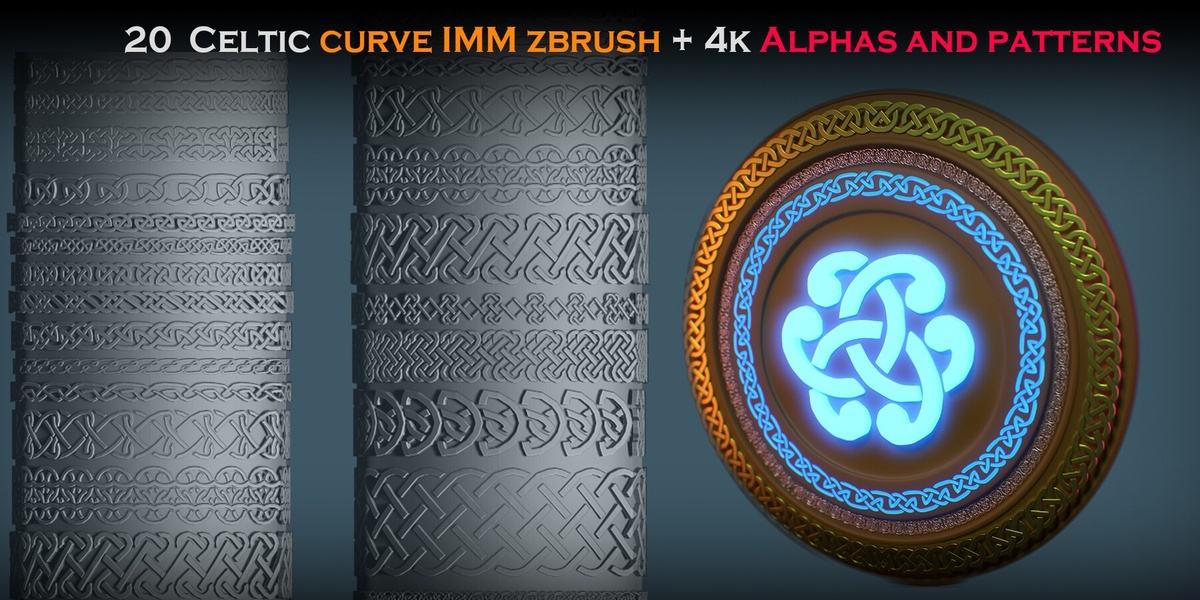
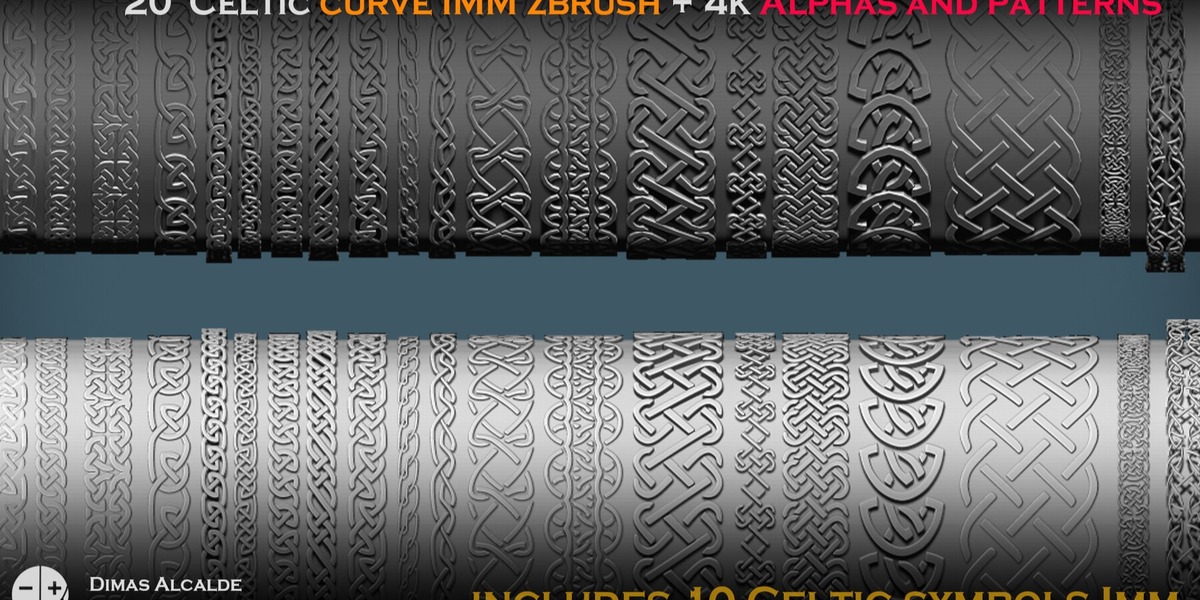
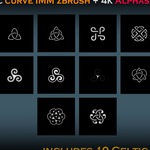
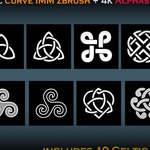
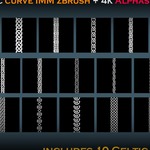
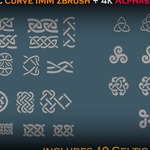
DOCUMENTATION
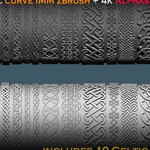
This product includes written and visual documentation covering installation, basic usage and implementation of the Celtic & Norse ornament assets.
ZBRUSH INSTALLATION
1. Extract the downloaded product files.
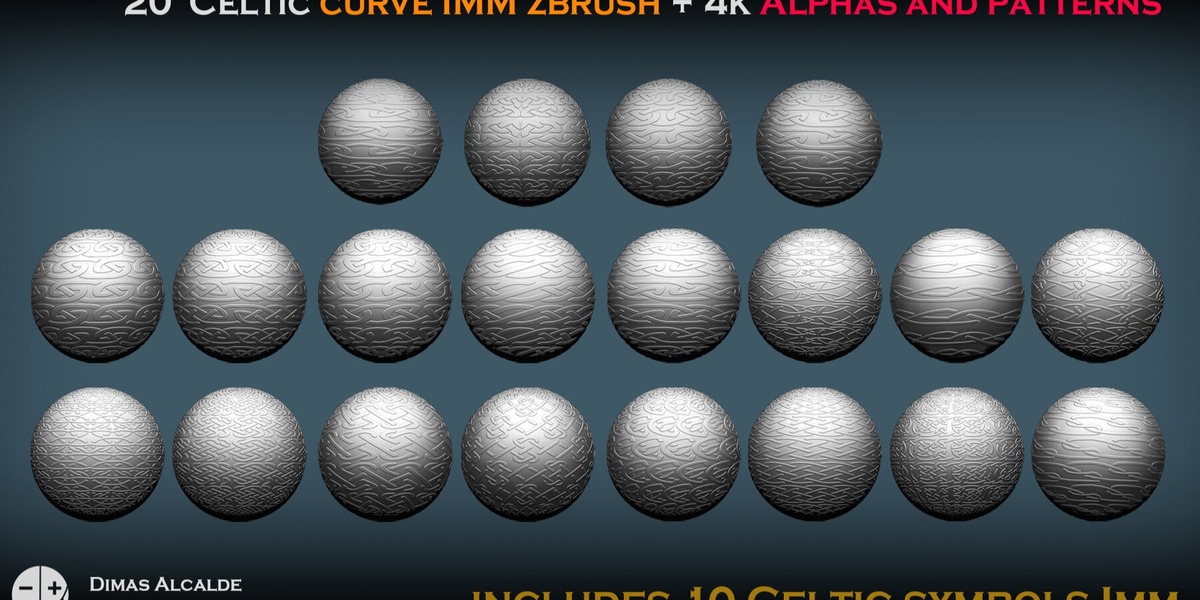
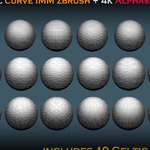
2. Locate the supplied ZBrush IMM Curve Brush files.
3. Load or install the brushes in ZBrush.
4. Select the desired Celtic or Norse ornament brush.
5. Draw a curve along the surface where you want to place the ornament.
IMM CURVE WORKFLOW
The repeating ornament geometry automatically follows the curve.
After drawing the ornament you can adjust:
• Curve shape
• Position
• Scale
• Brush size
• Orientation
• Placement
The brushes can be used for armor borders, shield decoration, weapon details, costume trims, architectural ornament and other repeating Celtic or Norse designs.
SUBDIVISION WORKFLOW
The supplied base geometry supports subdivision.
Work with the low-resolution geometry while positioning and modifying the design.
Once the placement and proportions are correct, subdivision can be added when additional smoothness or resolution is required.
STANDALONE CELTIC SYMBOLS
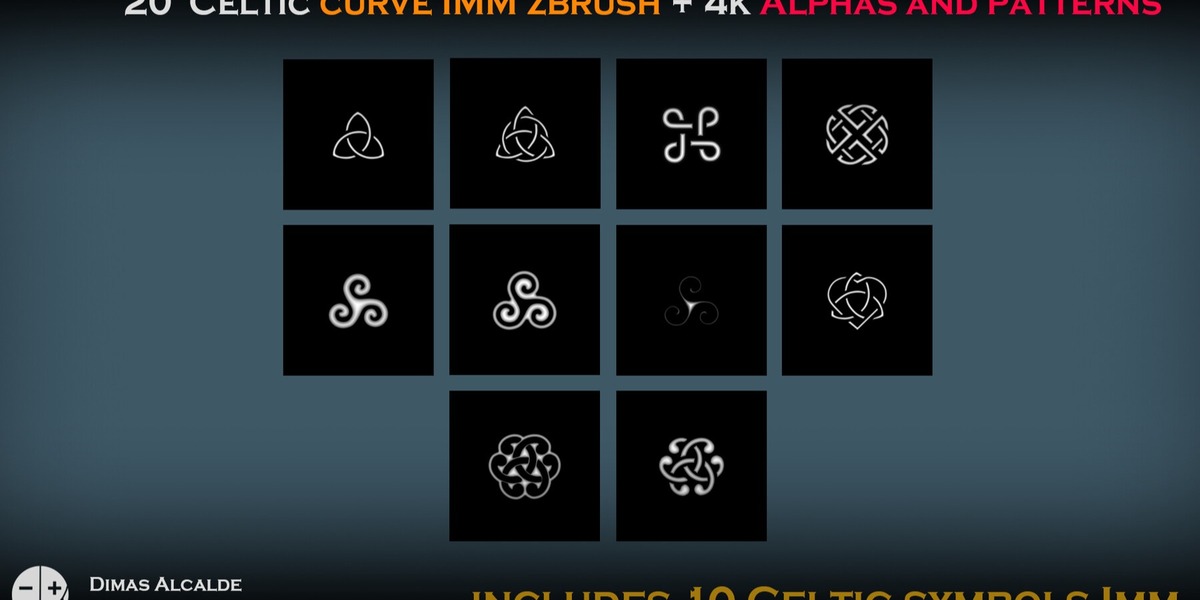
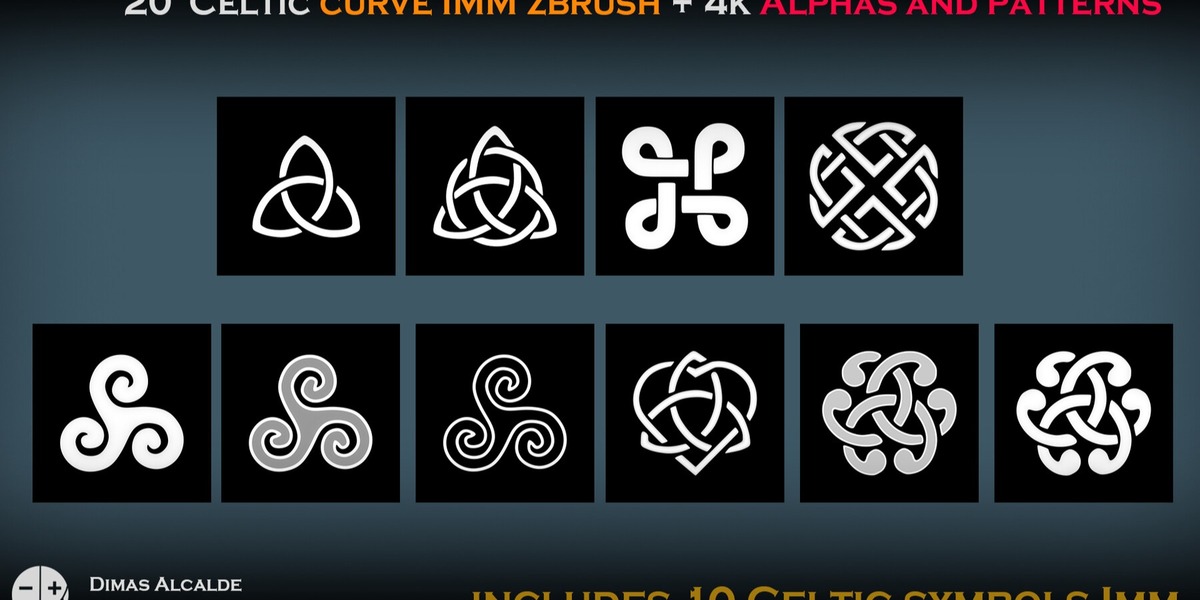
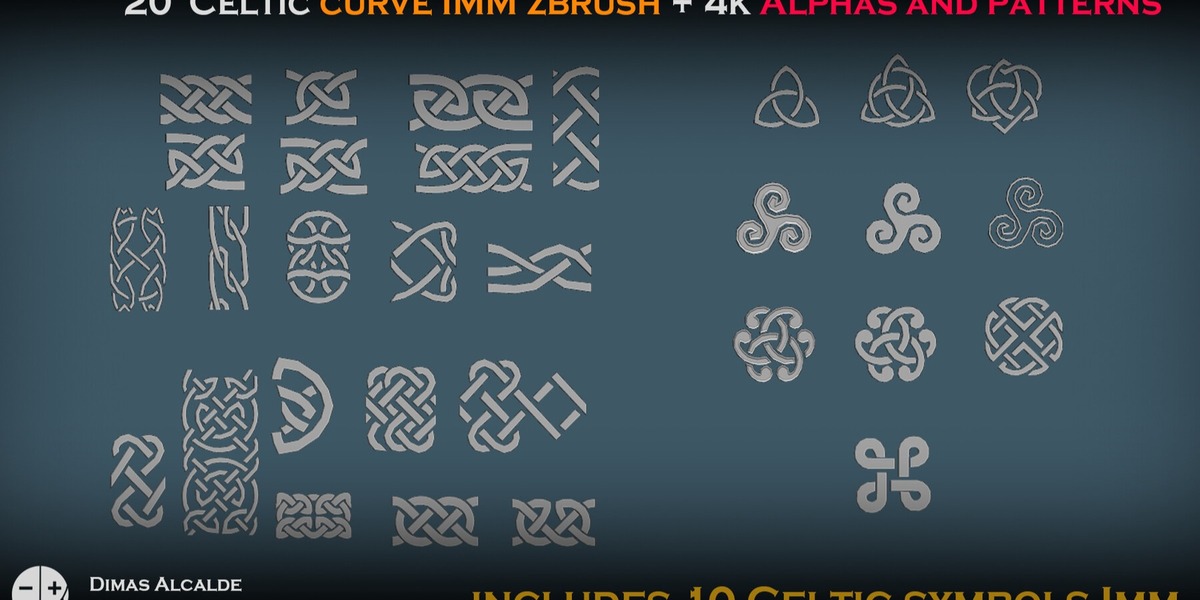
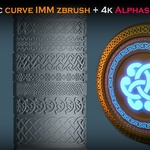
10 individual Celtic symbol meshes are also included.
These can be imported, scaled and edited independently for use as:
• Emblems
• Armor details
• Shield symbols
• Jewelry
• Props
• Environment decoration
• Decorative inserts
BLENDER WORKFLOW
Editable OBJ source geometry is supplied for Blender workflows.
Basic workflow:
1. Import or open the supplied geometry.
2. Select the ornament or symbol you want to use.
3. Modify or scale the source mesh if required.
4. Use the geometry directly or combine it with Blender curves and modifiers.
5. Define the desired path.
6. Adjust repetition, scale and orientation.
7. Modify or subdivide the geometry according to your project.
ALPHA WORKFLOW
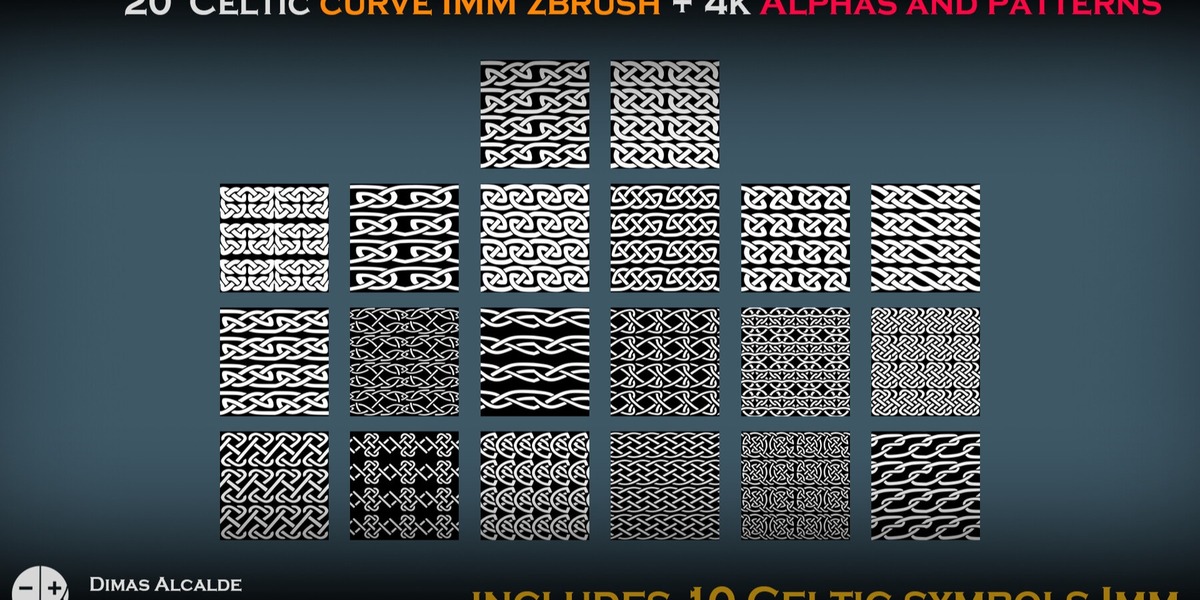
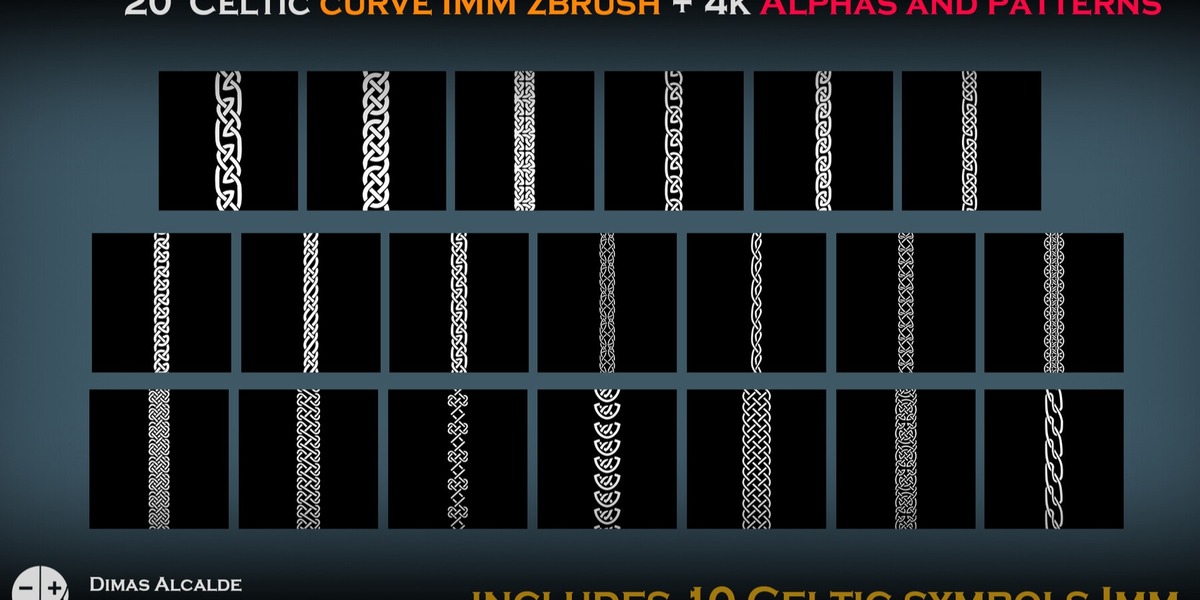
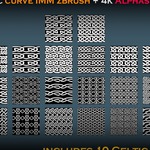
40 high-resolution 4K alpha textures are included.
The collection contains 20 designs, each supplied in:
• Standard version
• Offset version
The alphas can be used as:
• Sculpting alphas
• Masks
• Height details
• Texture inputs
• Repeating surface patterns
• Engraving details
• Tattoos and body markings
They can be used in ZBrush, Blender, Substance 3D Painter, Substance 3D Designer and other software supporting grayscale alphas.
LANGUAGES
Additional documentation is provided in:
• English
• Spanish
The supplied documentation is intended as a practical introduction to installation, implementation and everyday use.
Basic knowledge of ZBrush, Blender or Substance is recommended depending on the workflow.
Have questions about this product?
Login to message
| Published | 11 days ago |
| Blender Version | 2.6x - 5.2 |
| Render Engine Used | Arnold, Blender-Internal, Blender-Game-Engine, Cycles, Eevee, Freestyle, Luxrender, Mental-Ray, Octane, Vray, Yafaray |
| Misc Data | Low-High-Resolution |
| License | Royalty Free |
Discover more products like this
celtic knot Curve Brush celtic fantasy imm-brush viking zbrush blender 4k-alpha norse Substance painter ornament