 Evermotion


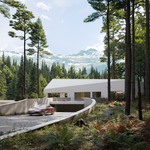
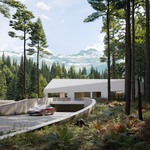
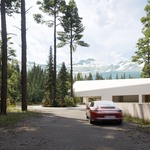
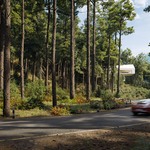
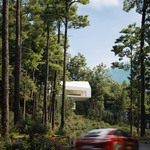
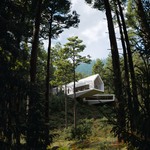
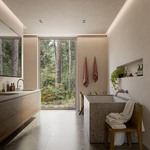




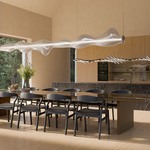

To celebrate our 20th anniversary, we have prepared a special exterior scene for you, which we hope will become a source of inspiration and practical support in your visualizations.
Evermotion 20th Anniversary scene - a house in the forest was prepared with attention to detail so you can use it as inspiration, training material or a base for your own visualization projects.
The scene comes with 12 one click to setup environments for Geo-Scatter or Biome-Reader.
Version requirement: Blender 4.5LTS and Geo-Scatter or Biome-Reader 5.5.3 Technical information:
This is a heavy .blend scene, a good computer is advised with 32GB of RAM.
The scene can fit on a GPU with at least 11GB of VRAM with the Render 'Simplify' option, that will by default limit all textures to 1024. A higher-end GPU is advised for the best experience.
Optimization: Blender viewlayers and Geo-Scatter layers can be disabled on final render for specific shots if needed. Displaying all the scatter-layers simultaneously in the live viewport can lead to lags.
Setup:
The 'AE_20th Scene' file rely on external blend files and textures. It is advised to run 'File > External Data > Find Missing File' operator to ensure the root 'AE_20th_Assets' and 'AE_20th_Textures' are found. Pink colors or missing objects means missing textures and linked libraries.