 Vinter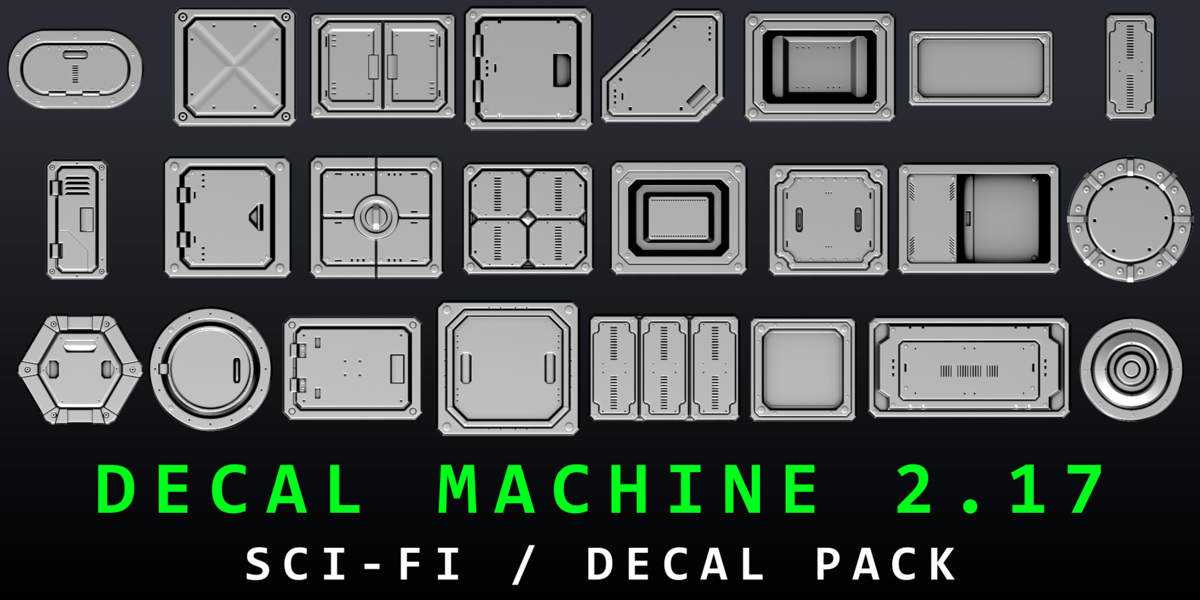
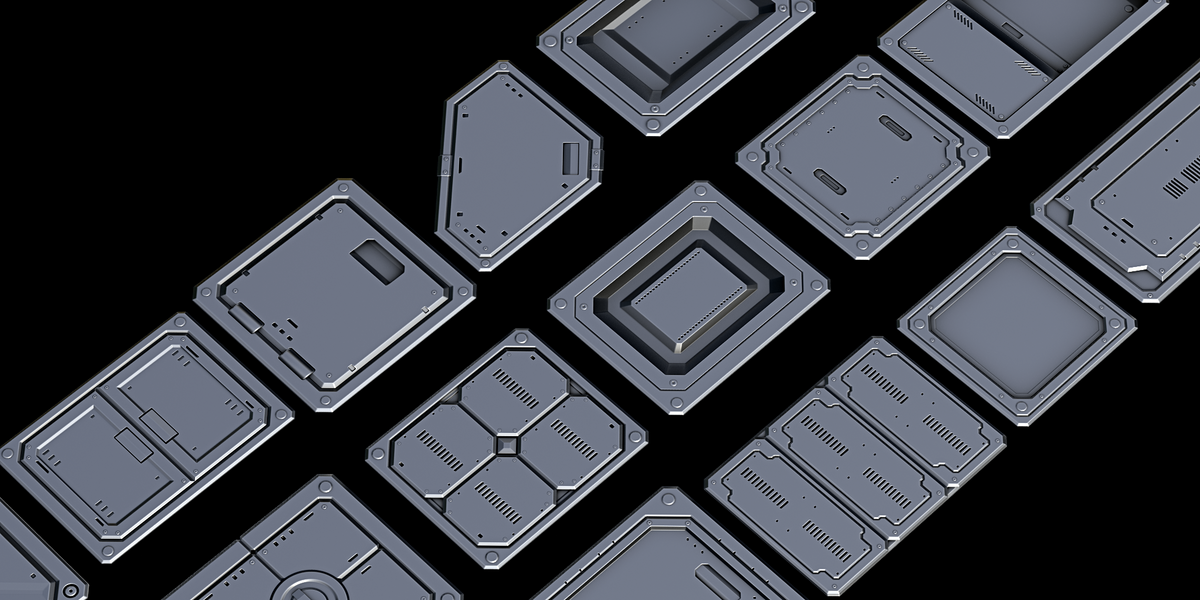
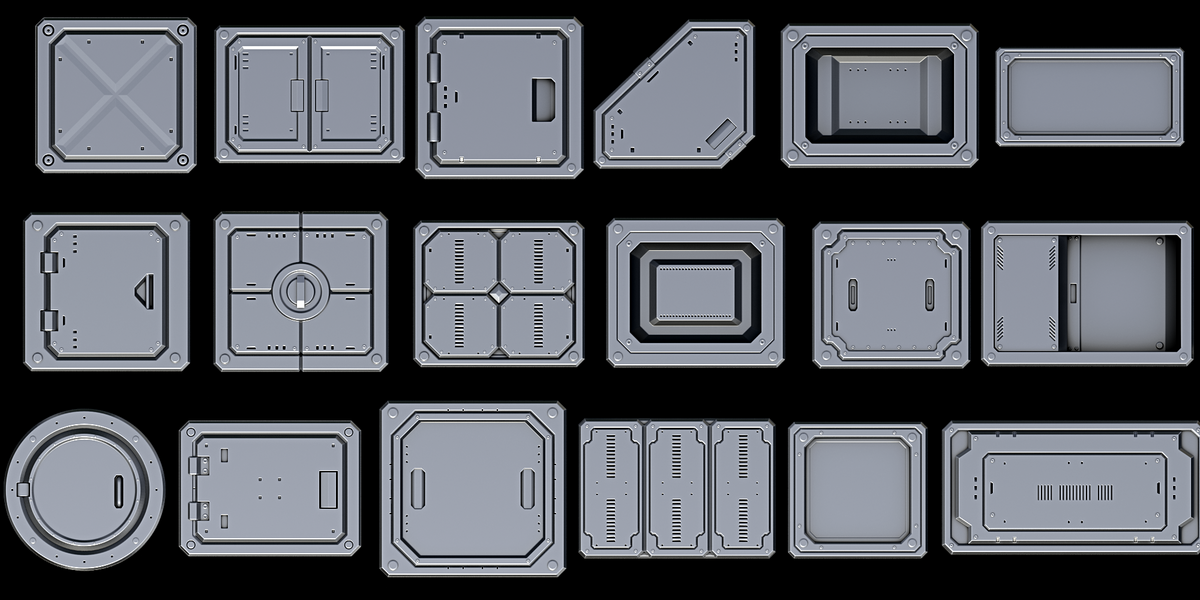
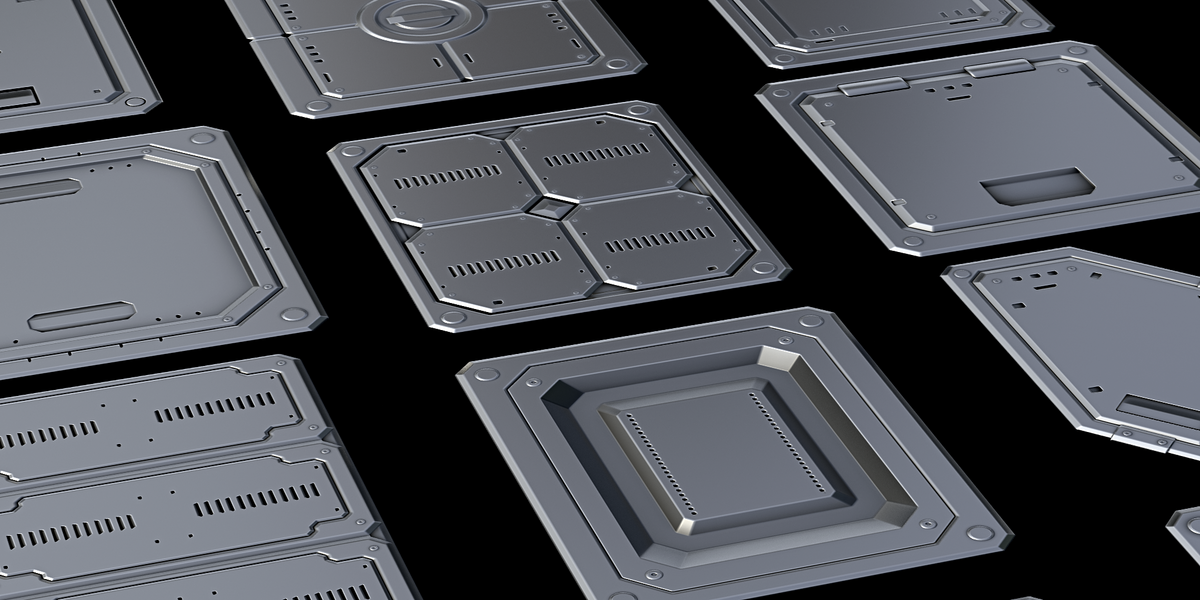
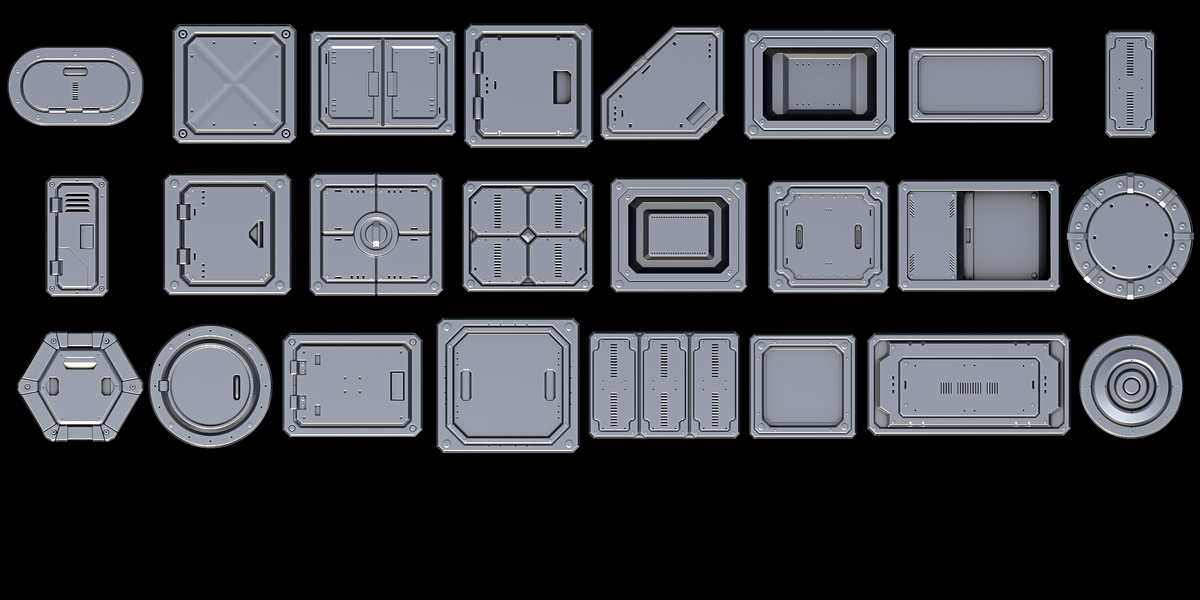
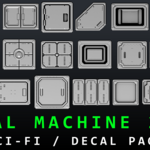
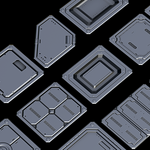
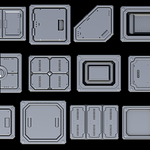
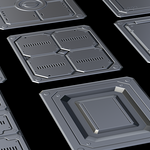
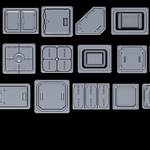
SCI-FI PANELS V1
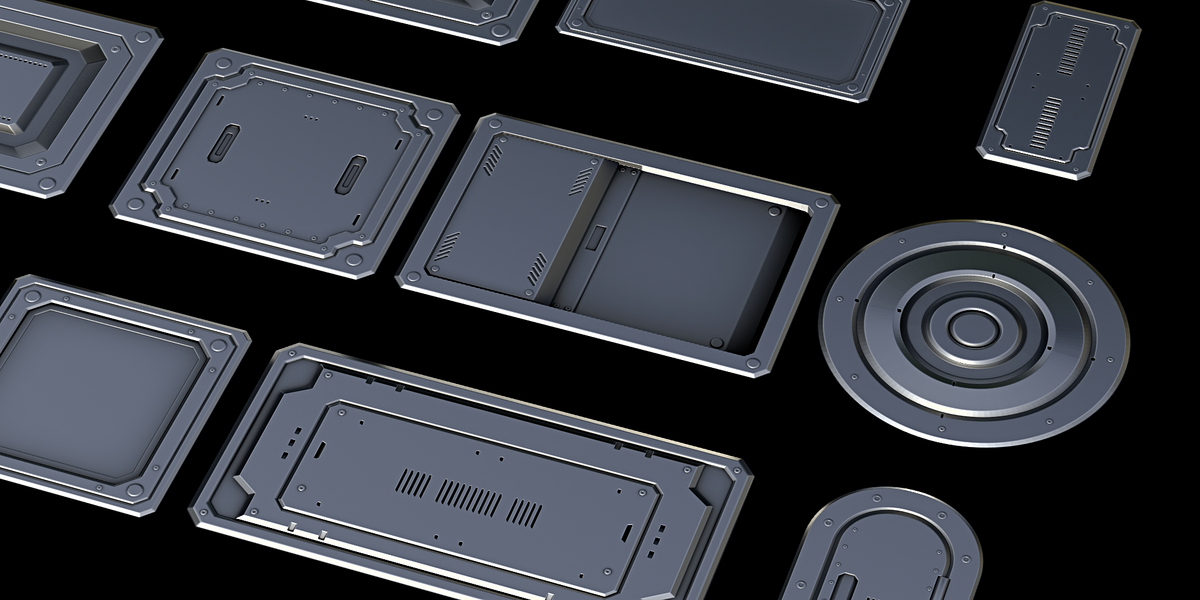
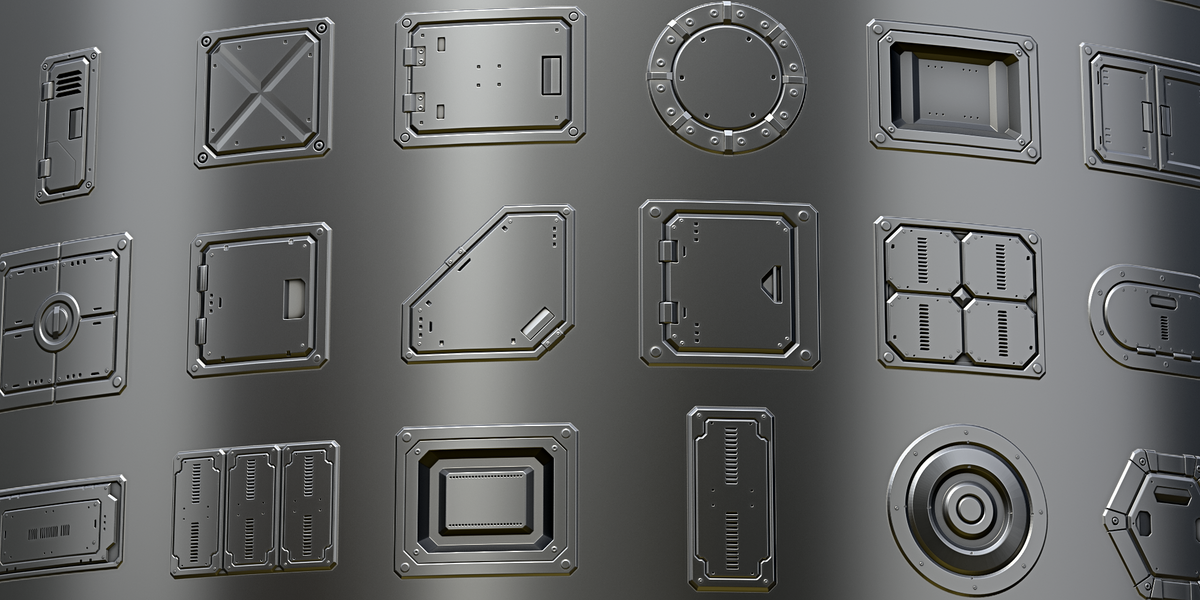
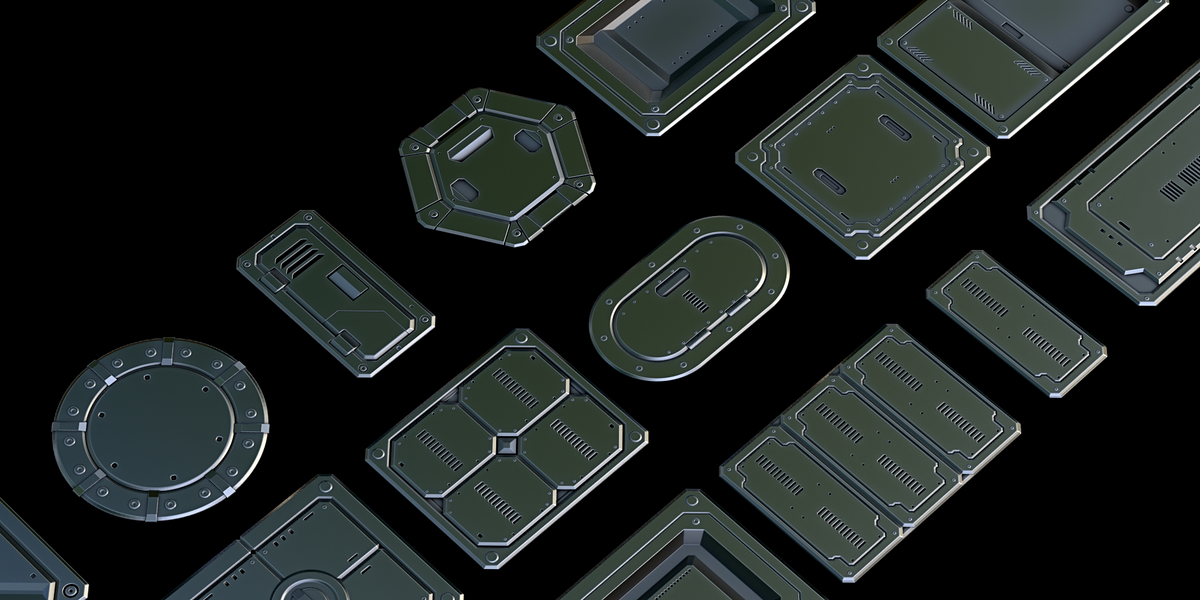
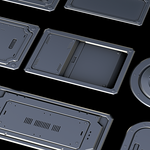
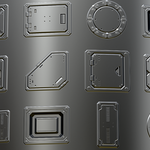
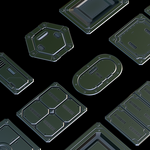
24 High-Quality Sci-Fi Panel Decals for DECALmachine
Requires DECALmachine 2.17+.
CONTENTS
- 24 panel decals, one folder each
- Maps per decal: decal, normal, ao_curv_height, masks
- Decal list (01..24)
INSTALLATION
1. Extract the pack.
2. Blender > Preferences > Add-ons > DECALmachine > check the Assets path.
3. Open that folder > "Decals".
4. Copy the 24 decal folders there (keep one folder per decal).
5. Click Reload (or restart Blender) so they register.
HOW TO USE
1. Select the object.
2. Open the decal menu (D), pick a panel, place it on the surface.
3. Move / scale / rotate it. Enable Parallax for depth.
4. Adjust material or cut it in with the normal DECALmachine workflow.
Decals are non-destructive: change or remove them anytime before export.
Have questions about this product?
Login to message
| Dev Fund Contributor | |
| Published | about 3 hours ago |
| Blender Version | 4.3 - 5.2 |
| Render Engine Used | Cycles, Eevee |
| Misc Data | Uvs-Unwrapped, Normal-Mapped, Textured |
| License | Royalty Free |
Discover more products like this
decal pack decalmachine decals mecha panels hard surface decal kitbash Spaceship Texturing sci fi