 Vrengkat
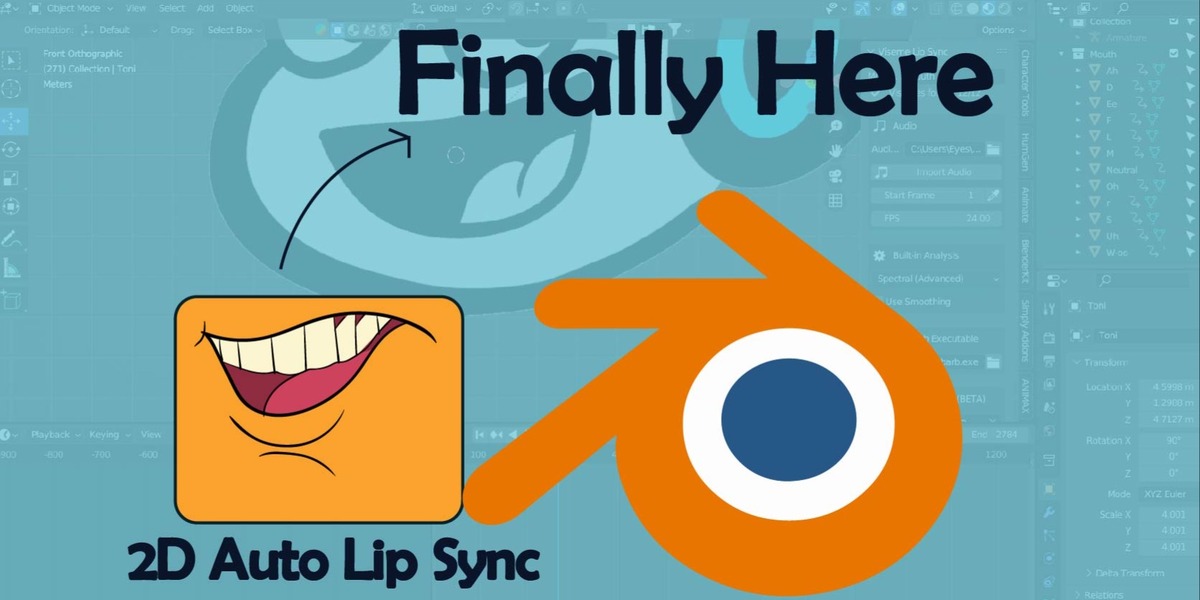


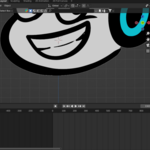
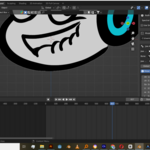
2D Auto Lip Sync (for Cut-Out and Grease Pencil)
Author: Joshua Vrengkat
Version: 1.1.1
Bring your 2D characters to life in seconds! This Blender addon provides professional-grade, automated lip-syncing for Grease Pencil and Image-based cut-out characters.
🚀 Key Features
- Advanced Spectral Analysis (FFT): High-precision frequency tracking for accurate vowel and consonant detection.
- Grease Pencil & Cut-Out Support: Works with image-based visemes (PNGs) and Grease Pencil objects.
- Dynamic Jaw Animation: Driven by manual per-viseme strength, syncing the jaw bone perfectly with the mouth shapes.
- Manual Refinement Grid: One-click manual viseme buttons for fine-tuning your animation.
- Temporal Smoothing: Flicker-free, natural movement with built-in "Hysteresis" (3-frame minimum duration).
- Sequencer Integration: Eyedropper tool to automatically sync with audio strips in the Video Sequencer.
- Alpha-Aware Height Detection: (Legacy fallback) Automatically detects the opaque footprint of transparent PNGs.
🛠️ Installation
- Download the repository as a ZIP file.
- Open Blender and go to Edit > Preferences > Add-ons.
- Click Install... and select the ZIP file.
- Activate "2D Auto Lip Sync" in the list.
📖 How to Use
1. Prepare your Visemes
Create a Collection in Blender containing 12 objects (Images or Grease Pencil). Name your objects exactly as follows:
-
Ah,oh,Ee,Uh,w-oo,r,L,S,F,D,M,neutral
2. Setup Audio
- Select your Audio File in the panel.
- (Optional) Load the audio into the Video Sequencer (VSE).
- Use the Eyedropper tool in the panel to automatically detect the start frame of the selected sound strip.
3. Jaw Animation
- Select an Armature and a Jaw Bone (e.g.,
jaw,lip_lower). - Toggle "Show Fine-Tune Strengths" to adjust how much the jaw drops for each specific viseme.
- Adjust Global Strength to scale the entire jaw movement.
4. Generate
- Click Generate Lip Sync. The addon will create scale keyframes for your visemes and location keyframes for your jaw bone.
- Toggle Use Smoothing to switch between "Instant" (Character Animator style) and "Linear" (Smooth) transitions.
🎛️ Advanced Fine-Tuning
The Fine-Tune panel allows you to manually override the "Openness" of each viseme. By default, Ah is set to 1.0 (Most open) and M is set to 0.0 (Closed). Adjusting these sliders gives you total control over the personality of your character's speech.
🧩 Technical Details
- Spectral Heuristic: The analyzer uses Hanning windows and Normalized Energy Ratios to detect phonemes independently of audio volume.
- Hysteresis: Prevents rapid mouth flickering by enforcing a 3-frame persistence for every detected phoneme.
-
Alpha Scanning: Uses
numpyto scan PNG transparency buffers to calculate the visual footprint of image visemes.
© 2026 Joshua Vrengkat. All Rights Reserved.
Have questions about this product?
Login to message
| Published | 6 months ago |
| Blender Version | 3.0 - 5.1 |
| Extension Type | N/A |
| Render Engine Used | Arnold, Blender-Internal, Blender-Game-Engine, Cycles, Eevee, Freestyle, Luxrender, Mental-Ray, Octane, Vray, Yafaray |
| License | GPL |

Discover more products like this
rhubarb 2d-addon lipsync auto lip sync greasepencil cutout rhubarb-lipsync grease pencil add-on