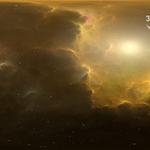
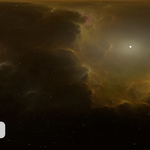
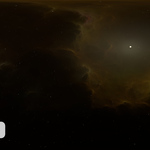
360° 16k HDRI Full Sphere Panoramic Space Background With Starfield and Nebula (SN-3834)
 Peter Jurik













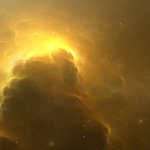
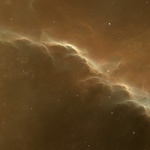
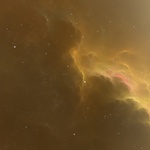
What are "Additional HDR files" for?
- Additional HDR files are separate files of the complete project (two to three), such as a separate nebula, star foreground, and light sources—if they are not included in the star foreground or nebulae.
I decided to include them for greater flexibility and easier adaptation to individual projects.
*You can use a bitmap editor for editing, such as Photoshop, Affinity Photo, or any other that supports 32-bit working space.
*Load all "Additional HDR files" into the editor.
*The "Nebula" file should be placed at the bottom, and the "Stars" and "Light source" files at the top, both set to the 'Add' blend mode.
*Now each layer can be edited separately—adjustments via exposure, and color grading using the channel mixer.
*After making the desired corrections, export the result as HDR or EXR.
How do I import HDR or EXR files into a scene?
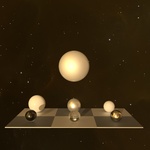
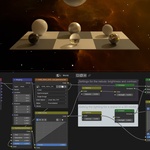
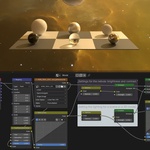
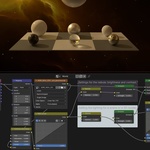
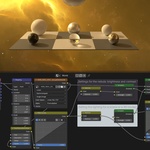
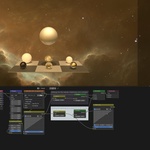
HDR or EXR files are imported as environment textures into the shader type called "World." The attached ZIP file also contains a pre-configured Blender (.blend) file. This product includes previews showing all details.
$7
Have questions about this product?
Login to message
| Published | 6 months ago |
| Blender Version | 2.6x - 5.1 |
| Render Engine Used | Cycles |
| Misc Data | Textured |
| License | Royalty Free |
Discover more products like this
360 degree sky cosmos no-AI panorama skybox equidistant Universe spherical panorama hdr texture distant star spherical Deep virtual reality space space background equirectangular projection hdri environment scenery hdri map Science background nebula Star astronomy star field fantasy infinity 16k