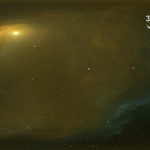
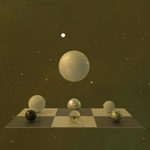
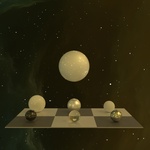
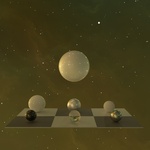
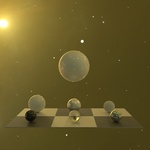
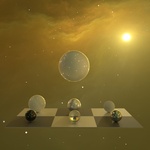
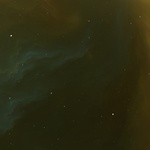
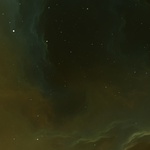
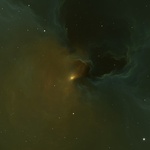
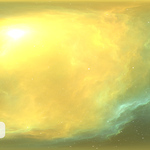
360-Degree 16k HDRI Panoramic Space Environment Map With Stars and Nebula Clouds (SN-3835)
 Peter Jurik






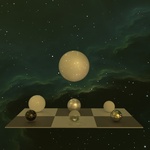
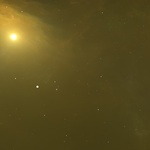
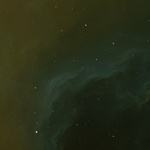
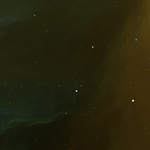
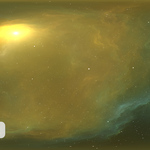
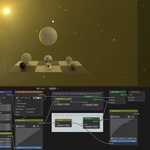
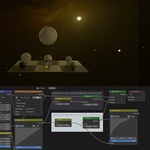
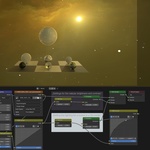
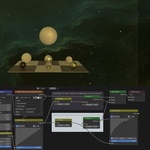
How do I import HDR or EXR files into a scene?
- (Blender) - HDR or EXR files are imported as environment textures into the shader type called "World." The attached ZIP file also contains a pre-configured Blender (.blend) file.
What are "Additional HDR files" for?
- Additional HDR files are separate files of the complete project (two to three), such as a separate nebula, star foreground, and light sources-if they are not included in the star foreground or nebulae.
I decided to include them for greater flexibility and easier adaptation to individual projects.
*You can use a bitmap editor for editing, such as Photoshop, Affinity Photo, or any other that supports 32-bit working space.
*Load all "Additional HDR files" into the editor.
*The "Nebula" file should be placed at the bottom, and the "Stars" and "Light source" files at the top, both set to the 'Add' blend mode.
*Now each layer can be edited separately-adjustments via exposure, and color grading using the channel mixer.
*After making the desired corrections, export the result as HDR or EXR.
$7
Have questions about this product?
Login to message
| Published | 6 months ago |
| Blender Version | 2.6x - 5.1 |
| Render Engine Used | Cycles |
| Misc Data | Textured |
| License | Royalty Free |
Discover more products like this
cosmos hdri map spherical background hdri texture equidistant infinity skybox spherical panorama panorama environment distant star virtual reality no-AI fantasy hdr Star sky scenery nebula astronomy Deep star field Universe space background equirectangular projection Science 360 degree 16k space