 3DMAGIC


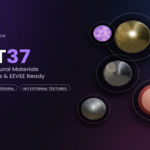
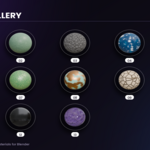
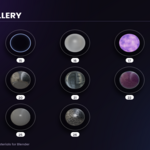
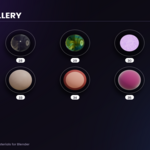
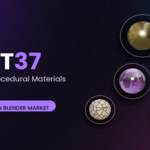
ORBIT37 is designed to be simple and easy to use. No complex installation or external texture setup is required.
Getting Started:
- Open your Blender project.
- Import or append the ORBIT37 materials into your scene.
- Select your desired material and assign it to your object.
- Open the Shader Editor to explore and customize the material nodes.
- Adjust the available parameters to achieve the desired look.
Customization:
All materials are built with editable procedural shader nodes. You can modify colors, patterns, roughness, textures, and other available shader parameters directly inside Blender.
Render Engines:
ORBIT37 is designed for both Cycles and EEVEE.
Important:
Material appearance may vary depending on scene lighting, object scale, render engine, and other Blender settings.
No external texture files are required
Have questions about this product?
Login to message
| Published | about 2 months ago |
| Blender Version | 2.8 - 5.2 |
| Render Engine Used | Cycles, Eevee |
| Misc Data | Textured |
| License | Royalty Free |
Discover more products like this
3D materials procedural shader blender procedural materials materials PBR shader nodes blender materials material pack texture shaders eevee