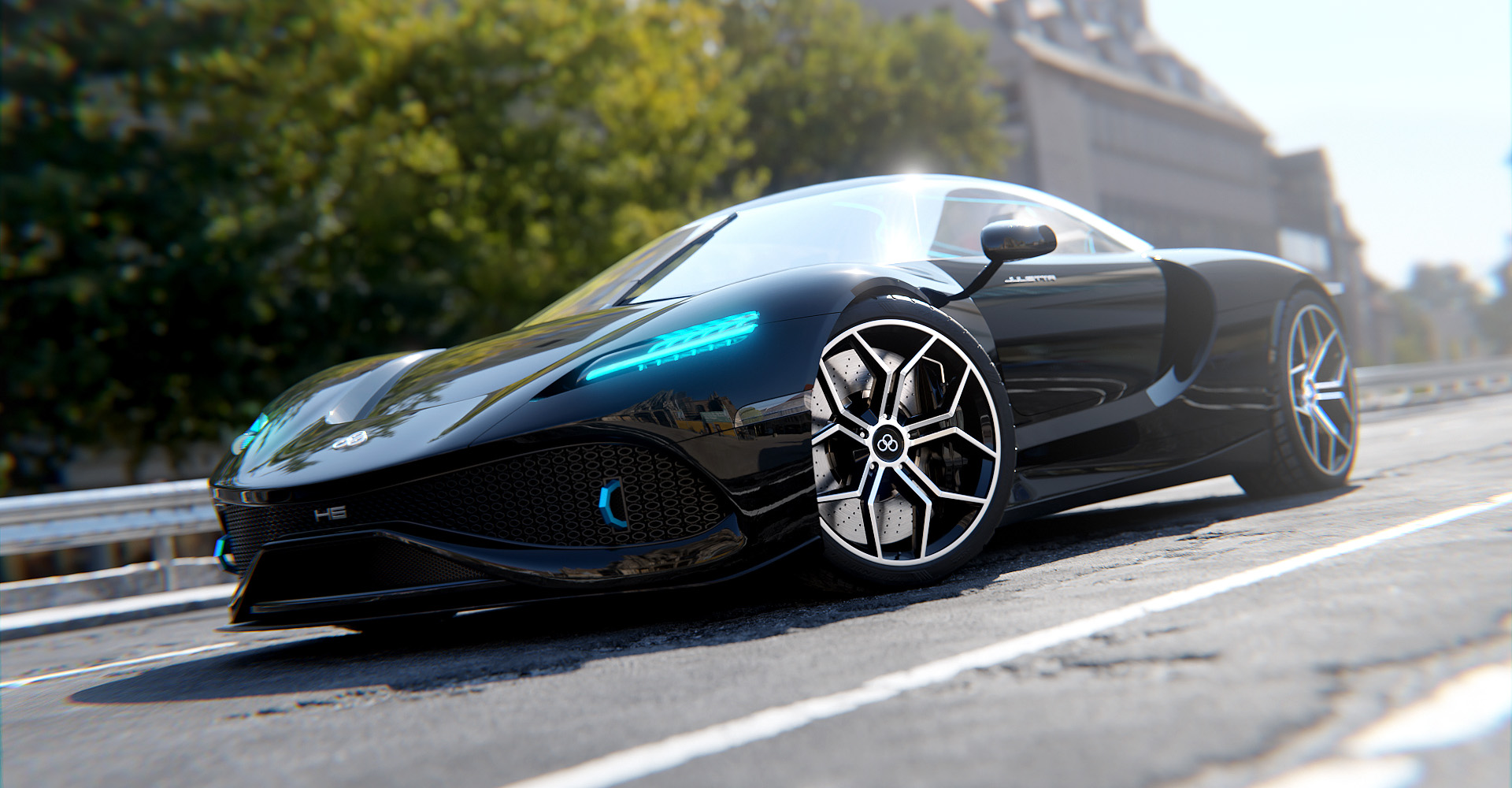
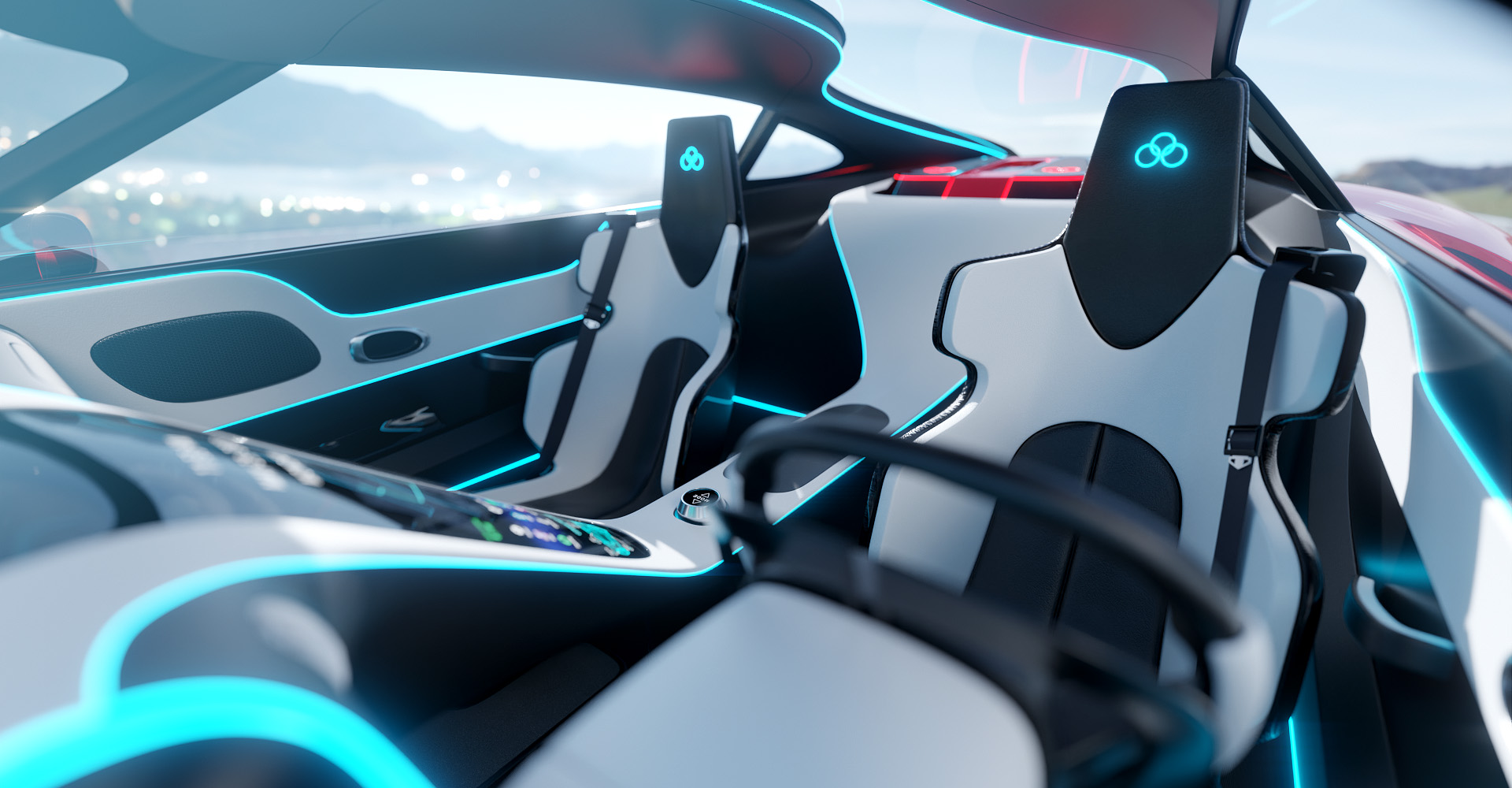
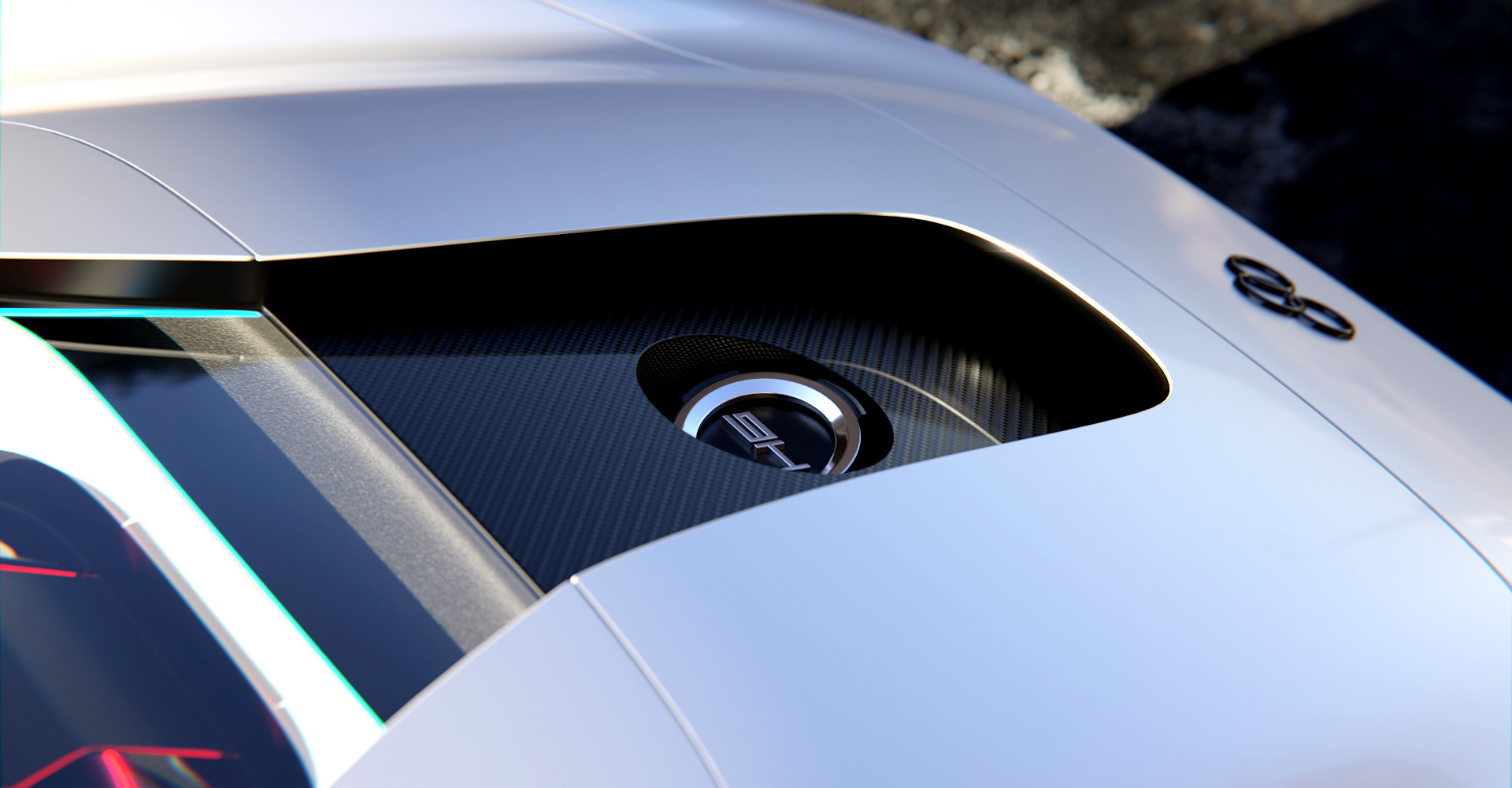
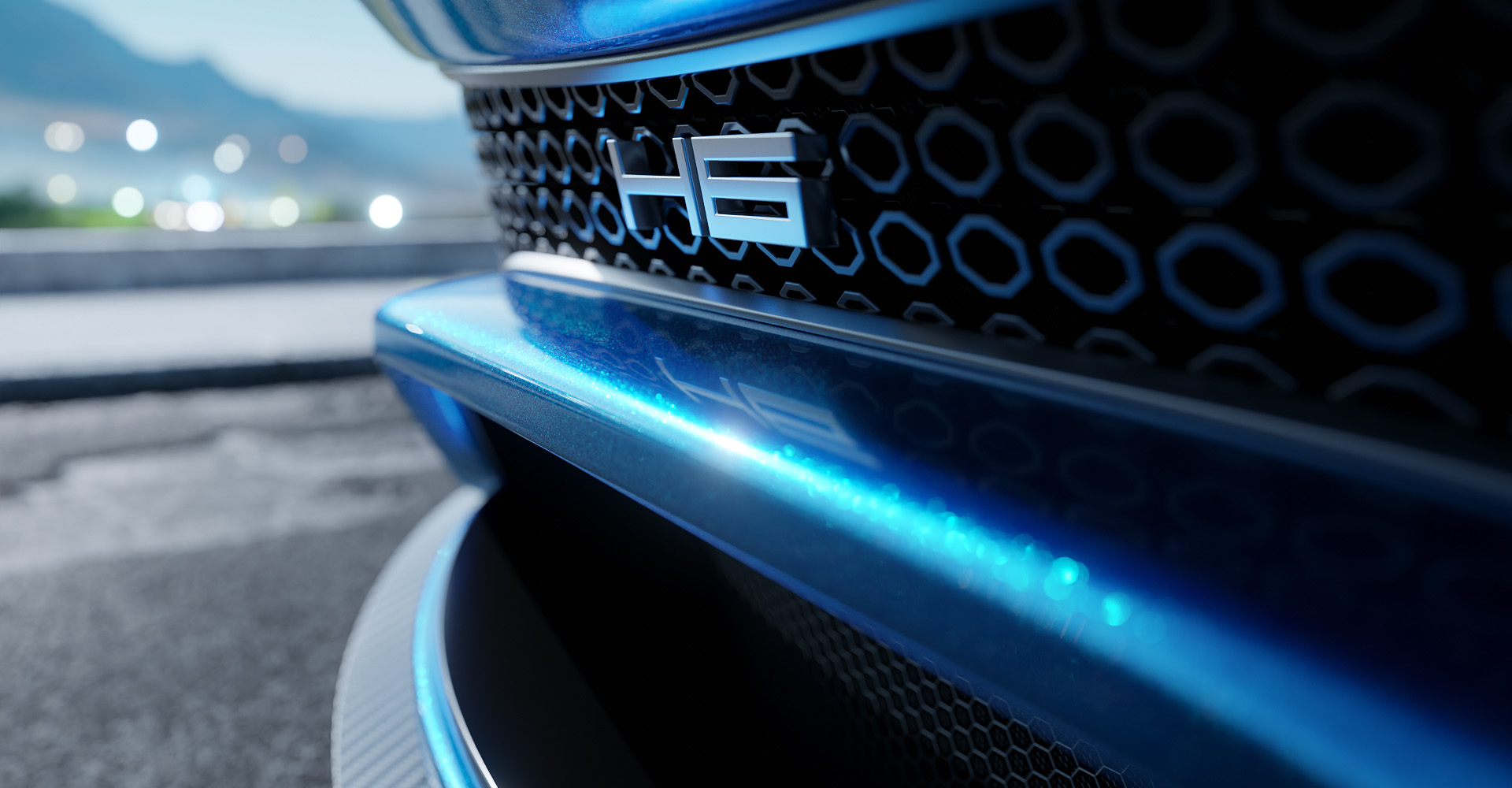
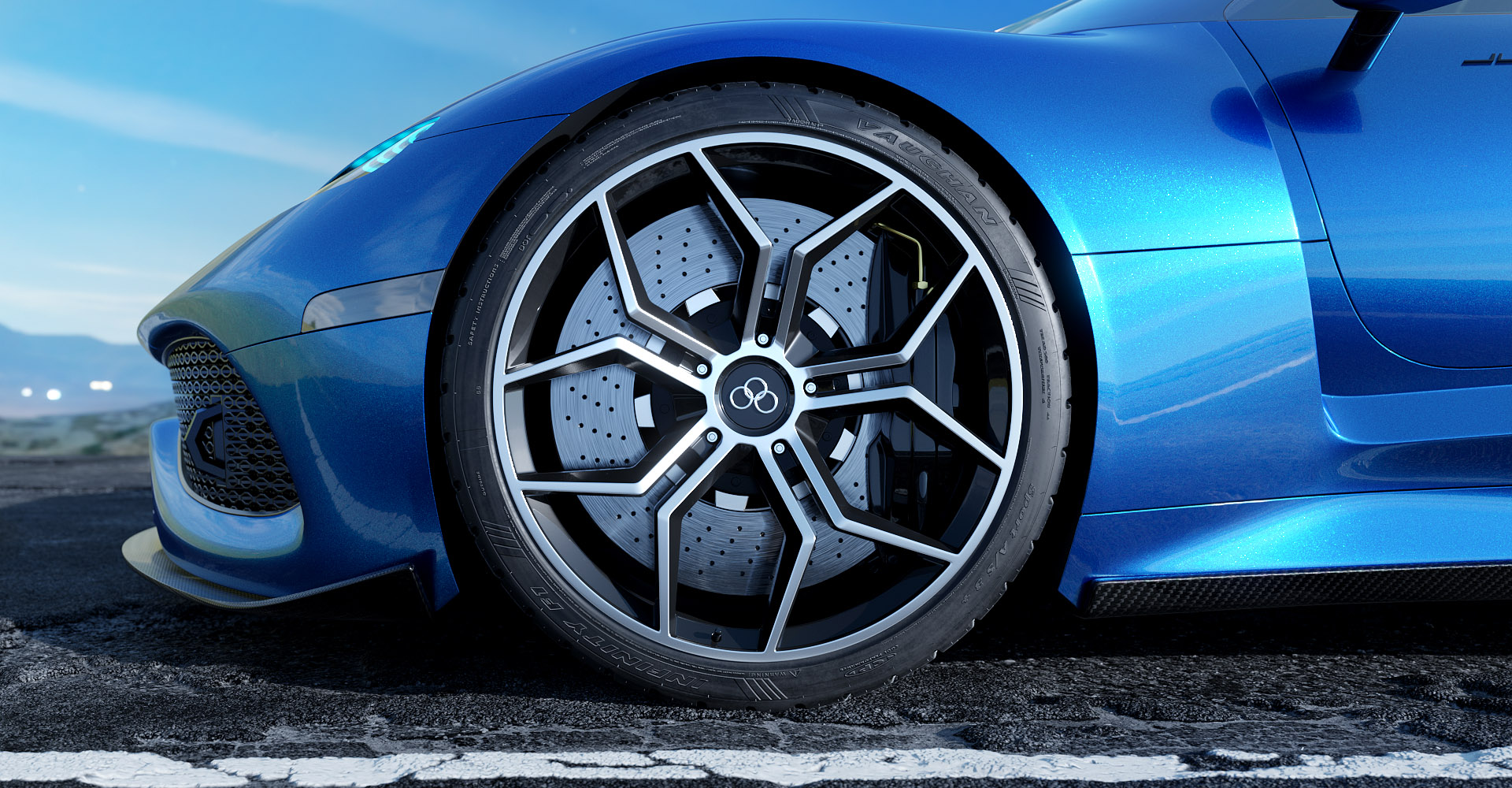
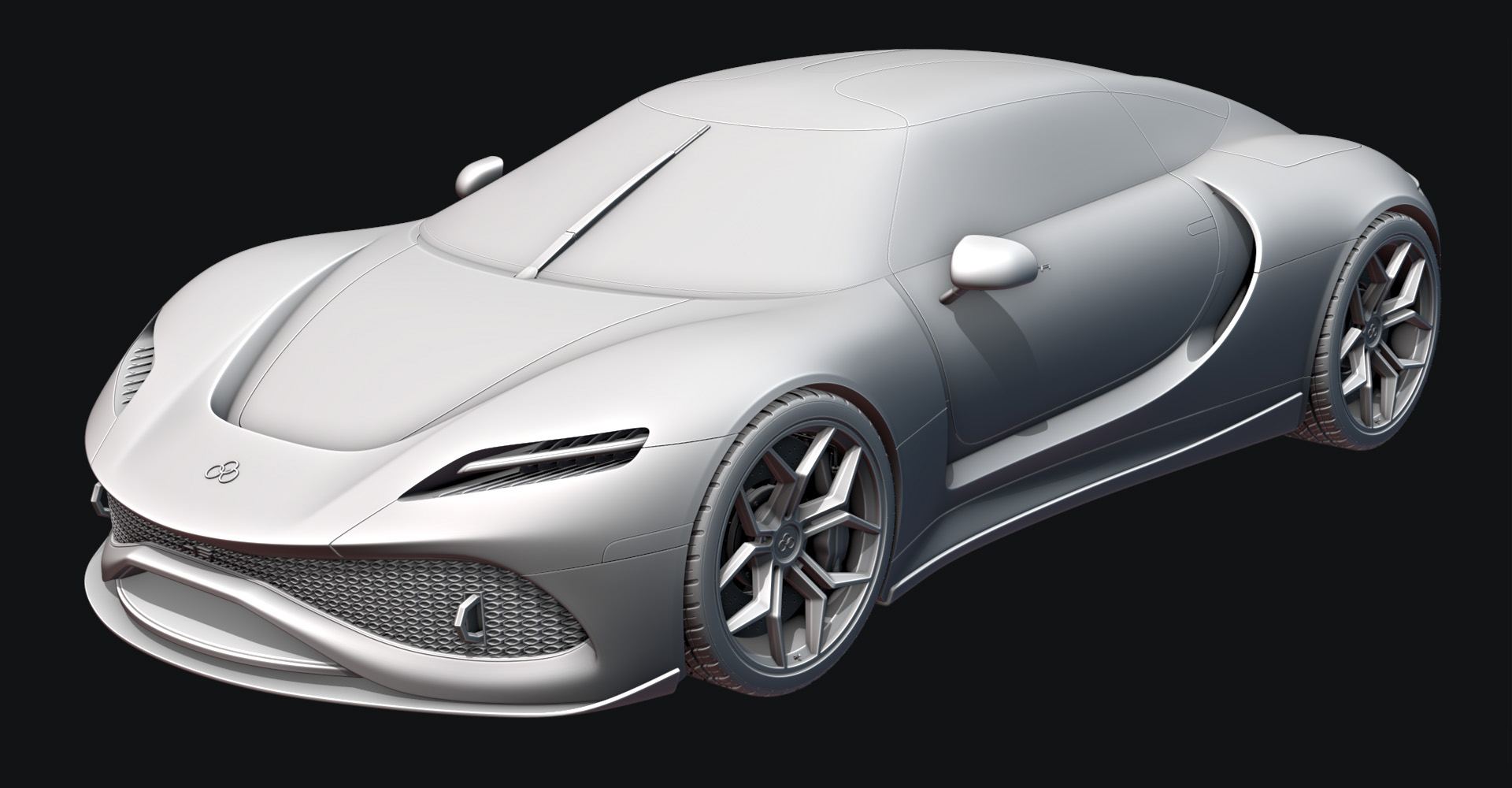
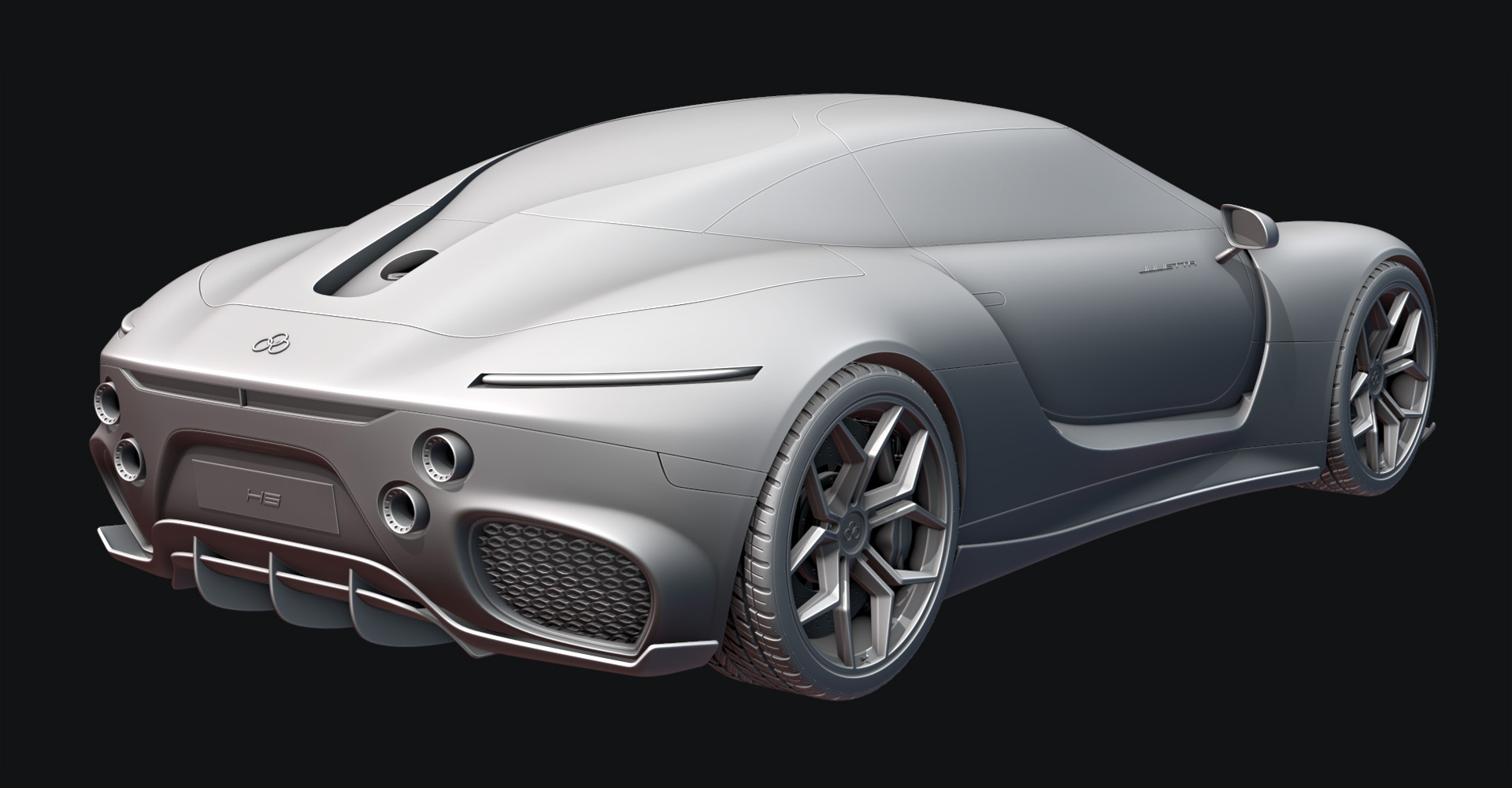
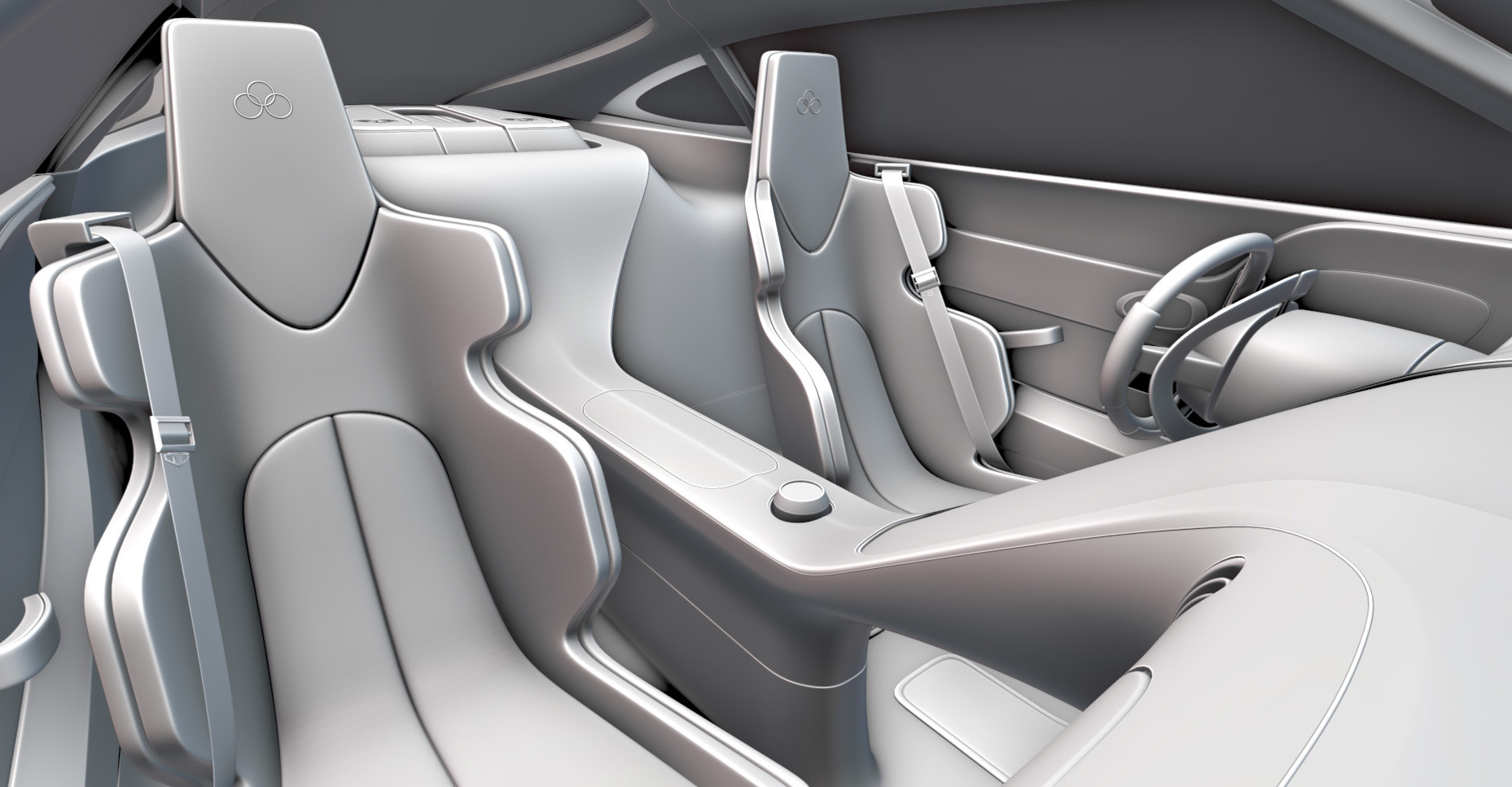
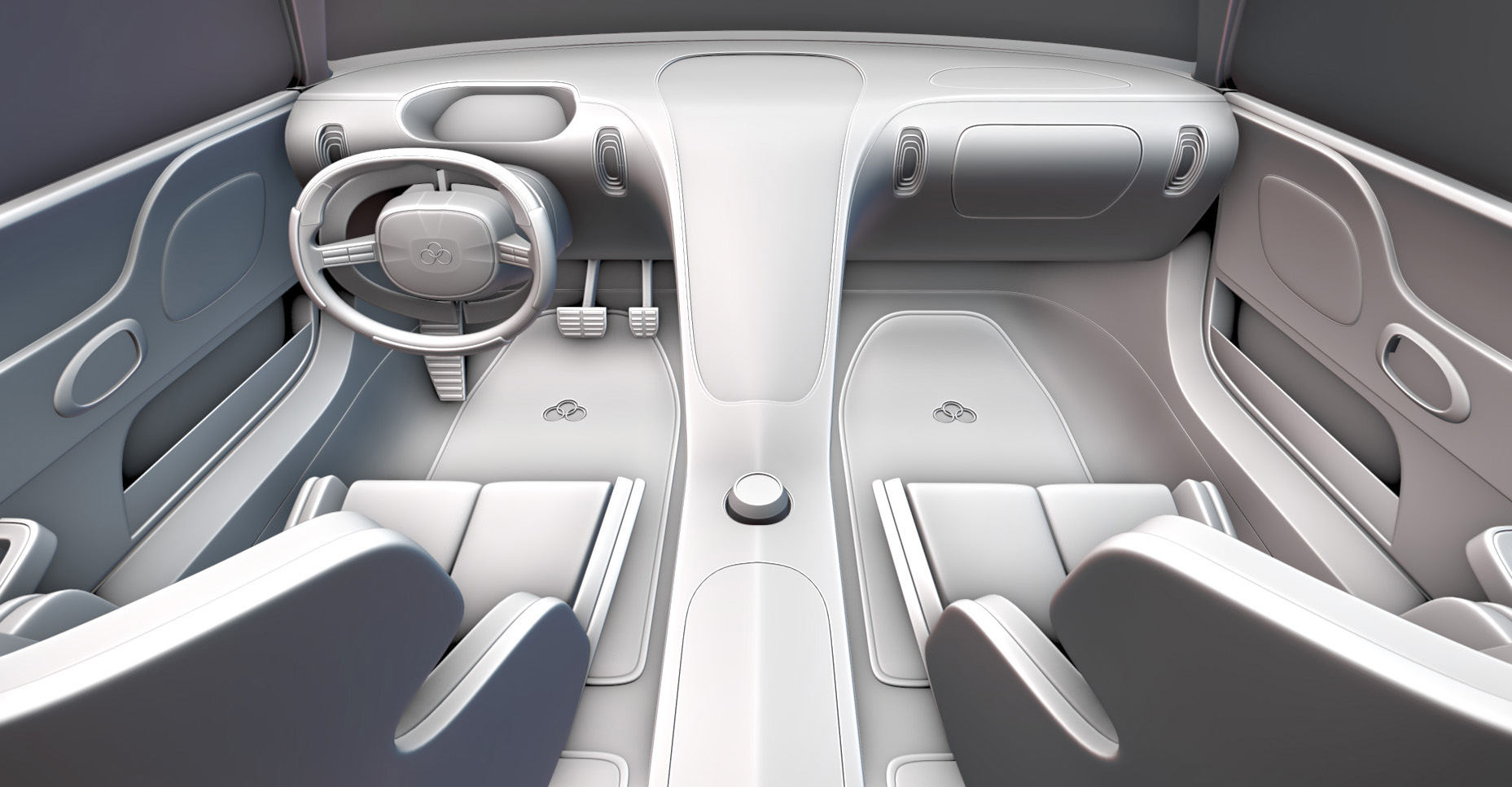
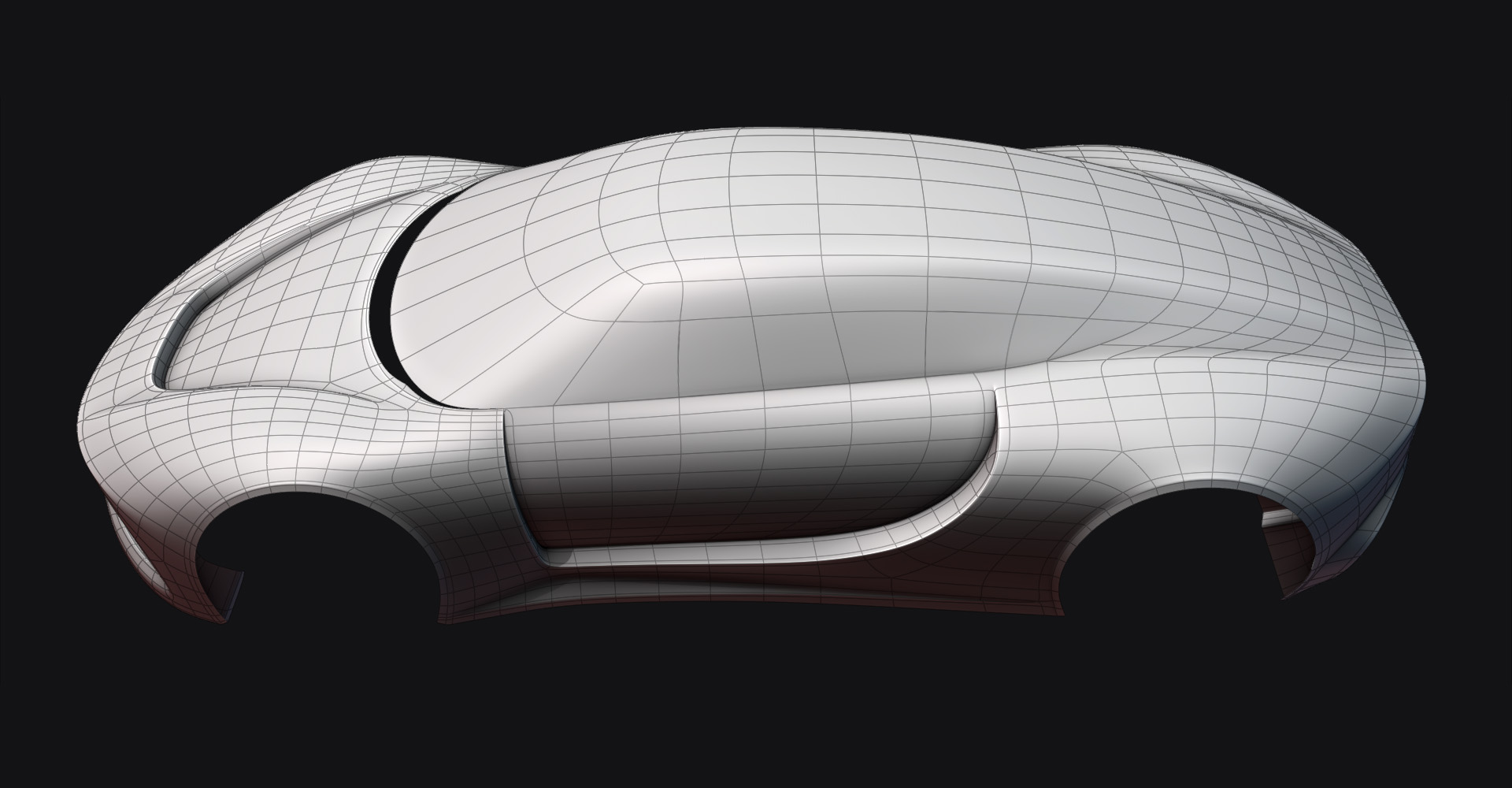
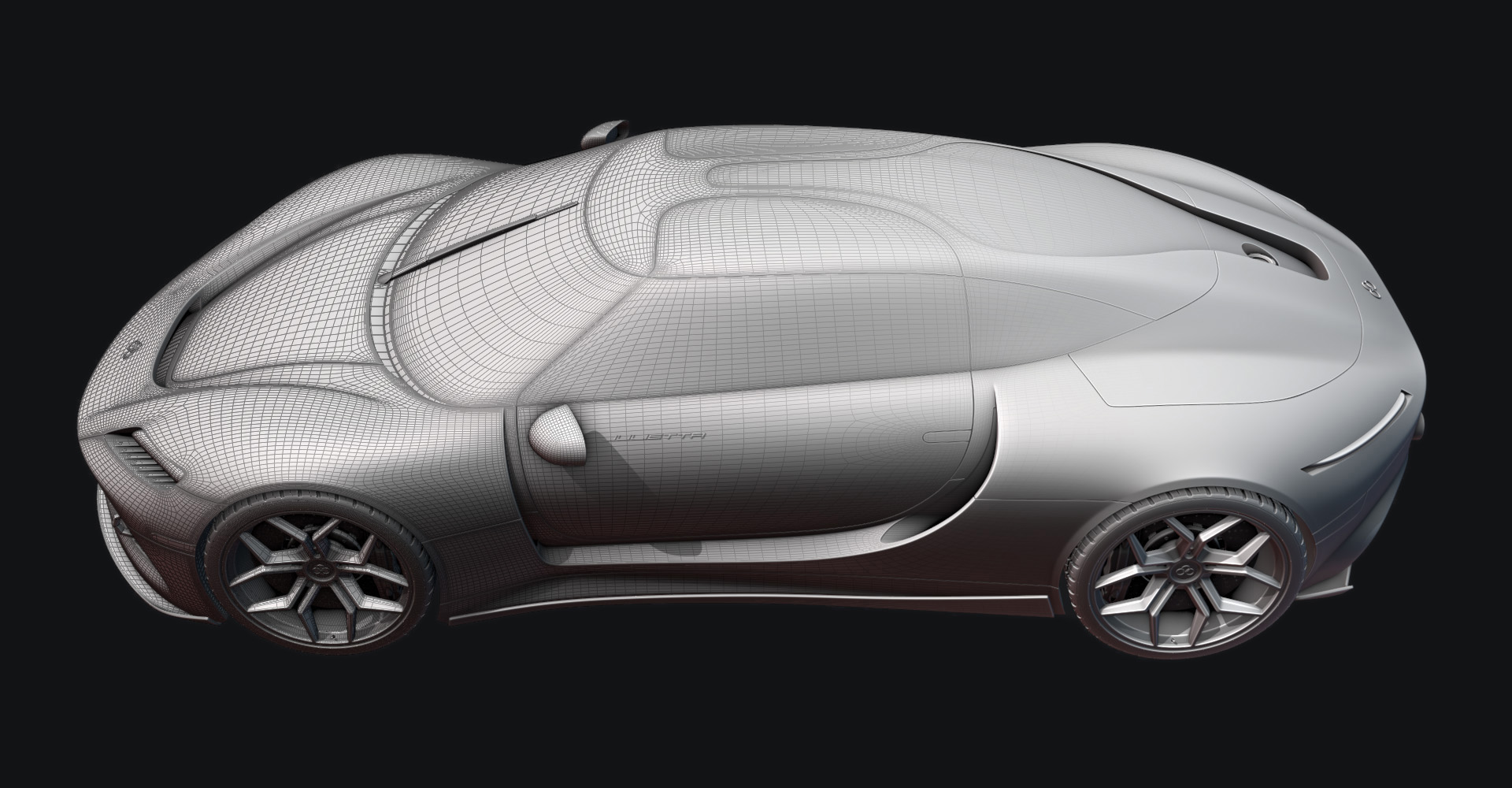
3D Cars: Inside and Out

CG Masters in Video Tutorials


Item Rating

This item has an average rating of 5 from 38 ratings by the community.

100%
0%
0%
0%
0%

Purchase this item to leave a review!

  • Adrián
    19 days ago

    Thanks for this course

  • Thang Nguyen
    about 1 year ago

    Absolute clear, and meticulous to every detail. Thank you for a great course at an affordable price.

  • Albert
    about 1 year ago

    A must-have course for those who want to learn how to model vehicles at a professional level. Personally, I had taken their previous courses (Jeep and Corvette) using older versions of Blender. 3D Cars updates this content and adds new techniques that will be very useful when modeling your own project.
    Starting the project from scratch, it doesn't matter if you're a beginner. The explanations are clear and precise. And you'll see that Chris is meticulous, and nothing is left out of control.
    During the course, you feel supported at all times, both by the explanations in the chapters and when you have questions about your own model and get stuck. Contact Chris, and he'll quickly propose a solution.
    Highly recommended, and I'm already looking forward to the next one...

  • Marc Lussier
    over 1 year ago

    I’ve completed numerous Blender tutorials, but this one stands out as the best. Chris is an outstanding instructor—he’s not only easy to listen to, but also provides clear and thorough explanations that make following along simple. His attention to detail is exceptional, and you’ll pick up numerous modeling tips throughout the course. I just hope I can retain even a fraction of what I've learned. You can tell he’s put a lot of time and effort into creating this course, and with so many videos, it’s definitely worth every penny.

    When I ran into a couple of issues, I reached out to Chris for help, and he was quick to respond and incredibly helpful.

    Here are a few tips based on my experience with the course:

    It’s a big time investment: This course will take you a while to complete, so be prepared to dedicate time to it. I probably worked through a couple of lessons a day, but there were times when I hit a wall and needed to take a break for a few days. In total, it probably took me about six months to finish. You might be able to complete it faster, but there’s a lot of content, and it requires time and focus.

    Managing the files: There are a lot of files included, so don’t feel the need to download them all at once—doing so will take up a lot of storage space. Instead, download just a chapter or two at a time, and delete them once you’re done with each section. Let Blender Market be your storage solution.

    Save frequently: Chris will mention this, but it’s worth repeating: save often! If you run into issues, you don’t want to have to redo large portions of your work. Additionally, use "Save As" to create new files for each chapter. You can always delete older files later, but it will help you stay organized as you go along.

    Follow every step precisely: Even if you’re familiar with Blender, resist the temptation to take shortcuts or think you know a quicker way to do something. Trust the process and follow each step exactly as Chris outlines it, down to the smallest detail. Naming everything exactly as he does will also make things easier later. I tried to match everything as closely as possible, counting grid squares and duplicating his movements, but still ran into a few issues I had to troubleshoot.

    Small adjustments can make a big difference: There were a couple of times when something didn’t quite look right after I followed the instructions. If you’re seeing an issue, try making tiny adjustments. For example, if Chris suggests scaling something by a specific value like 0.00125 or 0.055, but it doesn’t look right, try using values like 0.0125 or 0.05 instead. Additionally, if he tells you to apply a solidify modifier and it doesn’t look as expected, applying the scale might fix the issue.

    A decent computer helps: While not a critical requirement, having a relatively powerful computer is a plus. My machine is on the older side, and when it came time to render my final project, it took hours. Keep this in mind if your computer isn’t the fastest.

    Overall, this course is incredibly well-structured, and I’m confident that anyone who puts in the effort will learn a tremendous amount. It’s a solid investment for anyone looking to take their Blender skills to the next level.

  • Stuart Brown
    over 1 year ago

    Totally superb course. Thorough. Easy to understand. Good value. A 100% recommend.

  • Damian
    over 1 year ago

    The best course out there! I'm learning a ton and thoroughly enjoying this!

  • 1P2D
    over 1 year ago

    An absolute must have for anyone looking at mastering hard surface modelling. Simply unbeatable.

  • Alf
    almost 2 years ago

    Excellent course from Chris as always. Thank you Sir!

  • Leandre
    almost 2 years ago

    Absolutely fantastic course on hard surface modeling using the sub-d workflow!

    What sets this apart is that it focuses on complex shapes, rather than boxy designs that hide a lot of mistakes

    In turn this requires you to understand what the impact is of each action and how to correct for future pain points as you go along.

    If you are a fan of modeling cars, or would just like to do a great, in-depth hard surface course, definitely dig into this!

  • Scott Sharp
    about 2 years ago

    After completing some beginner tutorials I started this course even though I still don't know what I'm doing and feel underwater. But....Chris is a great instructor and explains everything in detail as you go along.

    And get this, about 15 lectures in to Section 3 I found an issue that I created probably back in lecture 4. I tried to correct it on my own but became frustrated. So I emailed Chris screen shots of this issue and asked his advice on correcting it because I didn't want to start over. He told me to send him my blend file and he'd take a look. An hour or so later he emails me a 3 minute video on how to correct my issue!? Amazing!

    I can't wait for more courses from Chris, not only because he helped me correct my issue. But he has skills and knows how to teach them.

$60

Have questions about this product?
Login to message

Details
Sales 3400+
Rating
38 ratings
Dev Fund Contributor
Published over 3 years ago
Blender Version 3.6 - 5.1
License Editorial