 Nicolas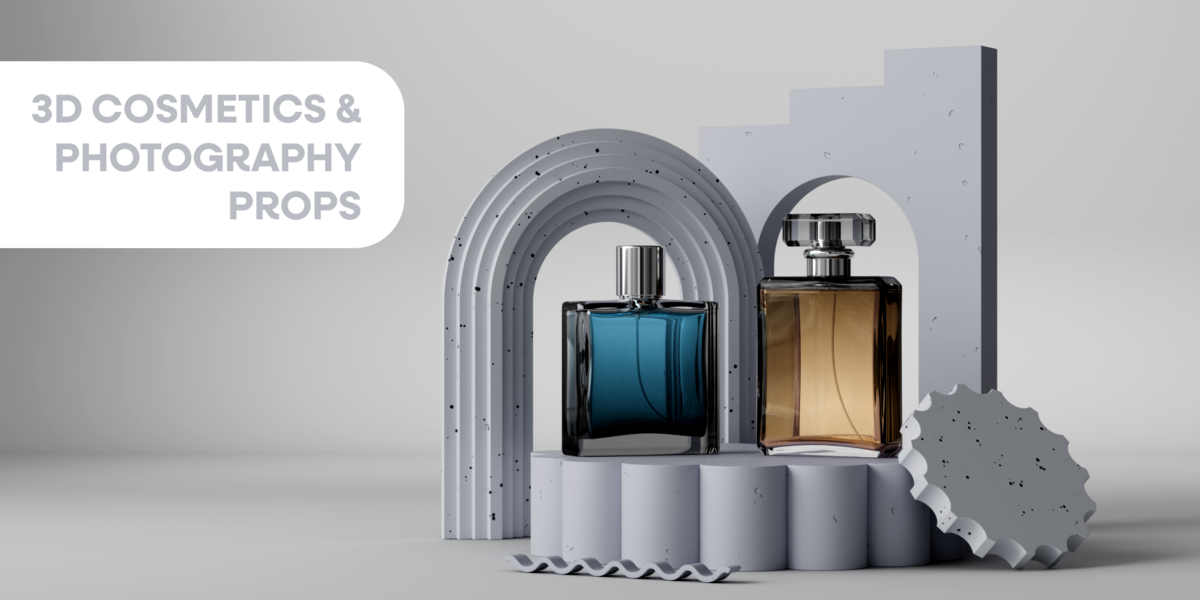


Hardware & Software Support
- Blender version: Blender 4.0 or later, Windows & macOS
Installation
- Unzip "Cosmetics assets"
- Open Blender
- Go to Edit > Preferences
- Go File Paths
- Click in + (Add Asset Library)
- Select Select the unzipped "Cosmetics assets" folder
Quick Start
-
Choose the prop
- Select in the thumbnail cosmetic/prop image to select the one you want.
- Drag the asset in the scene
-
That's all
- You can experiment with as many iterations as you want.
- Select in the thumbnail cosmetic/prop image to select the one you want.
- Drag the asset in the scene
- You can experiment with as many iterations as you want.
If you have any questions, please don't hesitate to contact me.
$12.99
Have questions about this product?
Login to message
Includes an Asset Library
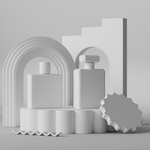
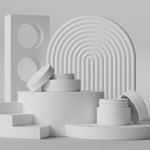
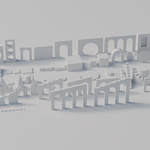
89 drag-and-drop assets for Blender’s Asset Browser.
Browse included assets| Rating | 1 ratings |
| Published | 7 months ago |
| Blender Version | 4.0 - 5.0 |
| Render Engine Used | Cycles, Eevee |
| License | Royalty Free |