 Joben
Joben


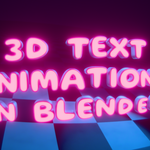
Organic 3D Text Animator — Geometry Nodes Tool for Blender
Effortlessly animate organic, letter-by-letter 3D text reveals in Blender with this Geometry Nodes–based tool. Designed for motion designers, YouTubers, and creators who want beautiful results. Fast.

- Organic letter-by-letter text reveal animation
- 100% procedural - no keyframes, no baking, no graph editor, the text remains editable
- Built entirely with Geometry Nodes, no Python or drivers
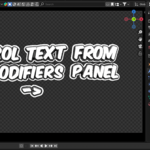
- Customize animation directly in the modifier panel
- Clean setup with no keyframes required!
- Use custom font - try organic and round fonts (avoid variable fonts as those aren't supported in Blender yet.)
- Ideal for titles, YouTube intros, and brand content
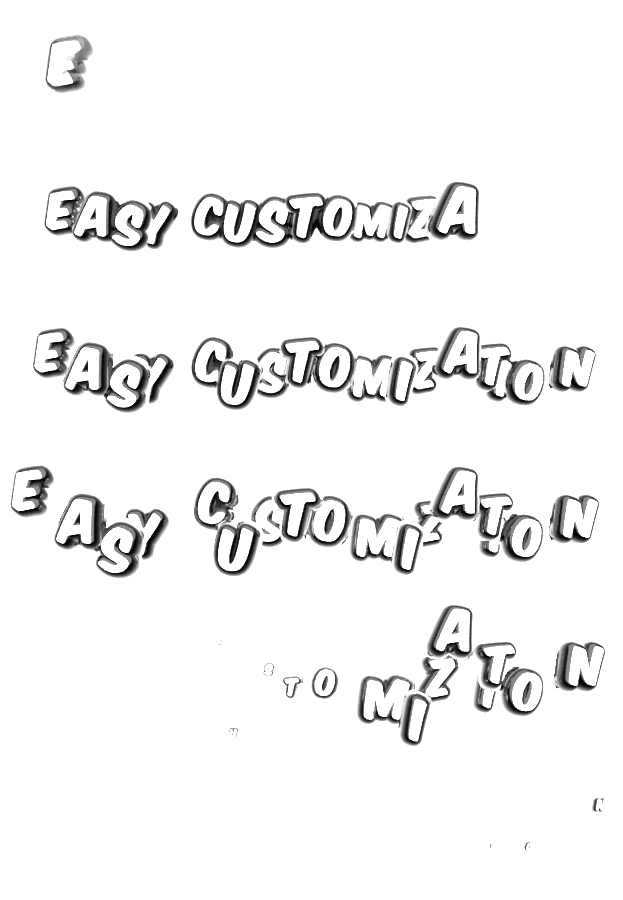
Fine-tune intro and outro animation presets, speed, letter delay, and floating motion right from the modifier panel. (Or dive deeper with fully customizable geometry nodes setup)
Settings available in modifiers panel:
- Font
- Align X
- Align Y
- Text String
- Text Resolution
- Character, Word and Line Spacing
- Core & Outline Materials
- Extrude
- Outline Thickness
- Roundness
- Rounding resolution
- Start & End Frame
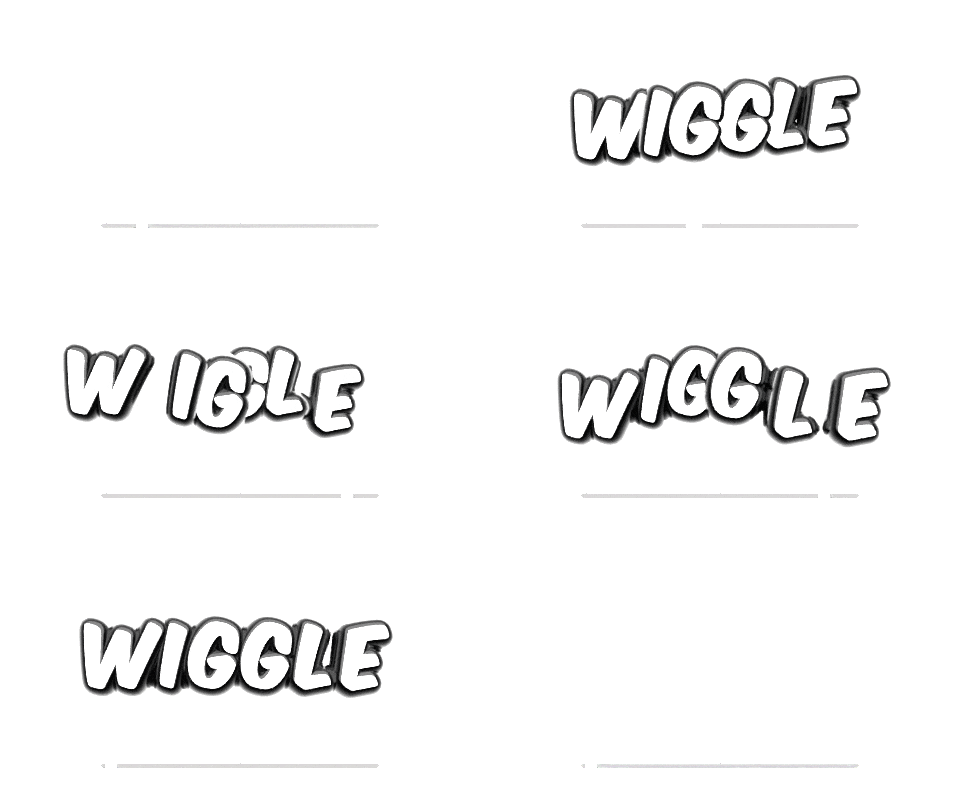
- Wiggle Speed, Amount and Scale
- Intro & Outro: Animation Presets, Character Delay, Animation Speed
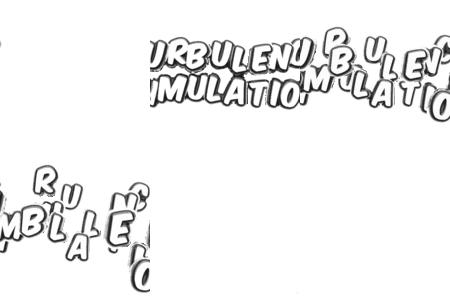
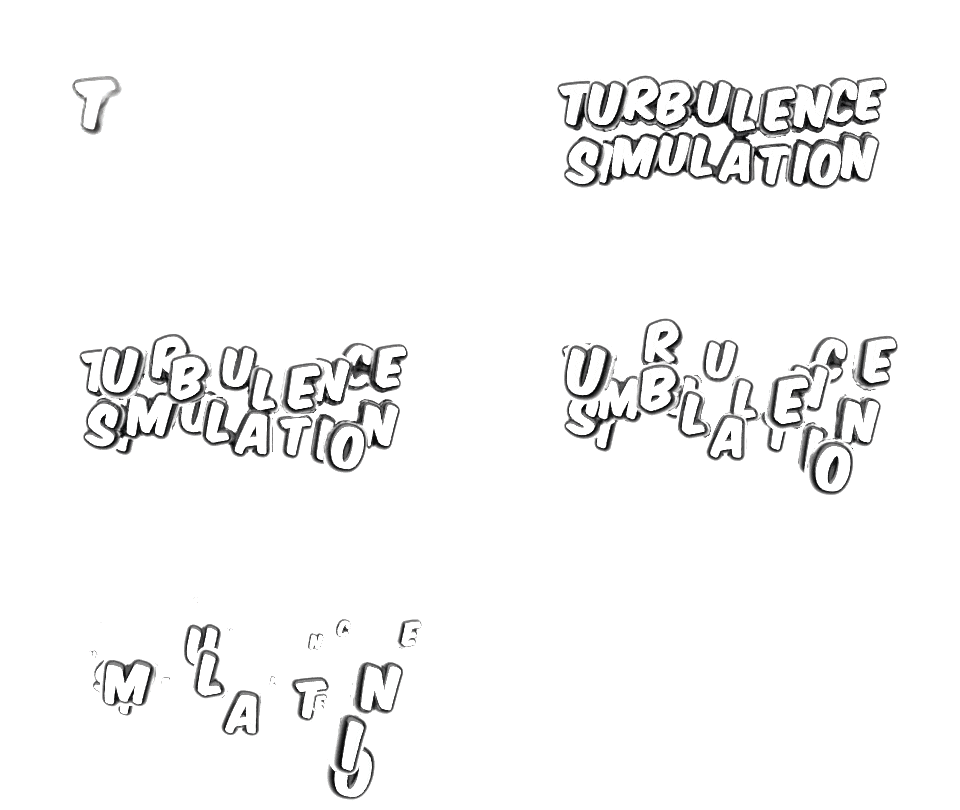
- Turbulence Simulation
- Turbulence Speed, Delay and Seed
- Backside (Experimental)
Some Fun Features to Try Out:
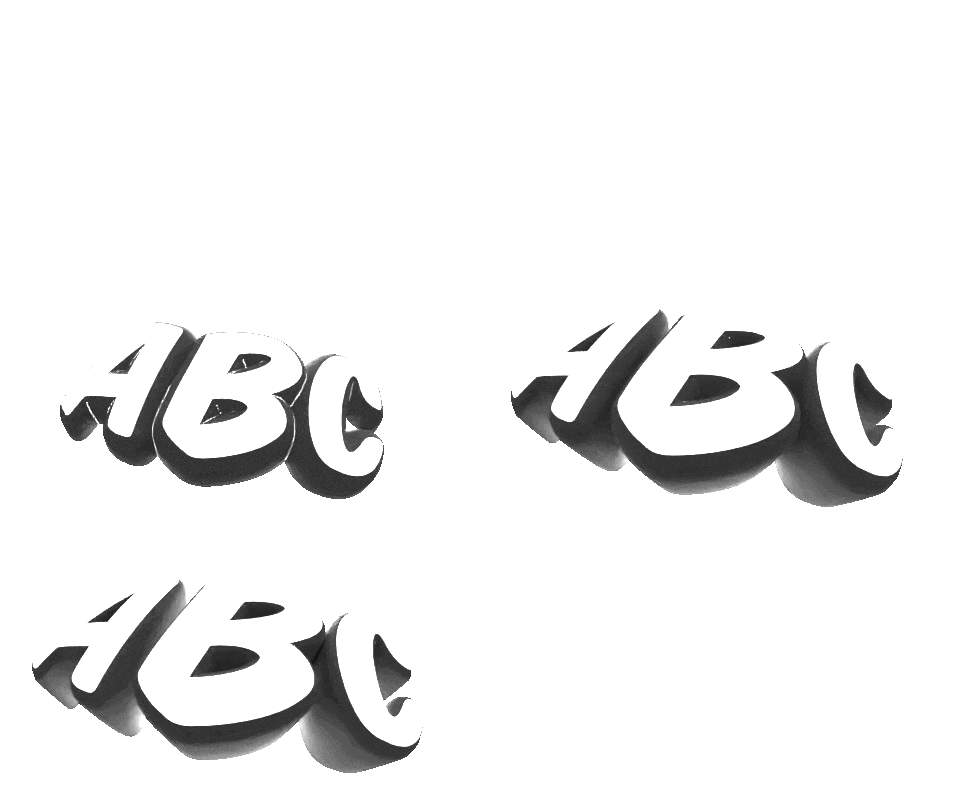
- Make text look either 2D or 3D by adjusting Outline Thickness, Rounding and Extrusion
- Add some wiggle to the text to make it more playful and fun (keep it subtle though 😉)
- Check "Turbulence Simulation" to simulate characters to simulate characters to break apart (it becomes unreadable quickly!) 🪐✨
How to Install?
- Open the .blend file and change the font to something nice to be used as a default (please don't use Blender's default font 😭)
- Save it to your Asset Library folder to make it work in Asset Browser
...or just start working in the .blend file!