3D Tudor Blender Fence Geometry Node - Effortless Custom Fence Builder
 3D Tudor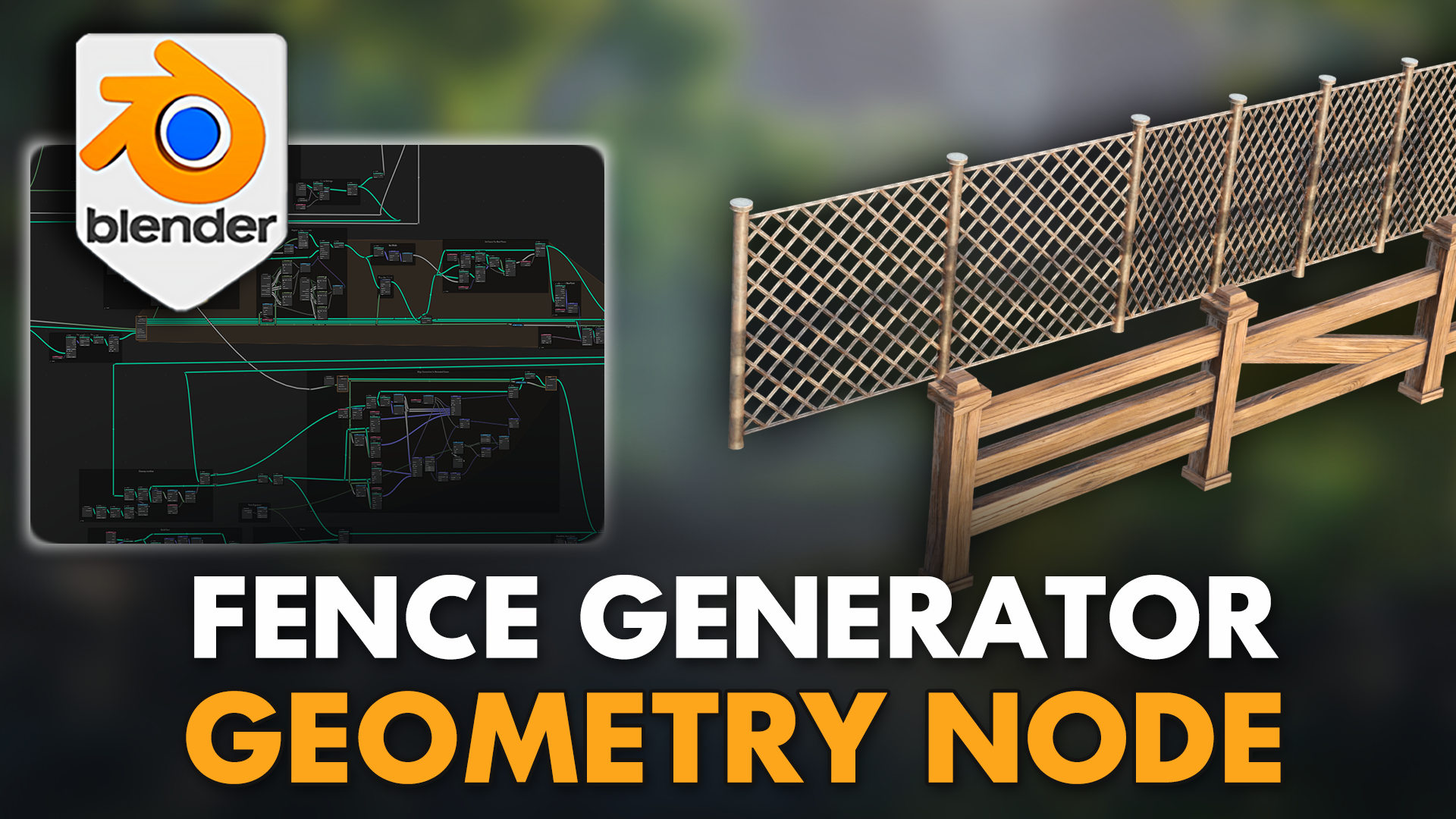





3D Tudor Blender Fence Geometry Node - Effortless Custom Fence Builder Documentation
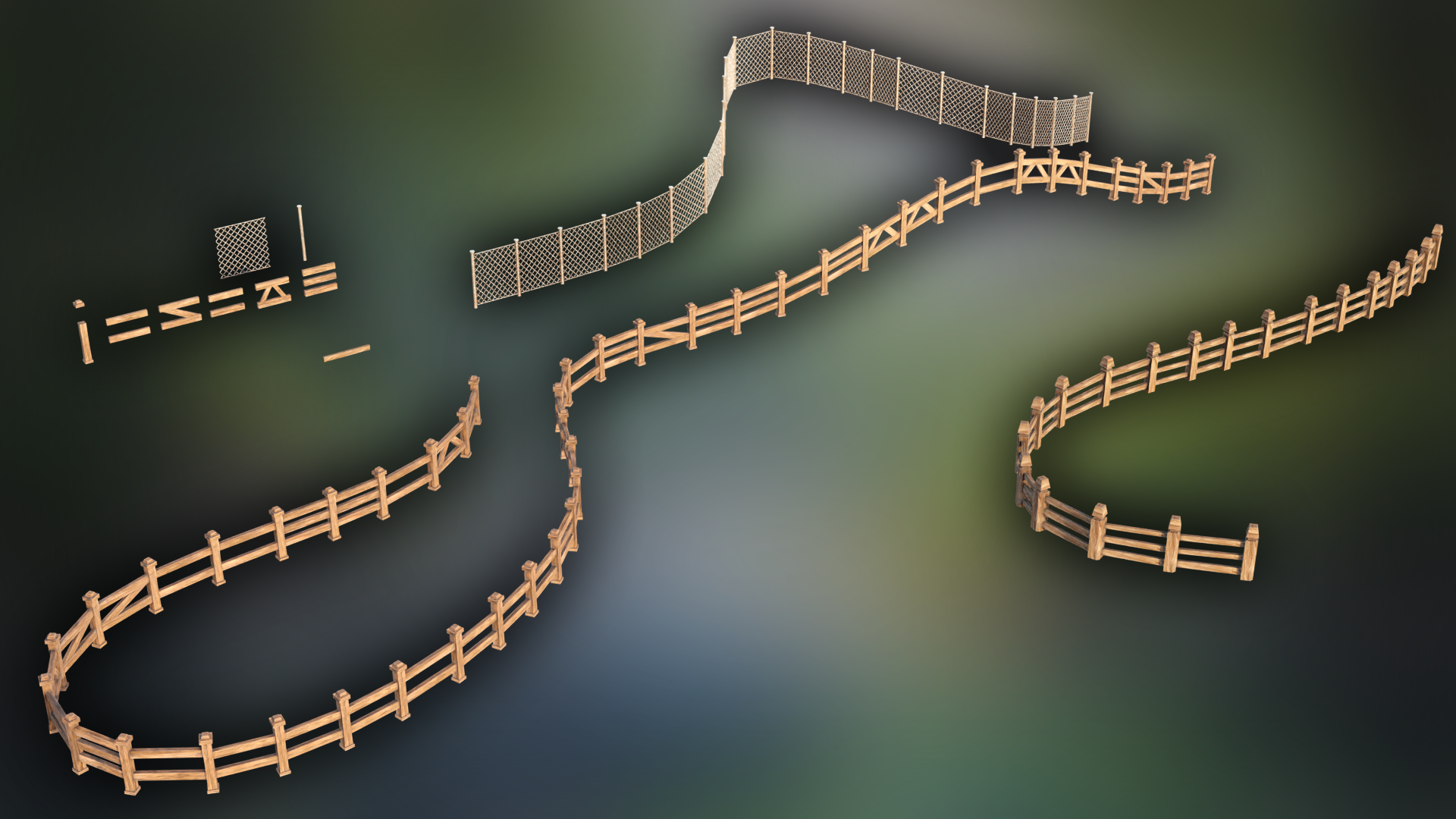
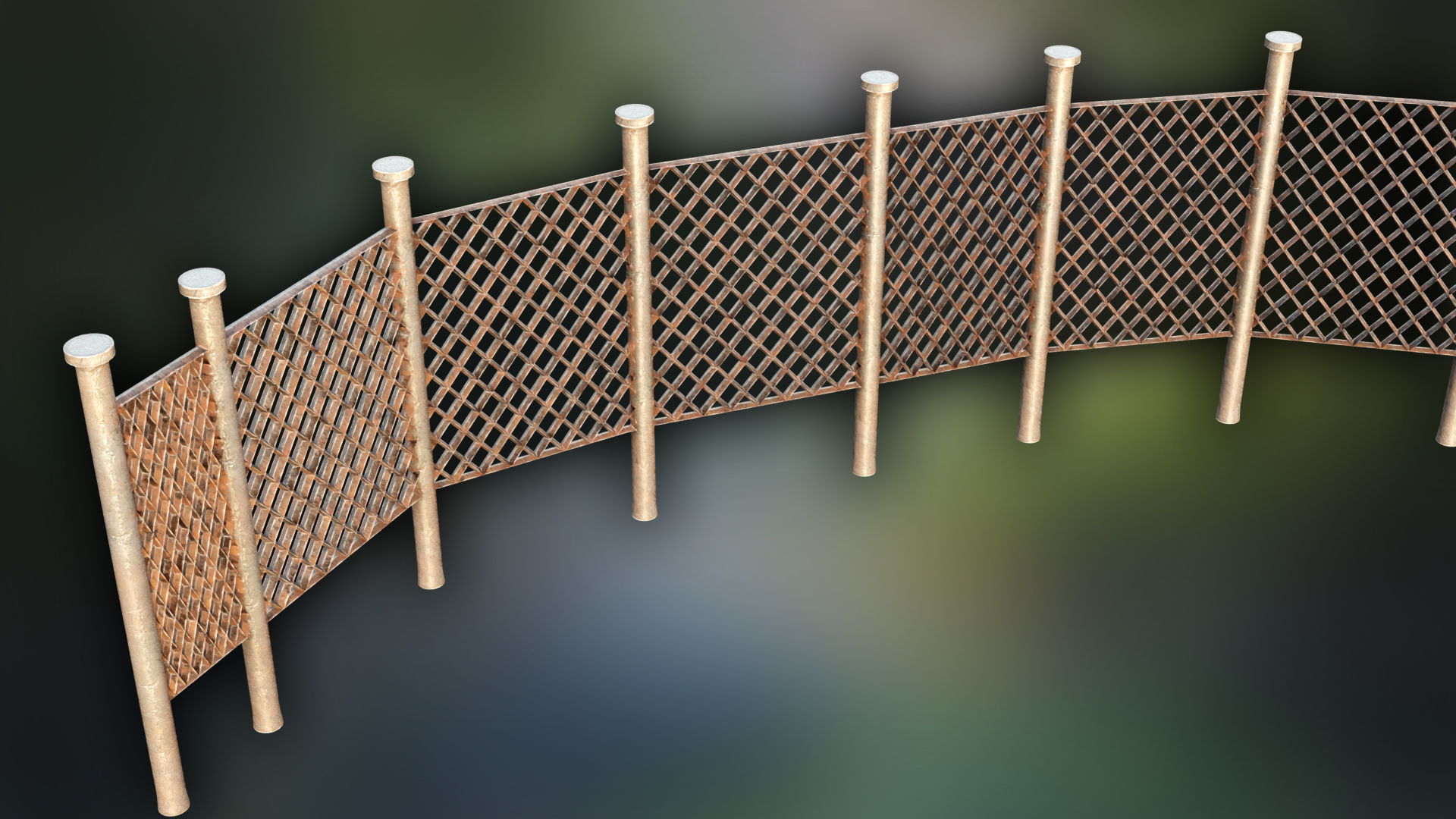
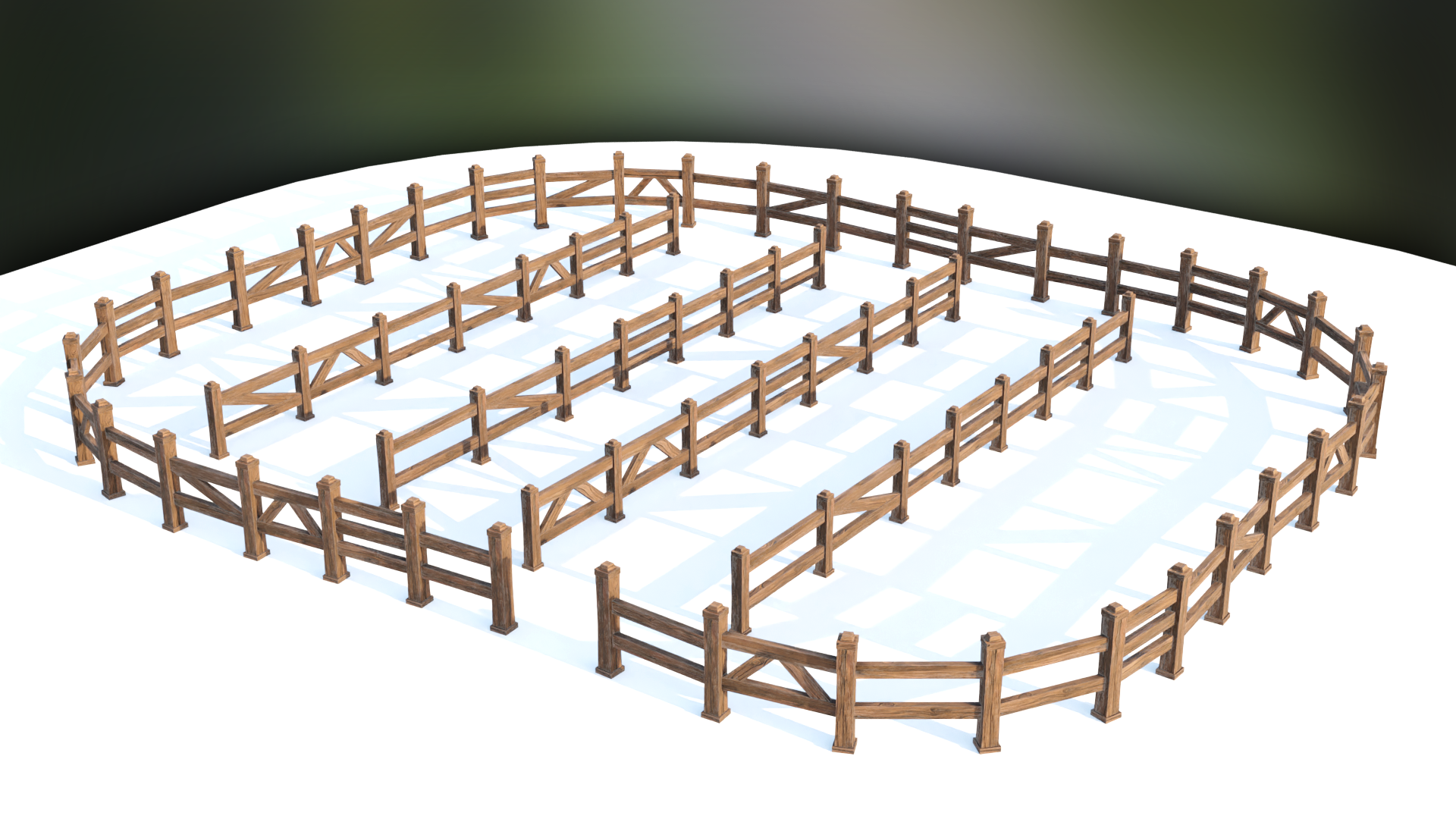
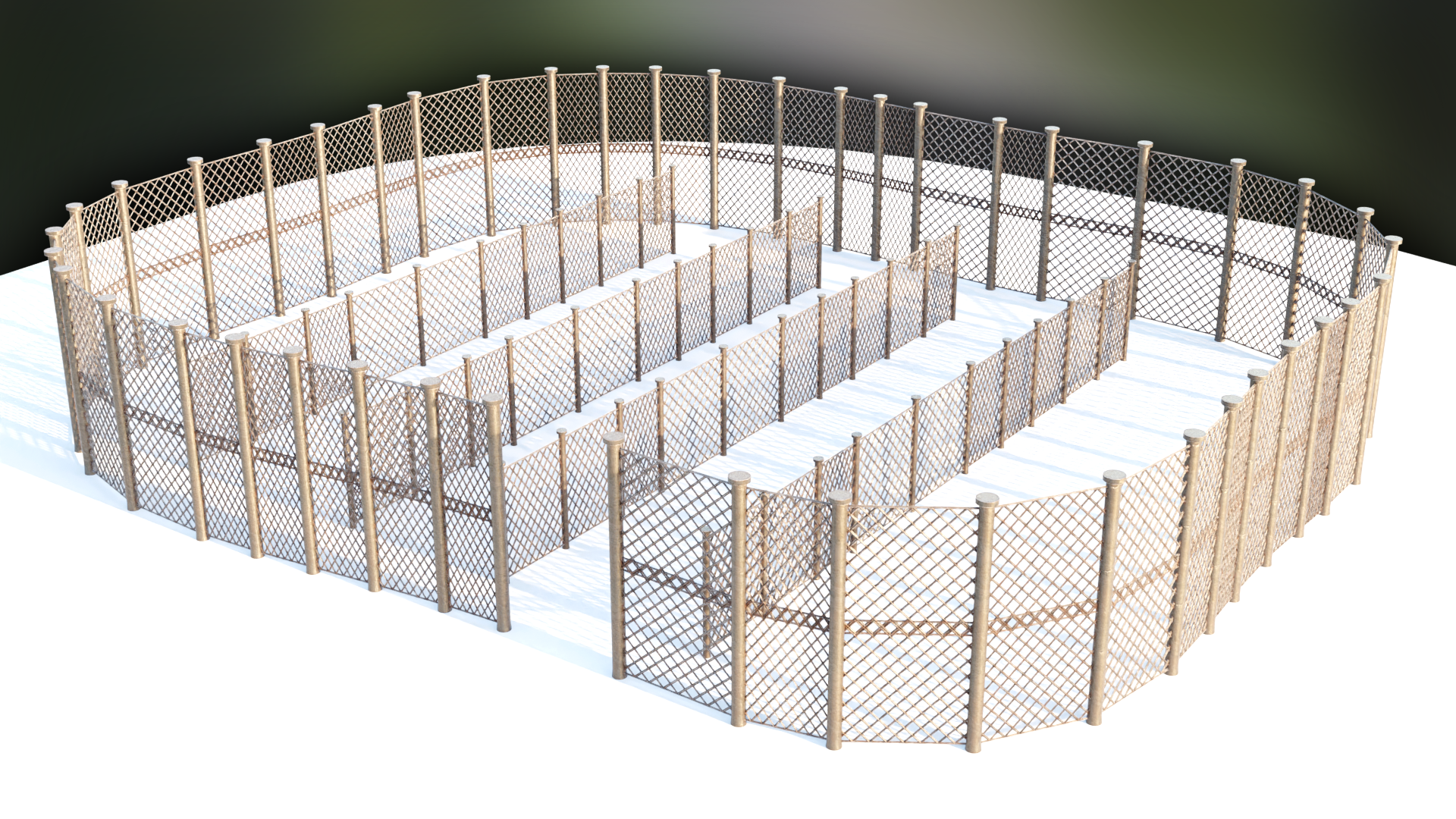
Elevate your 3D scenes with the '3D Tudor Blender Fence Geometry Node - Effortless Custom Fence Creation' – the ultimate tool for 3D artists to create dynamic fences effortlessly in Blender.
Getting started
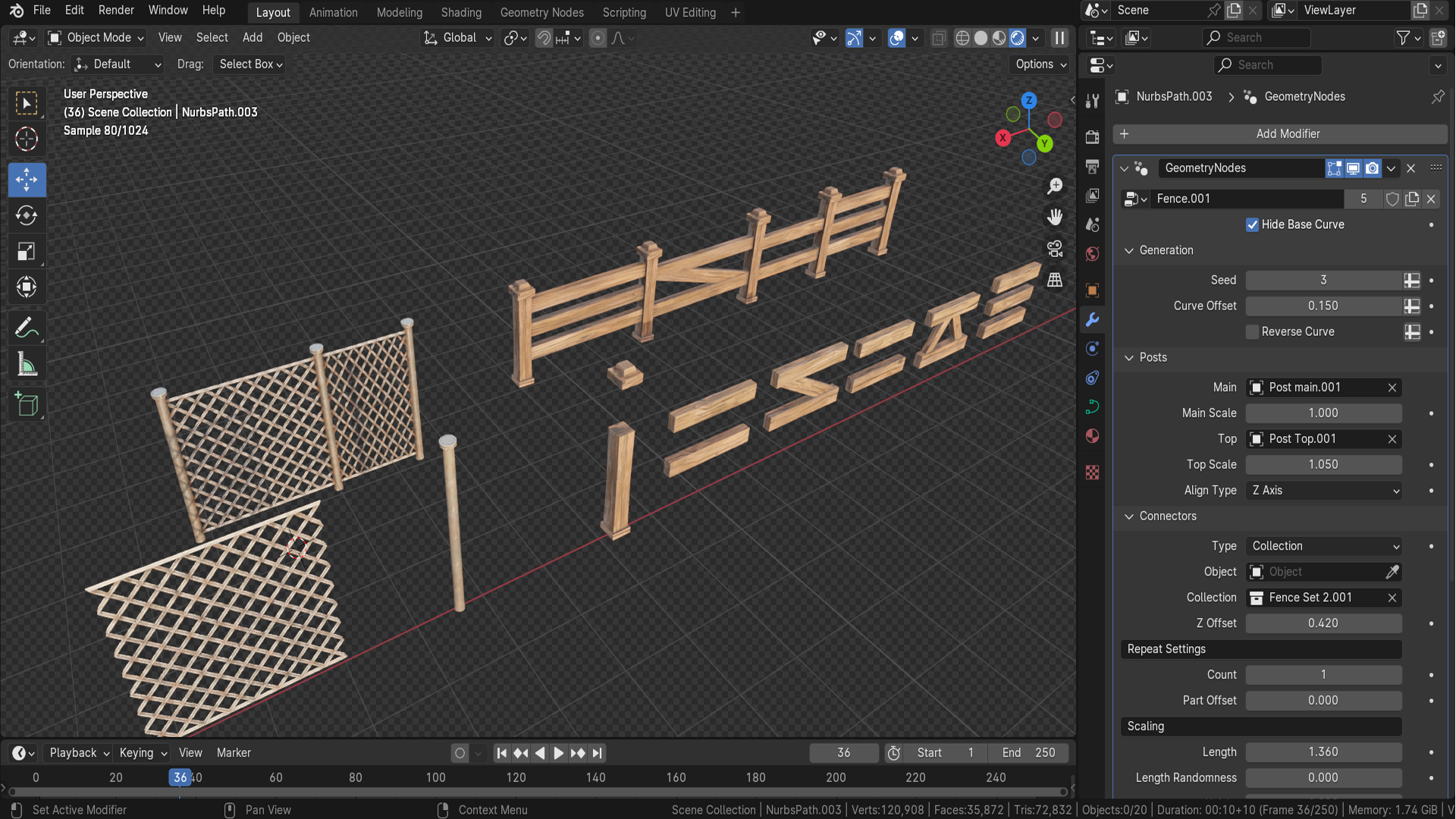
- Open the included Blender file in a clean test scene and inspect the Geometry Nodes modifier or node group before changing values.
- Save a working copy, then test the main controls on a simple object so you understand the scale and performance cost.
- Use the product with Blender where those tools are listed on the product page.
Best workflow
Work in small iterations: adjust one control at a time, check the viewport result, then duplicate the setup for your own scene. This keeps procedural changes predictable and easy to art direct.
Compatibility and support
Use the Blender version and requirements shown on the product page. For help, use the product FAQ or contact 3D Tudor through the creator support route shown on Superhive.
About 3D Tudor
3D Tudor is a Blender and game art education studio founded by Neil I. Bettison in 2019. We teach over 250,000 students worldwide through project-based courses, books, asset packs, and tutorials for Blender, Unreal Engine 5, Geometry Nodes, environment art, and game-ready workflows. Our goal is to make high-quality 3D education approachable, affordable, and immediately useful for artists, students, hobbyists, and indie creators.
Neil I. Bettison is co-author of a #1 Amazon Best Seller in Blender, published by Packt.
Have questions about this product?
Login to message
| Sales | 100+ |
| Downloads | 1000+ |
| Dev Fund Contributor | |
| Published | over 2 years ago |
| Blender Version | 4.2, 4.1 |
| License | Royalty Free |
Discover more products like this
flexibility Digital Landscapes 3D artists Custom Connectors Stylized Wood Fence Curve Alignment Custom Post Meshes Curve-Based Design 3D Scenes Rotation Offset Controls customization Scaling Parameters blender 3d tudor Custom Fence Fence Creation game developers efficiency Chain-Link Fence geometry node