 Vinter
Vinter HS Mega Pack — Documentation
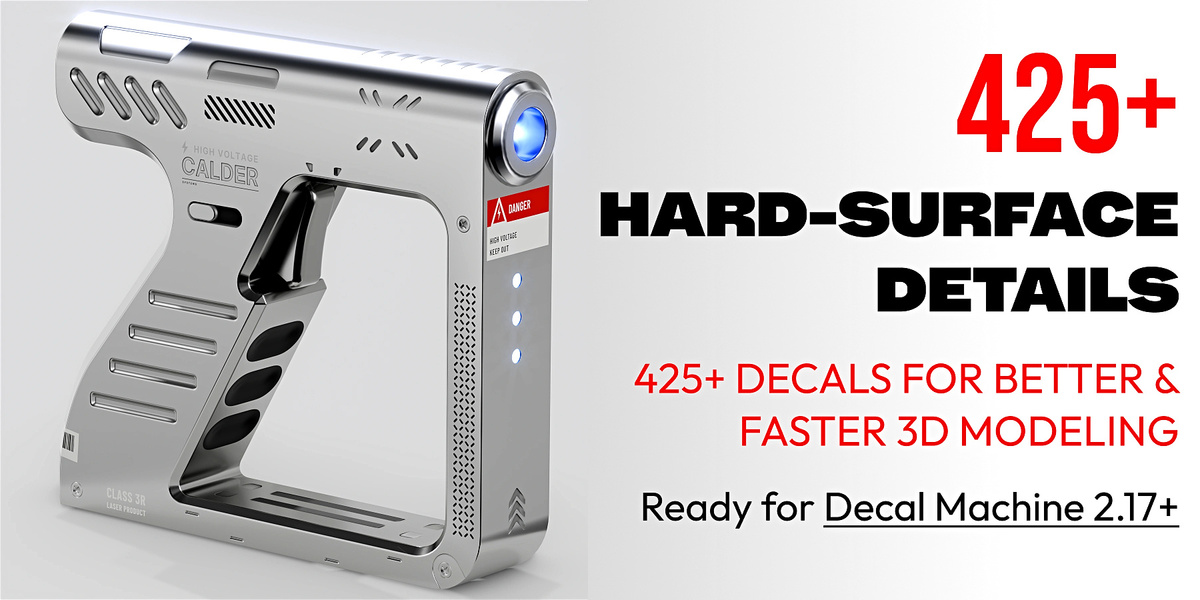
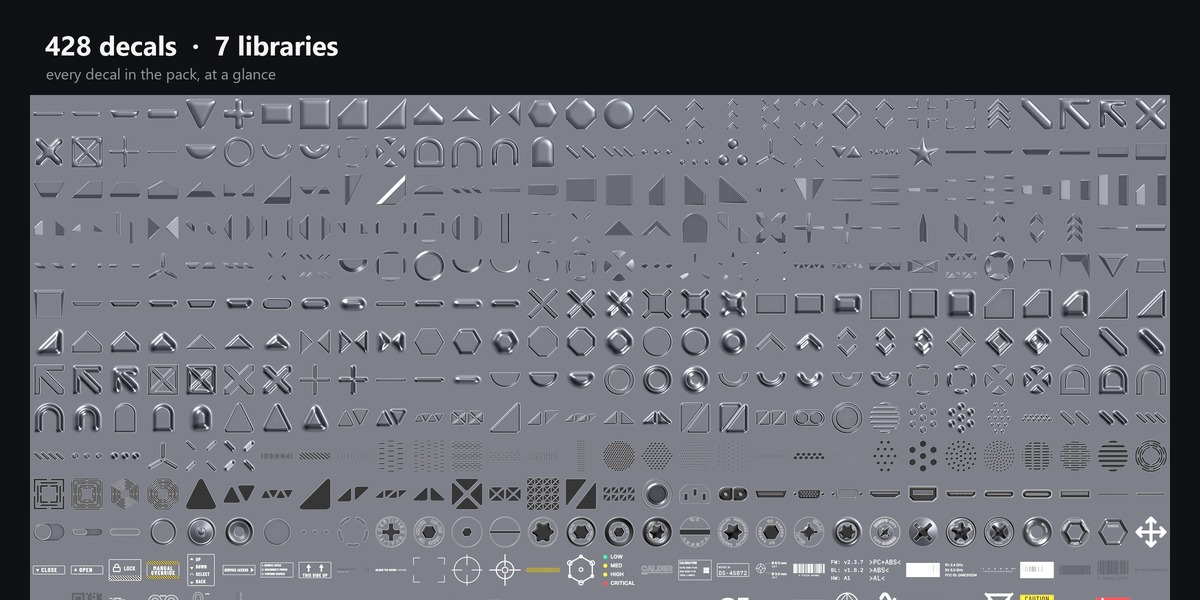
428 hard-surface decals for DECALmachine, in seven libraries.
Before you start
Required:
- Blender 5.2 or newer
- DECALmachine 2.17 or newer
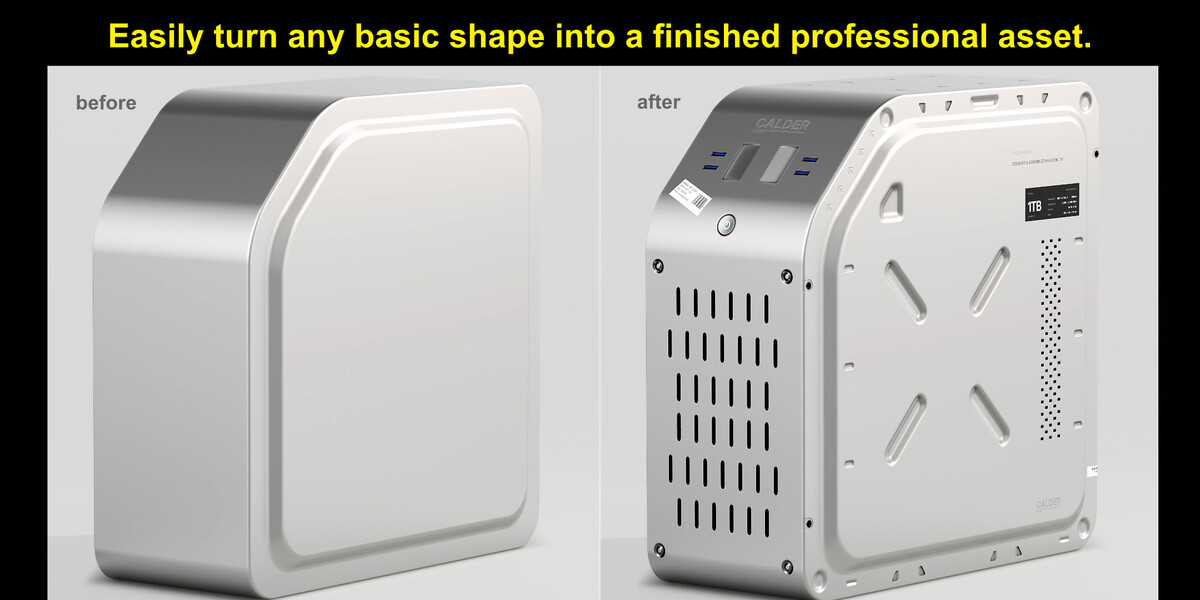
There are no blend files and no materials to install. Every decal is a standard DECALmachine folder, so it works with the tools you already use: insert, mirror, slice, snap.
What is in the pack
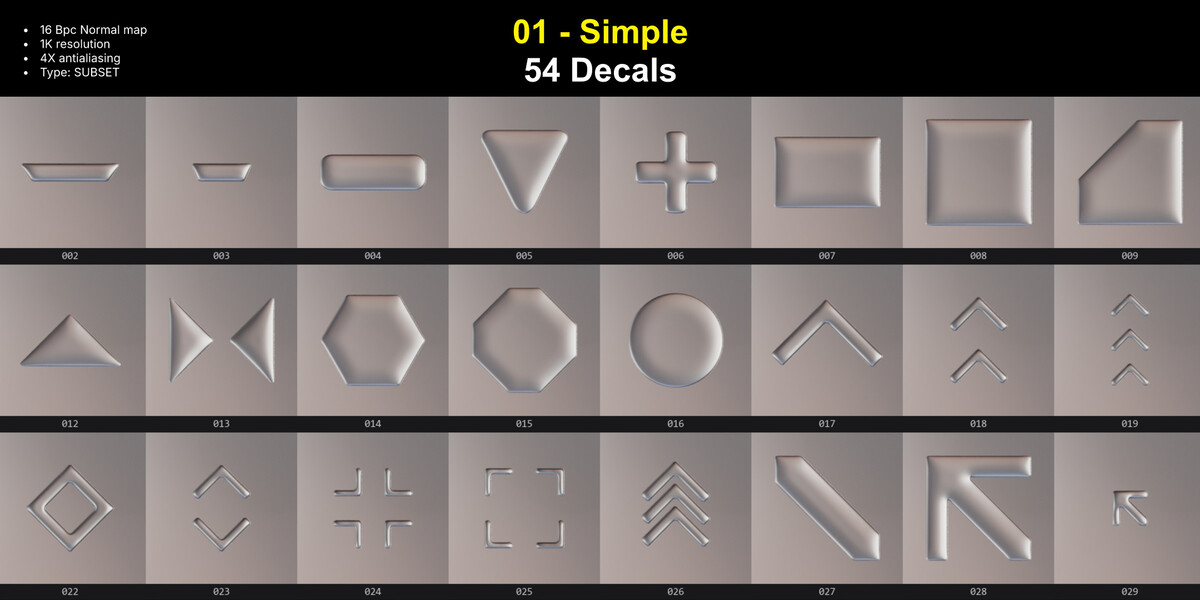
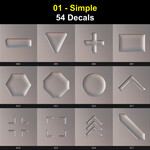
01 · Simple — 54 decals
Rectangles, corner brackets, arrows, frames, small accents. The utility drawer you keep reaching into.
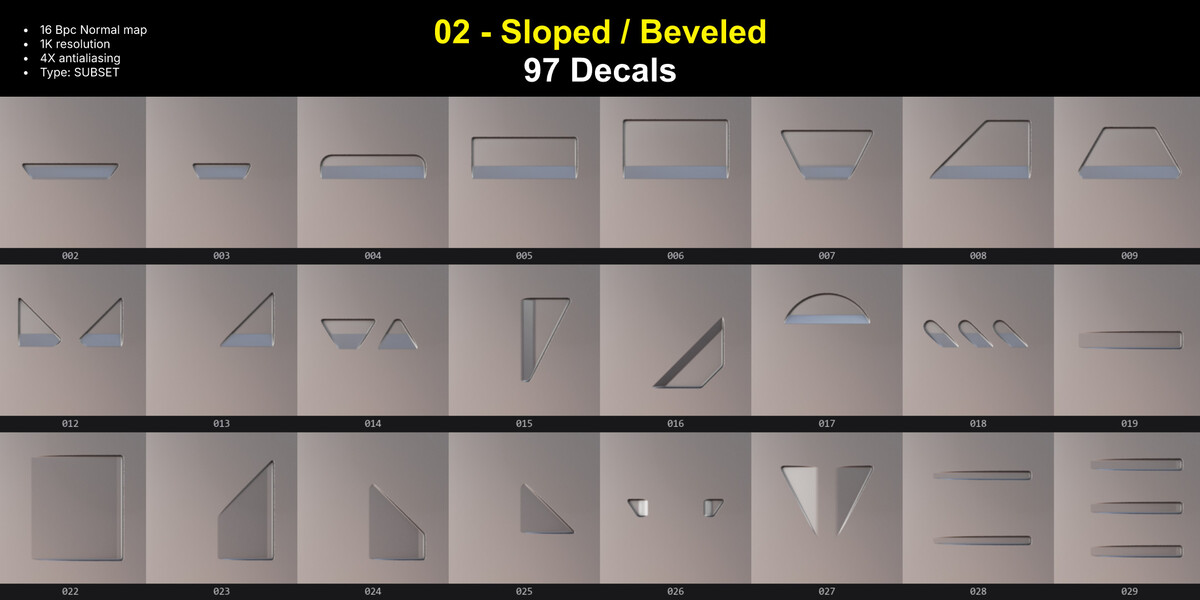
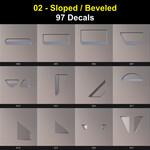
02 · Sloped — 97 decals
Bevelled plates with a cut edge. Each face catches the light differently.
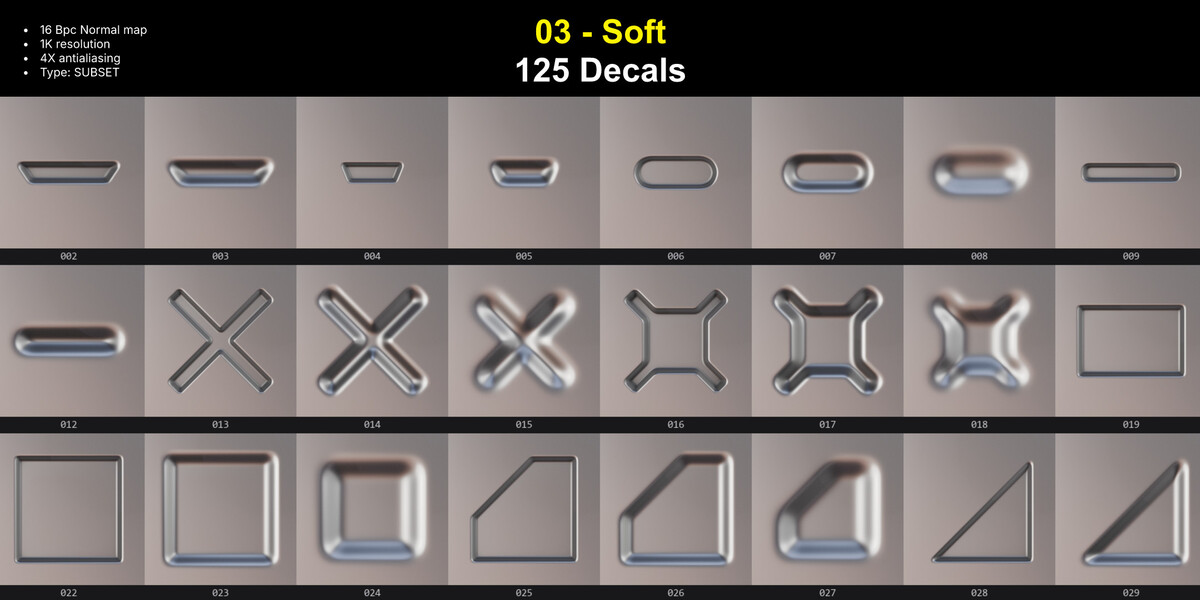
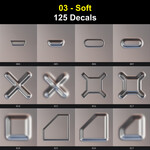
03 · Soft — 125 decals
Rounded forms that read as cast or moulded, not cut sheet.
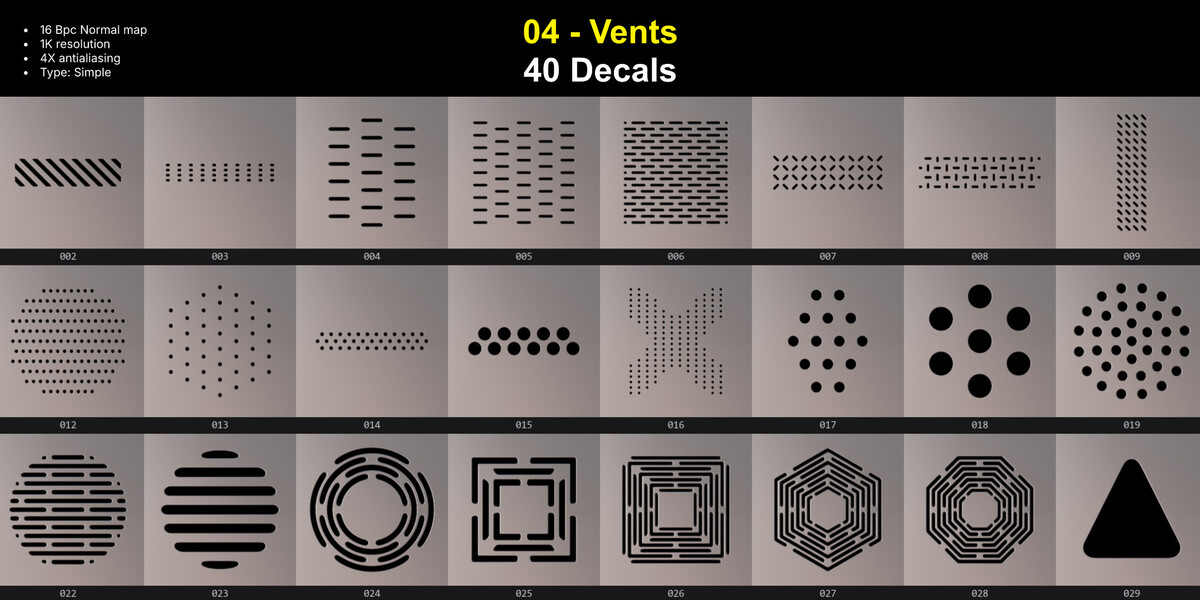
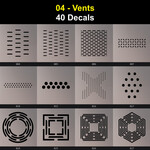
04 · Vents — 40 decals
Slats, louvres, hex meshes, dot fields. They cut a real shadow instead of painting one.
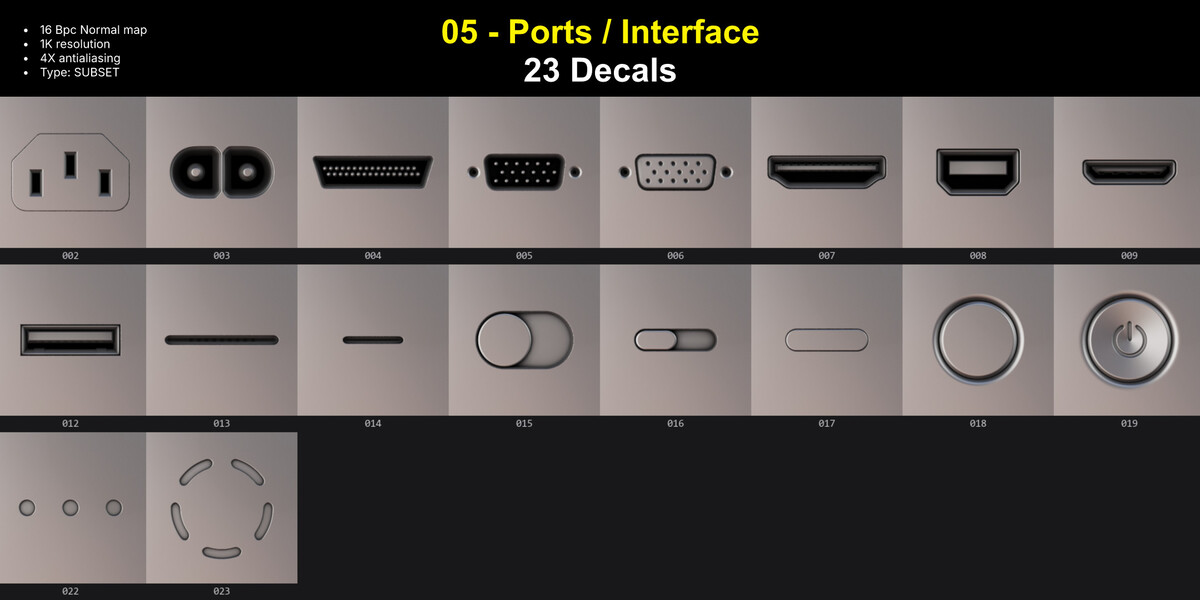
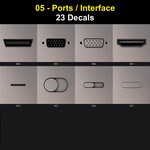
05 · Ports & Interface — 23 decals
USB-C, HDMI, D-sub, power, audio, toggles and buttons. The difference between a box and a device.
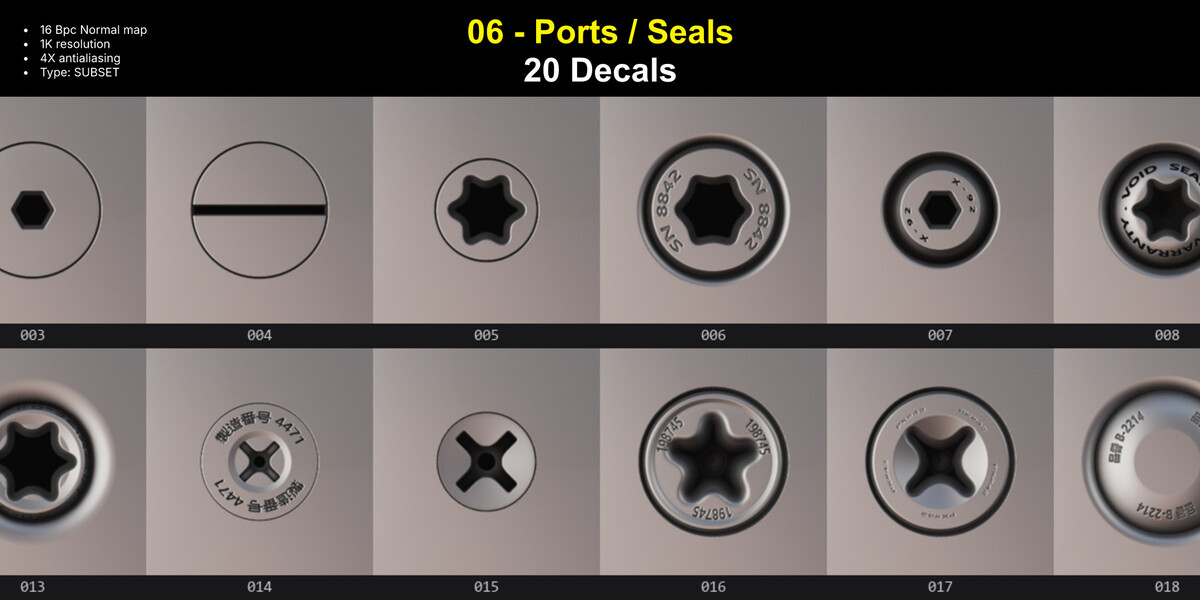
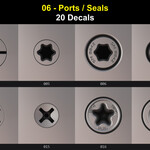
06 · Bolts & Seals — 20 decals
Hex, torx, Phillips, slotted, QC stamps and seal rings. They still read at 20 cm.
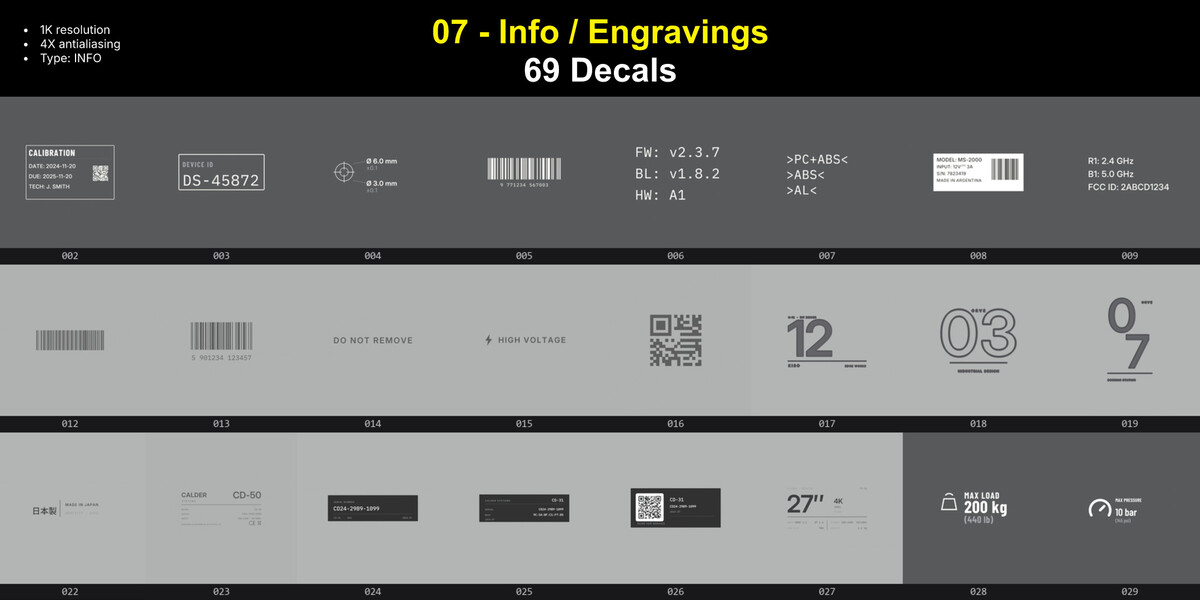
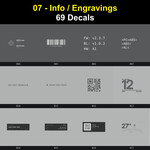
07 · Info — 69 decals
Labels, data plates, warnings and control panels. 63 flat prints, 6 embossed plates.
Total: 428 decals — 365 embossed, 63 printed.
Install
Option A — copy the folders (fastest)
- Open Blender Preferences → Add-ons → DECALmachine → General → Assets Path.
- Open the
Decalsfolder inside that path. - Copy the seven
Vinter HS Mega Pack ...folders into it. - Reload: Preferences → DECALmachine → Reload, or simply restart Blender.
Option B — Import Existing
Go to Preferences → DECALmachine → Import Existing. Pick one library folder and confirm. Repeat for the other six.
If you install a single library this way, repeat the step for each one. There is no “select all” in that dialog.
If a library shows as Legacy, press Update once. It converts to the current format in a few seconds. You only do this one time.
Using them well
- Match scale, not camera. A bolt should be bolt-sized. Check the decal against a known object in the scene before you scatter it around.
- Mix libraries on purpose. A vent, a port and a warning label on the same panel read as one deliberate design. Ten identical bolts in a row read as a texture.
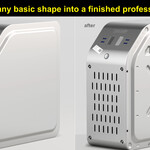
- Let Info carry the distance. A model reads as a machine because of labels and data plates, not because of more geometry. Place the big shapes first, then label them.
- Keep decals in their own collection. Mirroring and slicing the parent still work, and the decals follow.
- Do not stack decals on one face. If you need two plates, offset one slightly up. Two coplanar decals fight for the same pixels and produce z-fighting.
Textures
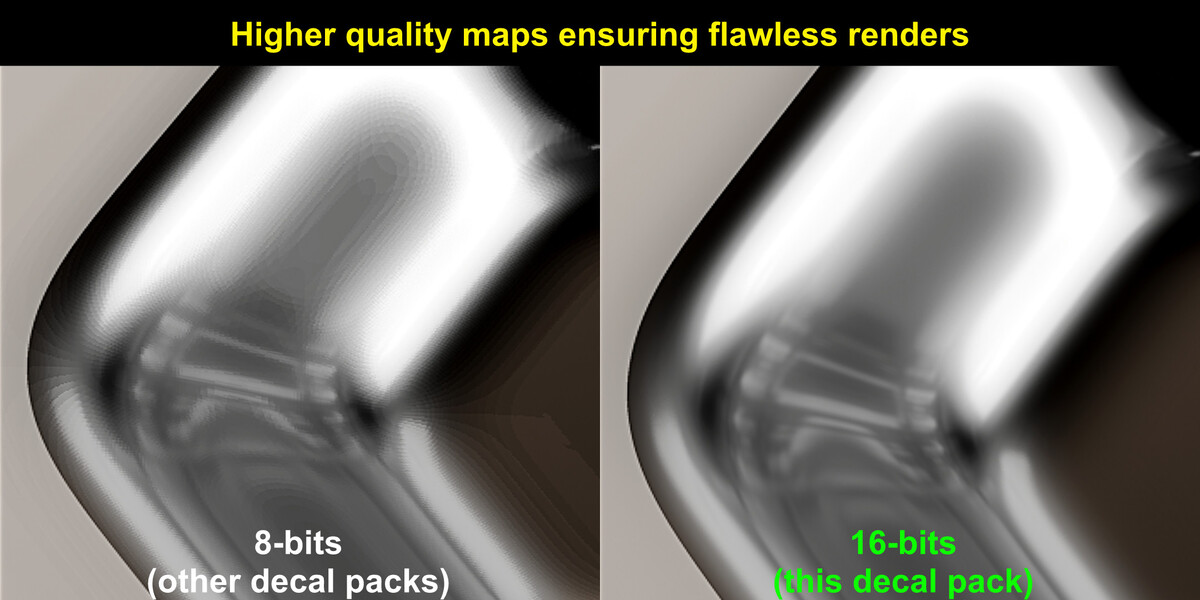
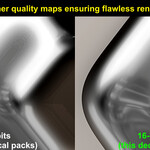
Every embossed decal ships with normal, AO, curvature, height and mask maps at 1K. Normals are 16-bit.
The bit depth matters on bevels. An 8-bit normal bands on a curved edge; 16-bit stays smooth. On a flat panel you will not see the difference, which is why the pack ships 16-bit and lets you choose.
Info decals are flat prints: colour map and masks, no embossing. That is intentional. Real labels are stickers, not stamped plates.
If something looks wrong
A library does not appear in the panel.
Reload the libraries. If it still does not show, confirm the folder sits inside the Decals folder and not next to it.
A library says Legacy.
Go to Preferences > Addons > DecalMachine > Press "Update all libraries". It takes a few seconds, and only once.
Decals don't show up.
Check that the decals collection is active and that the viewport is in a shaded mode with lighting. Decals appear as planes in solid view.
Decals disappear at sharp angles.
A decal is a flat projection. If the surface bends hard, split the decal and place each part on its own face.
The depth looks distorted or too weak.
That is the height map. Adjust the decal’s parallax intensity.
Only need a sample?
The 24-decal Starter Pack pulls one decal from every library. Same maps, same quality, and every one of them is already inside this pack, so nothing you do with the sample is wasted.
License
Personal and commercial use in your own projects, including client work.
You may not resell, redistribute, or include the decals in another pack or template. Not for AI training. Full text in LICENSE.txt.
Have questions about this product?
Login to message
| Sales | 10 |
| Dev Fund Contributor | |
| Published | 8 days ago |
| Blender Version | 5.0 - 5.2 |
| License | Royalty Free |
Discover more products like this
hard surface decals detailing decal machine sci fi decal details decal pack decalmachine