 Vinter
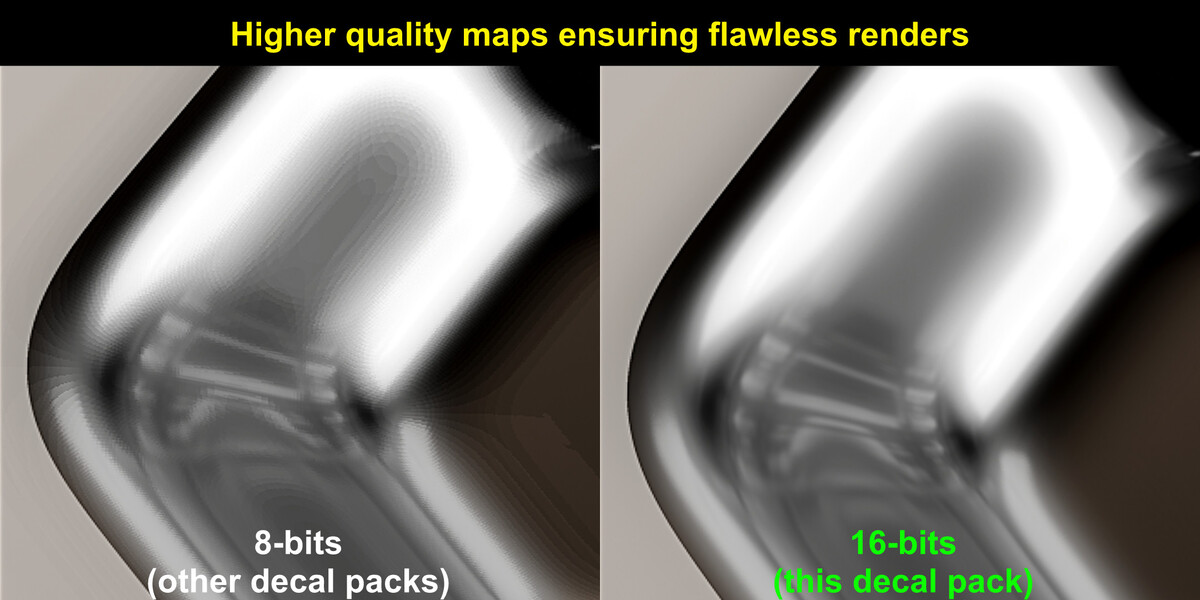
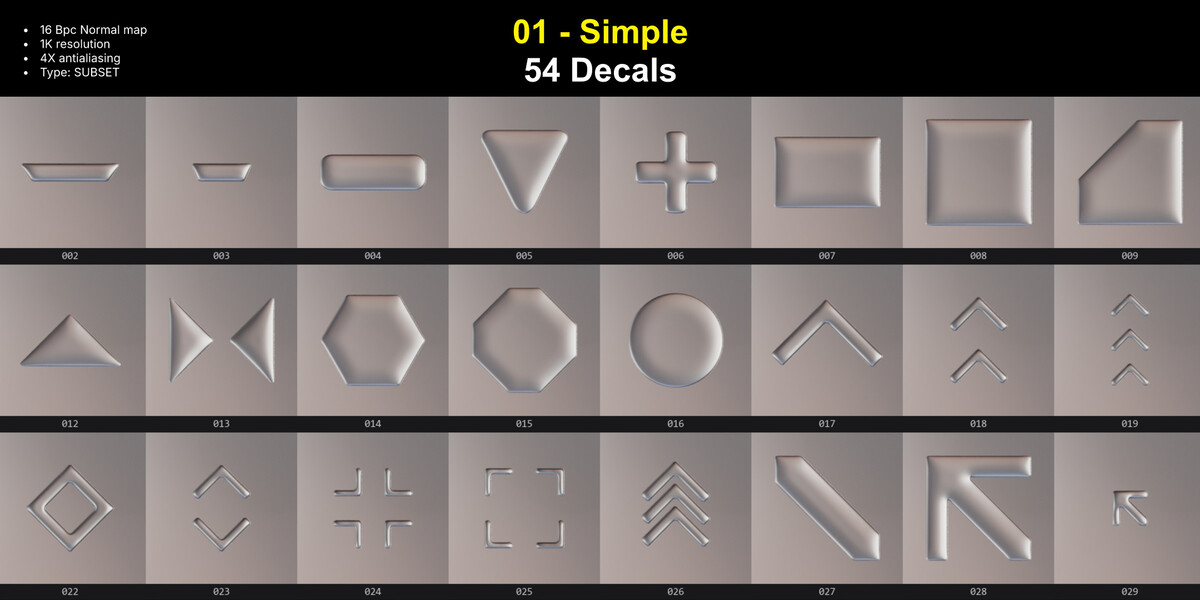
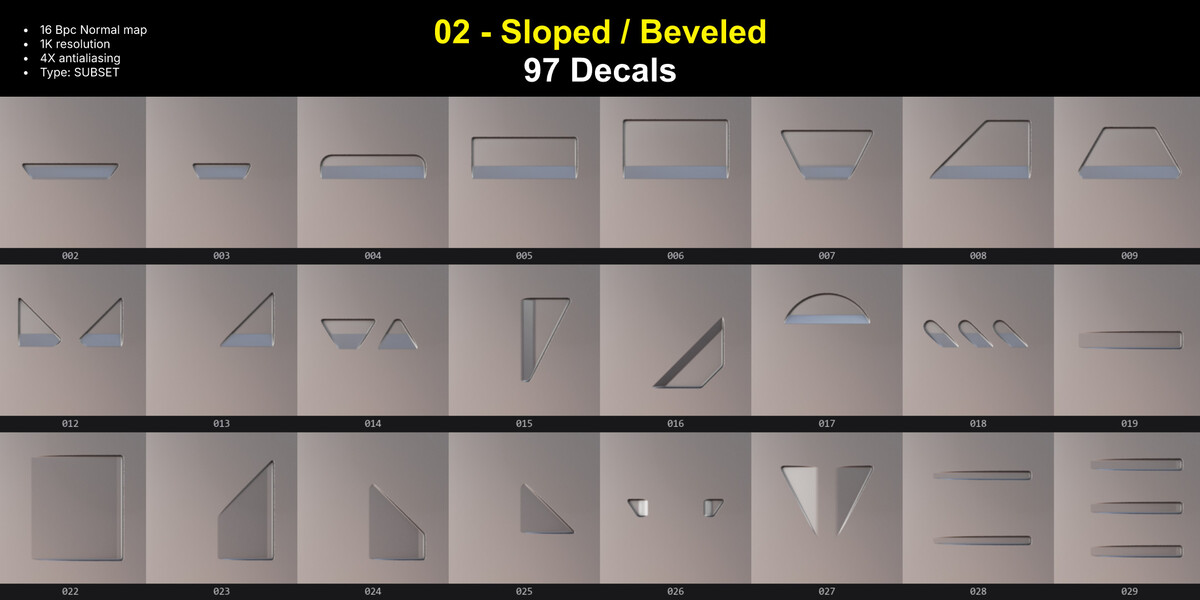
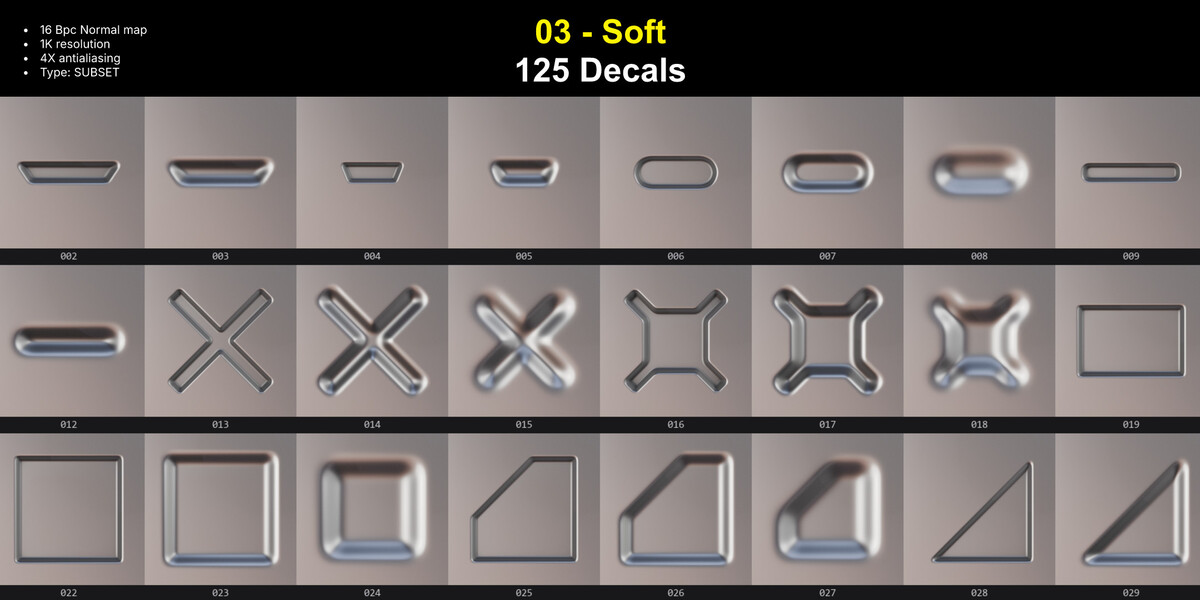
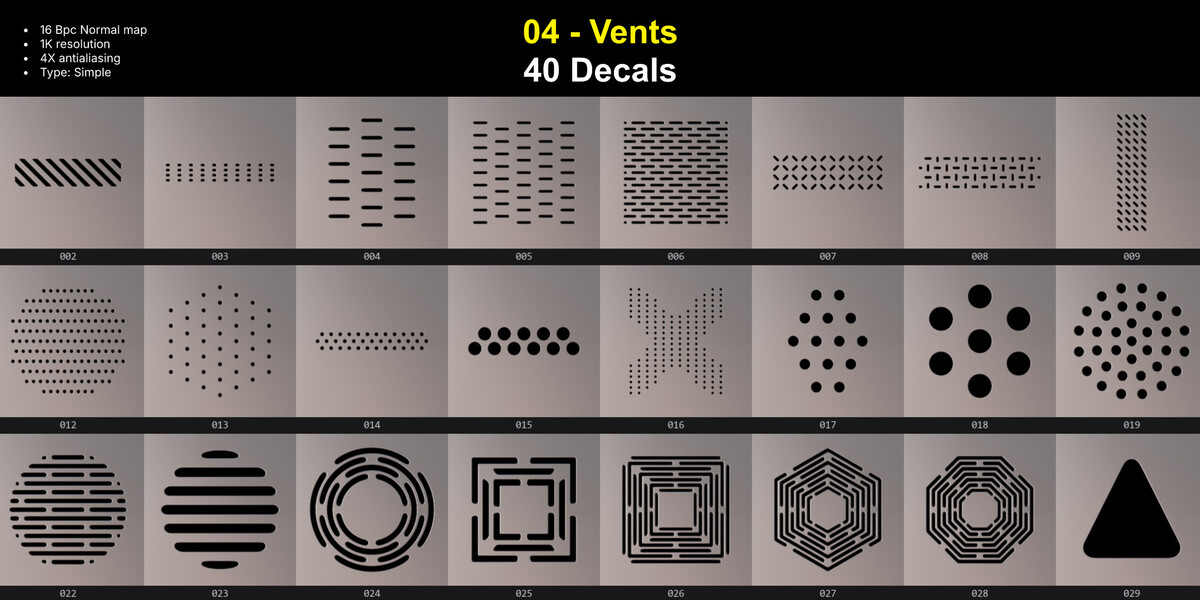


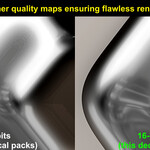


The depth looks distorted or too weak.
That is the height map. Adjust the decal’s parallax intensity.
Decals disappear at sharp angles.
A decal is a flat projection. If the surface bends hard, split the decal and place each part on its own face.
Decals don't show up.
Check that the decals collection is active and that the viewport is in a shaded mode with lighting. Decals appear as planes in solid view.
A library says Legacy.
Go to Preferences > Addons > DecalMachine > Press "Update all libraries". It takes a few seconds, and only once.
A library does not appear in the panel.
Reload the libraries. If it still does not show, confirm the folder sits inside the Decals folder and not next to it.
Have questions about this product?
Login to message
| Sales | 10 |
| Dev Fund Contributor | |
| Published | 8 days ago |
| Blender Version | 5.0 - 5.2 |
| License | Royalty Free |
Discover more products like this
sci fi decal details detailing decalmachine decals decal machine decal pack hard surface