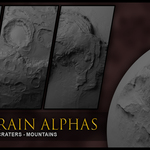
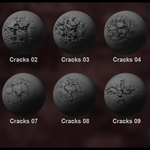
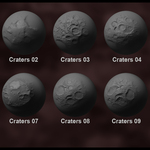
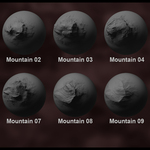
4K Terrain Alphas Volume 01
 Shady Hamza
in Stone
Shady Hamza
in Stone
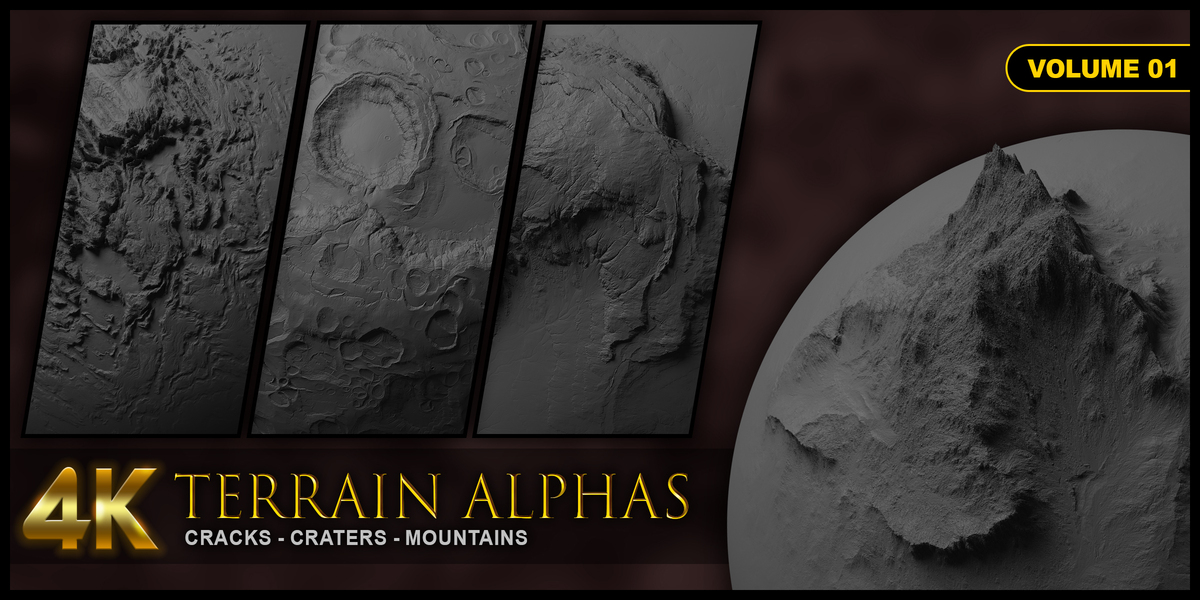
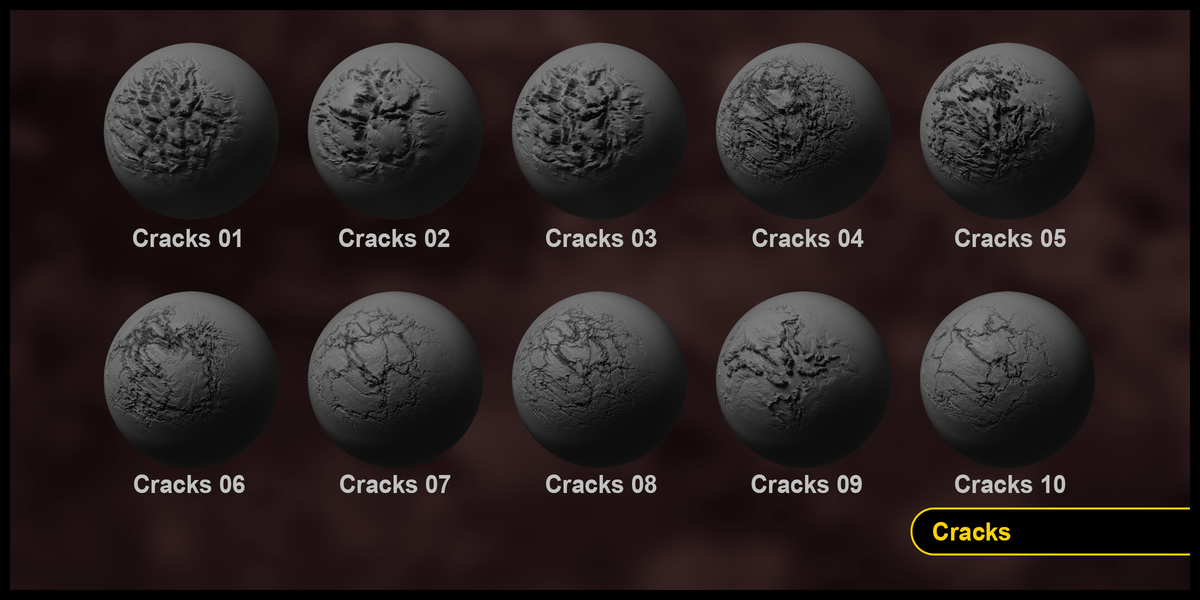
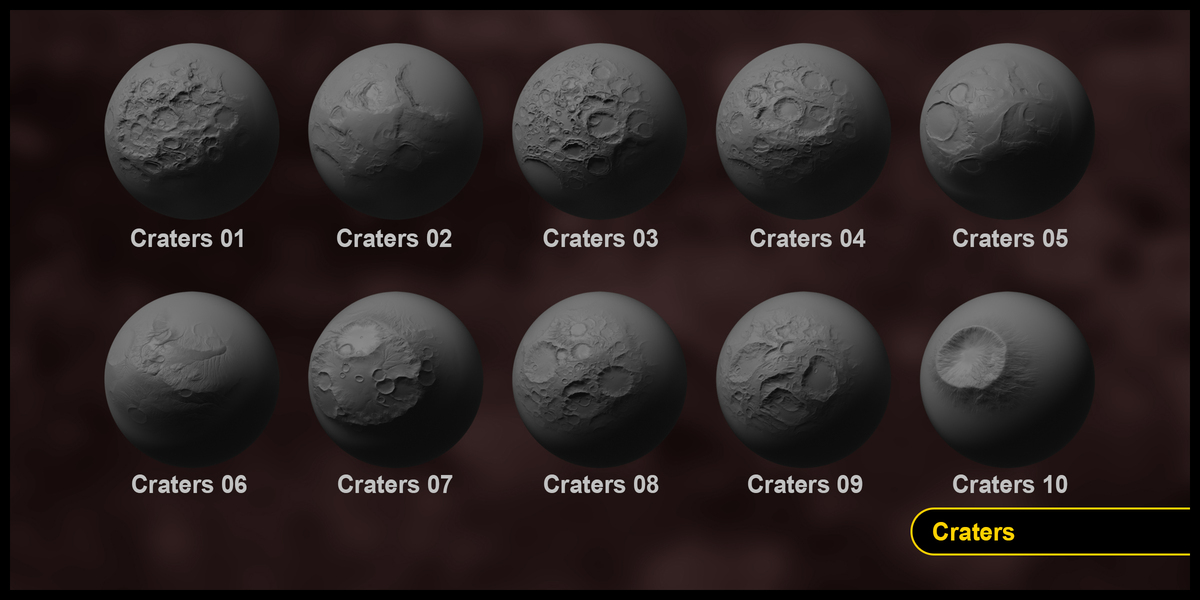
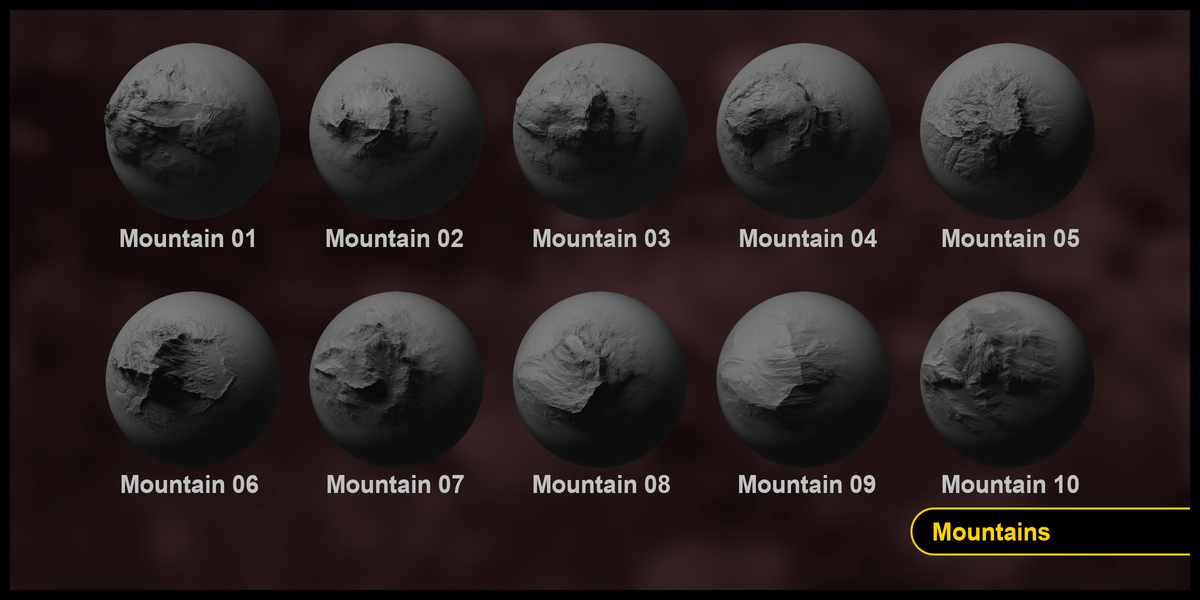
The Alpha Brush doesn't look right when applied?
Try inverting the Alpha while applying brush stroke, for example in blender you can hold CTRL button while applying the Brush stroke to invert the brush stroke,
If you noticed hard edges around the brush when you sculpt, that is because you might have forgotten to adjust the brush Falloff, and it could have been set to Constant instead of Smooth.
Have questions about this product?
Login to message
| Sales | 50+ |
| Rating | 1 ratings |
| Dev Fund Contributor | |
| Published | over 3 years ago |
| Blender Version | 4.5 - 5.2 |
| Render Engine Used | Cycles, Eevee |
| License | Royalty Free |
Discover more products like this
craters Moon Terrains Alien Terrains Cracks Terrains cracks Planets Textures alpha brushes canyons crater terrain alphas 3D Sculping Terrain Brushes Mountians