 Puscas Adryan
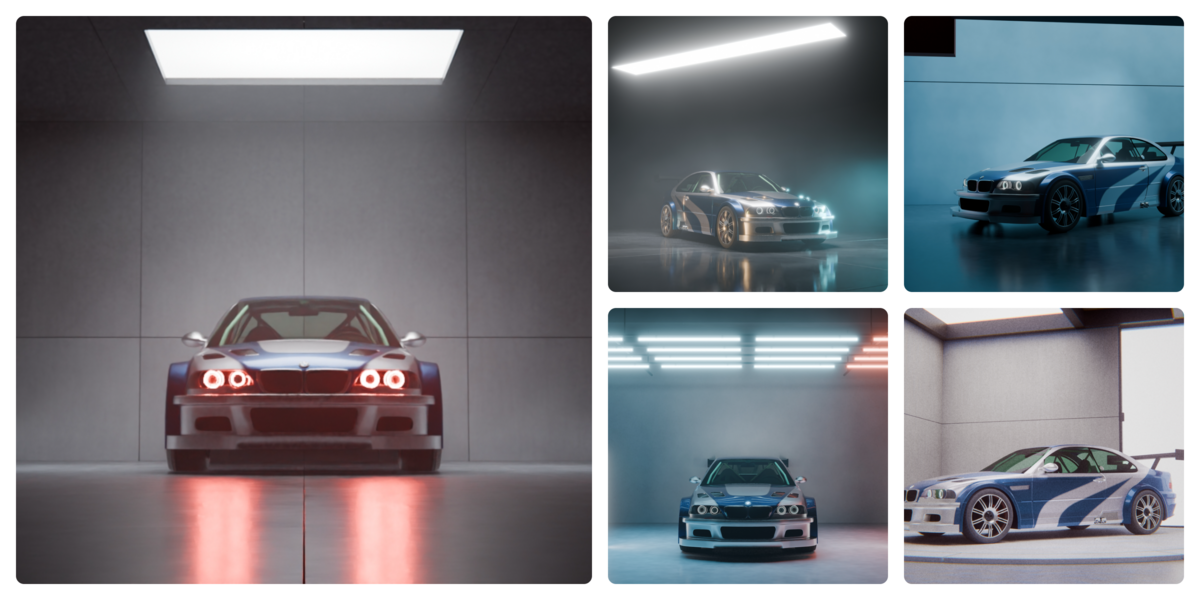
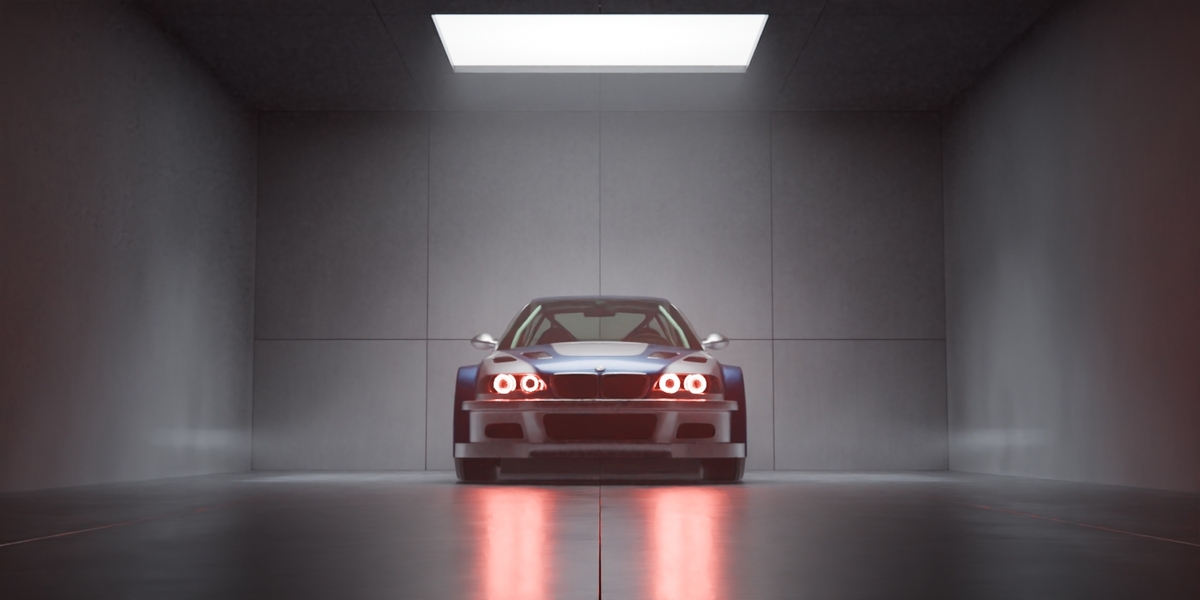
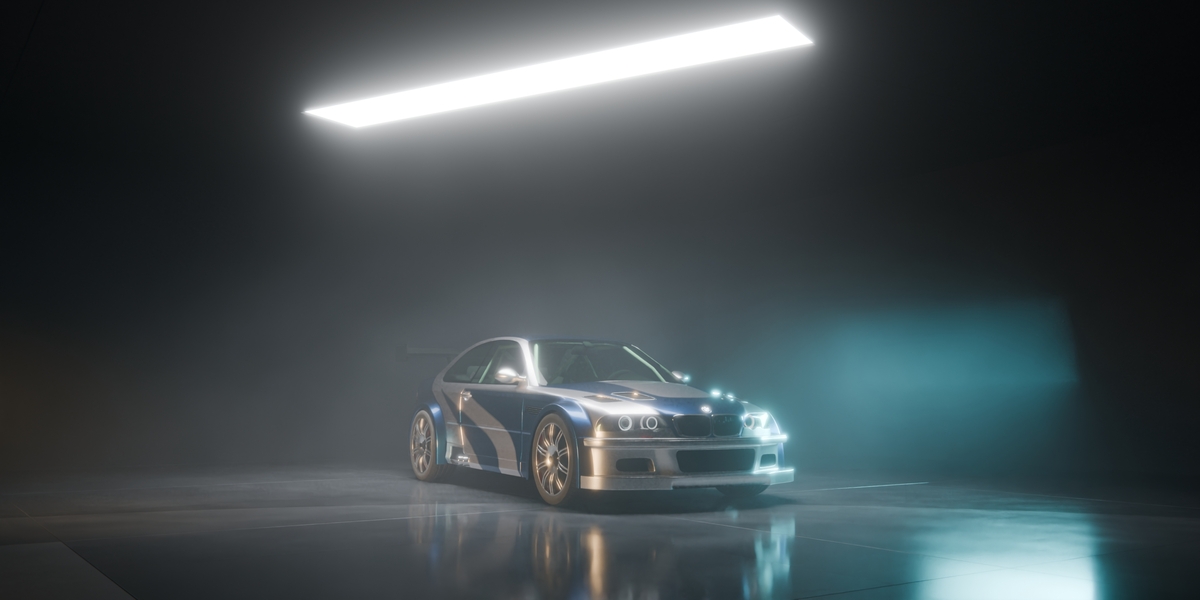
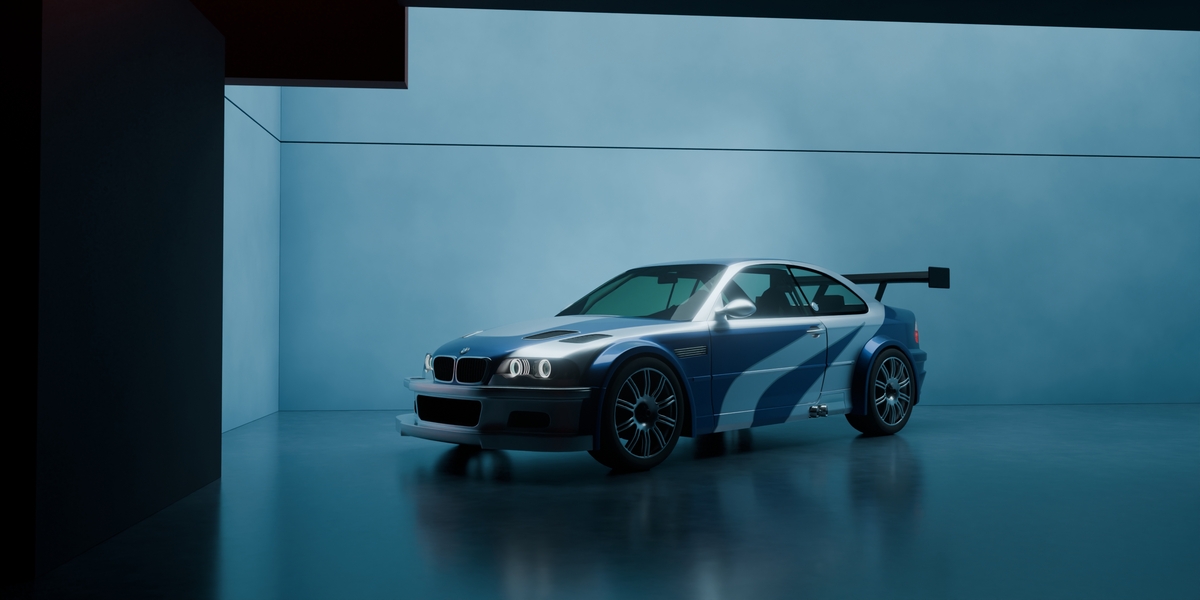
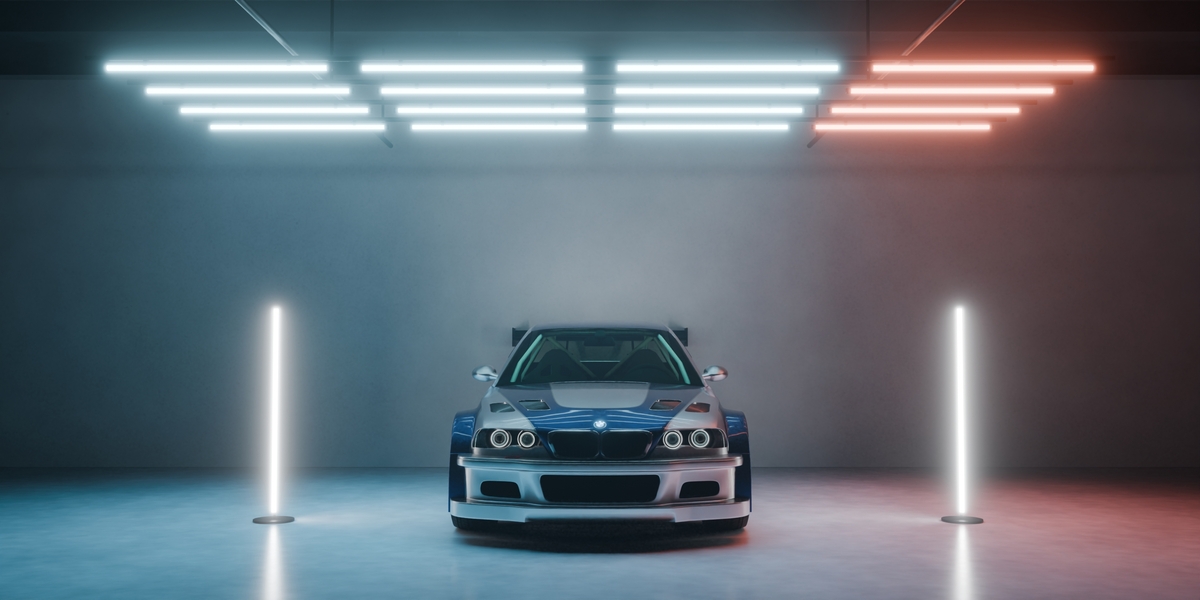
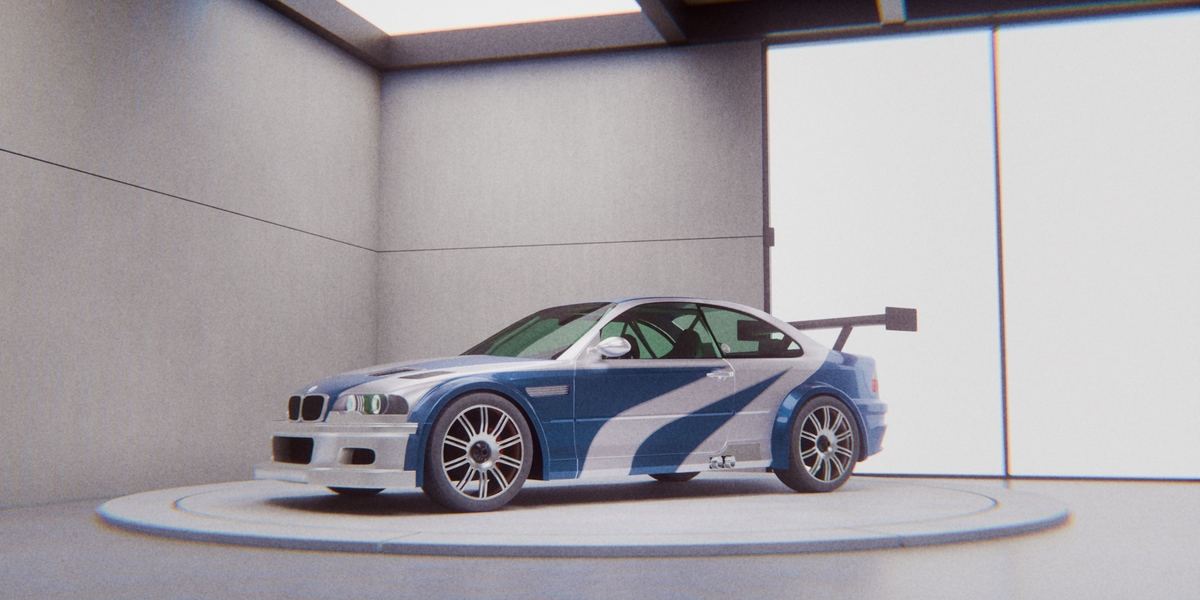
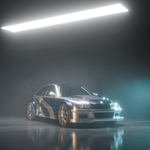
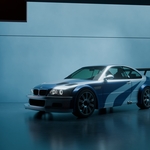
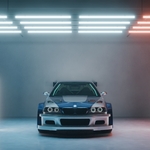
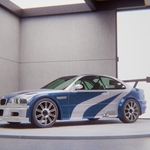
Automotive Studio & Showroom Pack is a collection of 5 complete, architectural 3D environments built specifically for automotive visualization, product renders, portfolio showcases, and commercial animations in Blender.
Each scene is constructed with clean, beveled architectural topology, custom procedural PBR shaders, calibrated Cycles lighting rigs, pre-framed cameras, compositor post-processing, and an exact Car Placement Marker so you can import your own vehicle model and render immediately without spending hours setting up lights or reflections.
Key Features
100% Procedural PBR Materials: Weathered board-formed concrete, satin troweled concrete floors, brushed steel, dark architectural steel, and frosted glass—no external texture paths to break.
Clean Topology & Modifiers: Built with clean quad geometry, bevels, and Weighted Normal modifiers for sharp, artifact-free specular highlights on every edge.
Pre-Configured Cameras & 360° HDRI Setup: Every scene includes a calibrated main camera with Depth of Field, a built-in compositor node tree (subtle halation & vignette), plus a dedicated
Camera_360_HDRIpositioned at vehicle eye-level if you want to bake your own 360°.exrenvironment maps.-
Organized Outliner: All datablocks are cleanly named in English and sorted into logical collections (
Architecture,Lighting,Props,Cameras).Important Note: The vehicles shown in the preview images are for demonstration and scale reference only and are not included in the download. This product contains the 5 complete 3D studio/showroom environments only.
How to Use (Setup Instructions)
Open any of the 5
.blendfiles in Blender (Cycles render engine is pre-configured).Import or append your 3D car model (
File > AppendorFile > Import).Snap your vehicle to the
CAR_PLACEMENT_MARKERempty located on the studio floor or turntable deck—its rotation arrow indicates the pre-framed orientation toward the main camera.-
Adjust the camera focal length or Depth of Field focus distance if desired, then press
F12to render.Technical Specifications
Format: 5 individual
.blendfiles (packaged in a clean.ziparchive)Render Engine: Cycles (GPU & CPU ready, denoising and AgX color management pre-configured)
Textures: 100% Procedural shader setups (no external image dependencies)
Scale: Real-world metric scale (
1.0 m)-
Vehicles Included: No (environments only)
Frequently Asked Questions (FAQ)
Are the cars shown in the gallery renders included? No. The cars in the preview images are used strictly to demonstrate scale, lighting, and reflections. You receive the 5 complete 3D environments, lighting rigs, cameras, and architectural props.
Do I need any external textures or third-party add-ons? No. All concrete, metal, floor, and glass materials are 100% procedural inside Blender, and the scenes use native Blender features and Cycles.
Can I use these scenes for commercial client projects? Yes, under the standard Royalty-Free license, you can use these environments in unlimited personal and commercial renders, animations, and client work (reselling or redistributing the scene files themselves is not permitted).