Automotive Studio & Showroom Pack — 5 Complete 3D Environments (Cycles)
 Puscas Adryan
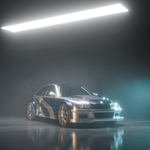
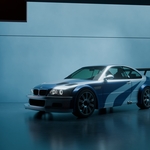
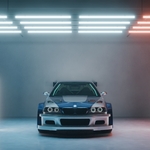
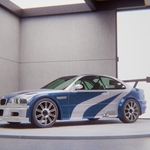
### Quick Setup Guide
1. Open any of the 5 `.blend` files in **Blender** (configured for **Cycles** with denoising and AgX color management).
2. Append or import your 3D vehicle or product model (`File > Append` or `File > Import`).
3. Align your model with the **`CAR_PLACEMENT_MARKER`** empty on the floor or turntable deck—its orientation arrow points toward the intended framing angle.
4. Fine-tune camera focal length or Depth of Field focus distance if needed, then render (`F12`).
---
### Included Scenes Overview (5 `.blend` Files)
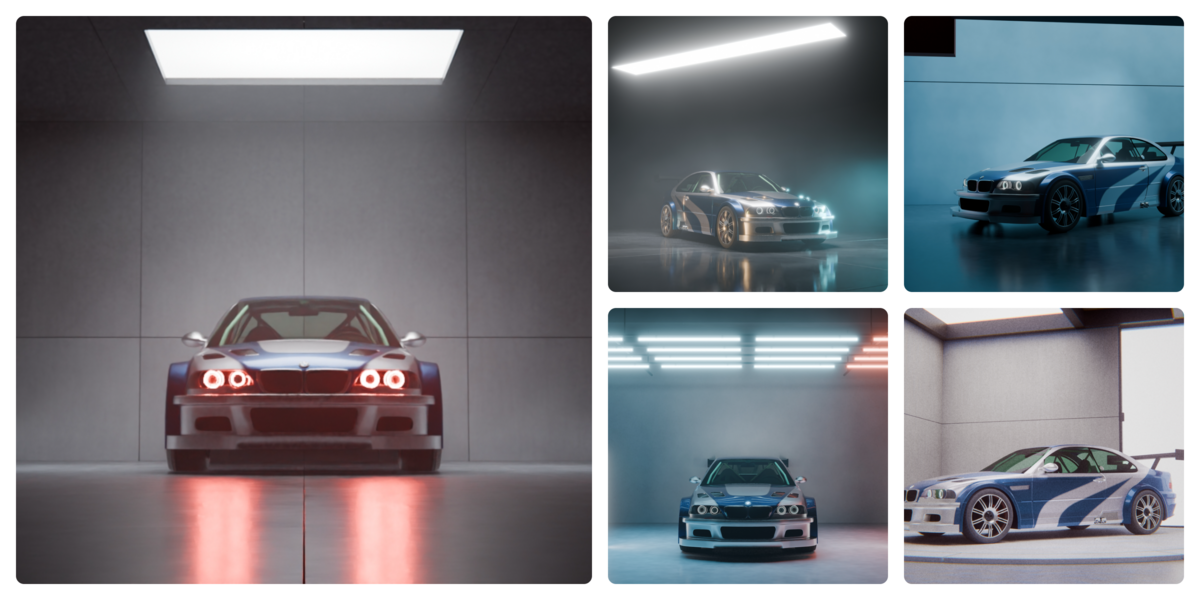
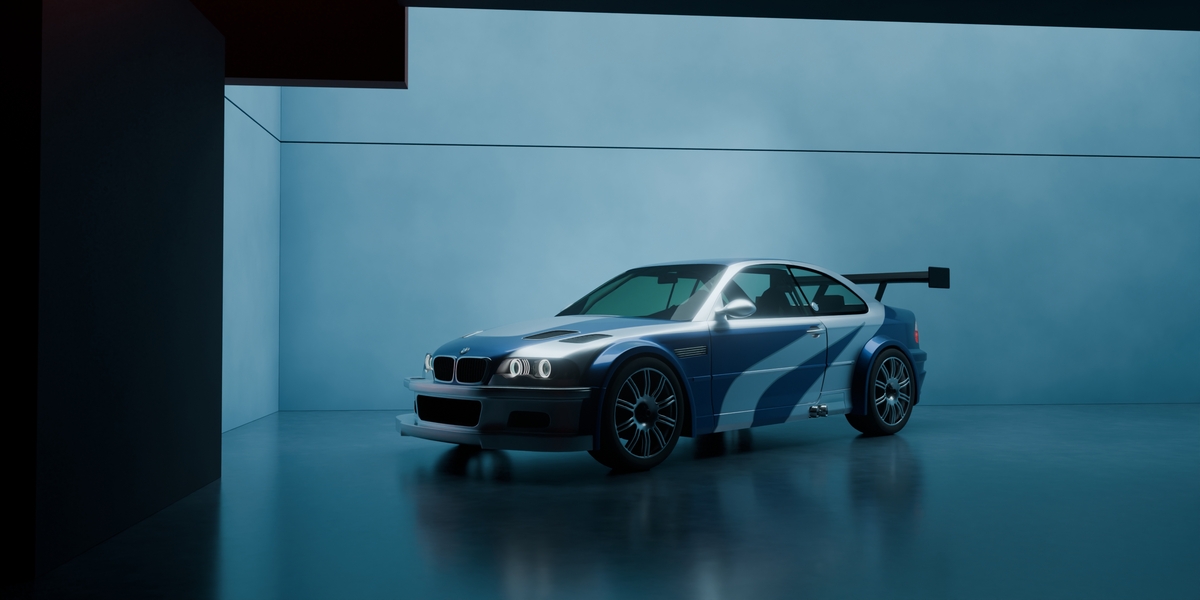
* **Scene 01:** Clean studio cyclorama/stage setup with balanced softbox lighting and controlled floor reflections.
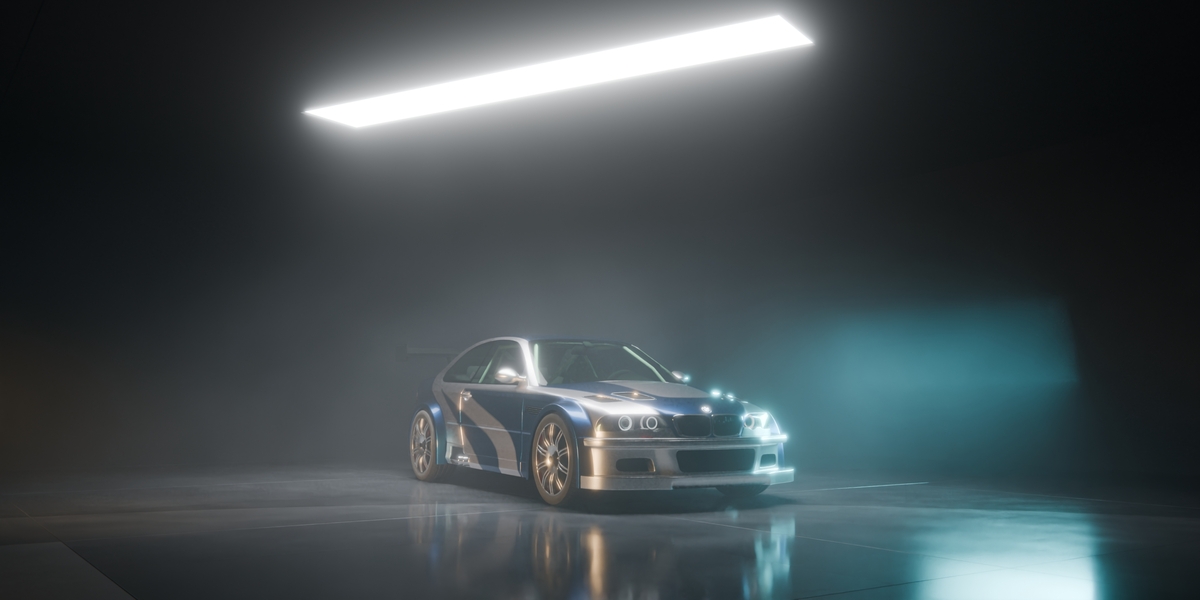
* **Scene 02:** Architectural studio environment with directional key light, smooth surfaces, and crisp rim separation.
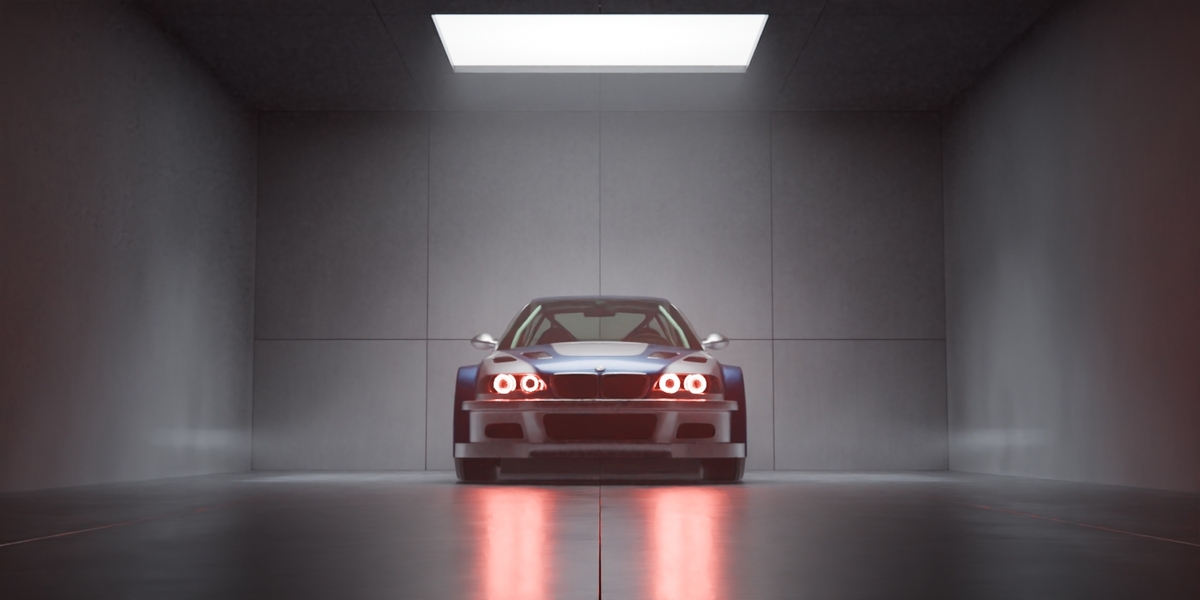
* **Scene 03:** Brutalist cyan & crimson lightwell gallery with a recessed overhead lightwell shaft, dark slate monolith framing, crimson accent panel, satin concrete floor, and foreground steel U-bollard[cite: 4].
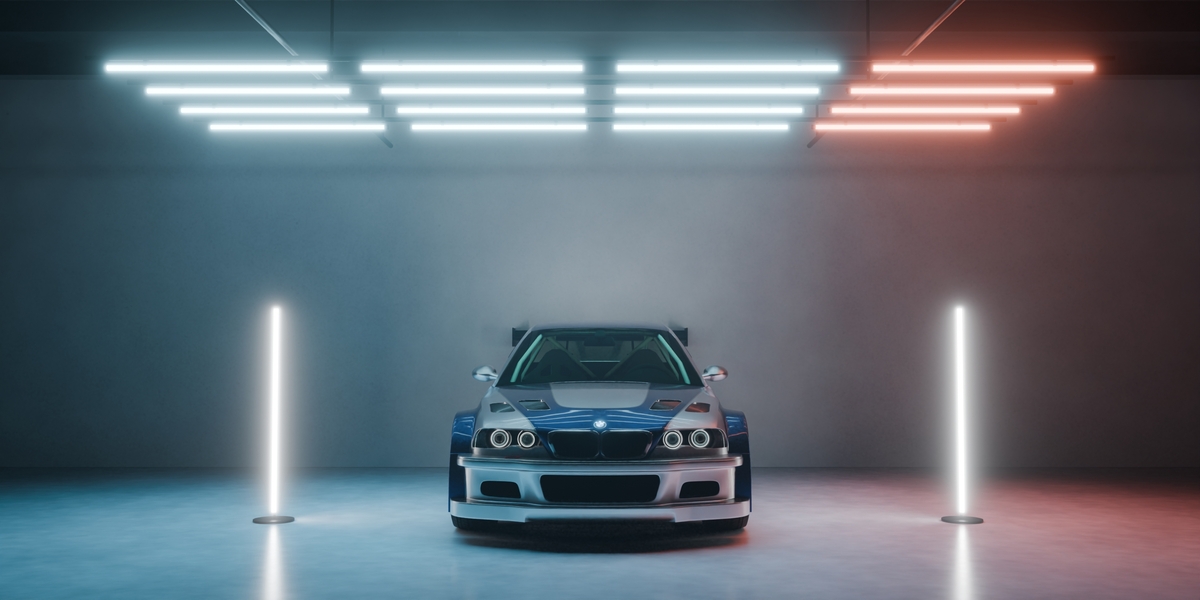
* **Scene 04:** Dual-color LED tube rig studio with a ceiling truss array (cyan-blue and coral-red LED tubes), two standing vertical floor LED lights, and foreground concrete columns[cite: 6].
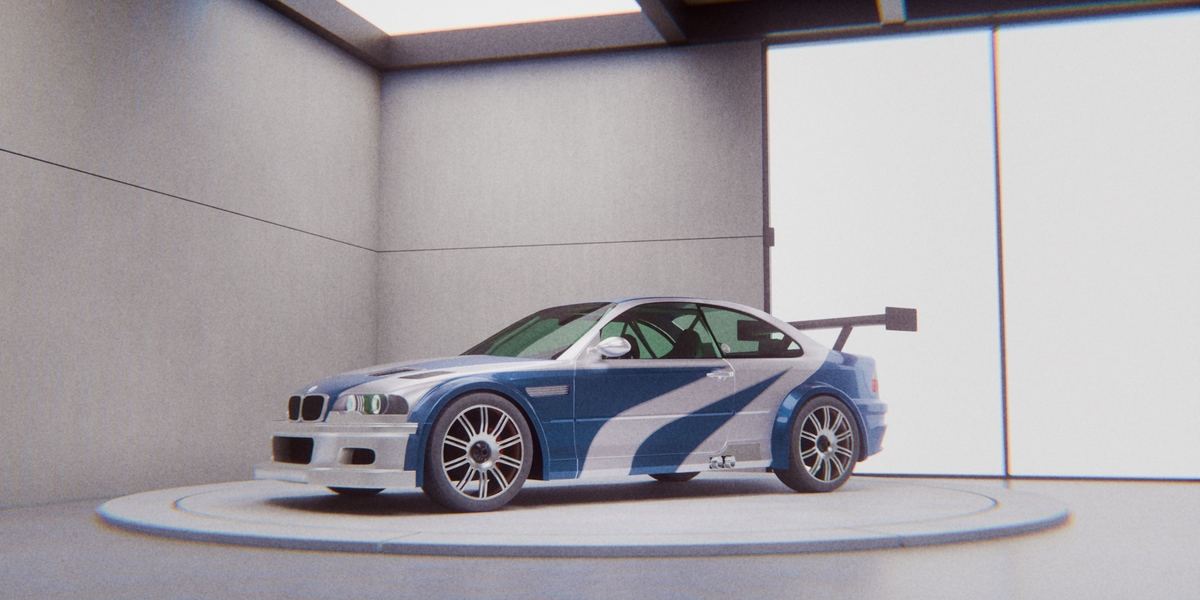
* **Scene 05:** Coffered concrete showroom with a dark-steel coffered skylight ceiling, frosted glass curtain wall, segmented circular concrete turntable platform, and foreground lounge chair[cite: 7].
---
### Optional 360° HDRI Baking
Each scene includes a **`Camera_360_HDRI`** equirectangular camera positioned around vehicle eye-level. If you want a custom 360° environment map for lighting external scenes or look-dev tests, select `Camera_360_HDRI` as your active camera and render at a 2:1 equirectangular resolution (e.g., `4096 × 2048` or `8192 × 4096`).
---
### Frequently Asked Questions
**Are the cars shown in the preview images included?**
No. Vehicles shown in gallery renders are for **demonstration and scale/lighting reference only** and are not included in the download. You receive the 5 complete environments only.
**Do these scenes require external textures or third-party add-ons?**
No. All materials are built procedurally inside Blender and use native Blender features and Cycles.
**Can I use the renders in commercial or client work?**
Yes, under the selected license terms, you may use renders and animations produced with these scenes in personal and commercial projects (reselling or redistributing the scene files themselves is not permitted).
Have questions about this product?
Login to message
| Published | 1 day ago |
| Blender Version | 4.5 - 5.3 |
| Render Engine Used | Cycles |
| License | Royalty Free |