50 Hard Surface Essentials - Bolts & Inserts - (Decal Machine Ready)
 Vinter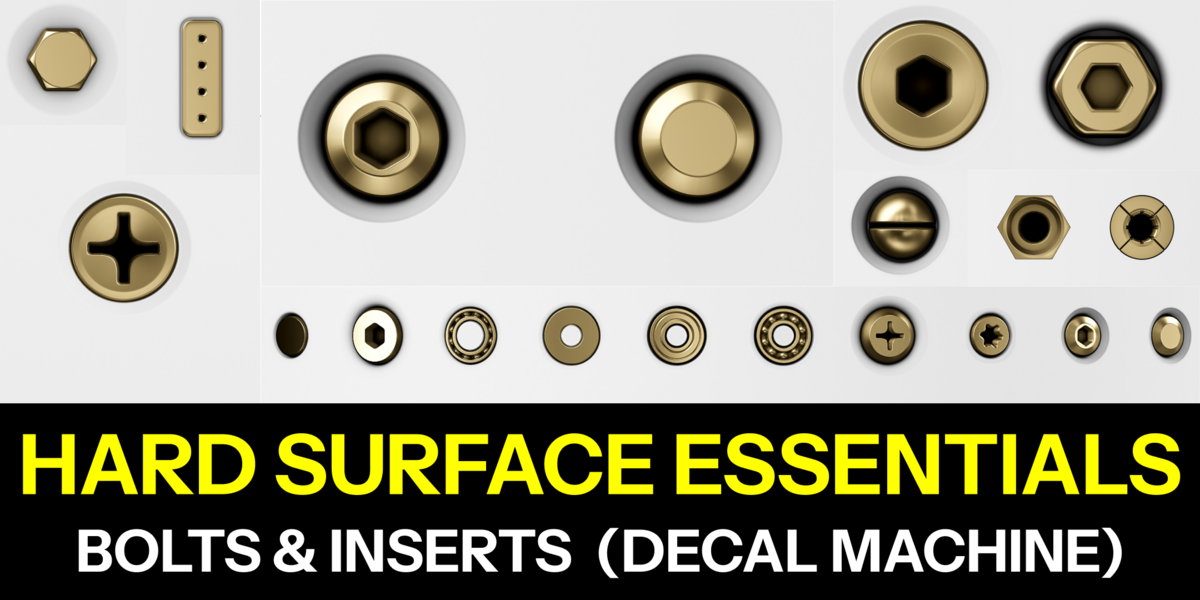
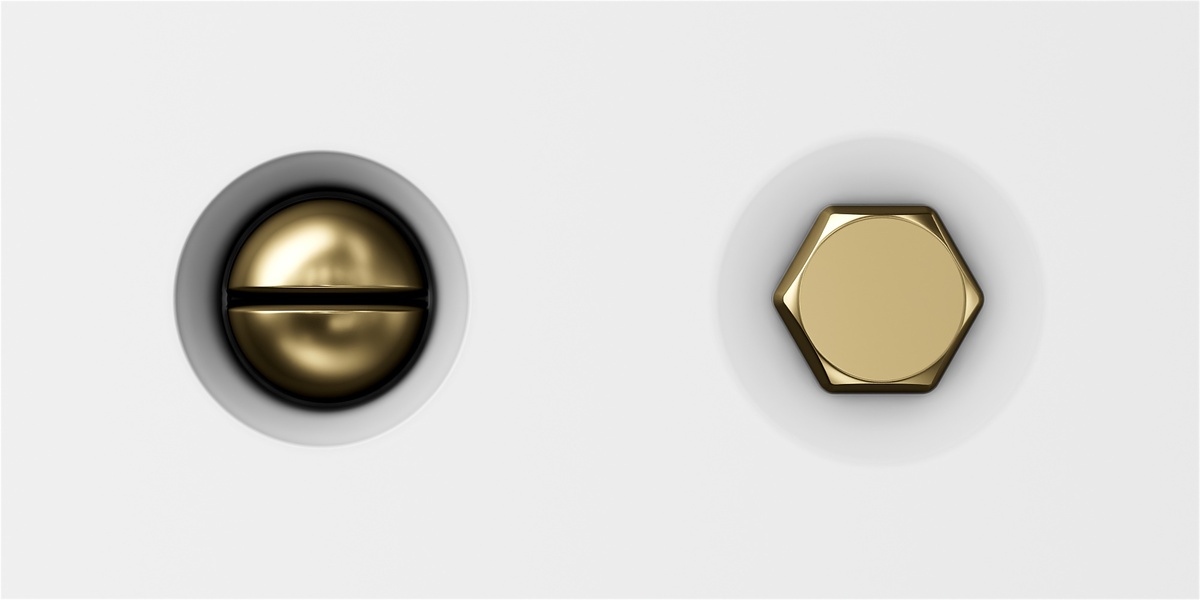
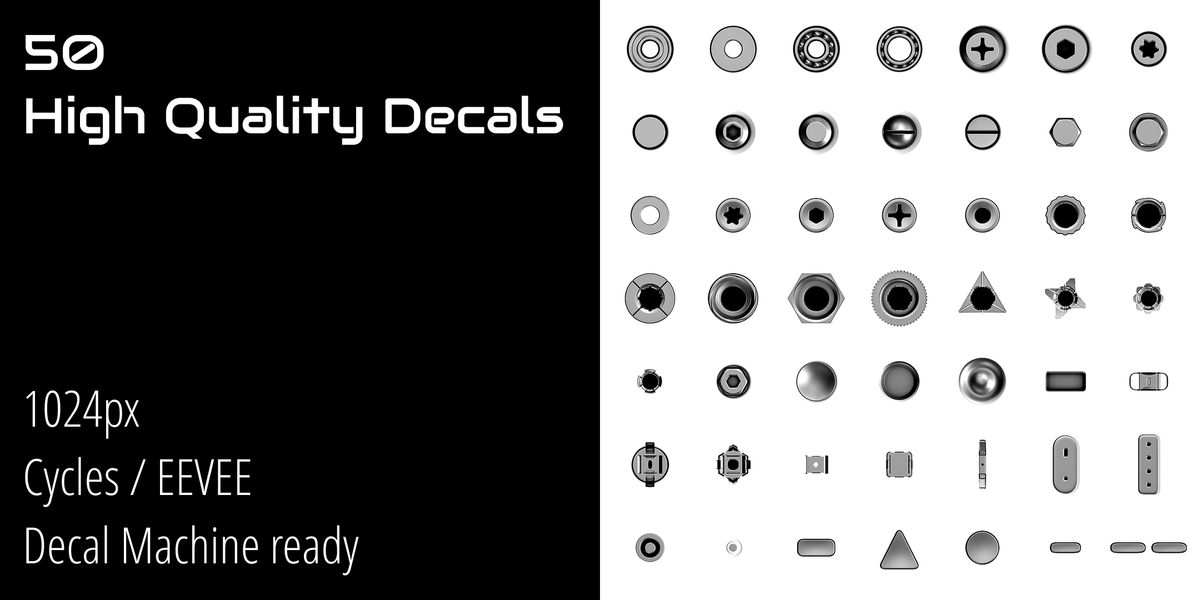
Overview
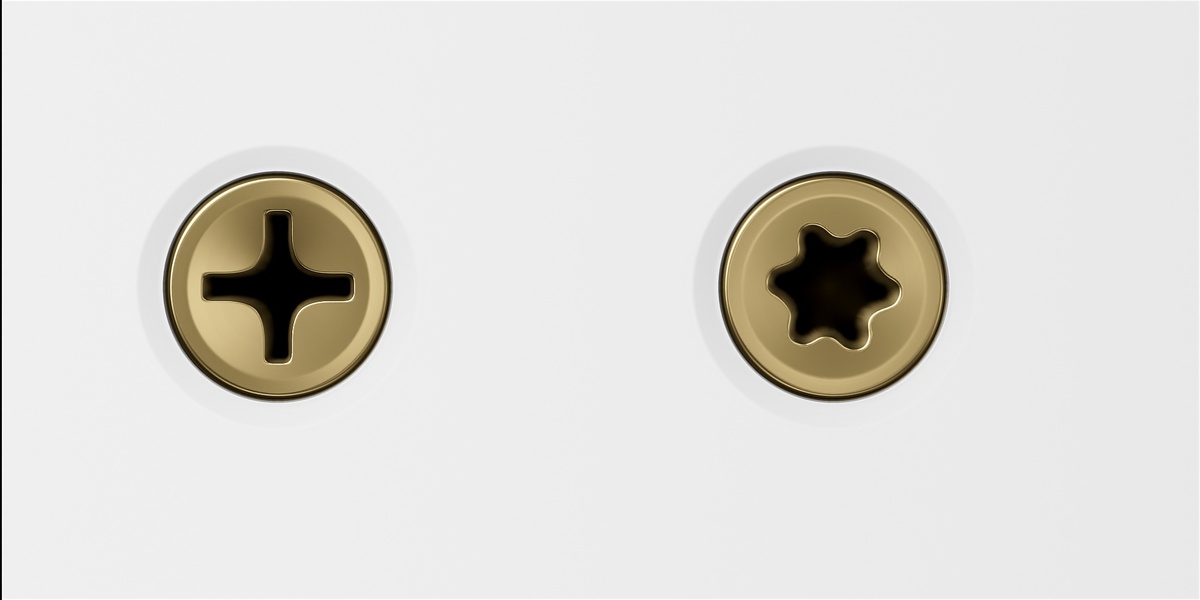
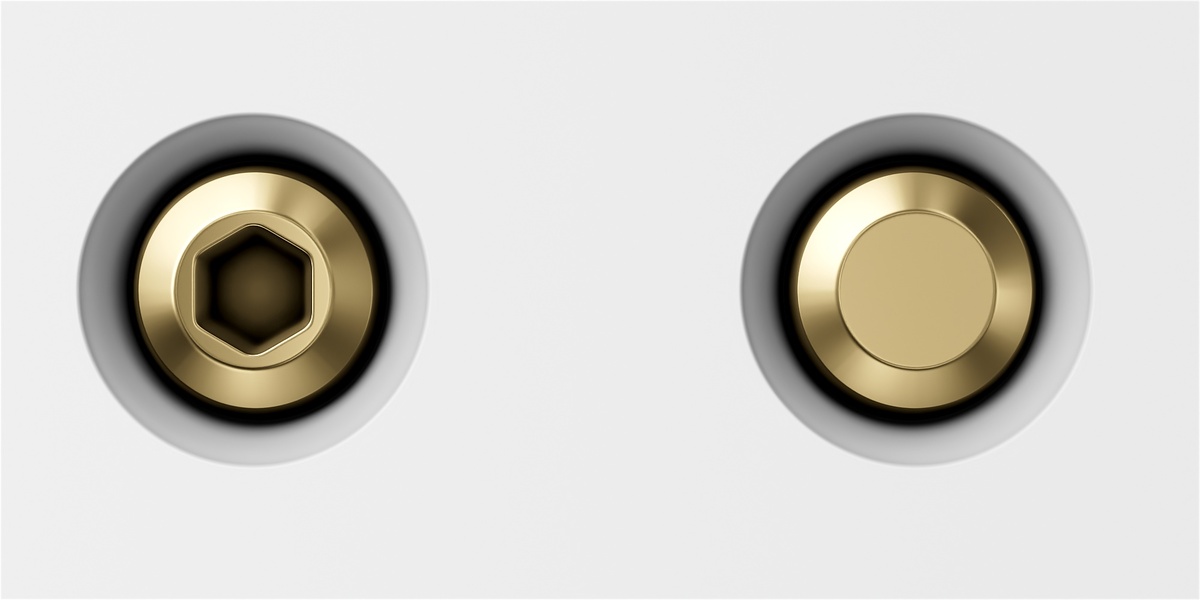
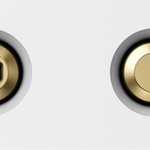
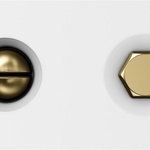
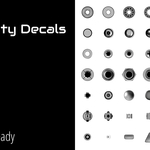
50 procedural decals of bolts, screws and inserts for hard-surface models, built for Decal Machine. Every decal ships in 1K and 2K, with 16-bit normals, plus a generic map set for pipelines that don't use Decal Machine.
What's included
- 50 decals, procedurally designed in Substance Designer
- Each decal in 1024px
- 16-bit normal maps (no banding on close-ups)
- Full maps: normal, AO, curvature, height, alpha and emission
- Generic PBR version: separate maps with clear names, for Blender, Unreal, Unity, Substance or Marmoset
- Contact sheet with all 50 decals
Requirements
- Blender 4.3 or newer
- DECALmachine addon (for the DECALmachine version)
- The generic map set needs no addon, only a PBR material
Installing the DECALmachine pack
1. Unzip the archive.
2. Copy the ... 1K folder into the decal library folder you use in DECALmachine, or add it as a new library from DECALmachine's Setup panel.
3. Refresh the decal library in Blender.
4. The 50 decals appear numbered 001 to 050.
Using the generic maps
The Generic folder contains one subfolder per decal:
File Use
T_###_Normal Normal map. Set it to Non-Color. OpenGL (+Y) convention: flip the green channel in Unreal/DirectX.
T_###_BaseColor White albedo with alpha in the alpha channel. Tint it in your material.
T_###_AO Ambient occlusion. Multiply over the albedo.
T_###_Curvature Edge wear / dirt masks, useful for procedural layering.
T_###_Height Height for parallax or light displacement.
T_###_Alpha Opacity mask, same as the alpha in BaseColor.
T_###_Emission Emission mask. Black means the decal does not emit.
These are plain textures: there is no .blend in the generic folder, so they work in any engine or texturing tool.
Technical notes
- Decals are procedurally authored, so details stay clean at any resolution.
- The normals are baked and normalized. The parallax effect comes from the height map used by DECALmachine.
- Projection follows the surface, so decals sit correctly on curved and beveled geometry.
- Decals are grayscale-friendly: they inherit the material color, which makes them easy to match to any surface.
Troubleshooting
The decals don't appear in Blender. Check that the folder you copied contains one folder per decal (001, 002...), each with a decal.blend, and refresh the library.
The material looks pink or broken. The DECALmachine version is missing or outdated. Make sure the addon is enabled and updated.
Visible banding in the normal. Make sure the normal map is imported as Non-Color and at full 16-bit precision, and that the shader is not re-encoding it to 8-bit.
License
Personal and commercial use in your own projects. Reselling, redistributing or including these decals in other packs or templates is not allowed, and they cannot be used to train AI models. See LICENSE.txt inside the archive.
Support
Questions, issues or requests: message me through Superhive.
Have questions about this product?
Login to message
| Dev Fund Contributor | |
| Published | about 9 hours ago |
| Blender Version | 4.3 - 5.2 |
| Render Engine Used | Cycles, Eevee |
| Misc Data | Uvs-Unwrapped, Low-High-Resolution, Normal-Mapped, Textured |
| License | Royalty Free |
Discover more products like this
decals inserts hard surface decal mechanical screws detail fasteners bolts detailing decal pack decal machine