50 Ornament Trim Brushes - Vol 60
 Ehsan Brd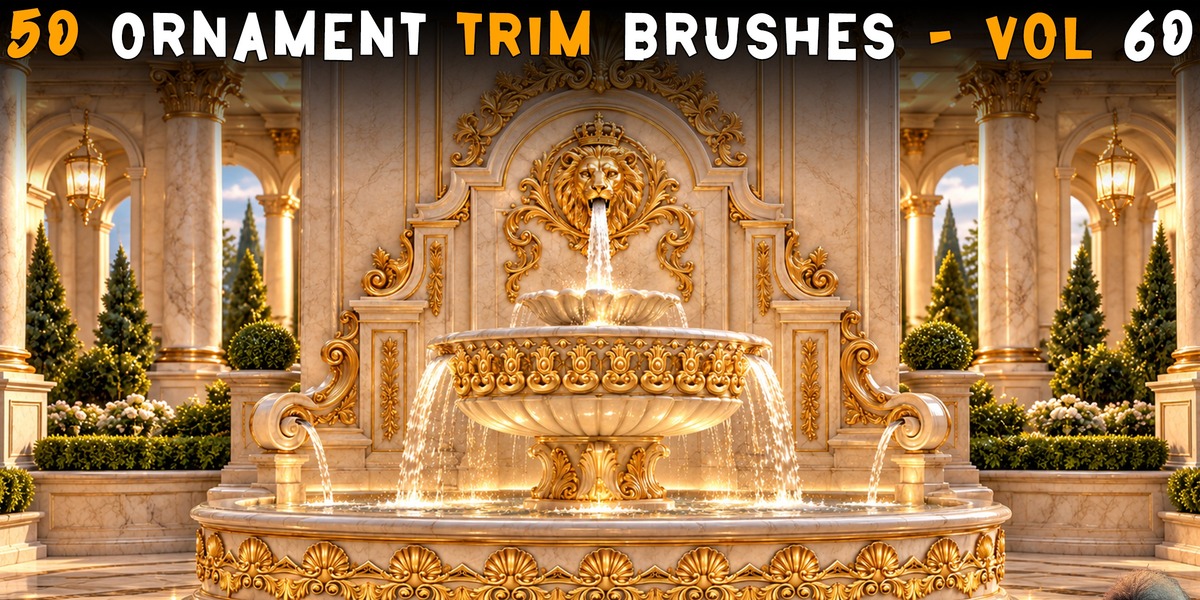
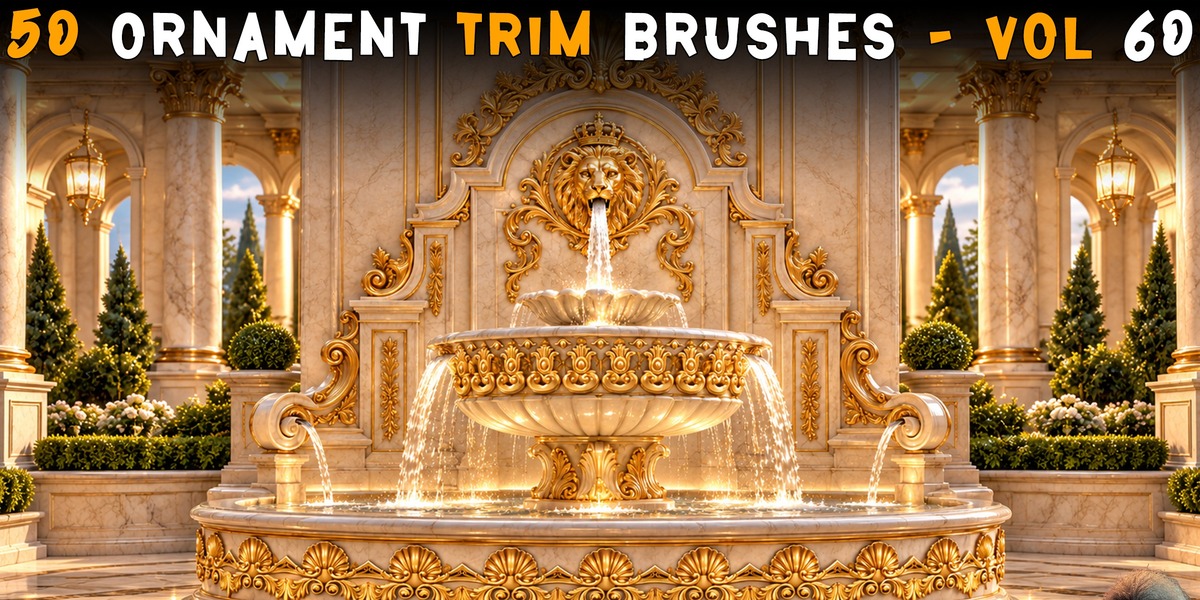
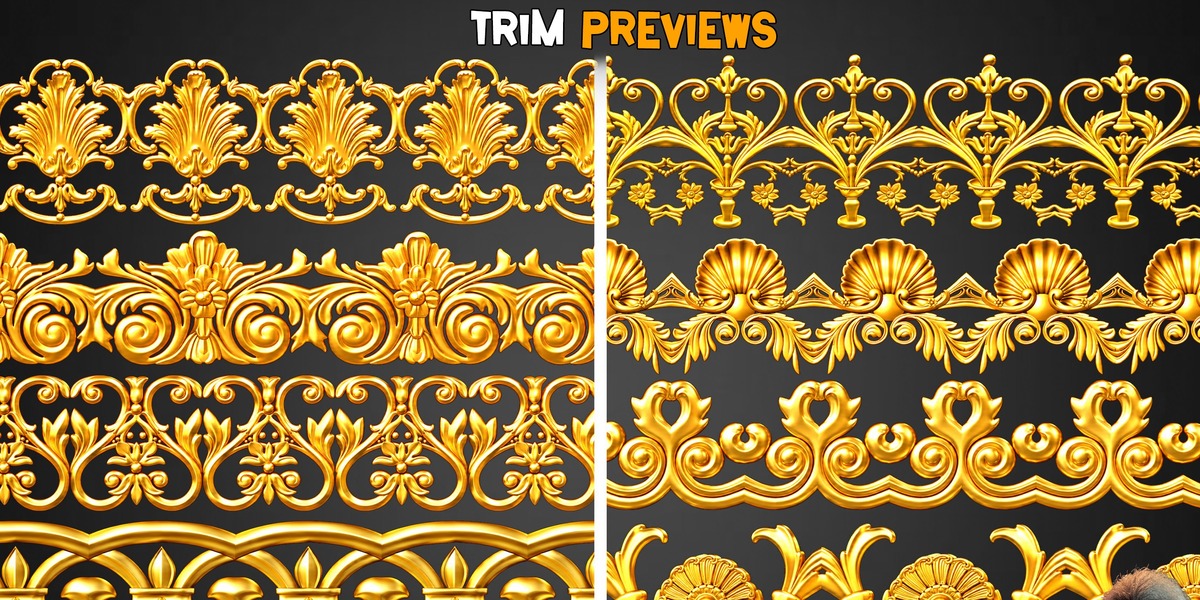
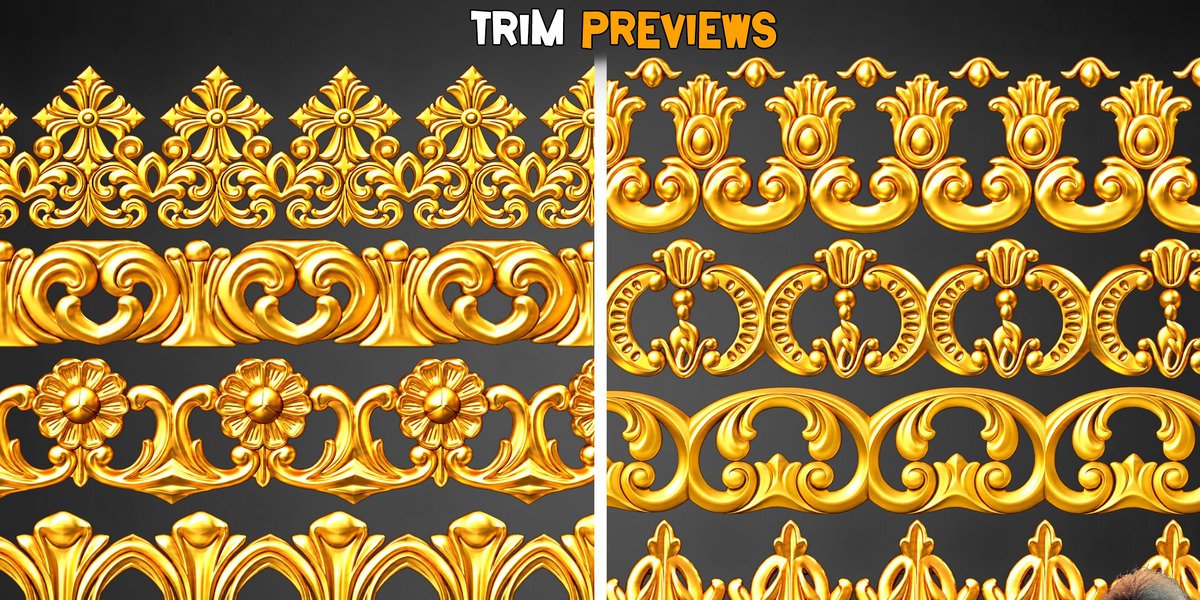
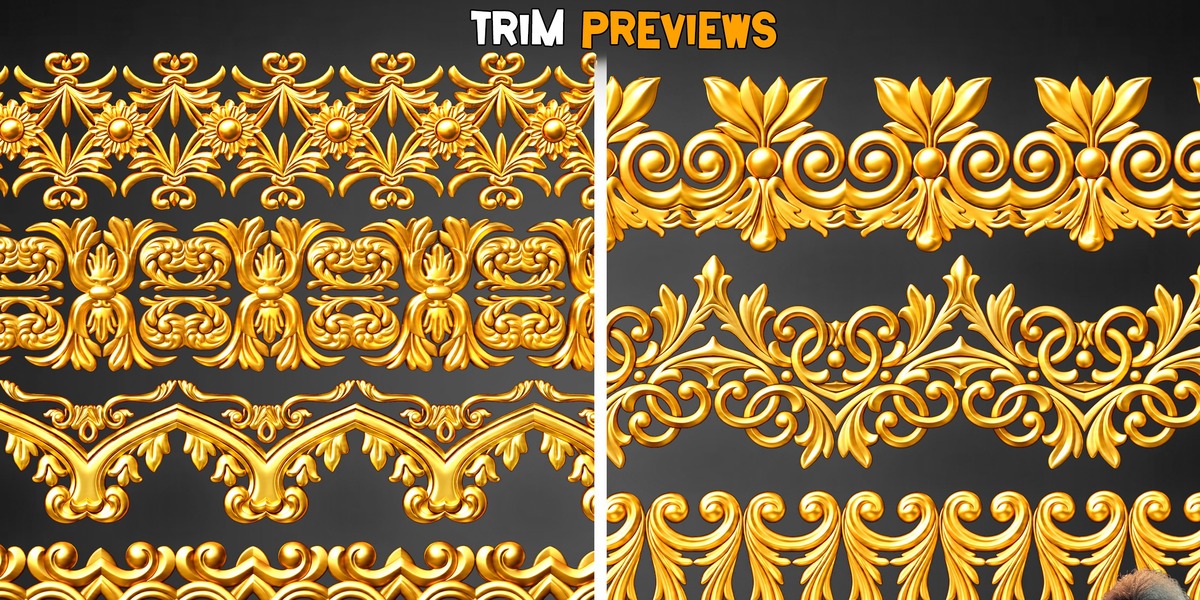
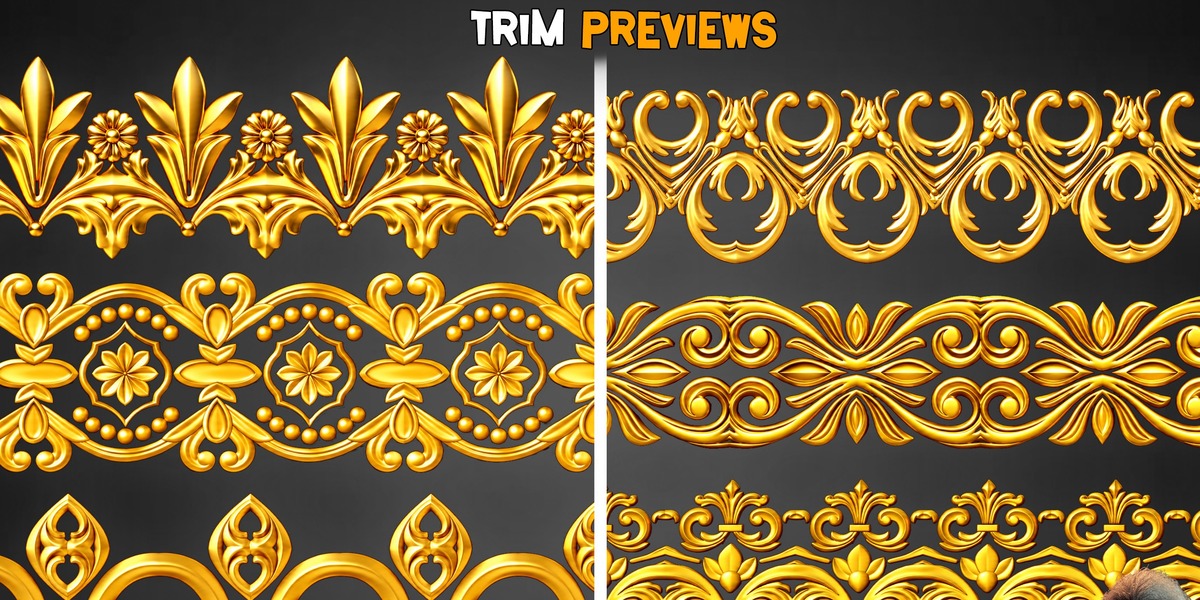
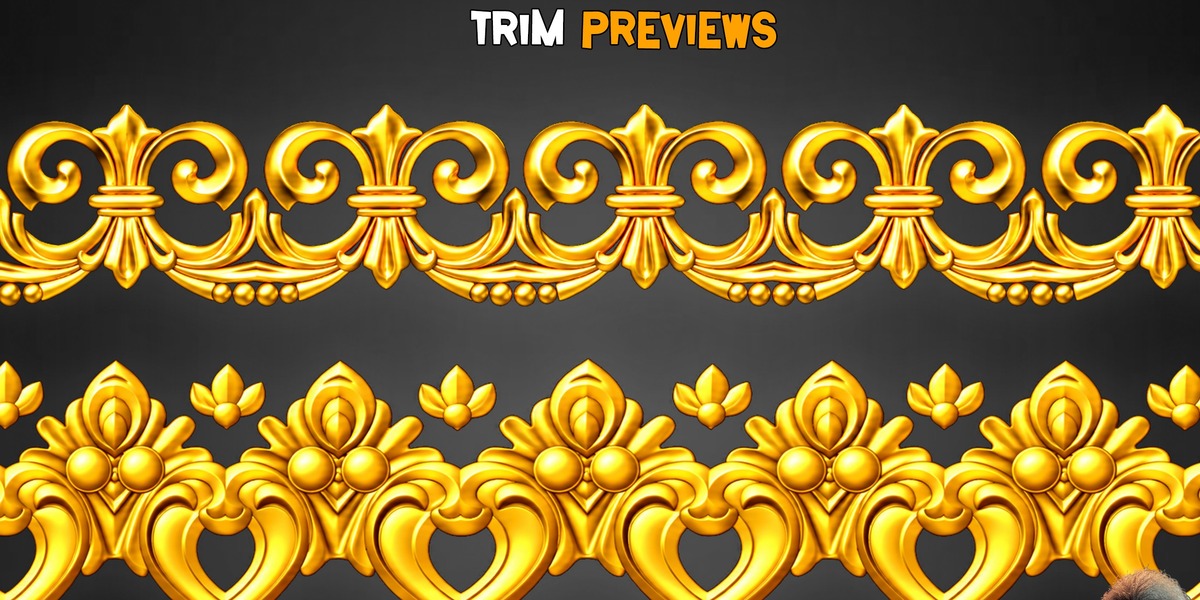
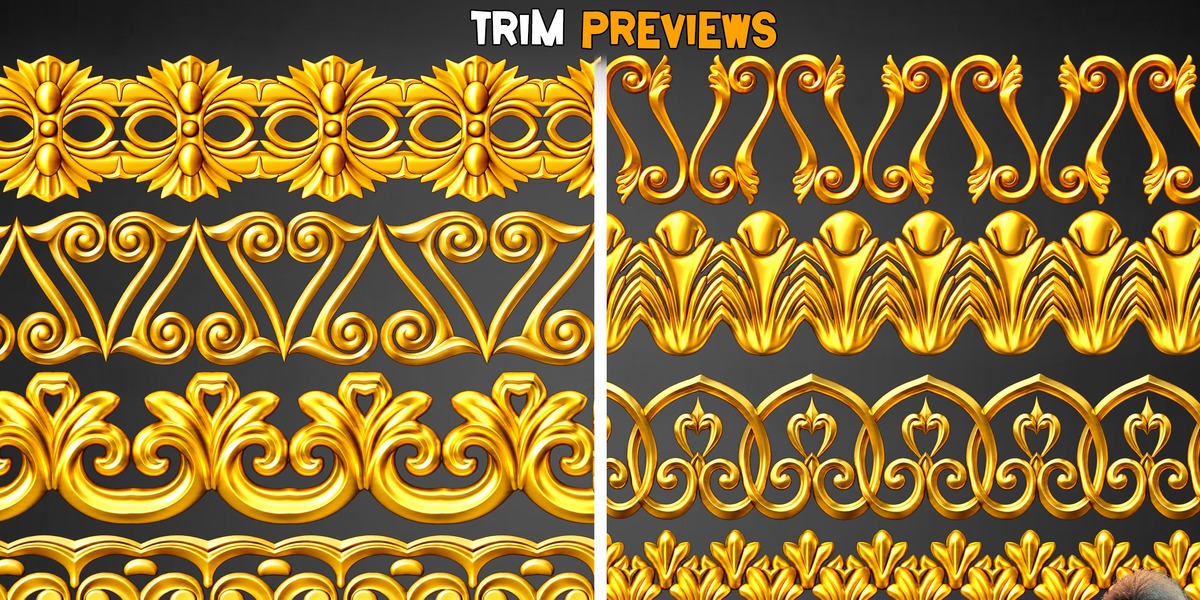
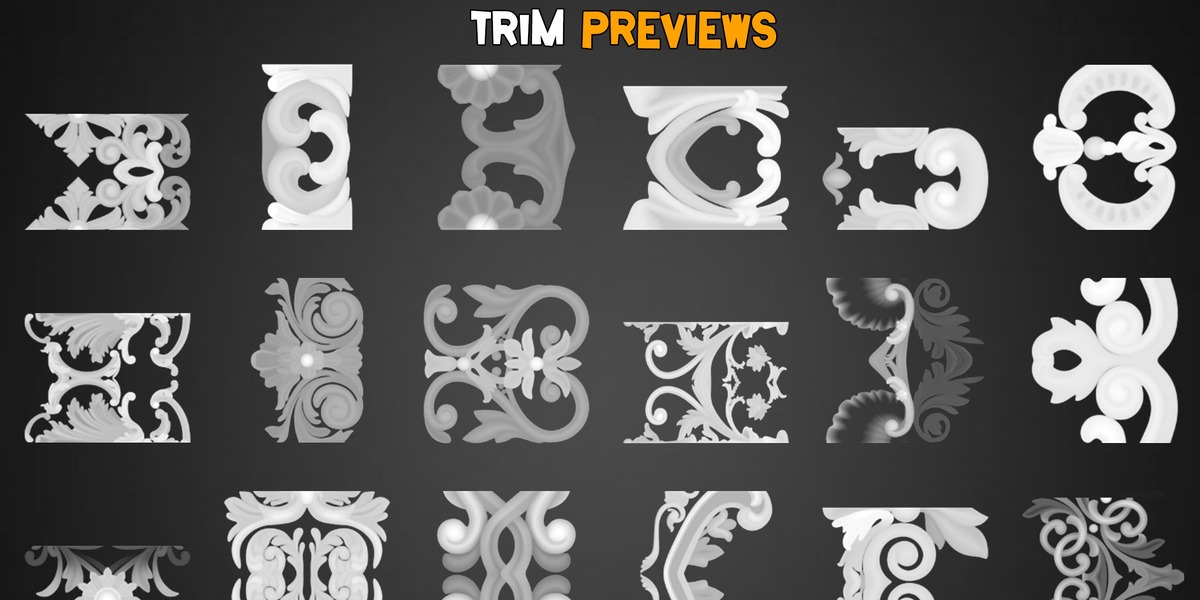
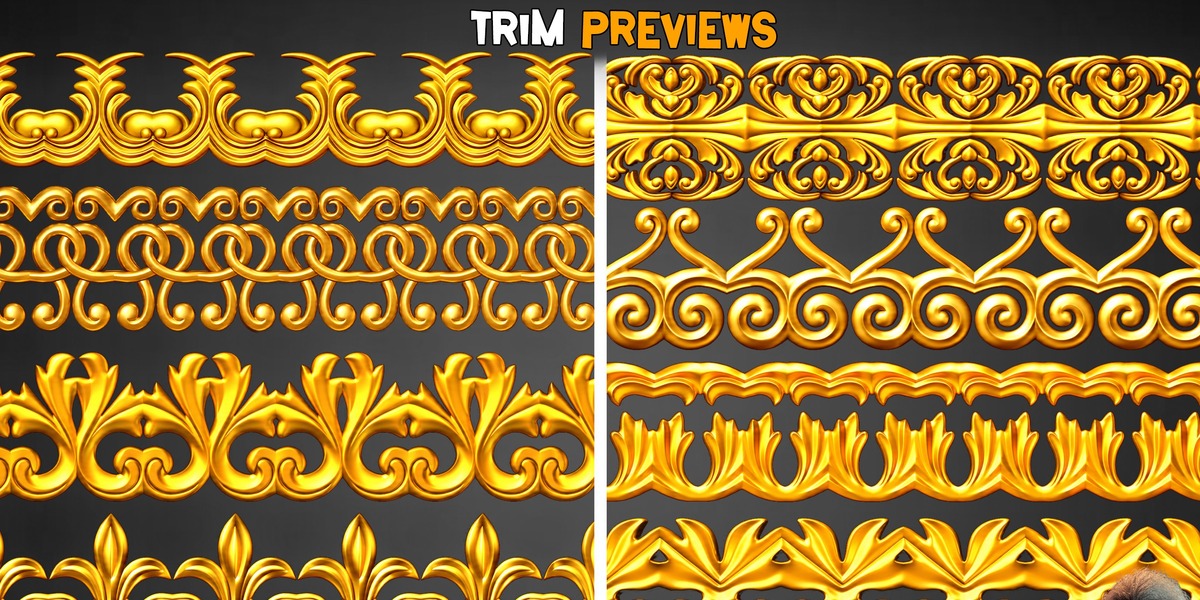
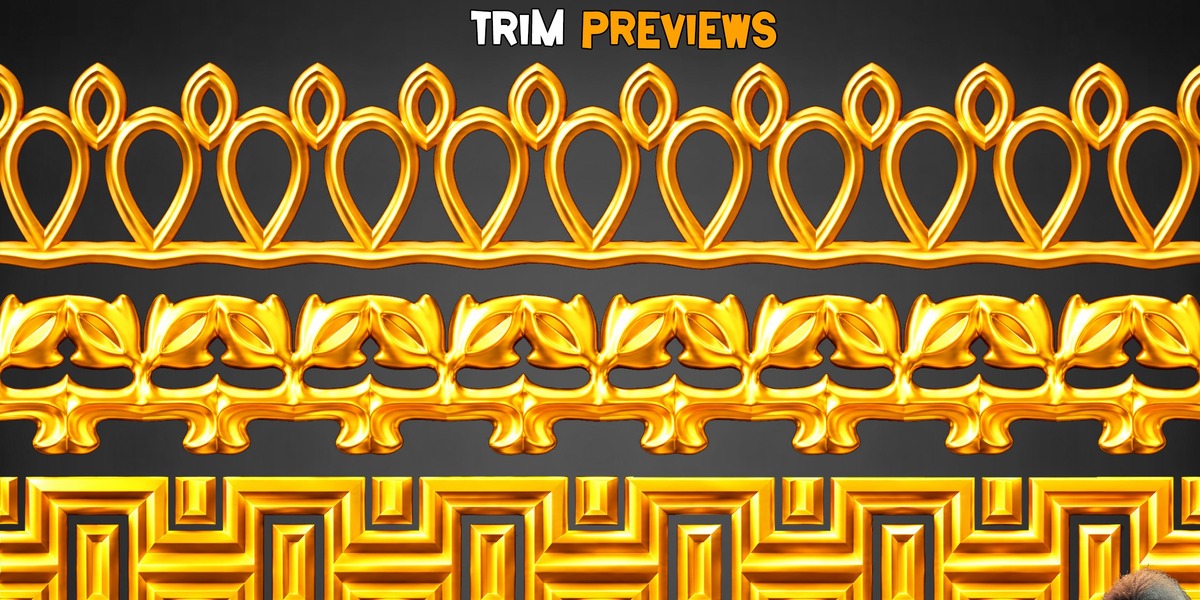
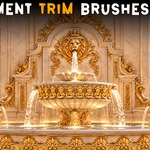
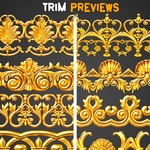
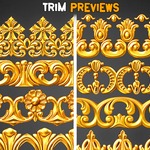
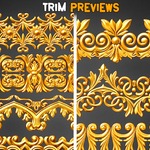
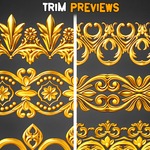

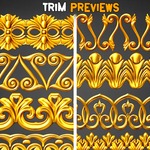
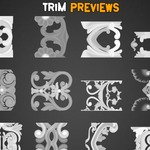
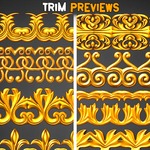

50 Ornament Trim Brushes - Vol 60
A collection of 50 ornamental trim designs for adding decorative details to architectural elements, props, environments, and 3D models.
Getting Started
Download the product ZIP file from your Superhive purchase.
Extract the archive to a folder on your computer.
Open the folder containing the files for your preferred software.
For Blender, open the included .blend file to access the 3D ornament models.
For ZBrush, import or load the included brush files using the appropriate ZBrush brush-loading workflow.
Recommended Workflow
Use the ornamental designs to add decorative details to architectural surfaces, furniture, props, and other 3D assets. You can adjust the scale, placement, and arrangement to suit your project.
Important Notes
This product contains digital assets, not a standalone application.
Software compatibility depends on the included file formats and the versions supported by your software.
Keep a backup copy of the original downloaded files.
 Included
Includes 12 months of
- Support from Ehsan Brd
- Product updates
Extend this product’s Support Period +12 months: 25% of product price
Have questions before purchasing?
Login to message
| Published | 4 days ago |
| Blender Version | 5.2 |
| Render Engine Used | Cycles |
| Misc Data | Uvs-Unwrapped |
| License | Royalty Free |
Discover more products like this
brushpack StylizedRealism ProductionGrade OrnamentTrims ArchitecturalDetails gameready EnvironmentArt TrimBrushes kitbash zbrush SurfaceDetailing VisualCohesion