50+ Ultimate Real-Time Vfx Sprites – Fire, Smoke, Magic & More
 Blender Procedural


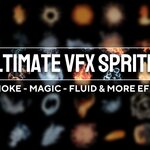
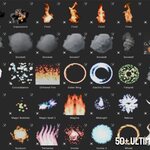
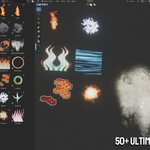
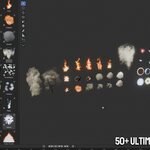
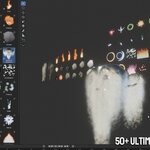
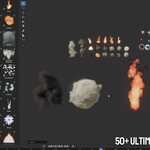
The package includes more than 50 animated VFX sprites, including fire, smoke, explosions, magic, energy, water and atmospheric effects.
To use an effect:
- Open the included Blender file.
- Select the VFX sprite you want to use.
- Copy and paste it into your scene, or use Blender’s Append function.
- Position, rotate and scale the effect as needed.
- Play the timeline to preview the animation.
- Duplicate and combine multiple sprites to create larger and more complex effects.
You can adjust the scale, color intensity, animation speed and placement to better match your scene. For the best result, keep the original material and transparency connections intact.
These effects are suitable for animations, game visuals, cinematic scenes, magical attacks, environmental effects and motion graphics.
$7$4.90
Have questions about this product?
Login to message
| Sales | 10+ |
| Dev Fund Contributor | |
| Published | about 2 months ago |
| Blender Version | 5.2 |
| Render Engine Used | Cycles, Eevee |
| License | Royalty Free |
Discover more products like this
Smoke Effects game effects 2D VFX Water Effects magic effects animated sprites explosion sprites sprite pack fire effects game assets