55 Crack Brushes - Blender & ZBrush - Vol.08
 Alireza Taherpor


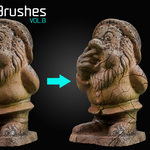
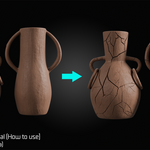
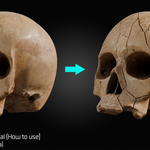
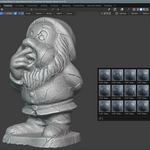
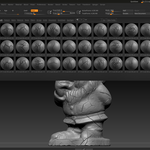
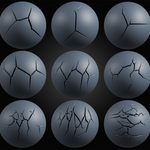
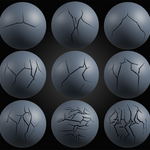
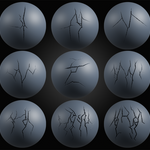
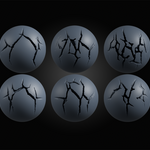
Blender
Use the brushes in Sculpt Mode on a mesh with sufficient subdivision for the best results.
ZBrush
Copy the brush files to your ZBrush Brushes folder. The included alpha files are provided for use in other compatible software.
Tips
- Use a subdivided mesh for cleaner results.
- Adjust the brush strength to control the depth of the sculpt
- If the brush affects the opposite side of the mesh, enable Front Faces Only in Blender. This option is located in the Tool tab under Advanced.
In ZBrush, enable BackfaceMask. This option is located in the Brush menu under Auto Masking.
Have questions about this product?
Login to message
| Published | 9 months ago |
| Blender Version | 3.0 - 4.2 |
| Render Engine Used | Blender-Internal, Blender-Game-Engine, Cycles, Eevee |
| Misc Data | Textured |
| License | Royalty Free |
Discover more products like this
BlenderCrackBrush HadrSurfaceBrush BlenderCrack #BlenderBrushes hardsurface CrackBrush sculptingBrushes #DigitalSculpting RockSurface SurfaceDetail CrackBrushes DamageDetail