 Orhan
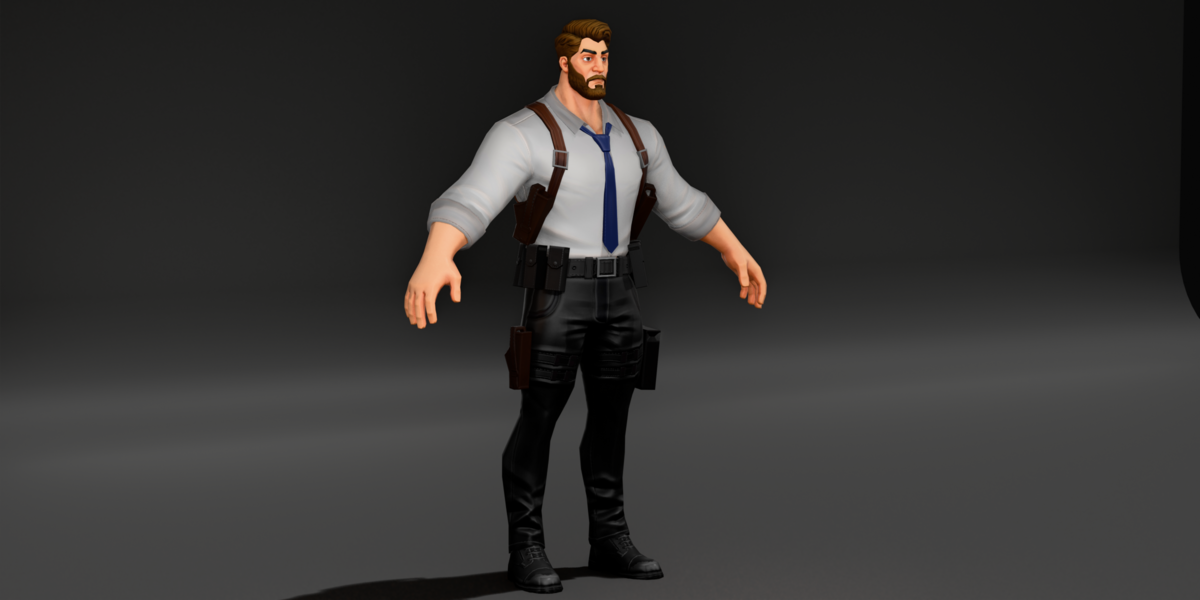
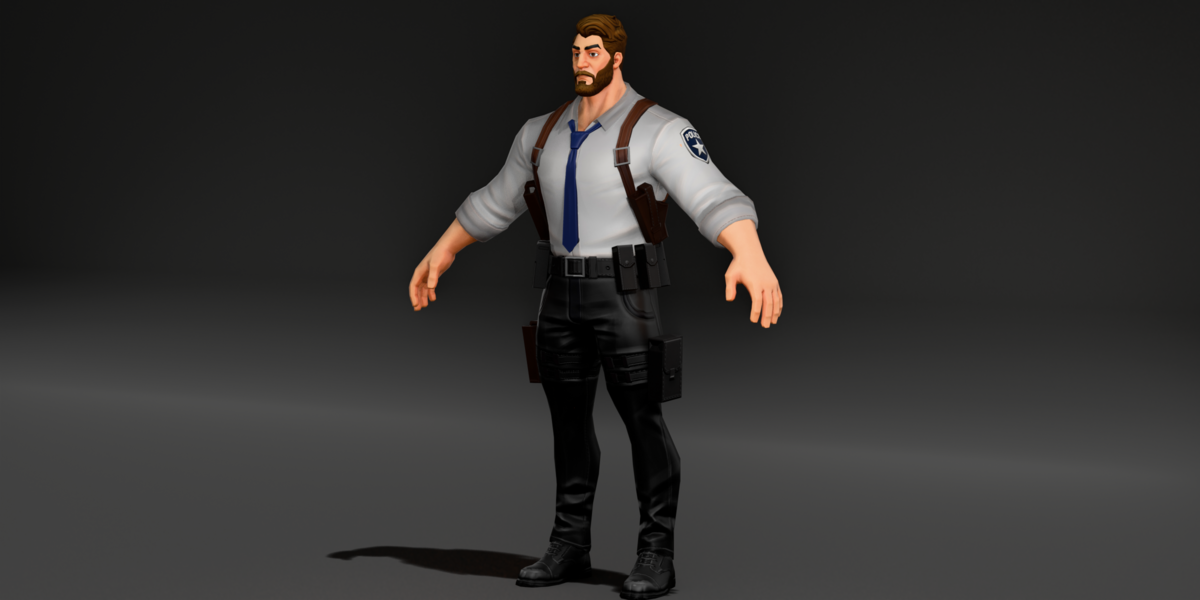
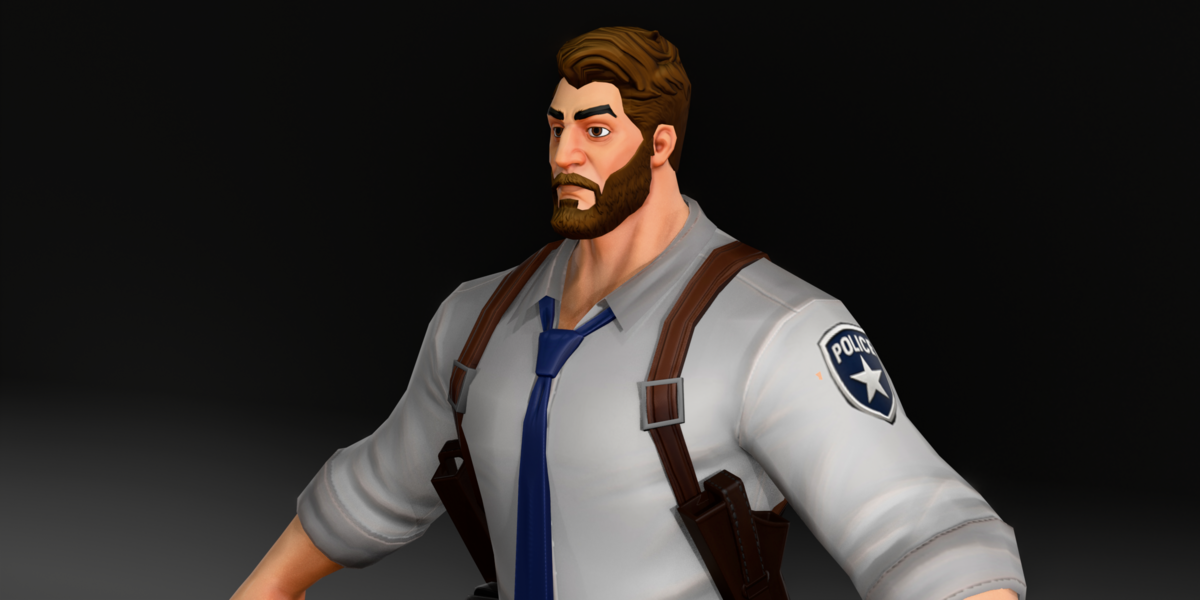
Orhan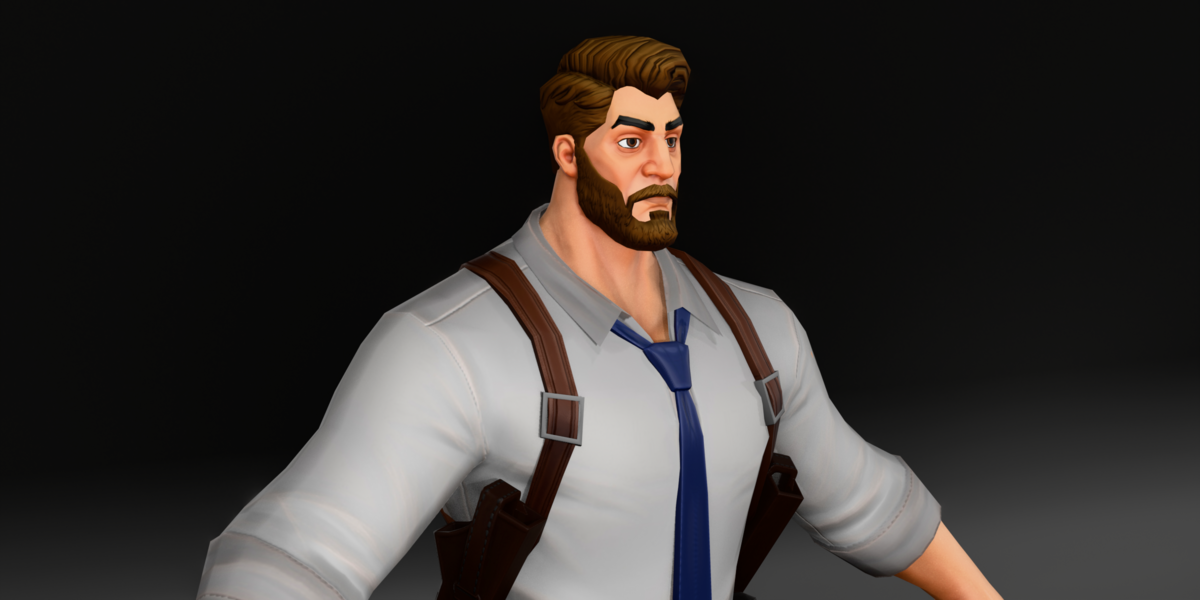
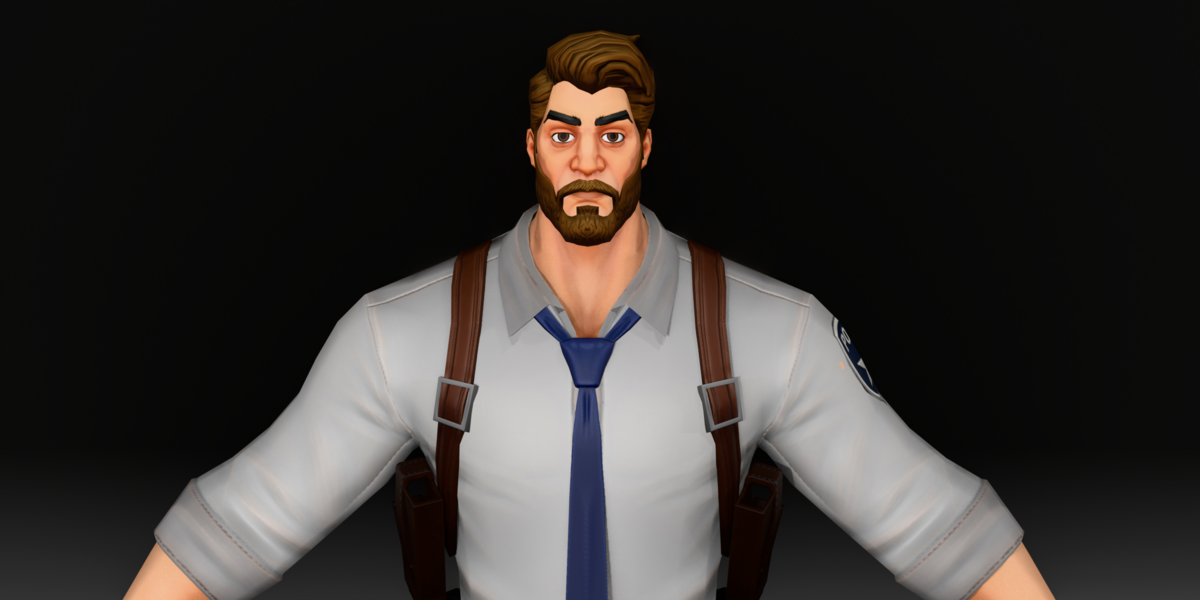
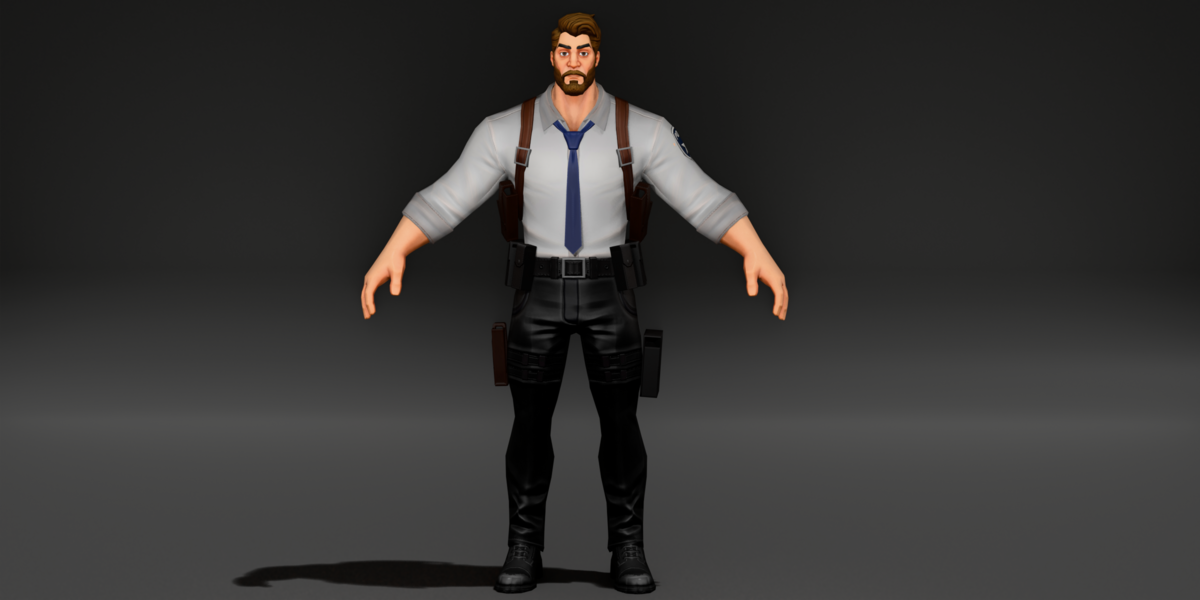
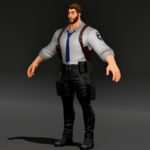
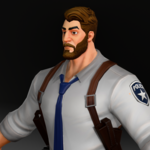
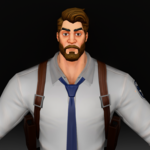
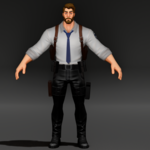
Requirements
- Blender 4.5 or newer for the .blend file (saved in Blender 4.5 LTS). Older versions may open it but are not tested.
- The scene is set up for EEVEE. Cycles works too; you may need to adjust lights.
- FBX, GLB and OBJ for other 3D software and game engines.
What is in the download
- .blend file: rigged character with all color sets and packed textures
- fbx/: rigged FBX with shape keys
- gltf/: GLB with rig, shape keys and embedded textures (default colors)
- obj/: OBJ + MTL, and textures.zip (default colors, no rig)
First use
- Open the .blend file. The character sits in its own collection.
- Select the rig and switch to Pose Mode to pose the character.
- To change the body: select a mesh, open Object Data Properties > Shape Keys, and move fatty, builder or skinny.
- To change colors: select the shirt or trousers, open the Material tab and pick another material slot (shirts-1 to 4, pants-1 to 4).
Notes and limits
- The rig uses Auto-Rig Pro style naming (c_ controls). Posing works in plain Blender. Auto-Rig Pro itself is only needed for its extra tools such as retargeting.
- The FBX and GLB export the full control rig (541 bones). For game engines you may want to export deform bones only.
- OBJ, FBX and GLB come with the default color set. The other colors are in the .blend file.
- Shape keys on the body must be set to the same value on all clothing pieces. Use a driver or set them together.
Have questions about this product?
Login to message
| Published | about 7 hours ago |
| Blender Version | 2.6x - 5.2 |
| Render Engine Used | Cycles, Eevee |
| Misc Data | Uvs-Unwrapped, Rigged, Normal-Mapped, Textured |
| License | Royalty Free |

Discover more products like this
Rigged game ready low poly stylized shape keys officer Human Cartoon police character cop secret service