68 Creature Skin VDM Brush & Alpha - Vol09
 Mona-Ghafourian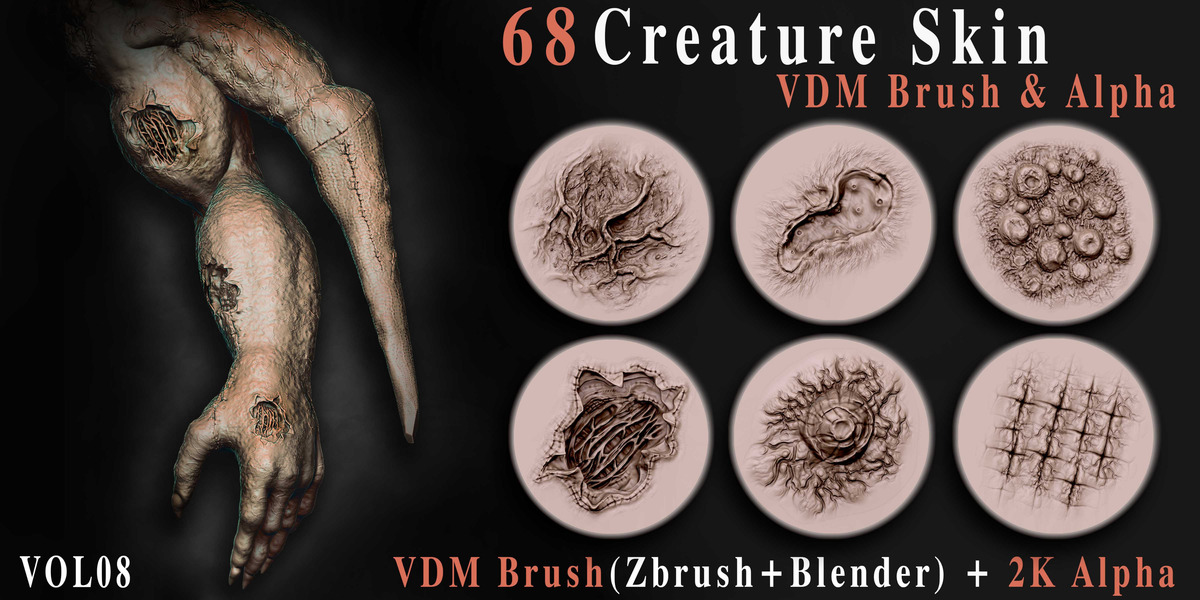
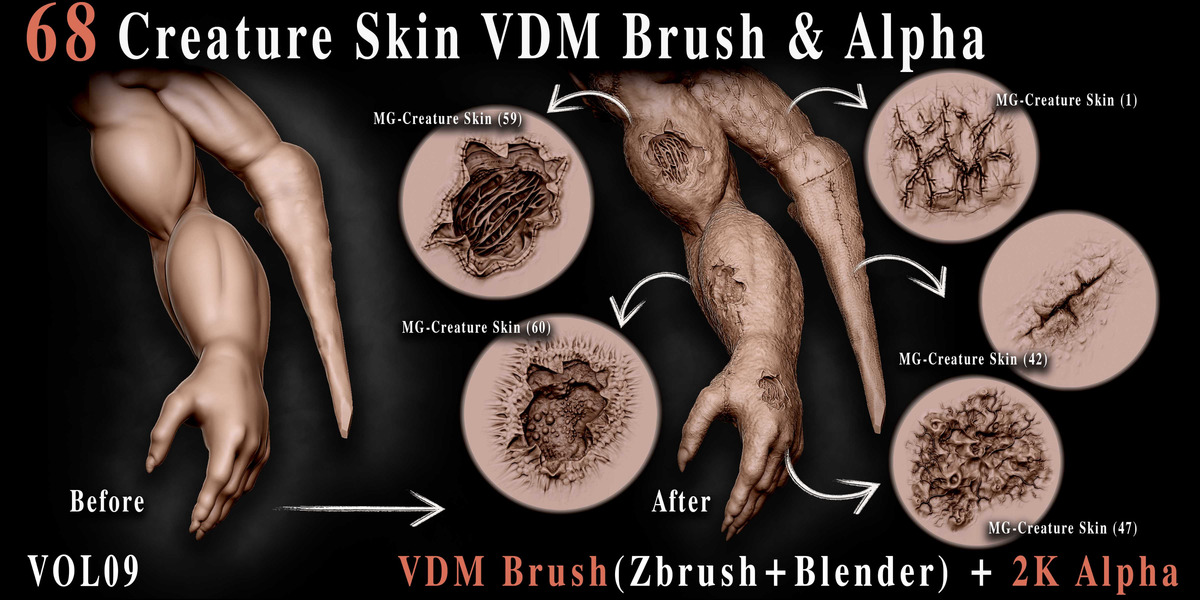


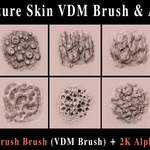
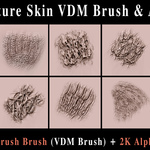
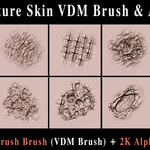
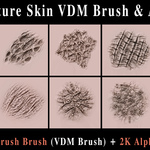
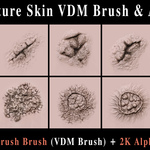
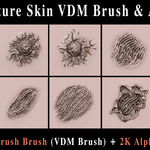
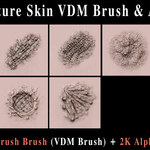
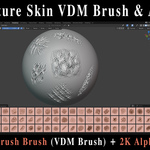
Creature Skin VDM Brushes & Alphas – Vol.09
Overview
Creature Skin VDM Brushes & Alphas – Vol.09 is a collection of 68 detailed creature skin brushes designed to help artists quickly create realistic and organic surface details on 3D characters and creatures.
The pack includes VDM brushes for ZBrush and Blender, as well as 68 high-resolution 2K alpha textures in PSD and TIF formats.
Included
- 68 Creature Skin VDM Brushes for ZBrush
- 68 Creature Skin VDM Brushes for Blender
- 68 × 2K Alpha Textures
- PSD Alpha files
- TIF Alpha files
ZBrush Installation
- Extract the downloaded product files.
- Open ZBrush.
- Locate the included ZBrush VDM brushes.
- Load the brushes through the Brush palette.
- Select a VDM brush and begin sculpting on your model.
Blender Installation
- Extract the downloaded files.
- Open Blender.
- Go to Edit → Preferences → File Paths.
- Under Asset Libraries, click Add.
- Select the folder containing the Blender asset files.
- Save your preferences.
- Open the Asset Browser and locate the Creature Skin VDM brushes.
Recommended: Blender 4.3 or newer.
Using the Alpha Textures
The included 2K alpha textures can be used independently in compatible software.
They can be used as:
- Sculpting alphas
- Masks
- Stencils
- Texture inputs
- Surface detail guides
Both PSD and TIF versions are included for flexibility.
Recommended Workflow
For detailed creature sculpting:
- Start with a sufficiently subdivided model.
- Establish the primary and secondary forms first.
- Apply the VDM brushes to build tertiary skin details.
- Adjust brush size and intensity according to the scale of the model.
- Combine different brushes to create more natural and varied surfaces.
- Use the included alphas for additional customization and detailing.
Compatibility
ZBrush: VDM brushes
Blender: VDM brushes / Asset Browser
Alpha Textures: PSD & TIF, 2K resolution
Important
The appearance of the details may vary depending on the model's topology, subdivision level, sculpting resolution, brush settings, and software version. For best results, use the brushes on a sufficiently detailed mesh.
License: Please refer to the included product license for permitted personal and commercial uses.
Have questions about this product?
Login to message
Includes an Asset Library
68 drag-and-drop assets for Blender’s Asset Browser.
Browse included assets| Published | almost 2 years ago |
| Blender Version | 4.5 - 5.2 |
| License | Royalty Free |
Discover more products like this
skin-vdm HighQualityBrushes skin-brush characterdesign animal skin alpha Creature Skin BlenderAssets creature-vdm-skin creature-alpha Skin alpha #VDMBrushes AlphaTextures