 Mona-Ghafourian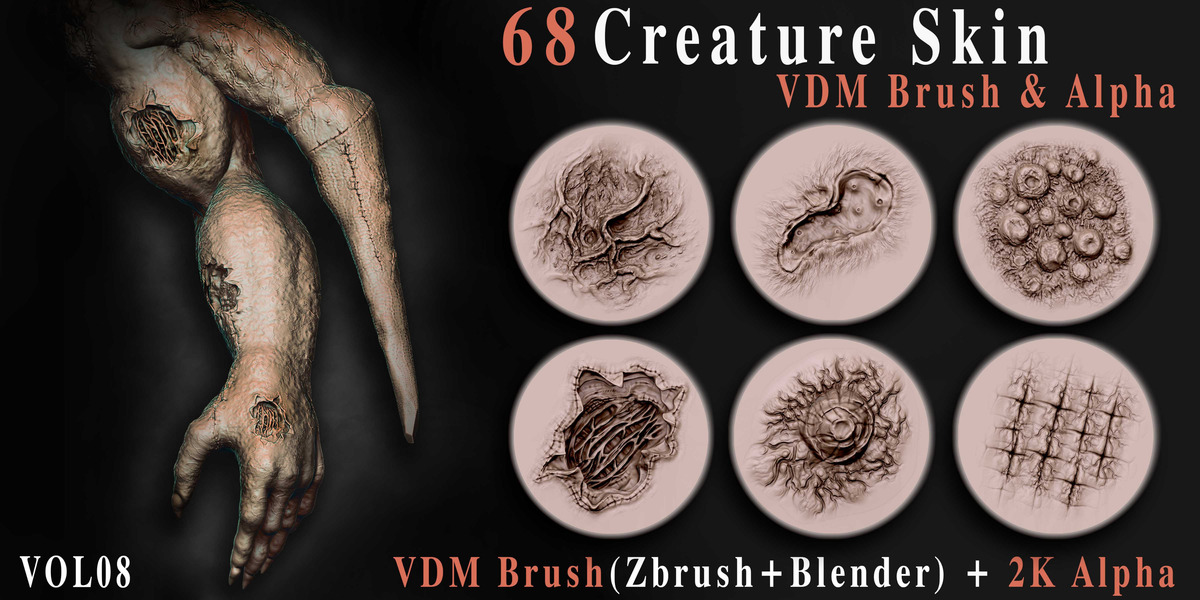


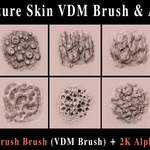
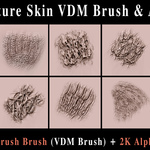
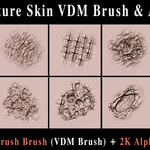
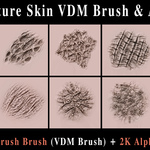
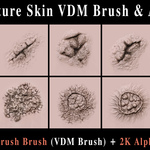
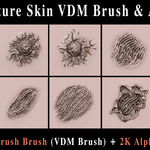
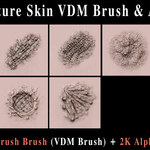
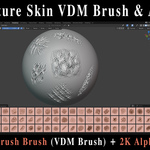
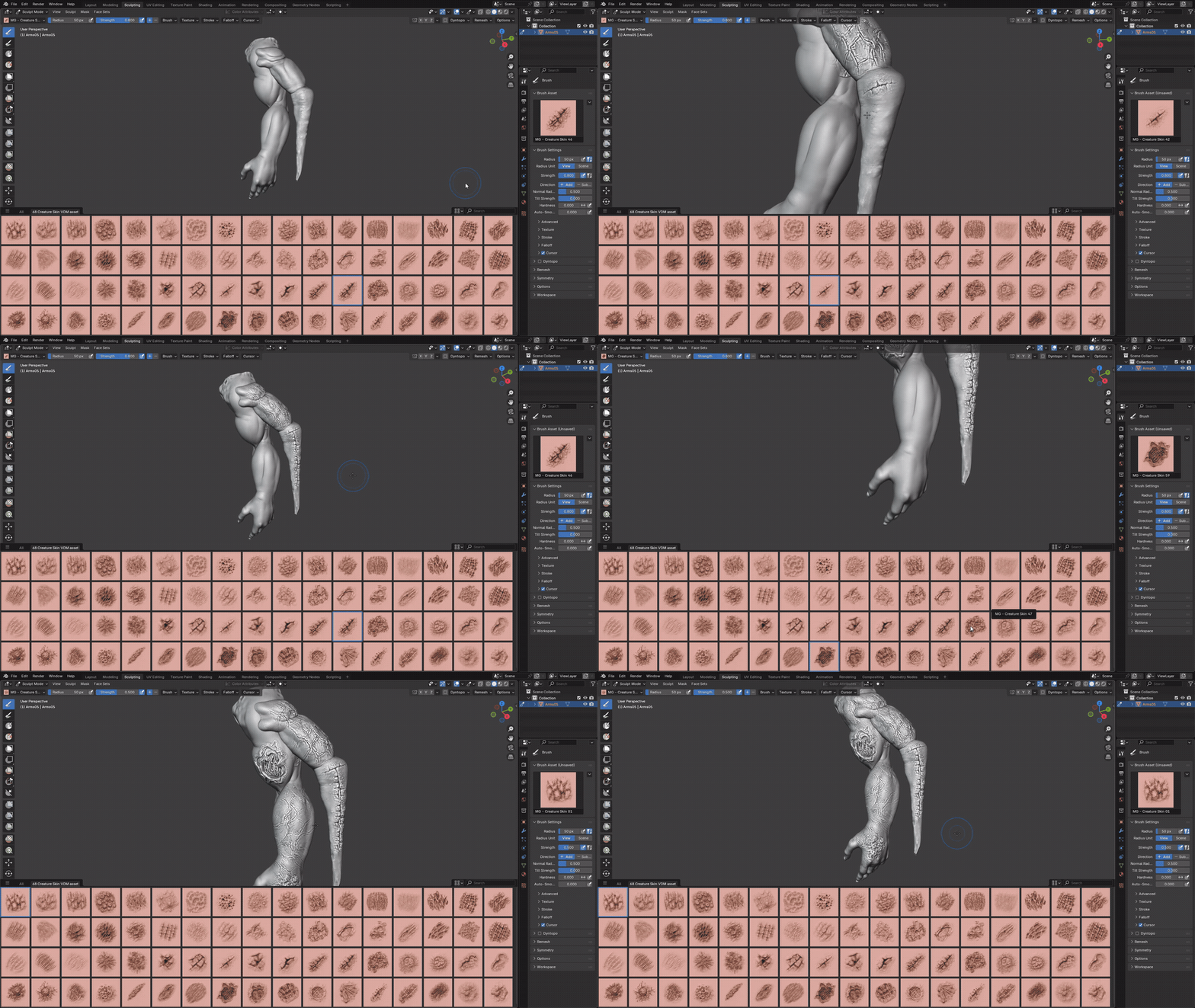
68 Creature Skin VDM Brush & Alpha – Vol.09
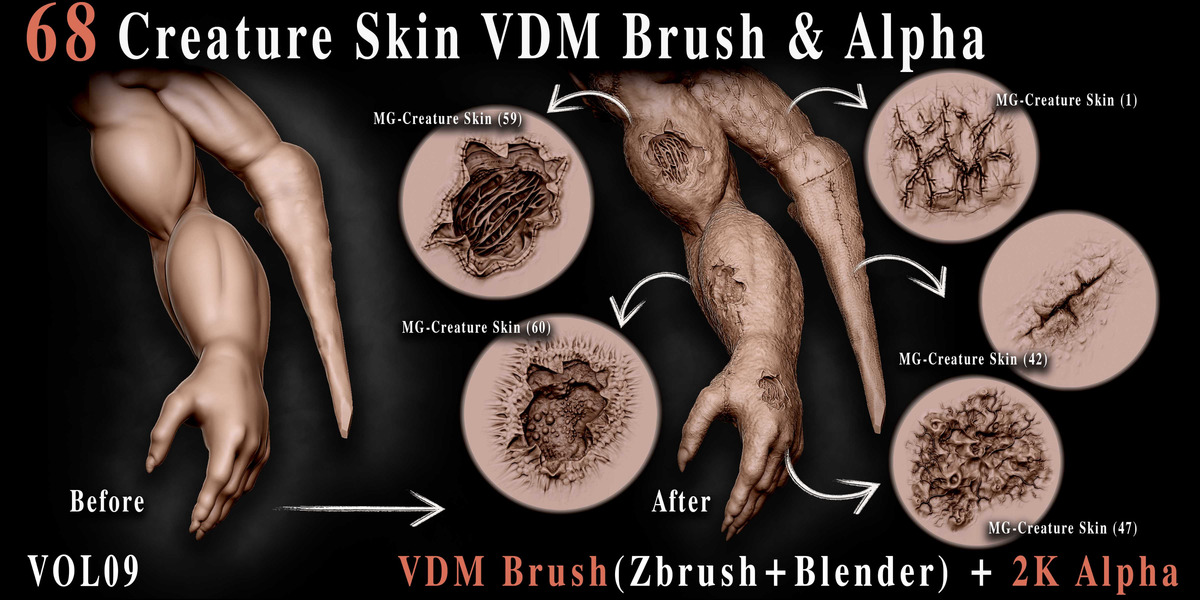
A professional collection of 68 high-quality creature skin VDM brushes and alphas designed for adding realistic, natural-looking organic skin detail to creatures, characters and other 3D assets.
ABOUT THIS PACK
This pack focuses on realistic creature skin detail — pores, wrinkles, folds and organic surface texture — designed to give any creature or character a strong hand-sculpted look in a fraction of the time.
The collection includes ZBrush VDM Brushes, Blender VDM Brushes and 2K Alphas, so you can sculpt directly on your mesh or use the alphas as masks and stencils in any software that supports them.
WHAT'S INCLUDED
ZBRUSH VDM
ZBP brushes, drag-and-drop ready for ZBrush.
BLENDER VDM
Blender VDM brushes in .asset.blend format.
2K ALPHAS
PSD and TIF formats for flexible use.
READY FOR ZBRUSH & BLENDER
ZBrush 2022.0.5+ • Blender 4.3+
SHORT TUTORIAL
Step-by-step guide on using the Blender brush files.
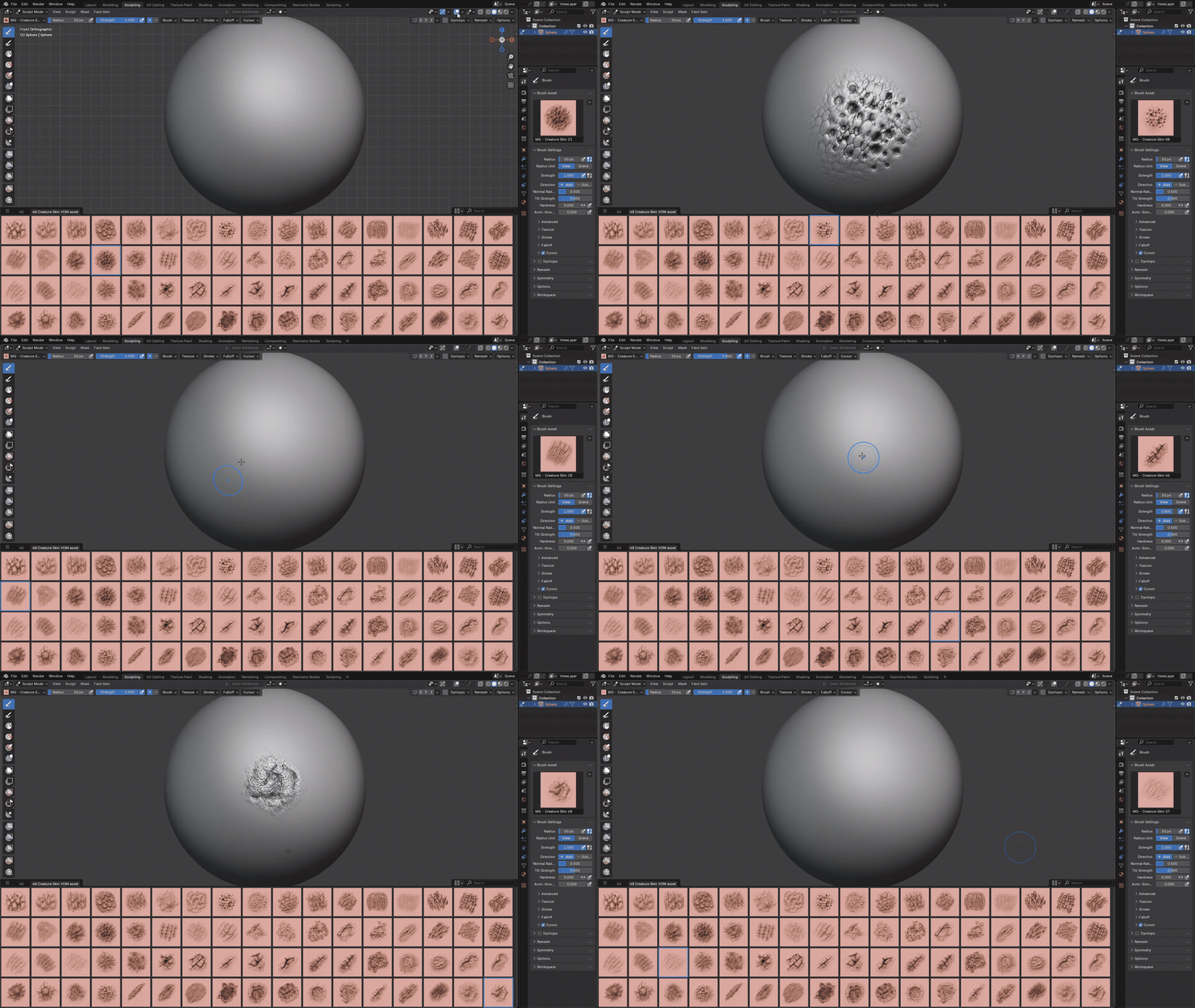
VDM BRUSHES IN ACTION
See the Creature Skin VDM Brushes sculpting realistic skin detail directly onto a mesh in Blender.
INSTALLATION
Blender
- Go to Edit → Preferences → File Paths.
- Click Add and select the Blender Asset folder.
- Press Save Preferences.
ZBrush
- Copy all .ZBP brushes.
- Paste them into the ZBrushes folder inside your ZBrush installation directory.
Example: C:\Program Files\Pixologic\ZBrush [Your Version]\ZBrushes - Restart ZBrush. The brushes will appear in the Brush palette / LightBox.
Compatibility: ZBrush files require ZBrush 2022.0.5 or newer. Blender files are optimized for Blender 4.3 and above.
Note: ZBrush VDMs are drag-and-drop ready. The included alphas can also be used as masks, stencils and texture inputs in other 2D and 3D applications.
OTHER VOLUMES — CREATURE ANATOMY SERIES
MORE 3D ASSETS
Explore more brushes, alphas and 3D assets from our collection.
Need help? Message me — fast support.
✉️ Message Me