 Arvid
Arvid


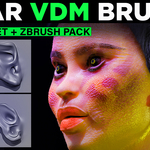
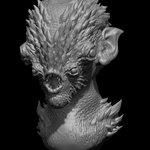
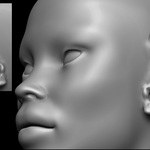
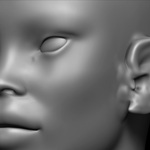
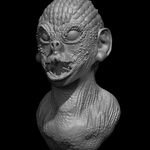
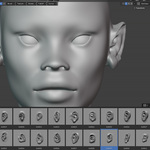
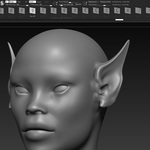
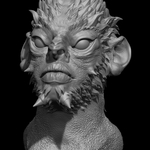
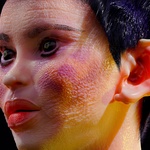
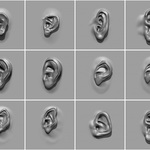
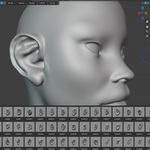
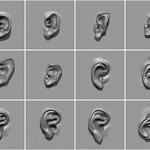
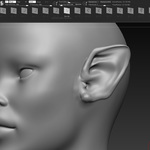
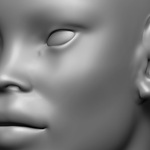
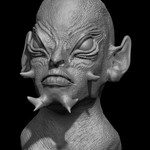
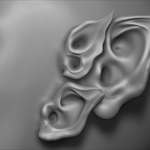
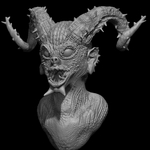
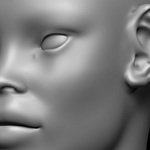
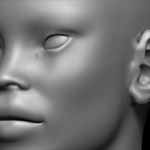
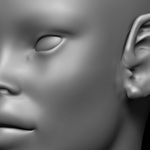
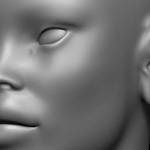
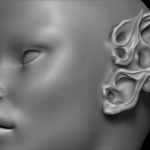
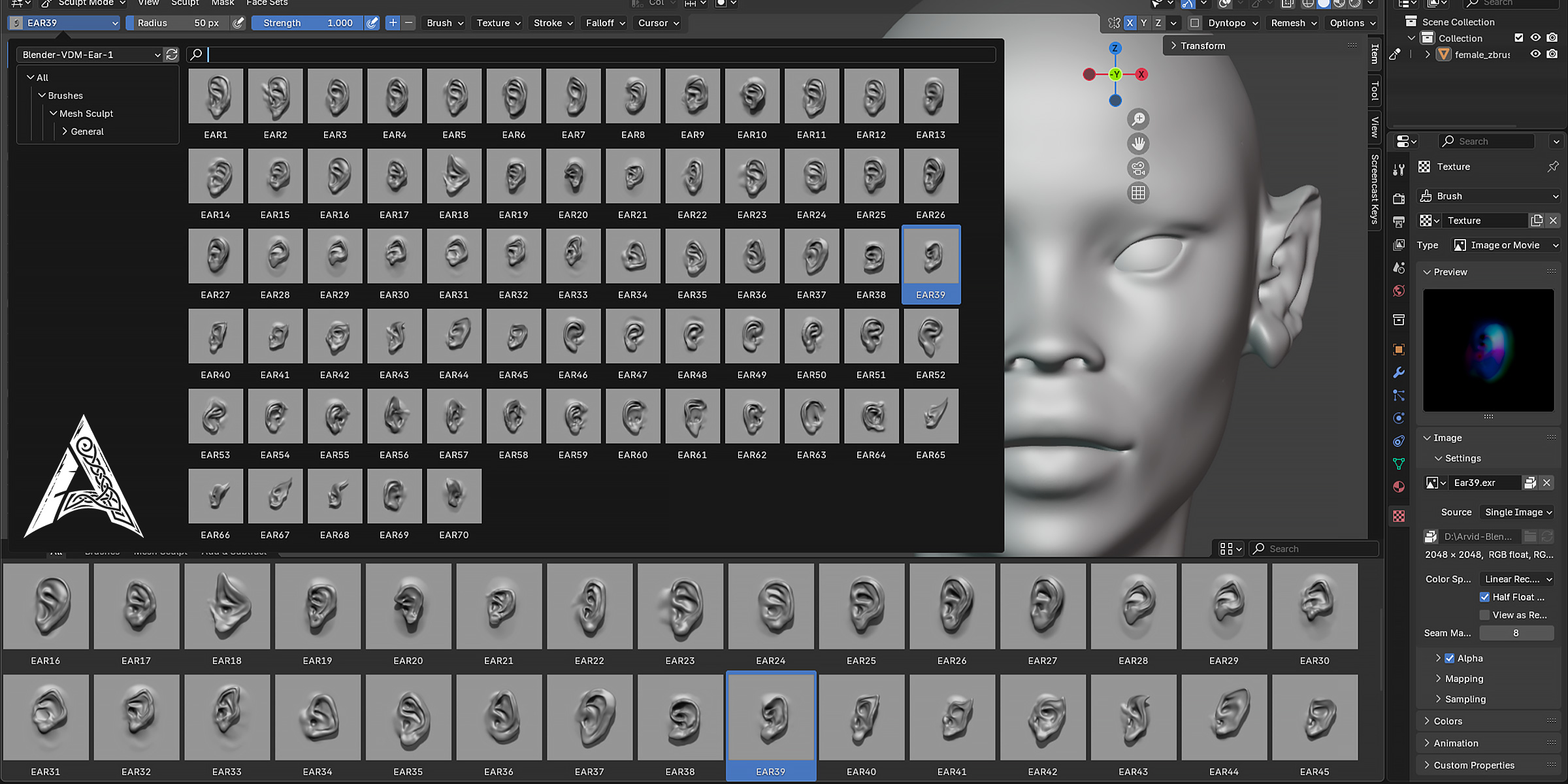
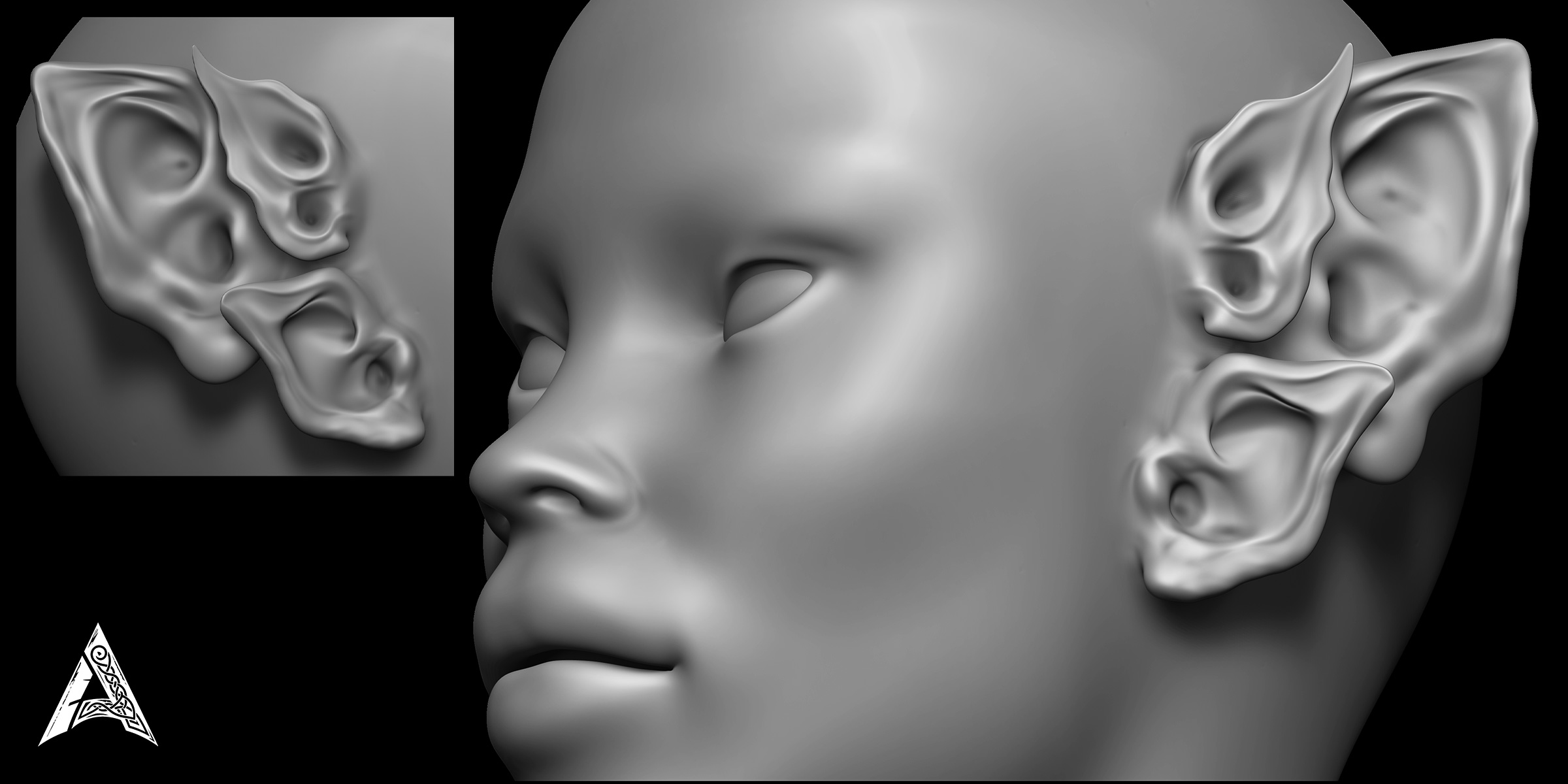
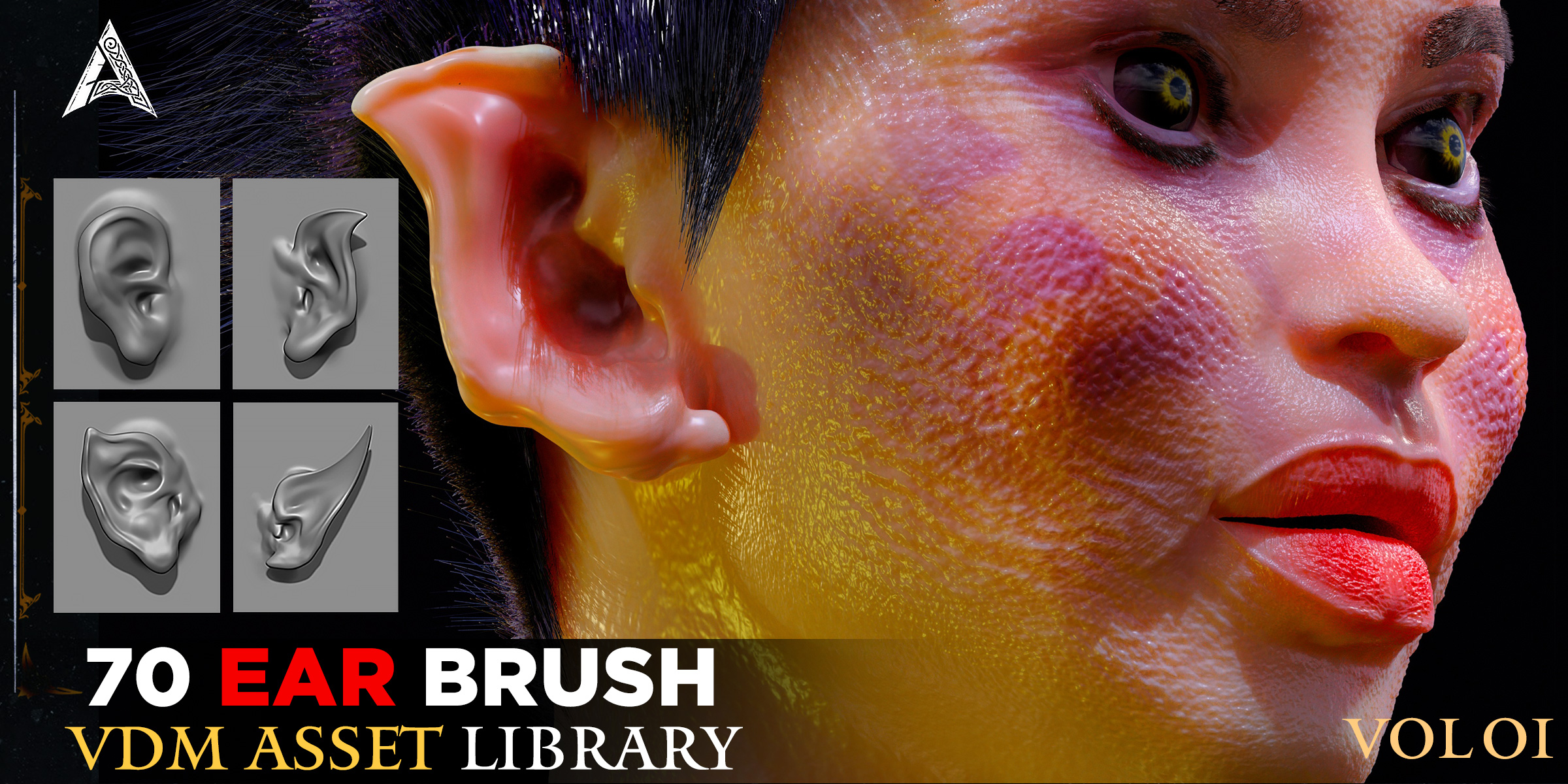
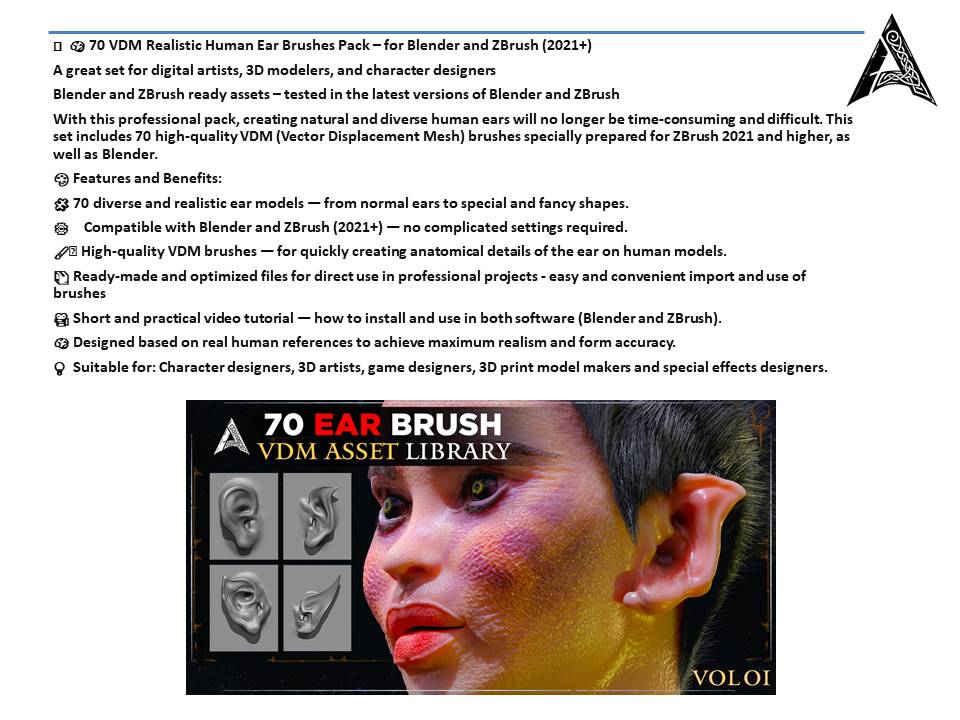
🧠 70 VDM Realistic Human Ear Brushes Pack – for Blender and ZBrush (2021+)
A great set for digital artists, 3D modelers, and character designers
Blender and ZBrush ready assets – tested in the latest versions of Blender and ZBrush
With this professional pack, creating natural and diverse human ears will no longer be time-consuming and difficult. This set includes 70 high-quality VDM (Vector Displacement Mesh) brushes specially prepared for ZBrush 2021 and higher, as well as Blender.
🎨 Features and Benefits:
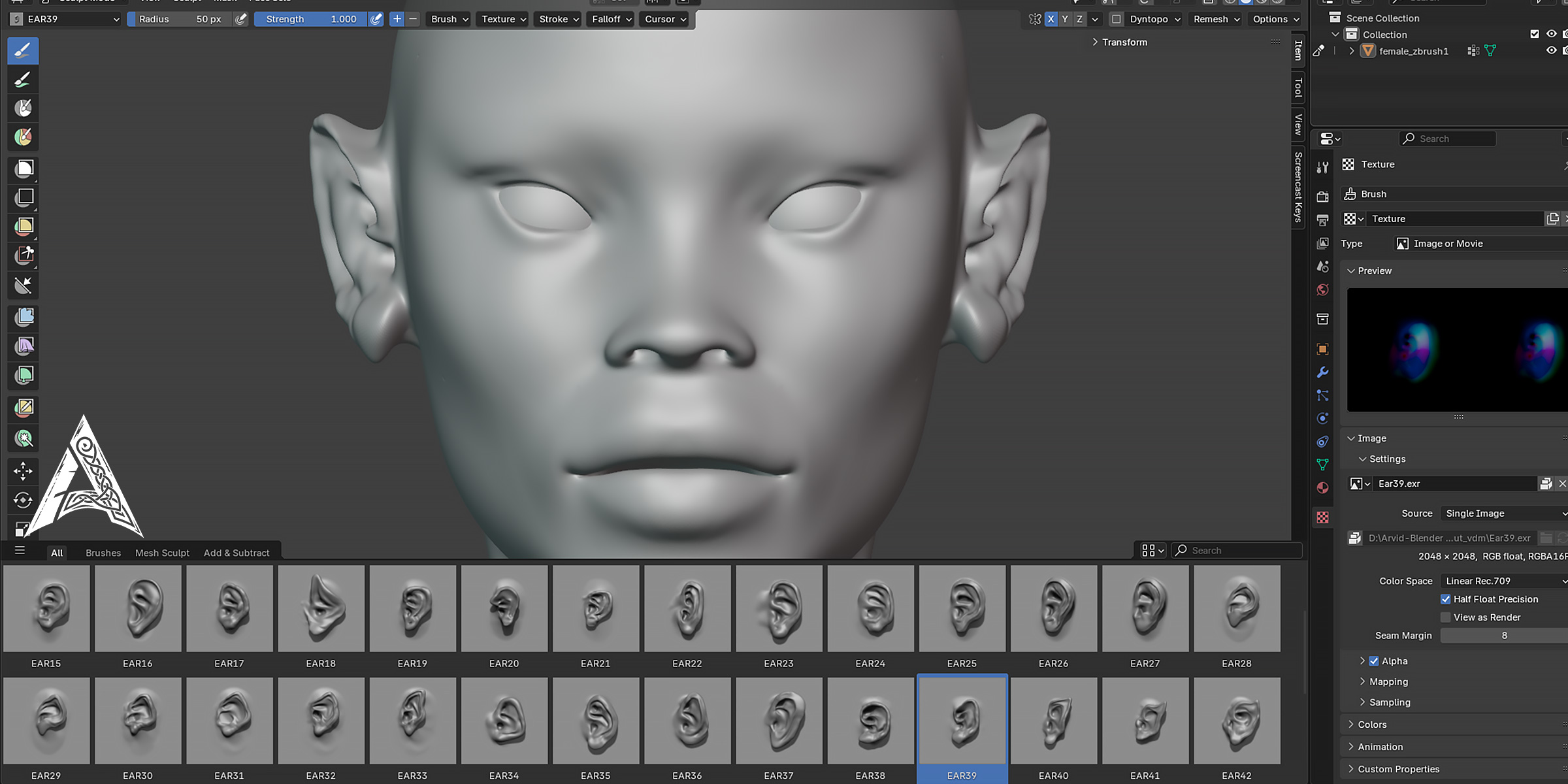
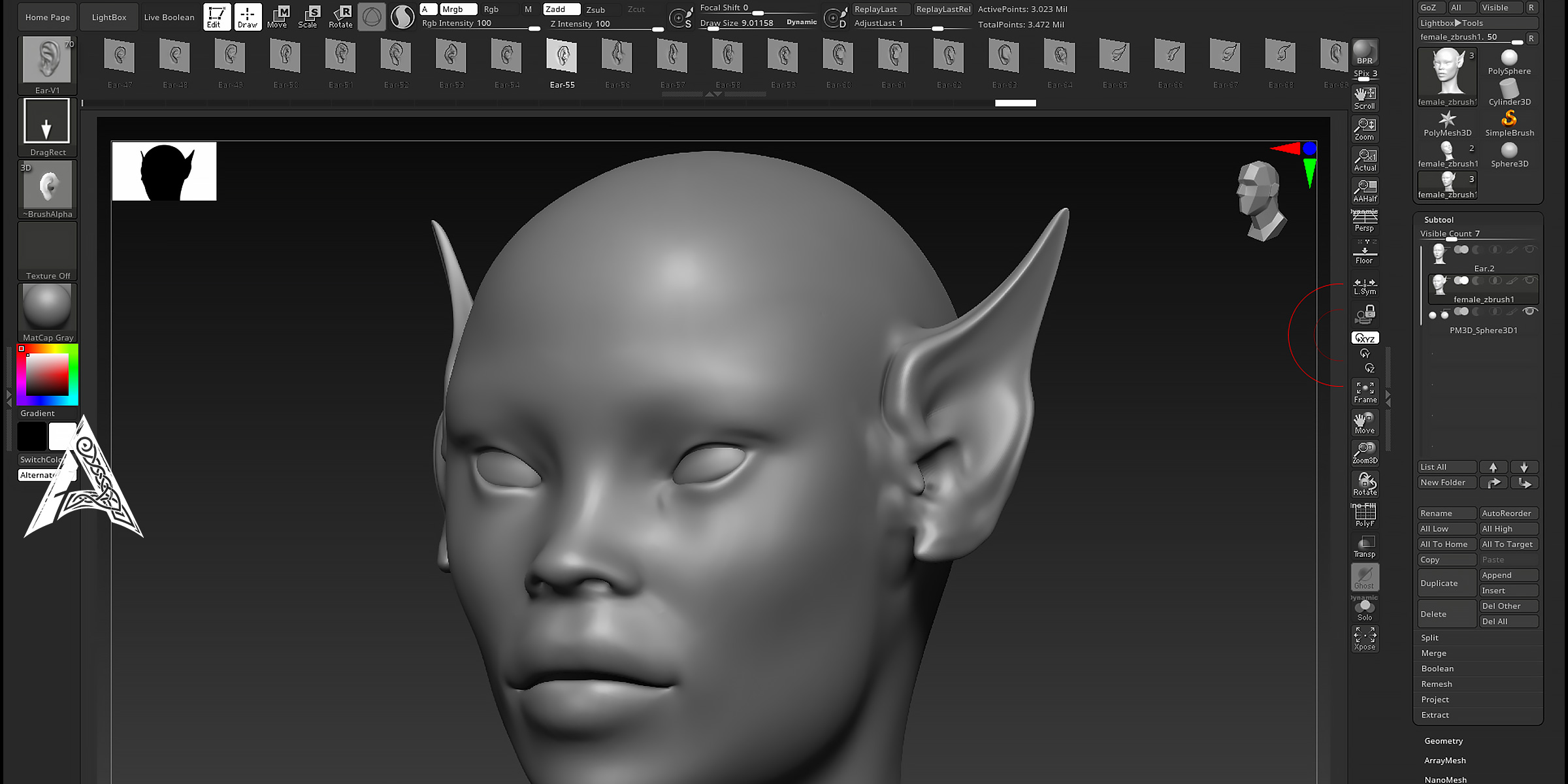
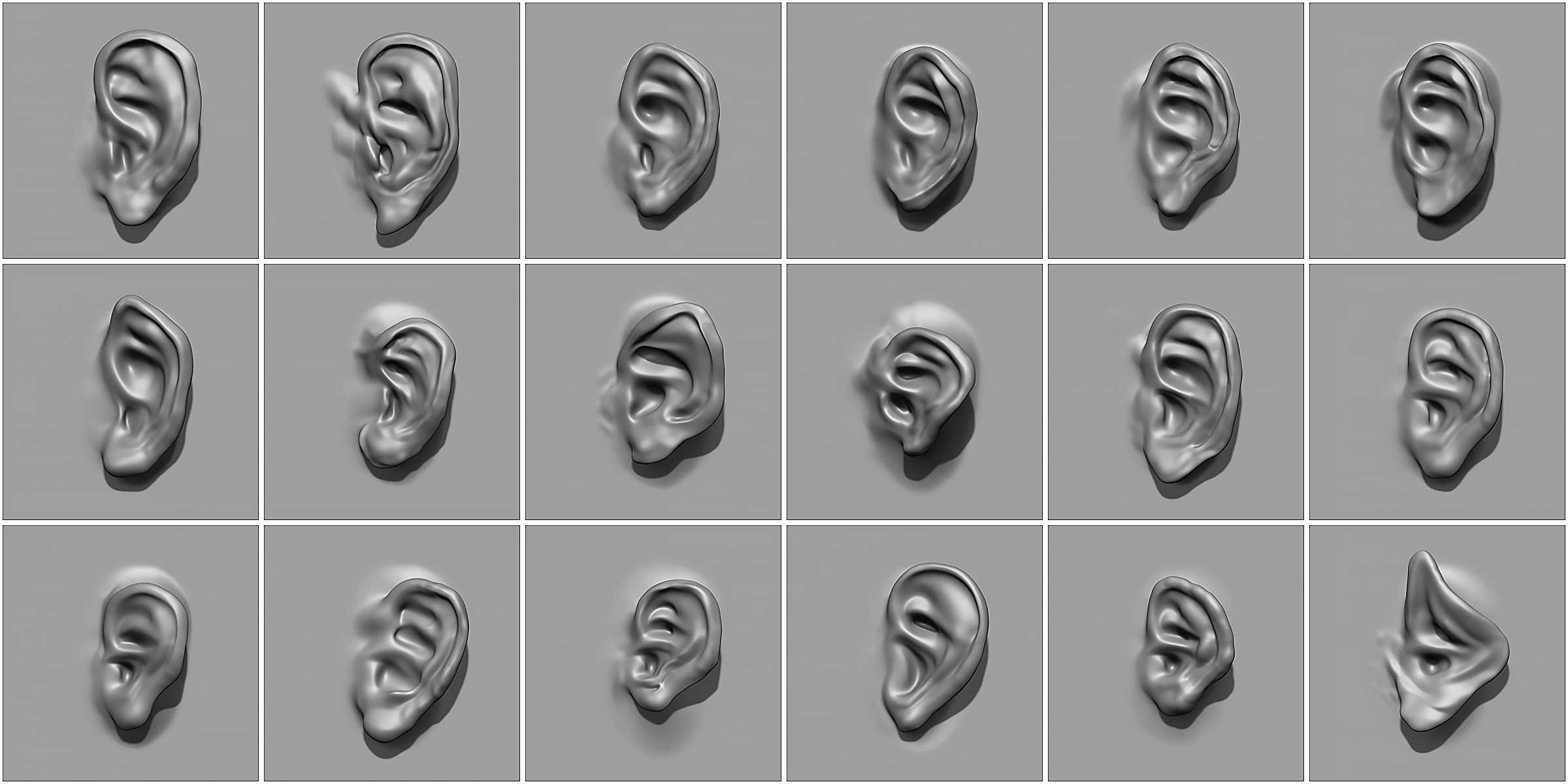
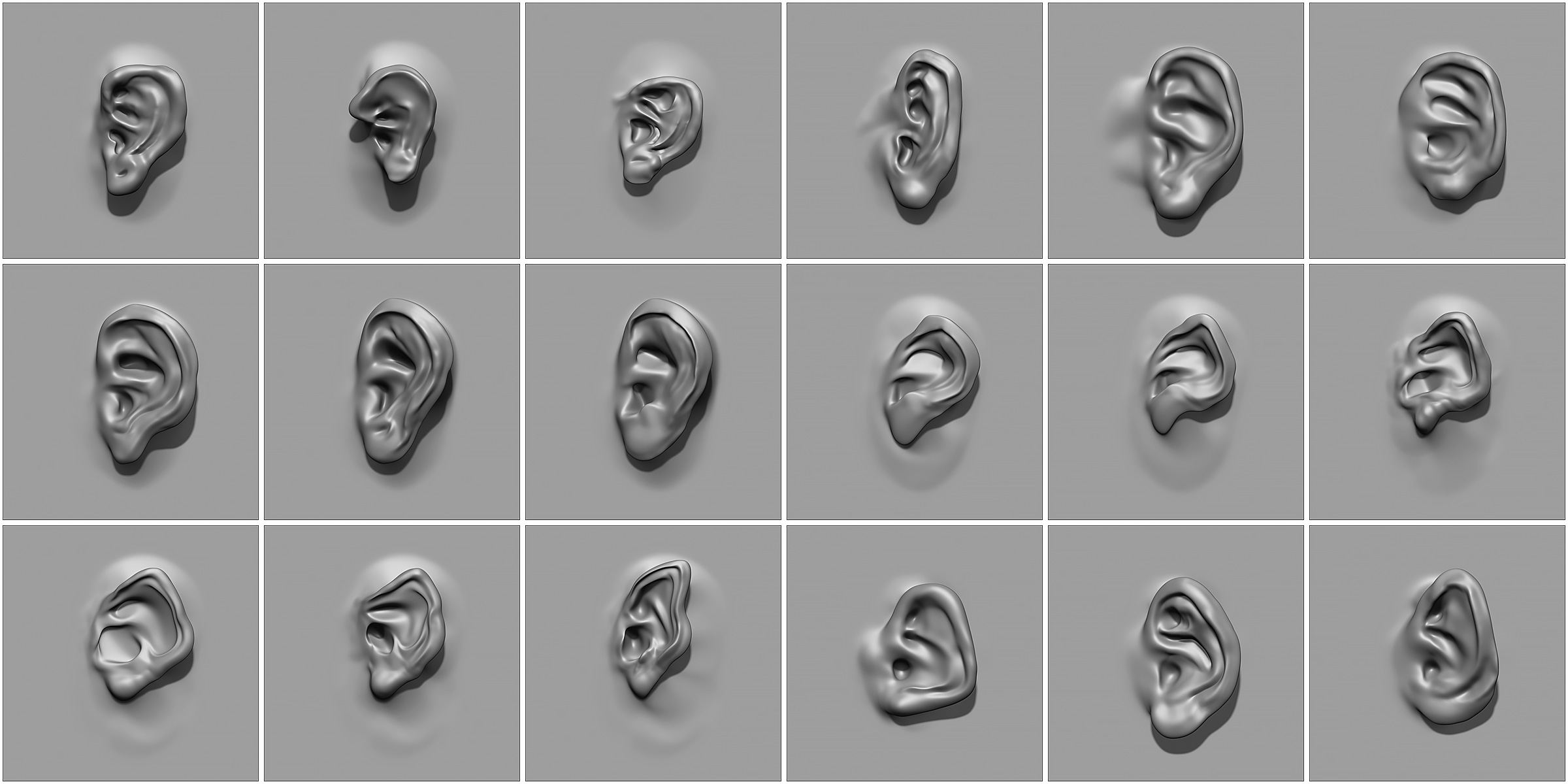
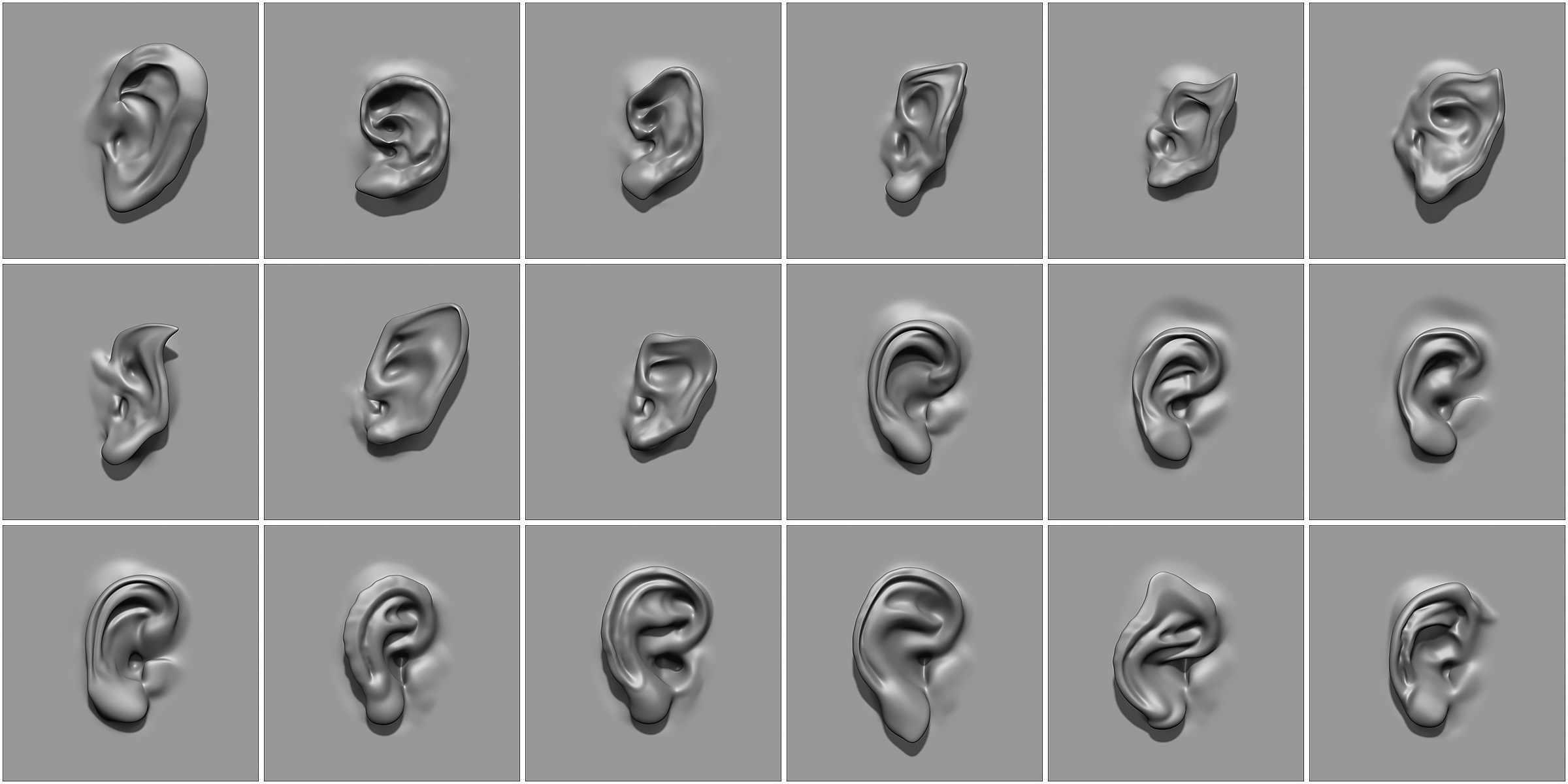
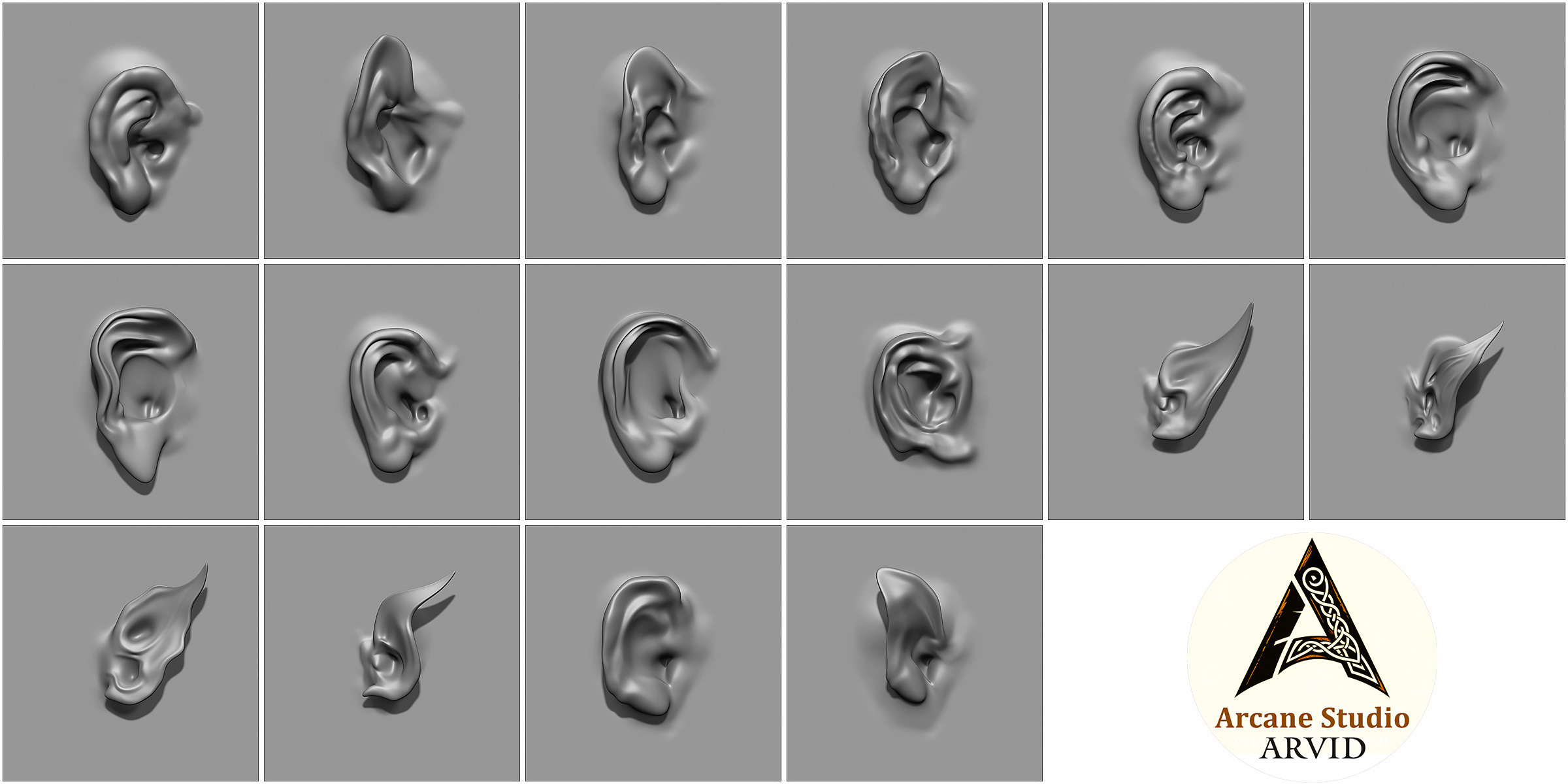
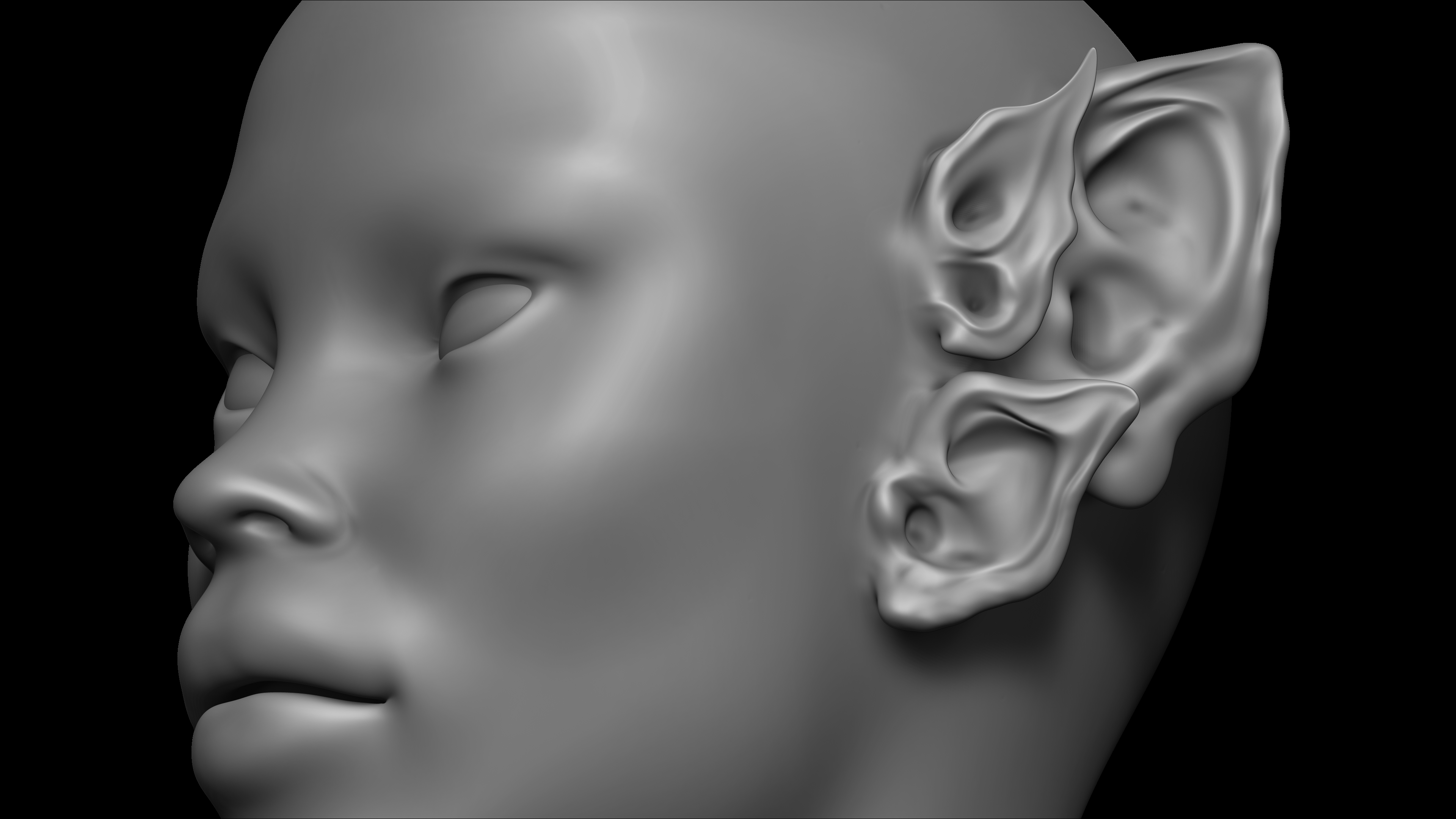
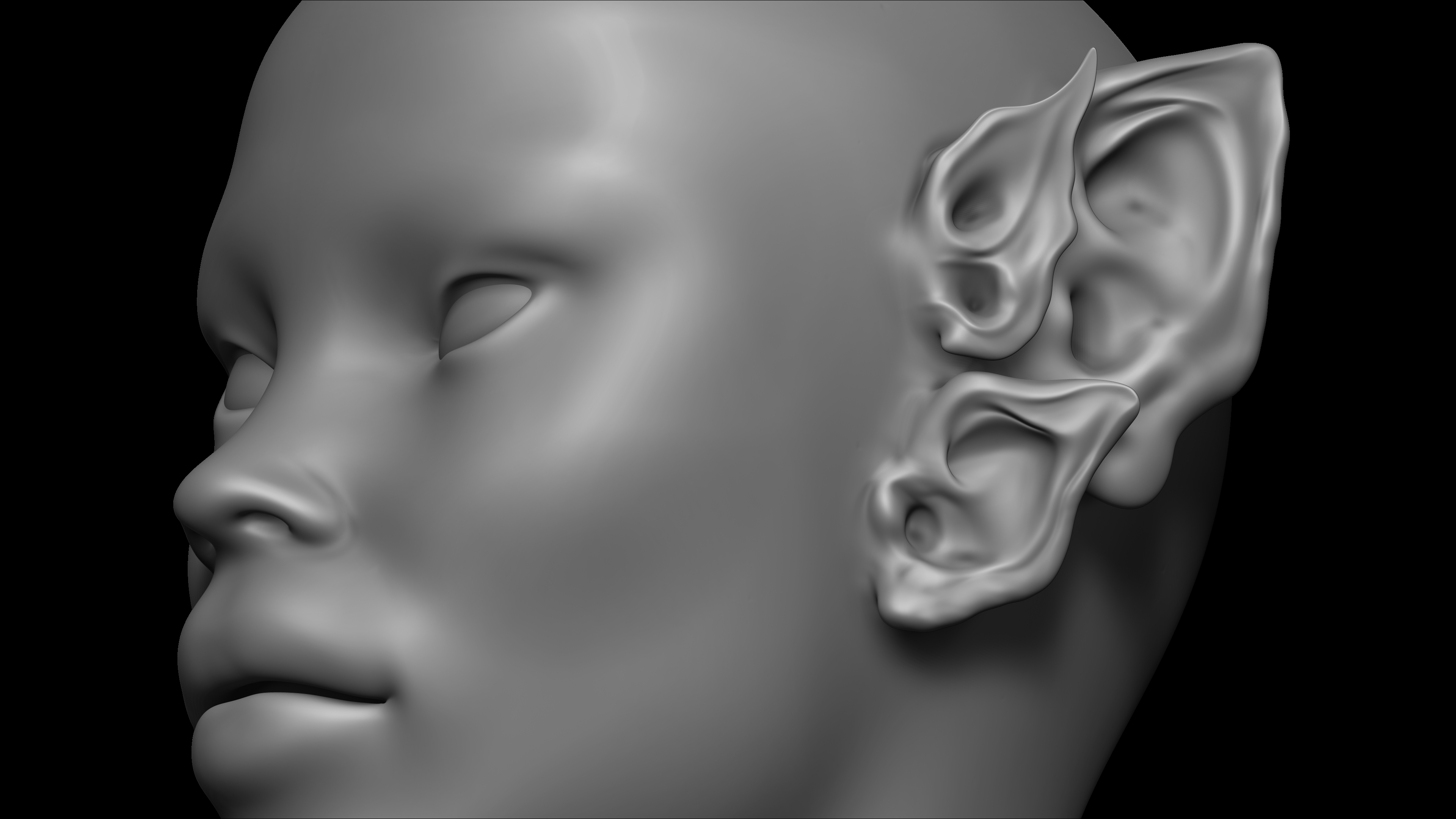
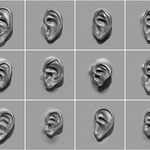
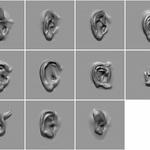
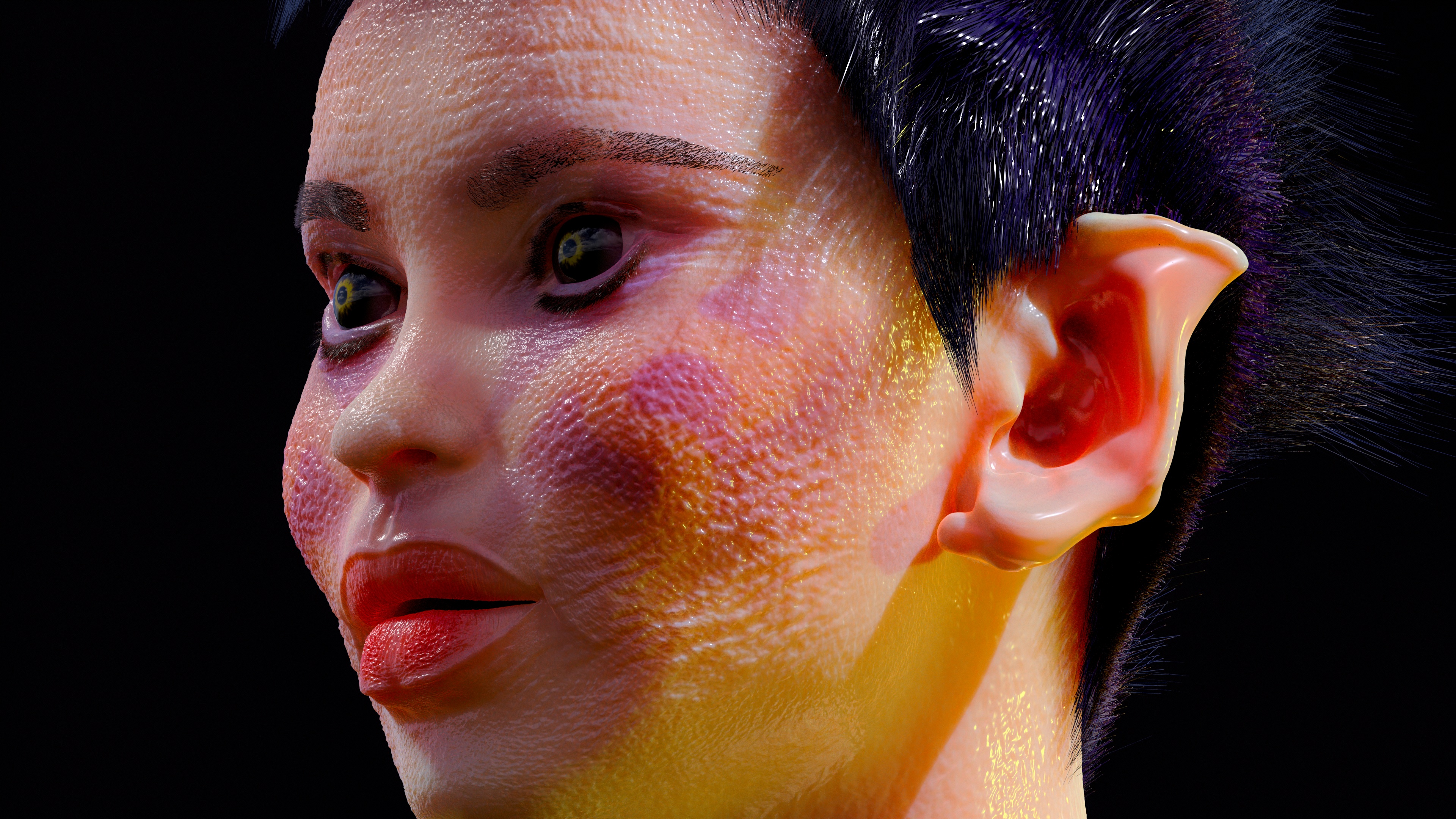
🧩 70 diverse and realistic ear models — from normal ears to special and fancy shapes.
⚙️ Compatible with Blender and ZBrush (2021+) — no complicated settings required.
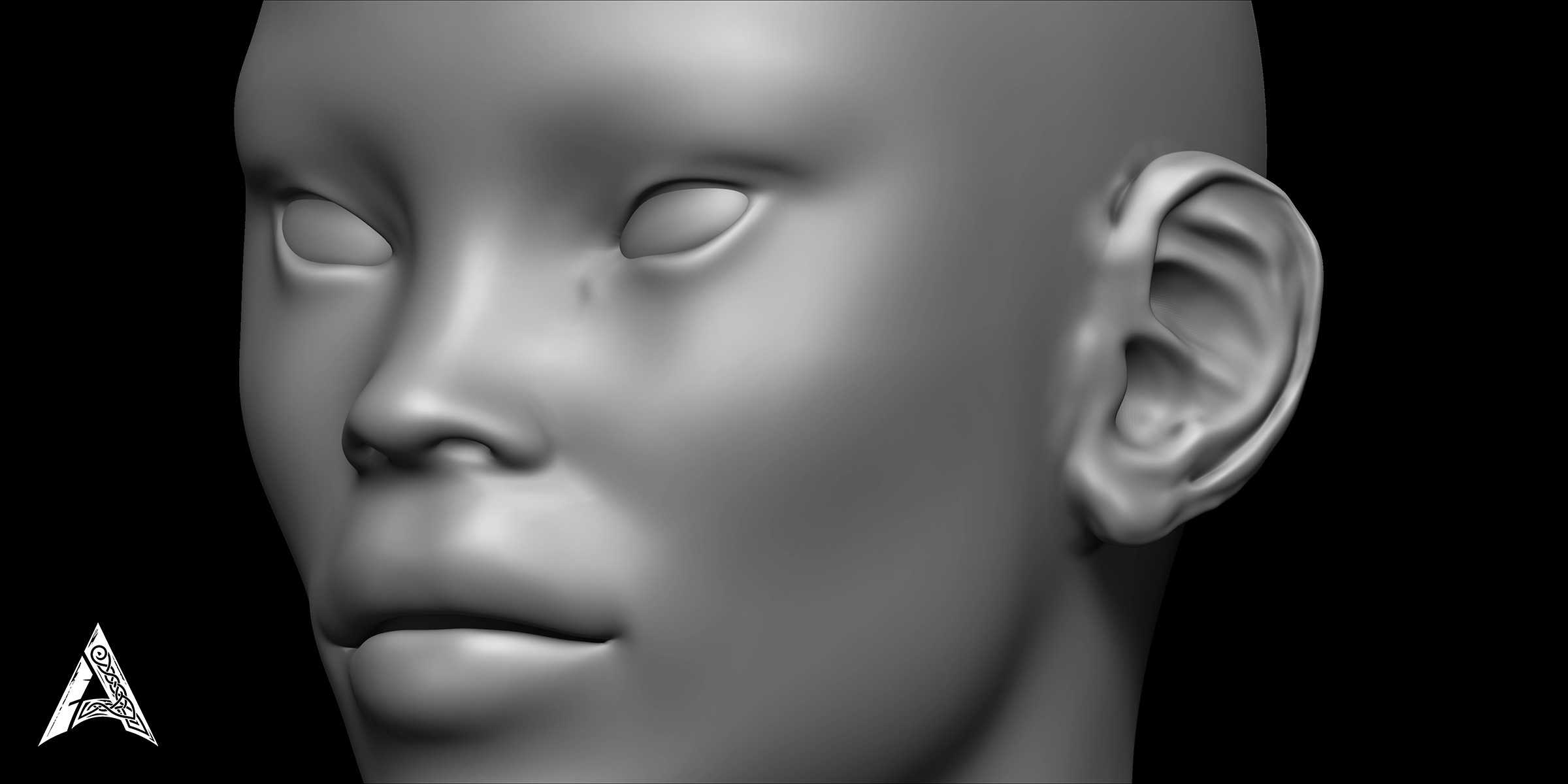
🖌️ High-quality VDM brushes — for quickly creating anatomical details of the ear on human models.
📦 Ready-made and optimized files for direct use in professional projects - easy and convenient import and use of brushes
🎥 Short and practical video tutorial — how to install and use in both software (Blender and ZBrush).
🧠 Designed based on real human references to achieve maximum realism and form accuracy.
💡 Suitable for: Character designers, 3D artists, game designers, 3D print model makers and special effects designers.
📁 Package content:
70 VDM files for Blender and ZBrush
Compatible with the latest versions of Blender and ZBrush
Instructional video on how to install and use in each software
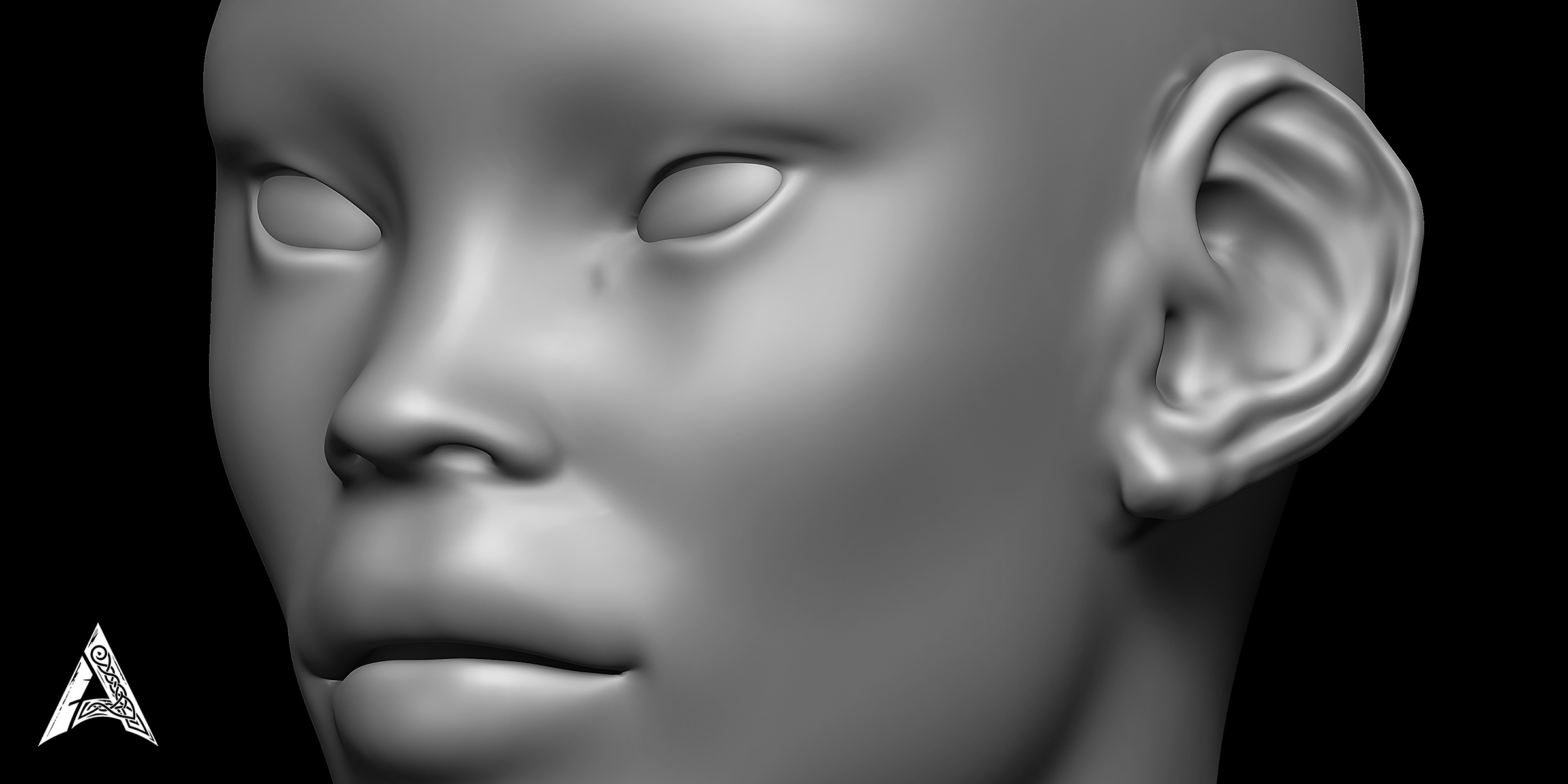
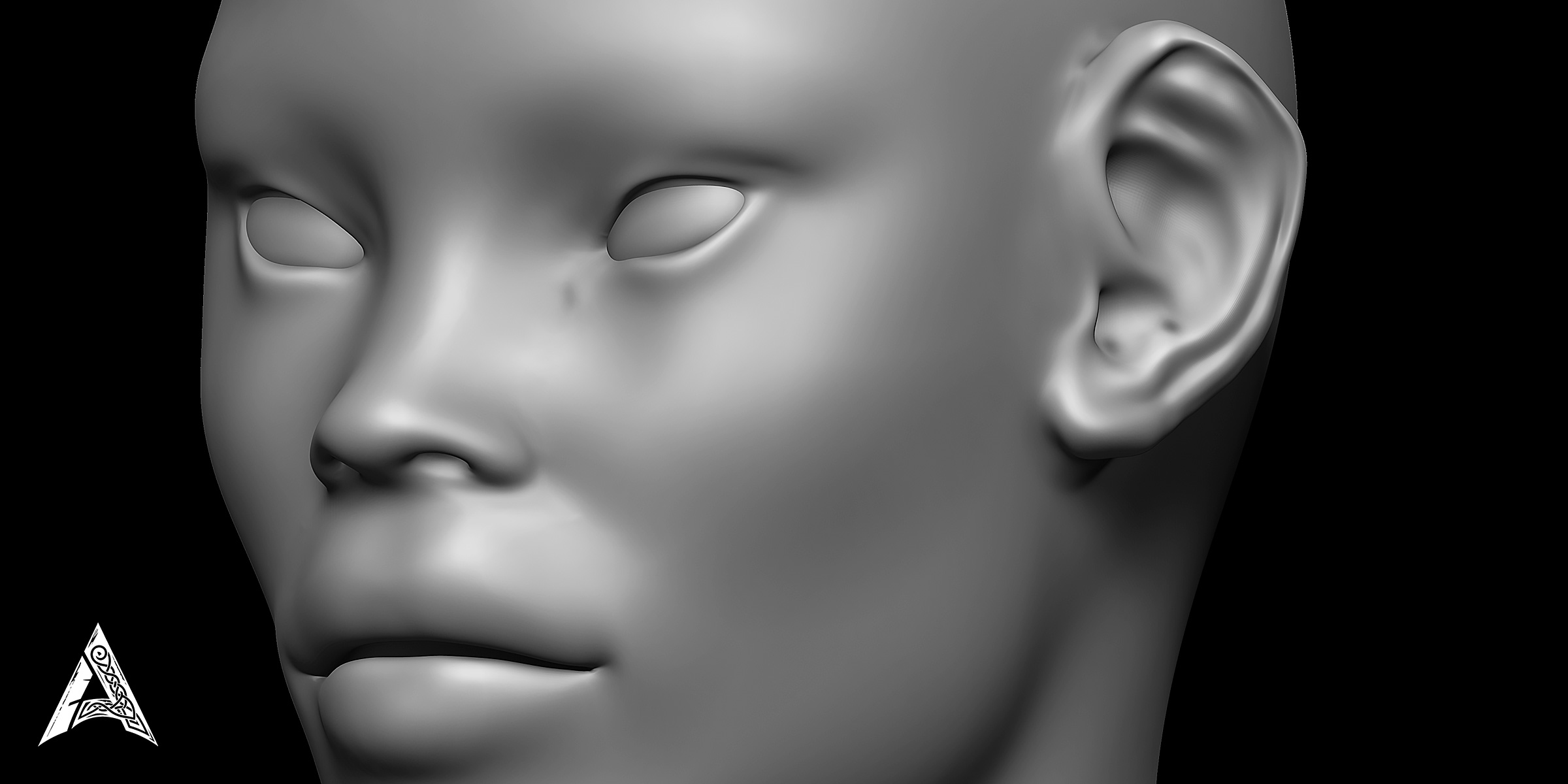
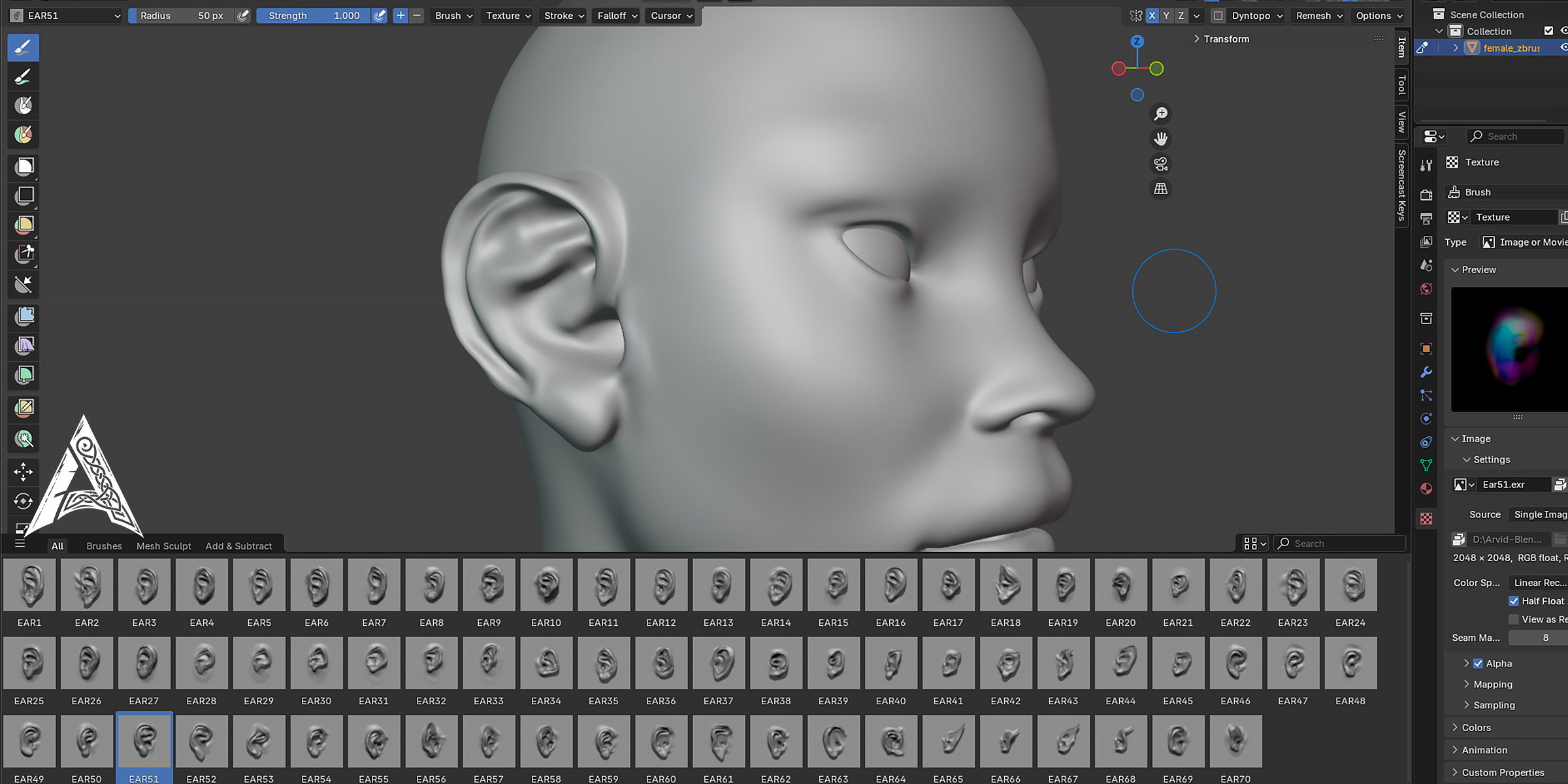
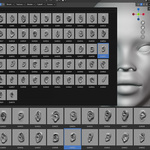
Image preview of each ear model
README file with full description
⚡ How to use:
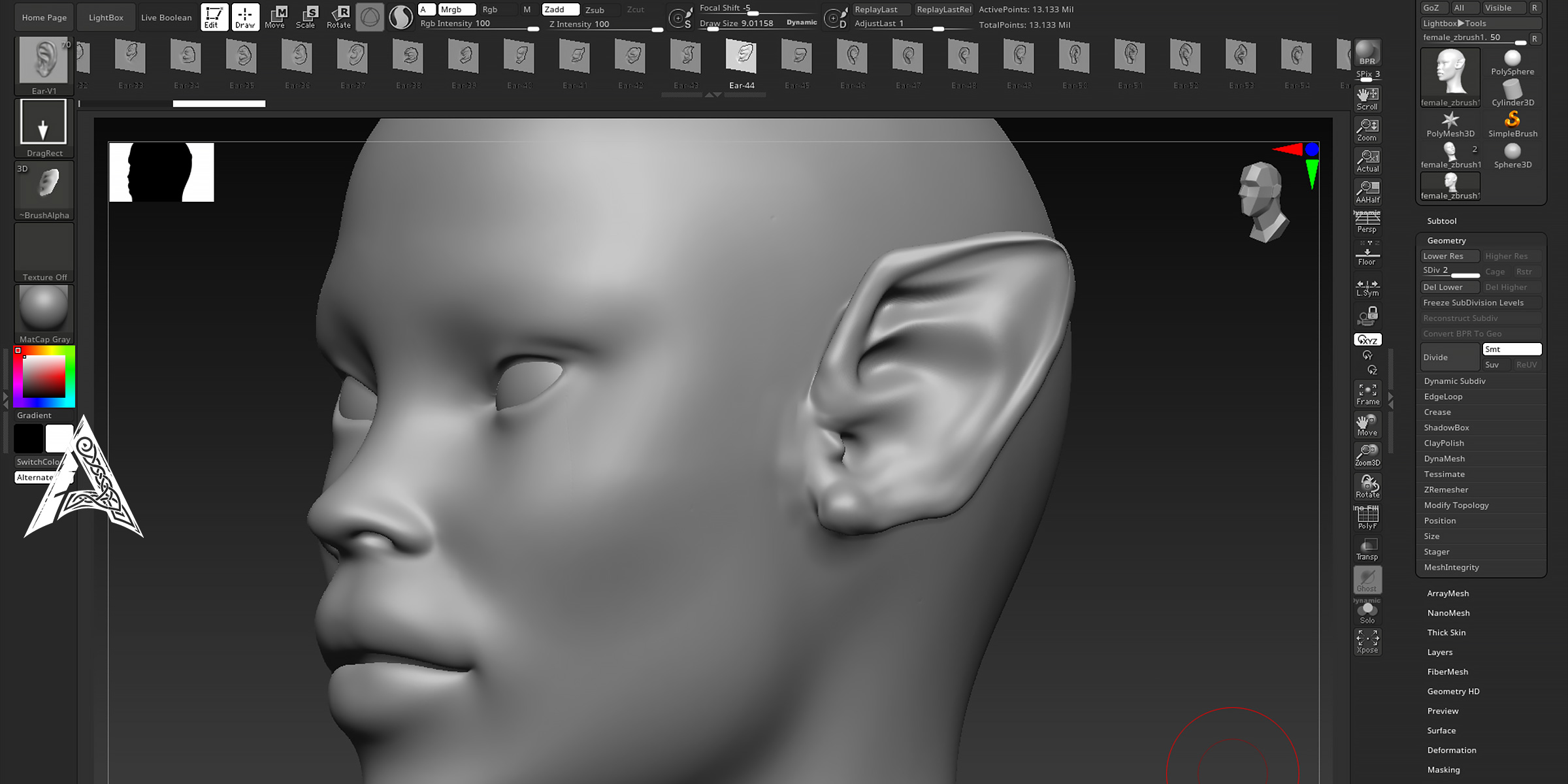
Just load the brushes into ZBrush or Blender and apply different types of ears to your model with one click.
All brushes are highly detailed and geometrically accurate, compatible with any type of human character model.
🧰 Specifications:
Suitable for Blender 2.8 and later - tested on the latest Blender versions
File formats: .VDM, .blend, .ZBP
Compatible with: Blender 3.0+ / ZBrush 2021+
High resolution and production ready
💬 Note:
If you are looking to save modeling time and increase the quality of human character output, this pack is exactly what you need.
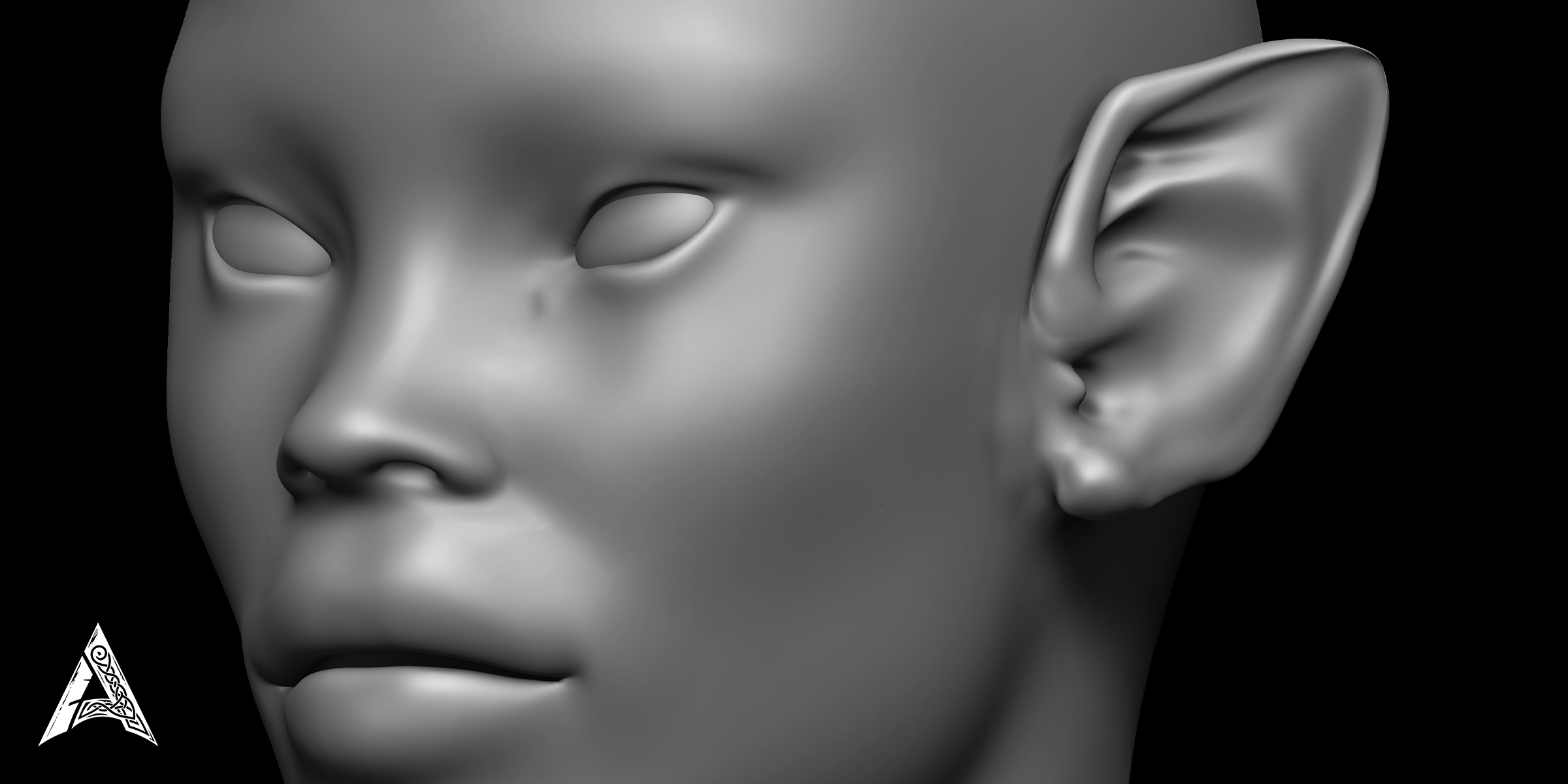
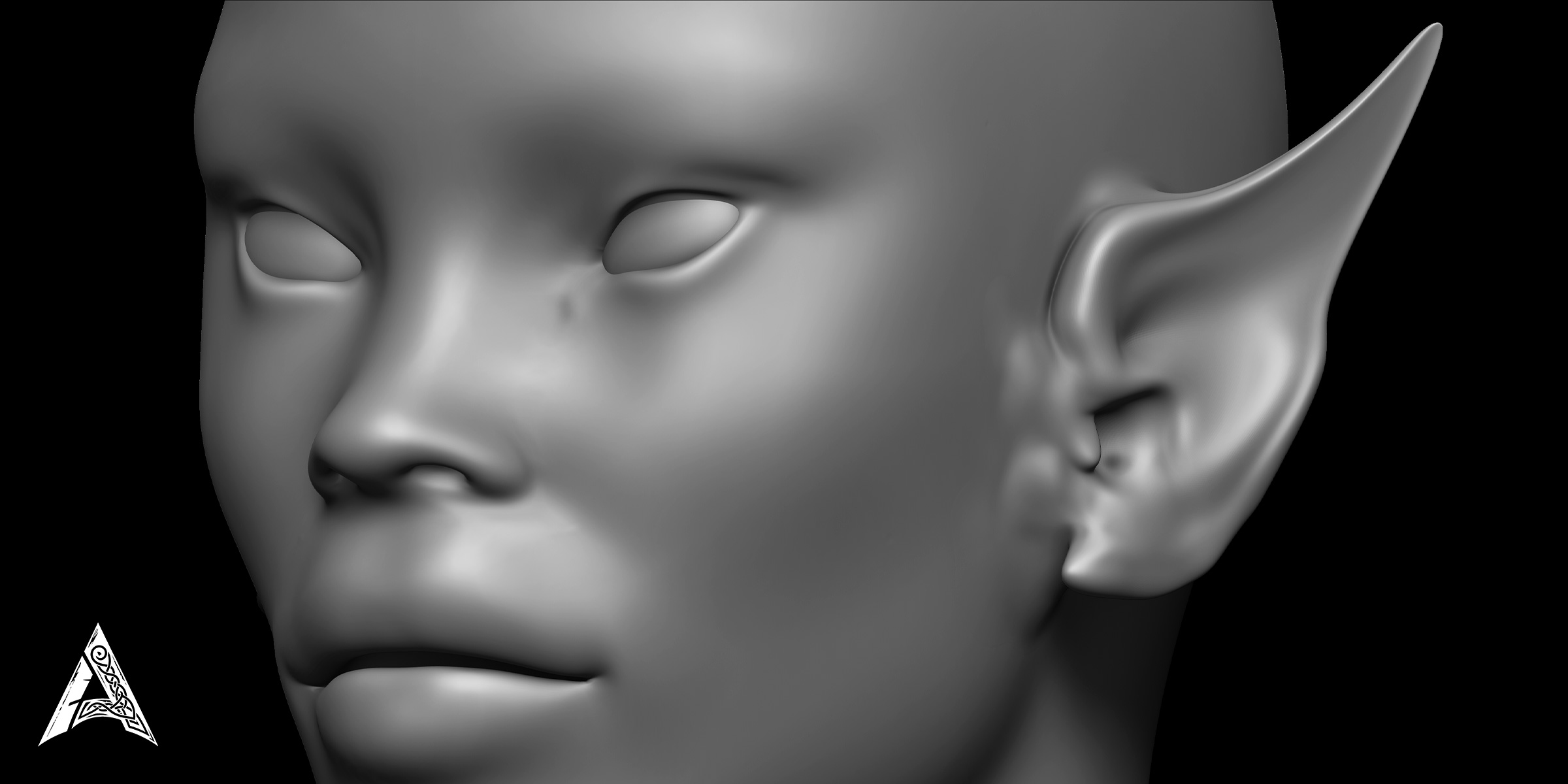
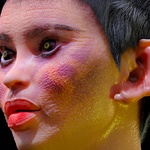
📸 Preview:
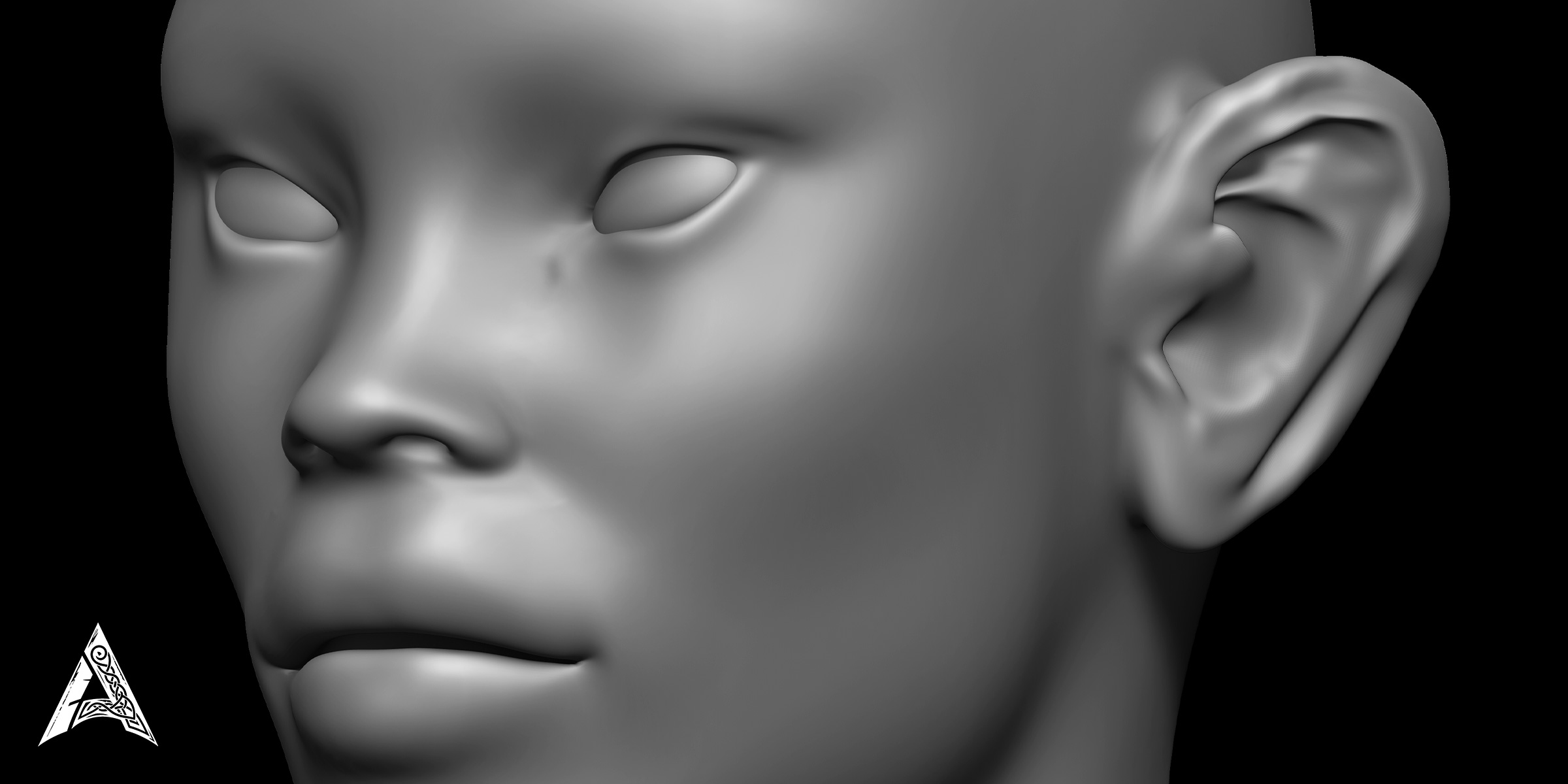
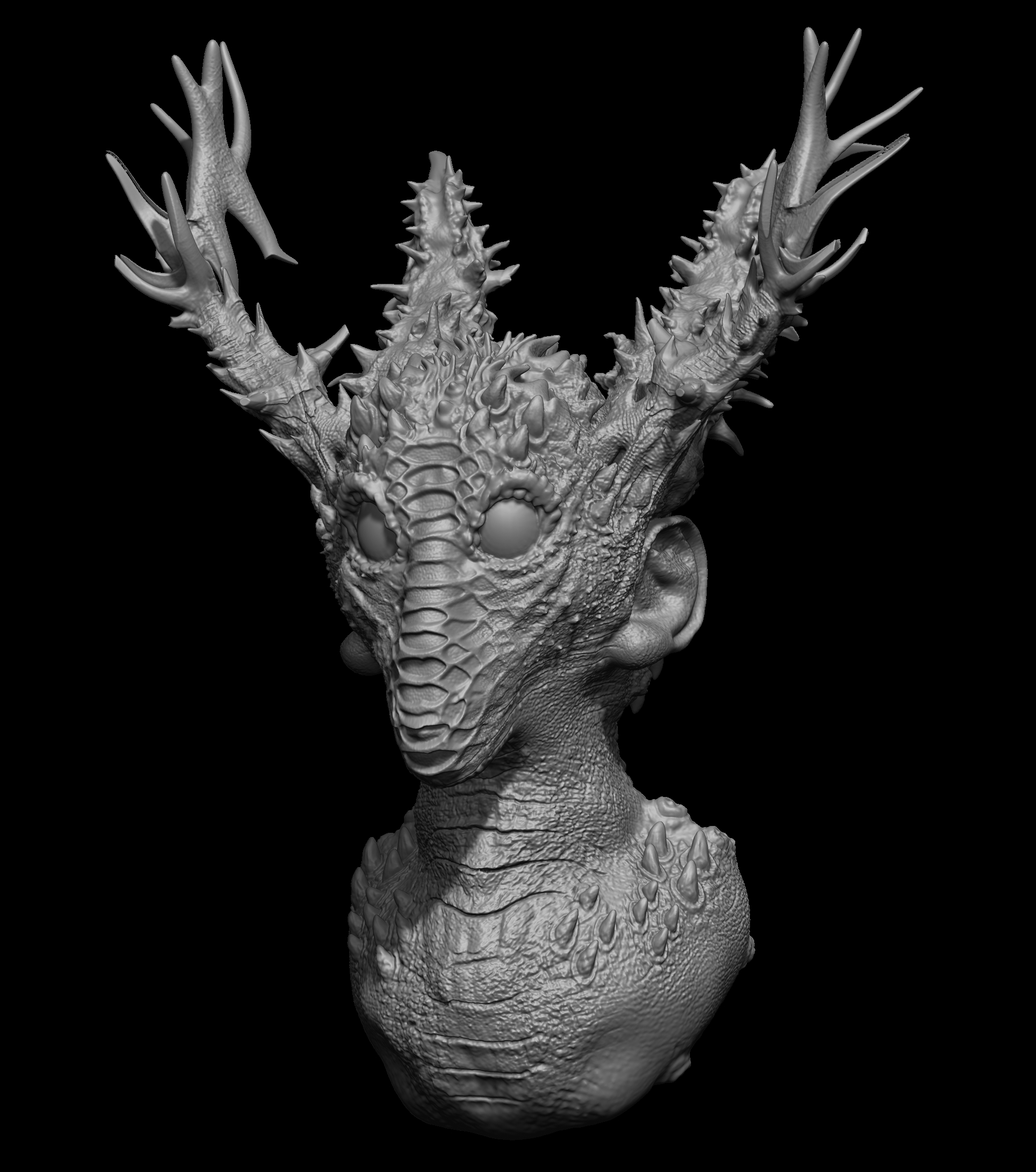
(In this section, you can add some close-up renderings of the ears and the image of the brushes' environment in ZBrush/Blender to make it more attractive.)
With this pack, reduce ear modeling to a few seconds and focus on the more important details of the character!