A's Materials
 Angel Art Corner shop


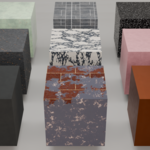
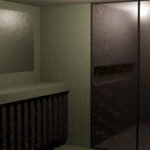
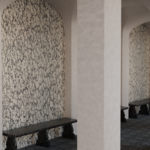
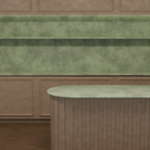
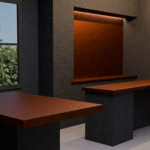
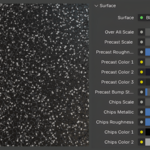
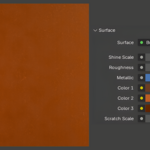
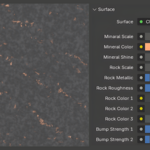
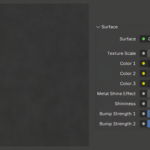
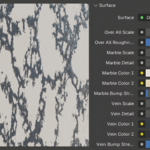
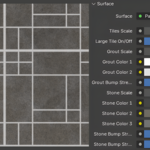
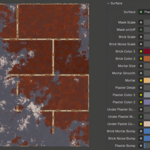
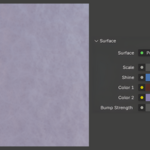
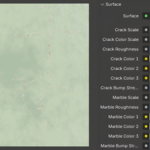
The material is not properly displaying on a object.
Since some textures are dependent on UV mapping, they will need to be fixed.
- Go to the UV editing window.
- Press "A" to select all, then "U." (Tip: Or on the Material tab, press "select.")
- With the pop-up window, choose the projection that best suits the object. (Tip: Select some parts/faces of the object at a time, if there are multiple shapes.)
- Adjust the faces in the UV Editor(left), either by scaling or rotating. (Tip: Only select faces that will be invisible or noticeable by the camera.)
$1.50
Have questions about this product?
Login to message
| Dev Fund Contributor | |
| Published | 3 months ago |
| Blender Version | 4.0 - 5.0 |
| Render Engine Used | Blender-Internal, Blender-Game-Engine, Cycles, Eevee |
| Misc Data | Uvs-Unwrapped, Textured |
| License | Creative Commons |