 AA - Artem Academy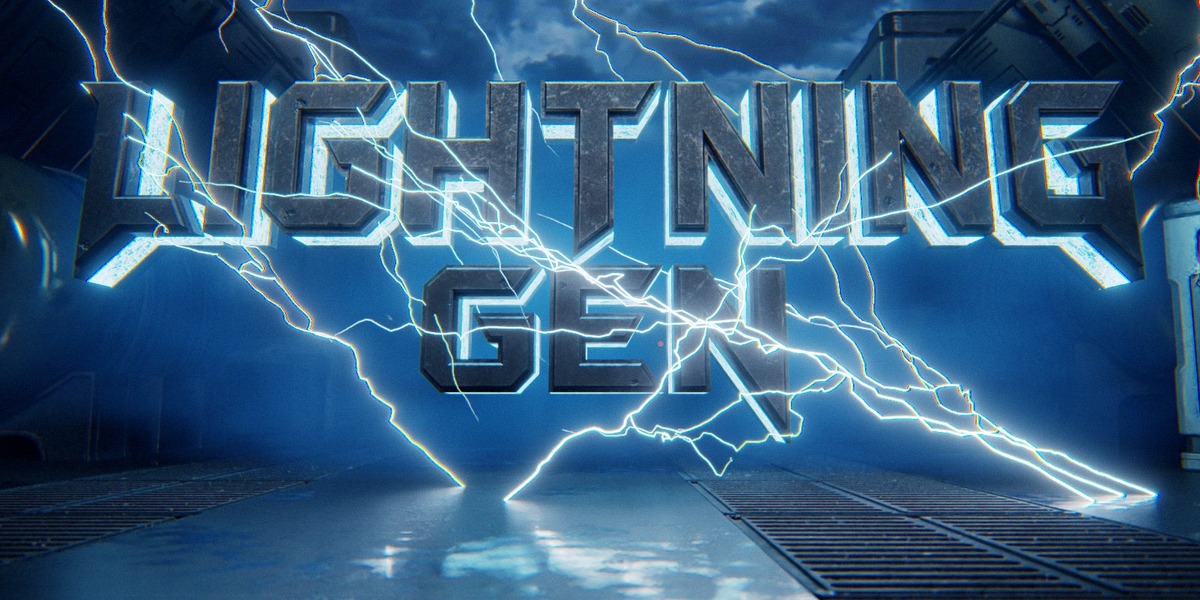
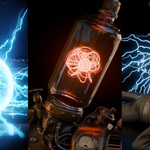
AA LIGHTNINGGEN · GEOMETRY NODES
Turn Your Scene Electric.
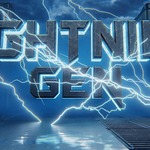
Animated lightning, electric arcs and energy orbs. Built in Blender. Controlled with Geometry Nodes.
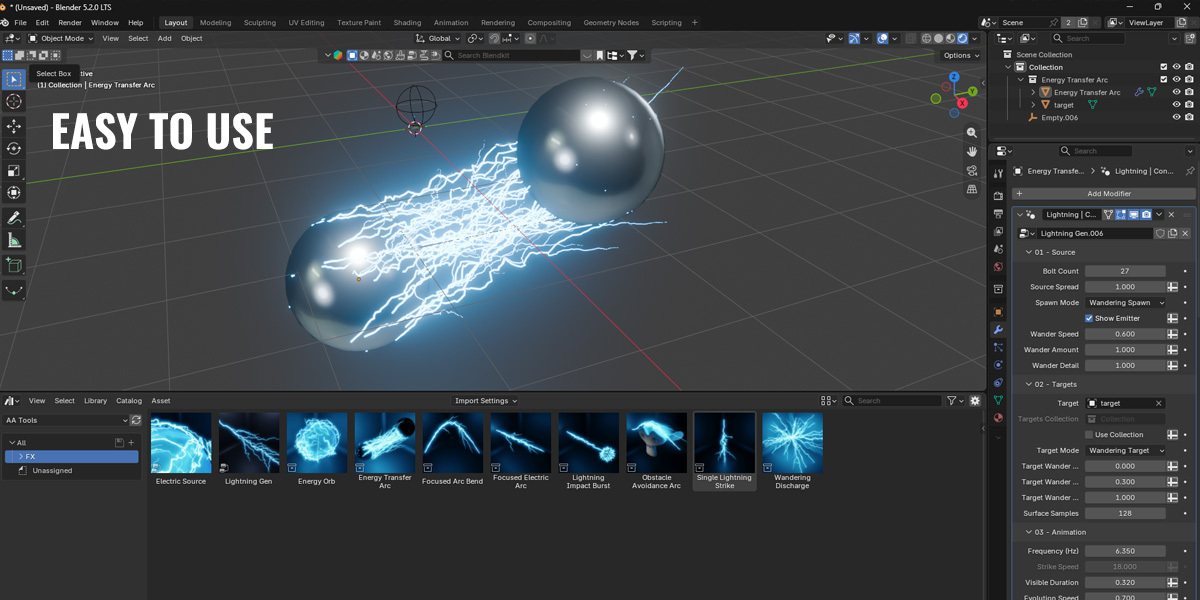
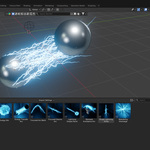
Two generators. A range of electric effects. Connect objects with targeted lightning, or use Electric Source to turn volumetric meshes into electrical effects. No add-on installation required.
Create Your Effect
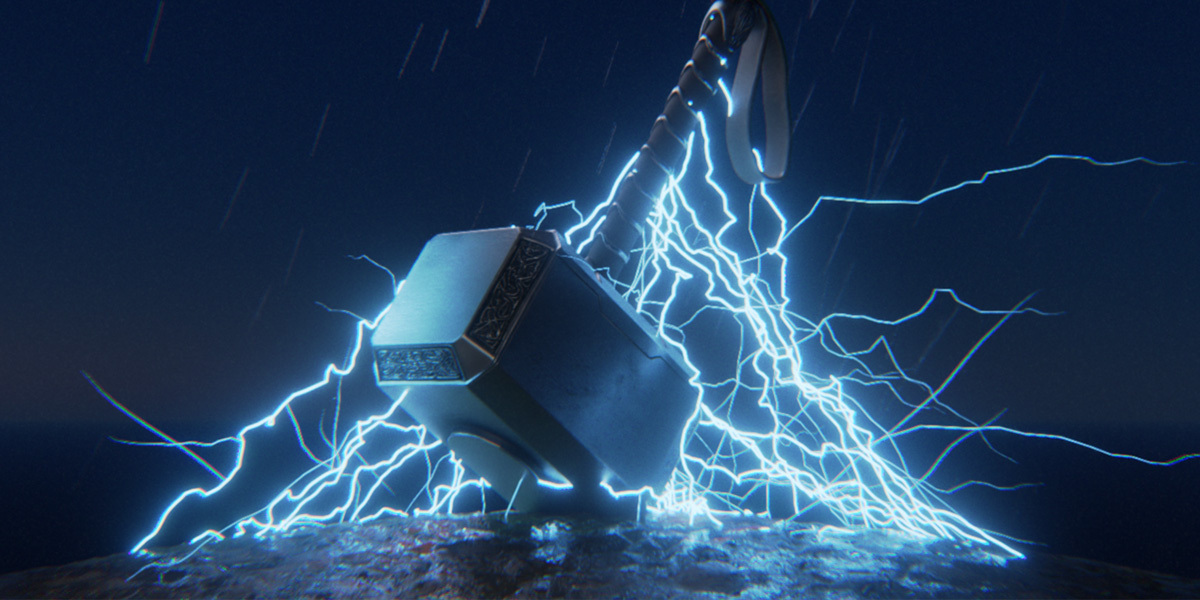
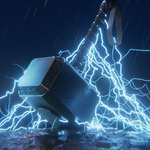
- Lightning Strikes — timed bursts with branching bolts.
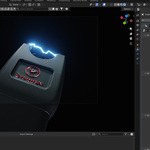
- Continuous Arcs — steady electrical connections between objects.
- Wandering Electricity — moving source and target positions across surfaces.
- Spark Impacts — particles that keep moving after the strike ends.
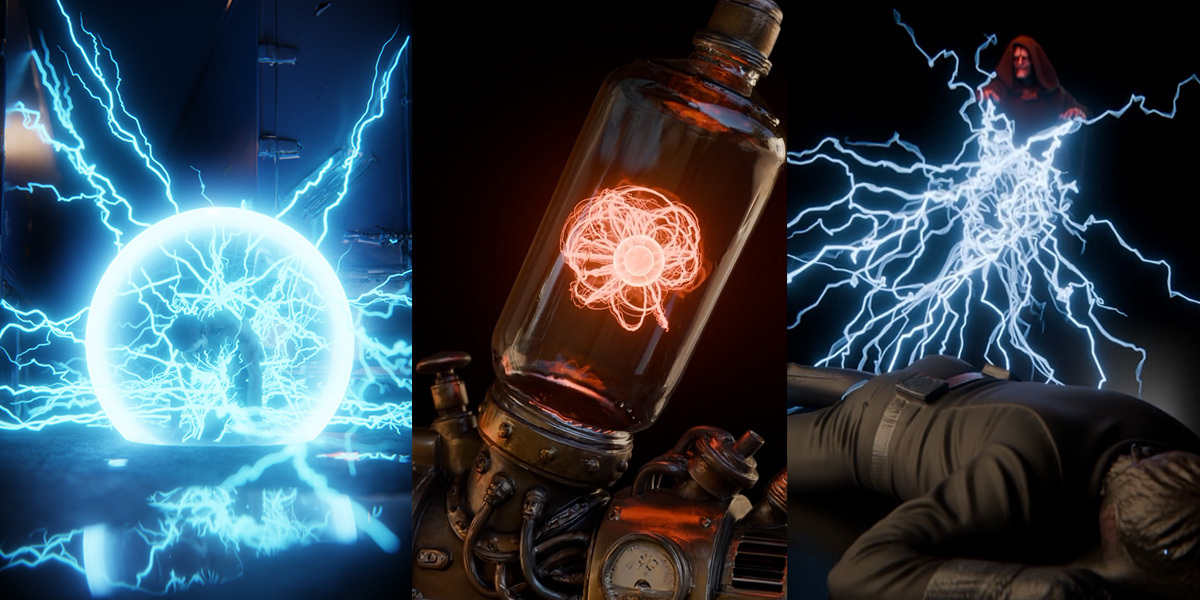
- Energy Orbs — electrical effects built from spheres and other volumetric meshes.
Shape the Discharge
Source & Target
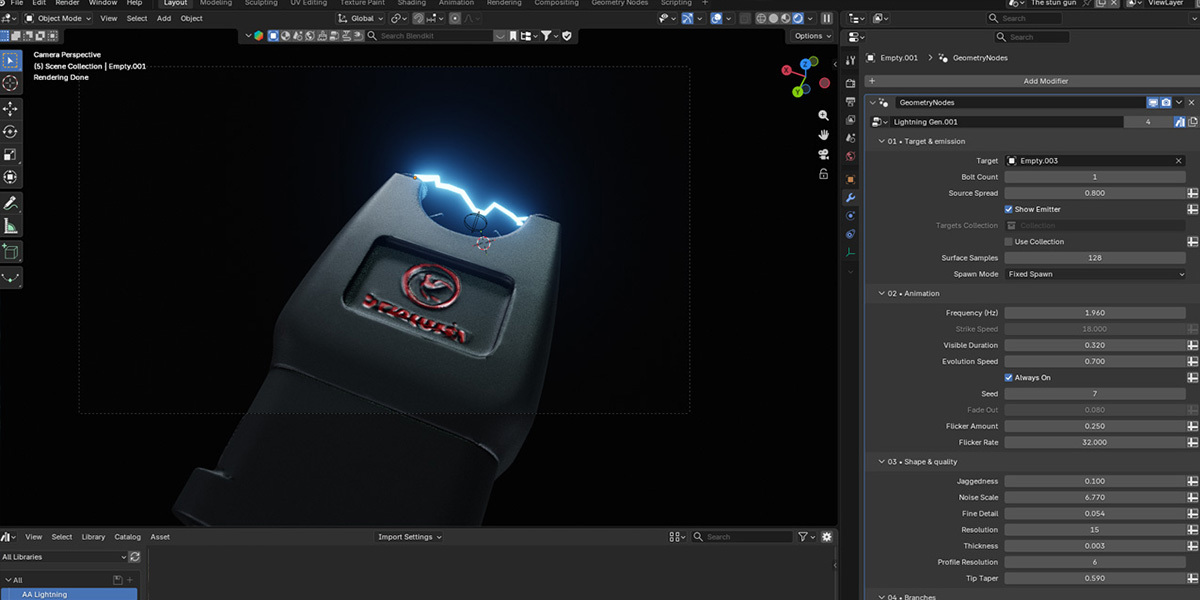
Use a collection containing one or multiple target objects. Choose fixed, random or wandering positions for both ends of the bolt.
Timing & Form
Adjust strike timing, branches, noise and thickness variation. Shape curved arcs and guide bolts around mesh obstacles.
Independent Sparks
Control particle lifetime, gravity and curl noise. Randomize particle size and change it over each particle’s life.
Six Editable Materials
Electric Blue · Violet · Crimson · Golden · Green · White Hot
Inside the Download
- Blender project (.blend) — Lightning and Electric Source generators.
- Six material presets — editable lightning shaders.
- Quick-start PDF — English and Russian.
See How It Works
Explore the workflow and controls in the tutorial.
Before You Start
Compatibility
Tested in Blender 5.2. Geometry Nodes project — no add-on installation required.
Particle Simulation
Play from the scene start to build the particle cache. Bake before rendering frames out of order.
Obstacle Avoidance
Uses an approximate geometric method. Complex or overlapping meshes may require adjustments.
