Aa Lightninggen – Procedural Lightning
 AA - Artem Academy
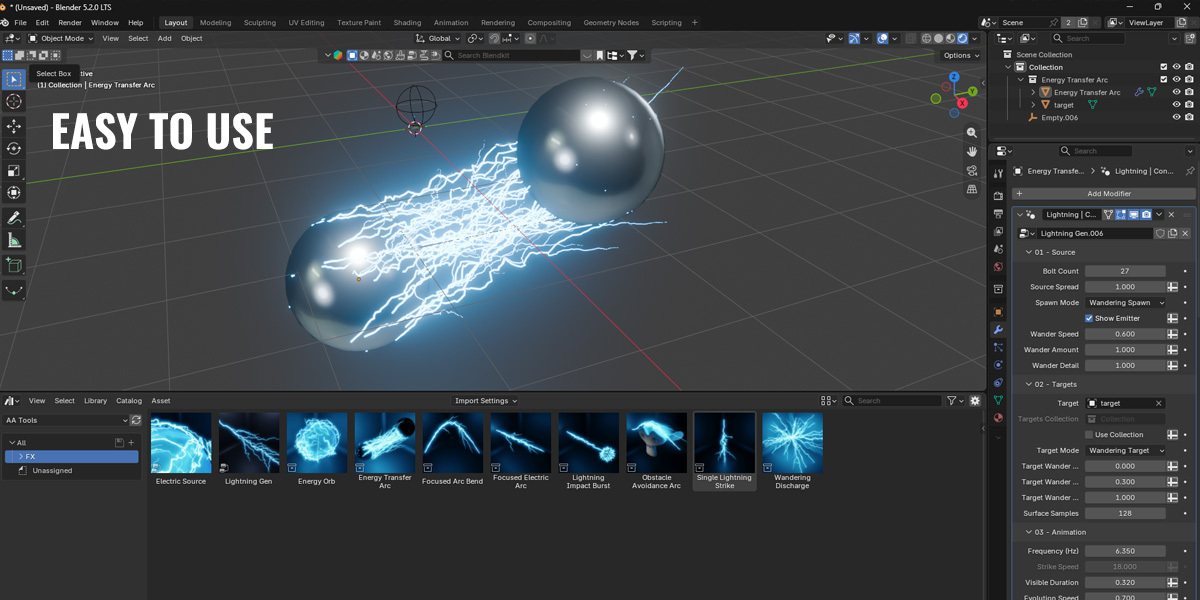
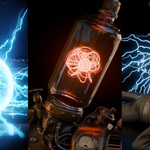
AA LIGHTNINGGEN · DOCUMENTATION
From Setup to First Strike
Create animated lightning, electric arcs and energy effects using ready-made presets and editable Geometry Nodes generators.
Tested in Blender 5.2.
01 / Import the Package
- Download the product ZIP archive.
- Drag and drop the ZIP archive into Blender and follow the import prompts.
- Choose an included preset to get started.
The package includes ready-made effect presets and editable Geometry Nodes generators.
02 / Start with a Preset
- Select the effect object.
- Open the Modifiers tab.
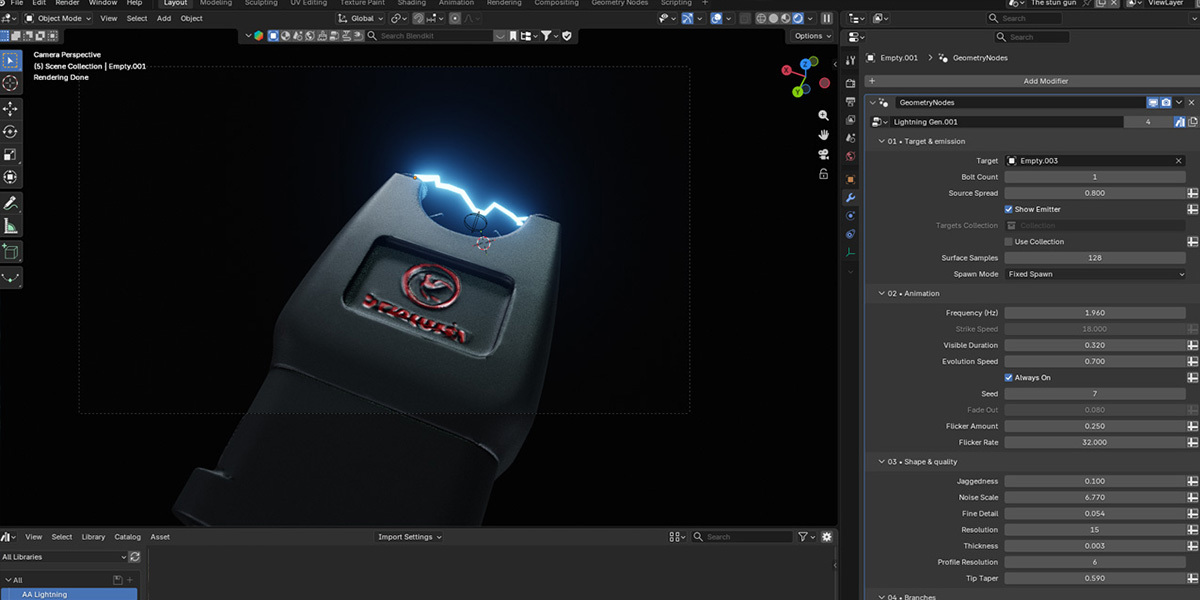
- Adjust the settings in its Geometry Nodes modifier.
- Play the timeline to preview the animation.
Use a preset as your starting point, then customize its timing, shape, motion and materials.
03 / Choose Your Generator
Lightning Generator
Creates lightning strikes and electric arcs between a source and a target collection. The collection can contain a single target object or multiple objects.
Electric Source
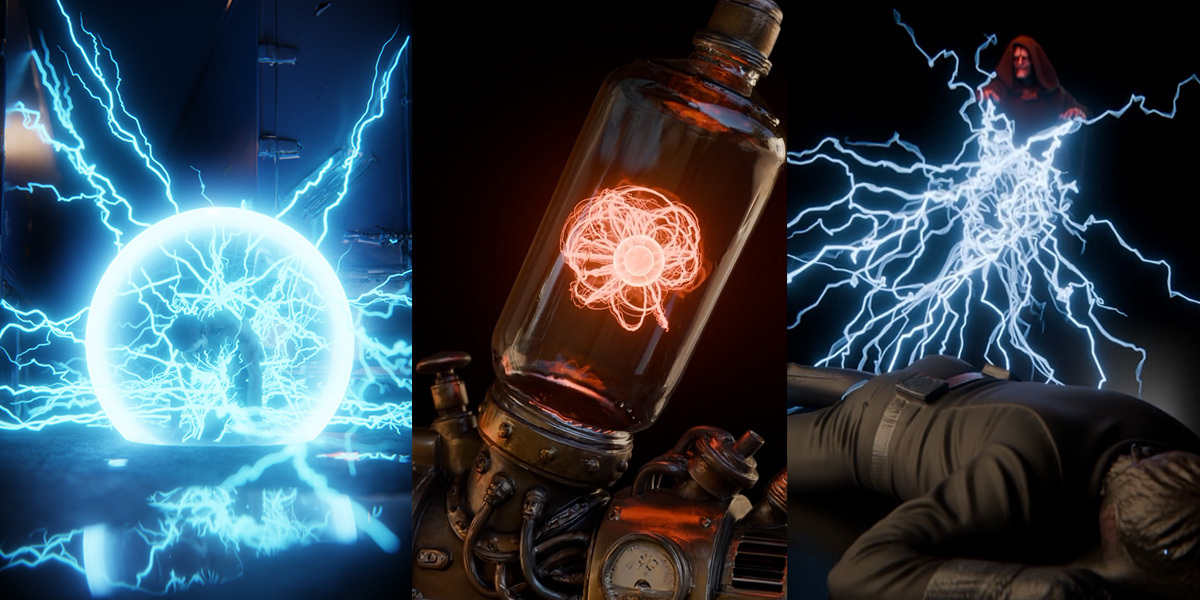
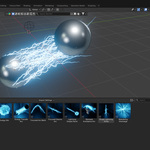
Creates an electrical effect from volumetric geometry. Use a sphere for an energy orb or another volumetric mesh for a different shape. No target is required.
04 / Assign Your Geometry
Set the source and target references required by your preset in the Geometry Nodes modifier.
When transferring an effect to another scene, include the objects, collections and helper objects it uses. Check the modifier references after transferring and assign your own geometry where needed.
05 / Shape the Lightning
Spawn Modes
- Fixed — keep spawn positions consistent.
- Random — vary positions between strikes.
- Wandering — animate positions across the surface.
Source and target positions can be controlled separately. Use the wandering controls to adjust movement speed and amount.
Timing
Adjust when strikes appear and how long they remain visible. Use always-on mode for a sustained electrical connection.
Branches, Noise & Thickness
Adjust branching, noise and bolt thickness to change the character of the effect. Use random thickness controls to add variation between main bolts.
Curved Arcs
Assign the arc control object and move it to shape a curved electrical connection.
Obstacle Avoidance
Enable avoidance and assign an obstacle object to guide bolts around it. Adjust clearance to control the gap around the obstacle. Use self-collision controls to help prevent bolts from passing through the source.
06 / Add Impact Particles
Enable impact particles for lightning strikes. Particles have their own lifetime and continue moving after the lightning disappears.
- Lifetime — how long particles remain visible.
- Gravity — how particles fall.
- Curl Noise — swirling movement and spread.
- Random Size — size variation between particles.
- Size by Life — how particle size changes as particles age.
Always-on mode: impact particles are disabled while lightning is continuously active.
07 / Choose a Material
Start with one of six editable lightning materials:
Electric Blue · Violet · Crimson
Golden · Green · White Hot
Select a material preset, then customize its shader if you want to adjust its color or emission.
08 / Preview & Render
- Return to the scene start.
- Play the timeline to build the particle simulation.
- After changing simulation settings, return to the beginning and replay.
- Bake the simulation before rendering frames out of order.
Troubleshooting
The effect does not appear
Check that the modifier is enabled and the required source and target references are assigned. Play the timeline to reach an active strike.
Particles are missing
Check that particles are enabled and always-on mode is disabled. Restart playback from the scene start.
The effect changes after transferring it
Check the object and collection references in the modifier. Include any helper objects used by the preset.
Obstacle avoidance looks unnatural
Adjust clearance and avoidance direction. Inspect the animation, especially when using complex meshes.
Video Tutorial
See the workflow and controls in action.
 Included
Includes 12 months of
- Support from AA - Artem Academy
- Product updates
Extend this product’s Support Period +12 months: 50% of product price
Have questions before purchasing?
Login to message
| Published | 1 day ago |
| Blender Version | 5.2 |
| Render Engine Used | Cycles, Eevee |
| Misc Data | Animated |
| License | Royalty Free |
Discover more products like this
plasma procedural electricity Lightning sparks animation VFX geometry nodes Generator energy orb particles electric-arc